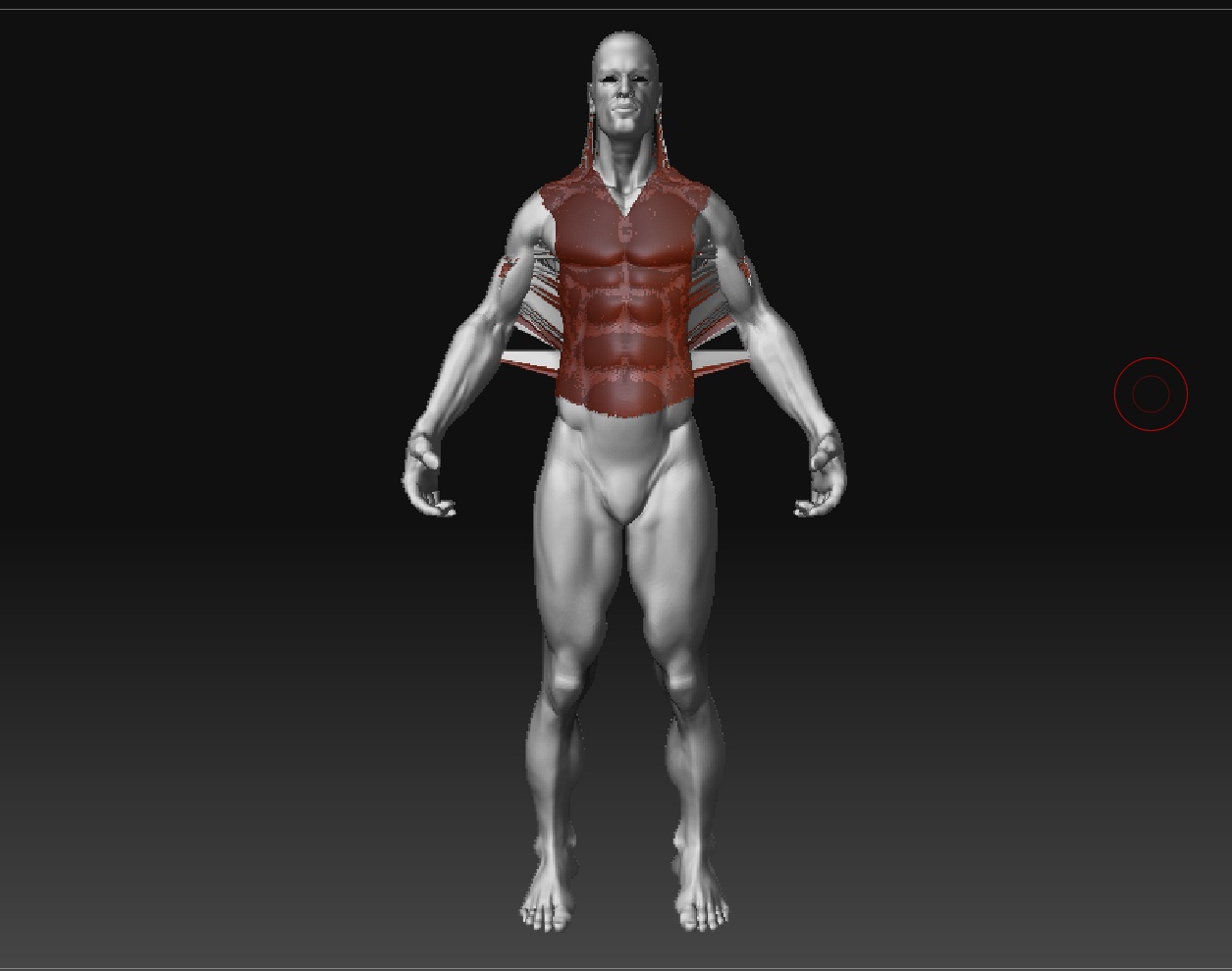
It doesn’t work!the mesh explode!
It would kind of help if you showed some screen shots of the before and after…
Ok,I wanted to put details from a t-shirt on body.pressed project all…
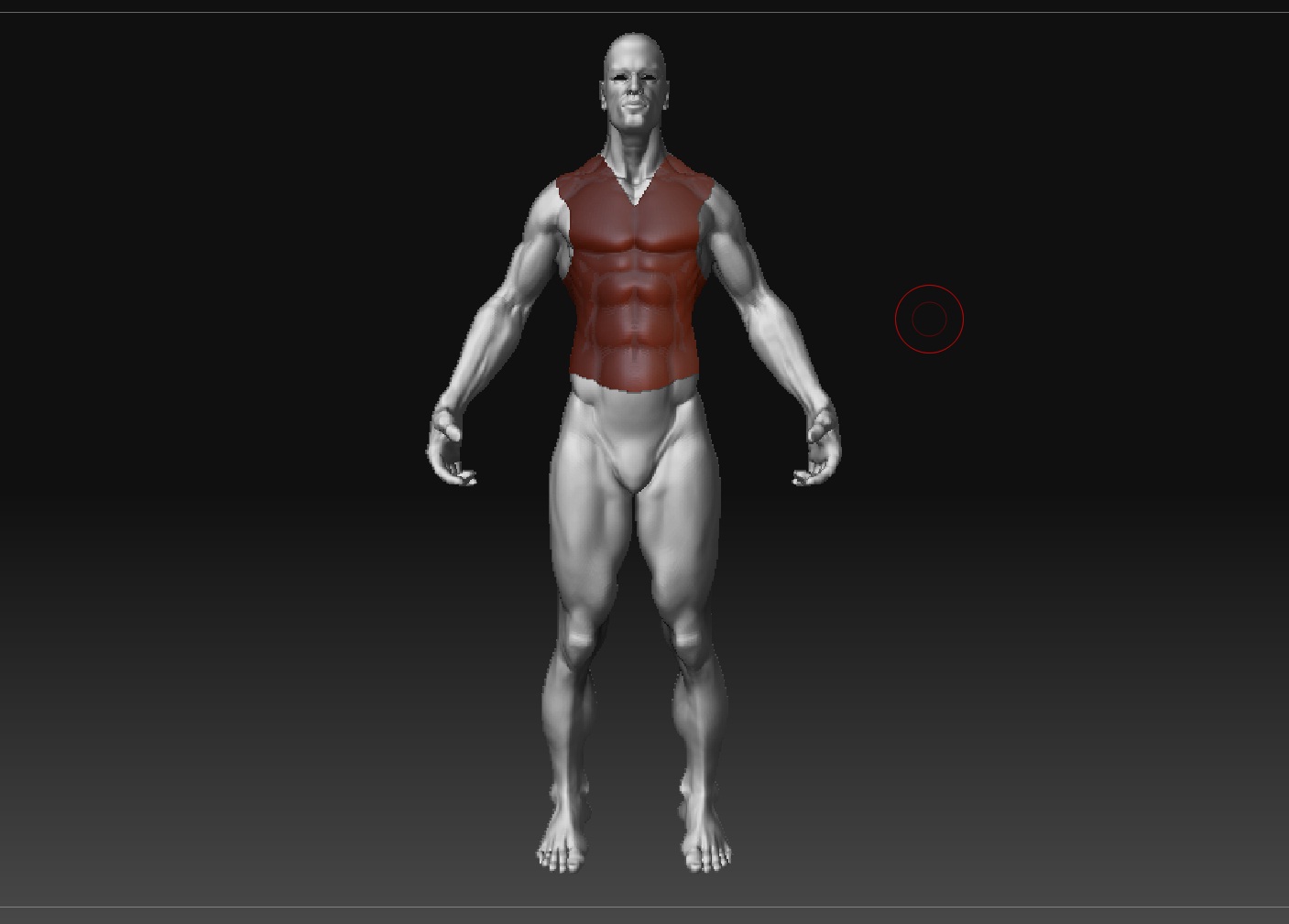
Attachments
Which version of ZBrush are you using? The full version number is in the title bar.
Also, what is the scale of the model when you view it in the Tool>Preview window?
3.1

What you’re trying to do would be easier to just mask of the area for the shirt, invert the mask, then use an inflate deformation on the object.
But if you must project the mesh, then what does your projection mesh look like? Also make sure your normals are facing the correct way on all of your meshes.
tool>display properties>Double (turn this off, if it is on)
How many polygons for each tool, including the projection mesh.
body-890000,t-shirt - 125000
“Double” is off
I wanted to put details from the clothes to body(in order to make normal map for a game character)
It was a test clothes without details.
The result is similar bad if I put details from body to clothes.
Has anybody similar problems?