ZBrushCentral

Project All Polypaint noise

Hi All,

I’ve been using project all to transfer a texture from one model to another. Model geometry is identical, I have just improved the UV mapping.

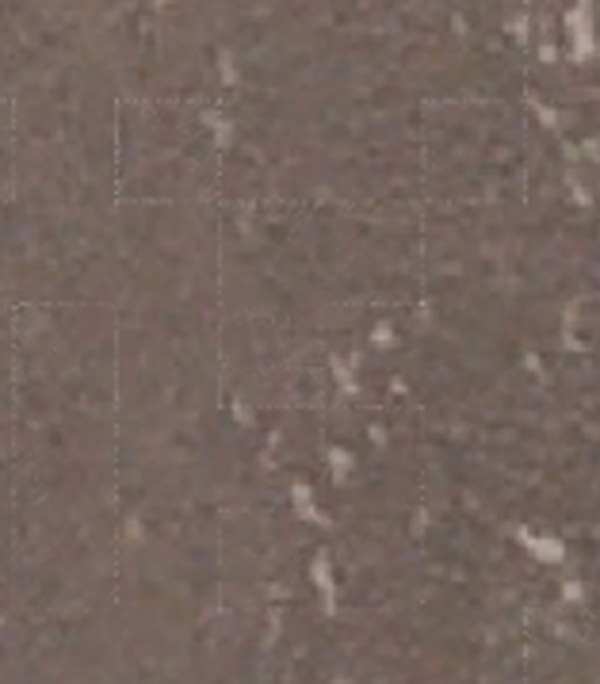
I’ve subdivided both meshes to 7million polys. transfered the original texture to polypaint and then project all to transfer to the new uv’d mesh. It all appears to work but I’m getting edges on the texture. These edges correspond to the lowest subd mesh. Hope that makes sense. I’ve attached an image of what I’m getting (not the best I admit but its what I’m working on).

You can see the white squares . It doesn’t appear everywhere but enough to be a problem. I can use the zproject brush and it paints them away perfectly. However that is a manual process that takes time when I wish to just to 1 button project.

Cheers,

El-d

Attachments
noise.jpg

Maybe you need a larger texture map?

Cheers, but its appearing on the polypaint prior to the generating the new texture.

The original texture to poly - is clean. Its the poly to poly with project all that generates the noise. If I use the zproject brush then I get a clean texture.

El-d

if the model geometry is identical, why don´t you use copy+paste (uv-master plugin) to transfer the new/improved uv´s to the existing zbrush tool/geometry?

because I like to make things more complex than they should be…:roll_eyes:

Works perfectly. Can’t believe I didn’t think of it.Just stuck in the projecting frame of mind.

Cheers. :+1:

Solves my problem but still curious as to why I’m getting the edges with project all.

El-d

i´m glad i could help;

i noticed that when copy-pasting UV´s from one mesh to another the UV´s get split apart; even when turning “merge uv´s” on upon exporting, the uv´s won´t be merged (i usually merge the uv´s in maya, if necessary)

cheers m