Hey all,
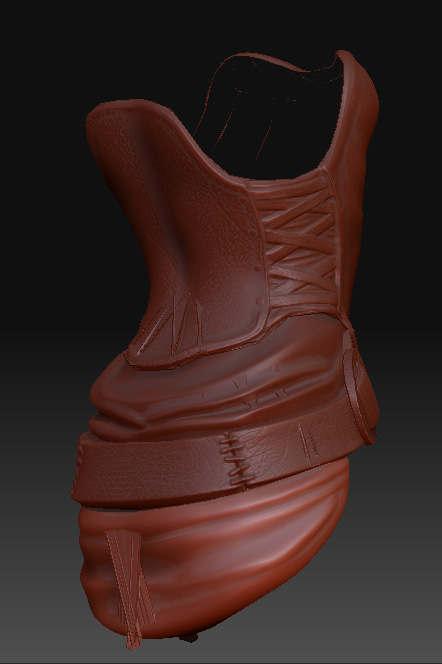
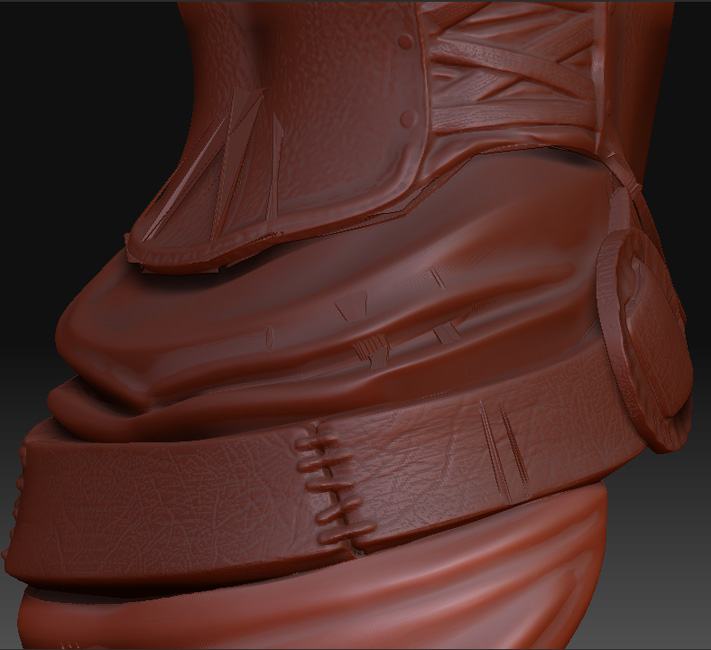
Here’s the gist. I built the base mesh in XSI, optimized for sculpting. Took it into Zbrush and sculpted my character. Then used XSI to build the final low-poly mesh with an eye toward poly-count and topology and all that good stuff. Laid out the UVs in UVLayout, brought them back into XSI and combined all the seperate pieces into a single mesh.
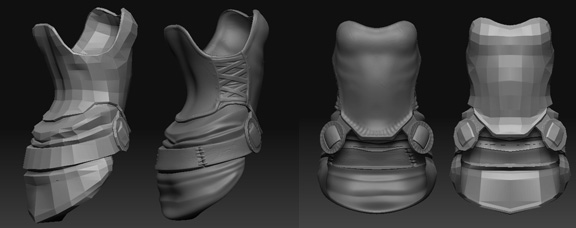
So now I want to make normal maps out of my sculpt, and put them on my low-poly. What I’m trying to do is take the low poly, which is all one piece (but not seamless), and project the details from multiple subtools onto it.
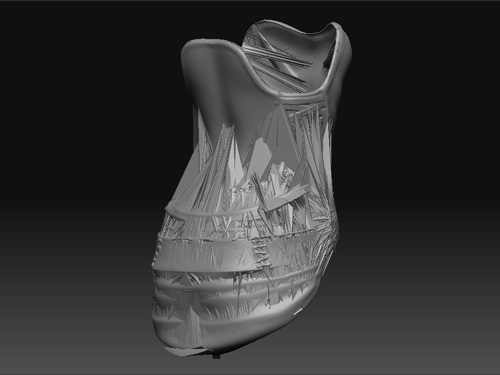
You can see below what the result is. The first image shows the sculpt mesh and low poly, and the second shows what happens when I project all.
Does anyone know what could be causing this? It seems to me like it could be a number of different things - problems with the way the meshes are interacting with each other, maybe the fact that they have holes or that pieces in each overlap other pieces. Should the low poly mesh be built a certain way or by certain rules to make sure the projection takes well? I also thought it could be a problem with my UVs, though they look fine in XSI and when I check them in Zbrush.
Is it a good idea to project multiple subtools onto the same mesh, or should I build seperate, low-poly meshes for each seperate high-poly piece, project the normal maps one at a time and then combine them all together?
Any hints, tips, suggestions or (best of all) links to good tutorials would be muchly appreciated.
Attachments