ZBrushCentral

Problems with Poseable Symmetry in Zbrush 3.12 Mac

I’m having trouble using poseable symmetry on my models after I pose them.

A message keeps popping up “symmetry map not found”.

I’ve tried using poseable symmetry at different suddivision levels, that didn’t work.

I’ve looked at other threads with this same problem but found their solution not clear as how to fix the problem.

I’ve tried the ‘unify’ button, that didn’t work either.

Could someone please help me with this problem as it is really frustrating the hell out of me!
It would help if you posted a picture of your model. Also, was your model symmetrical before you posed it?

Hello Marcus

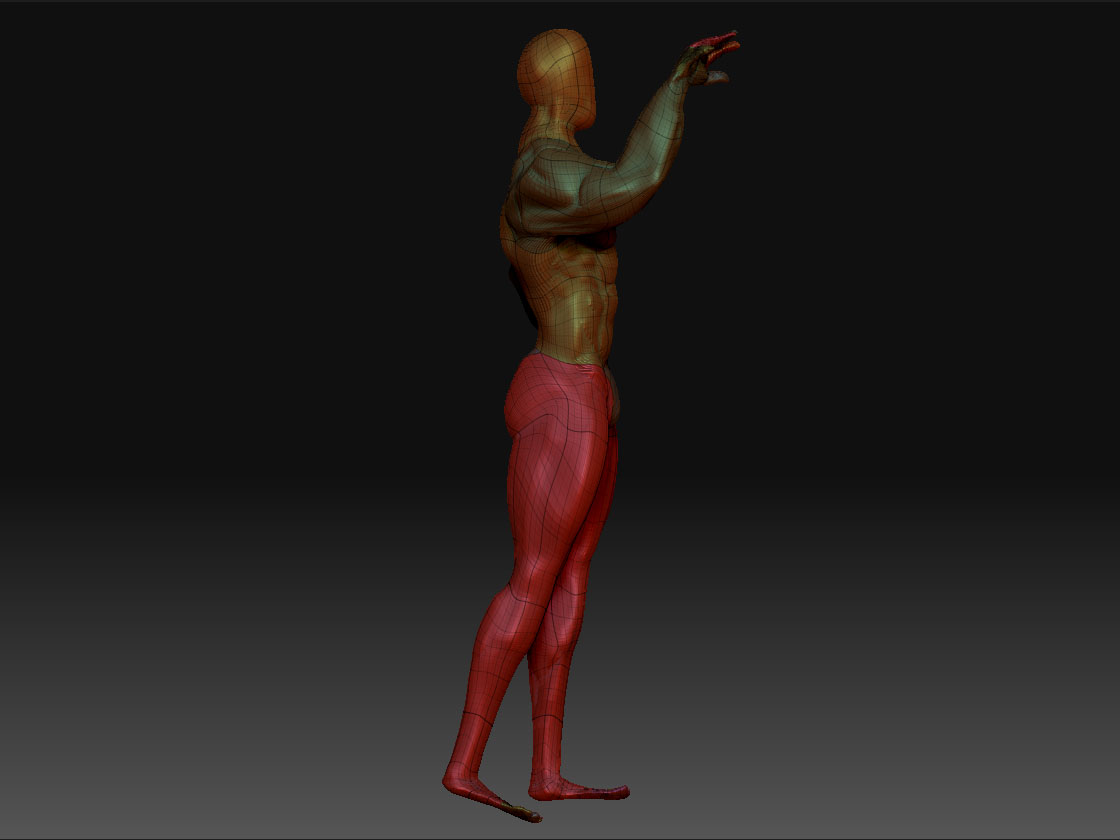
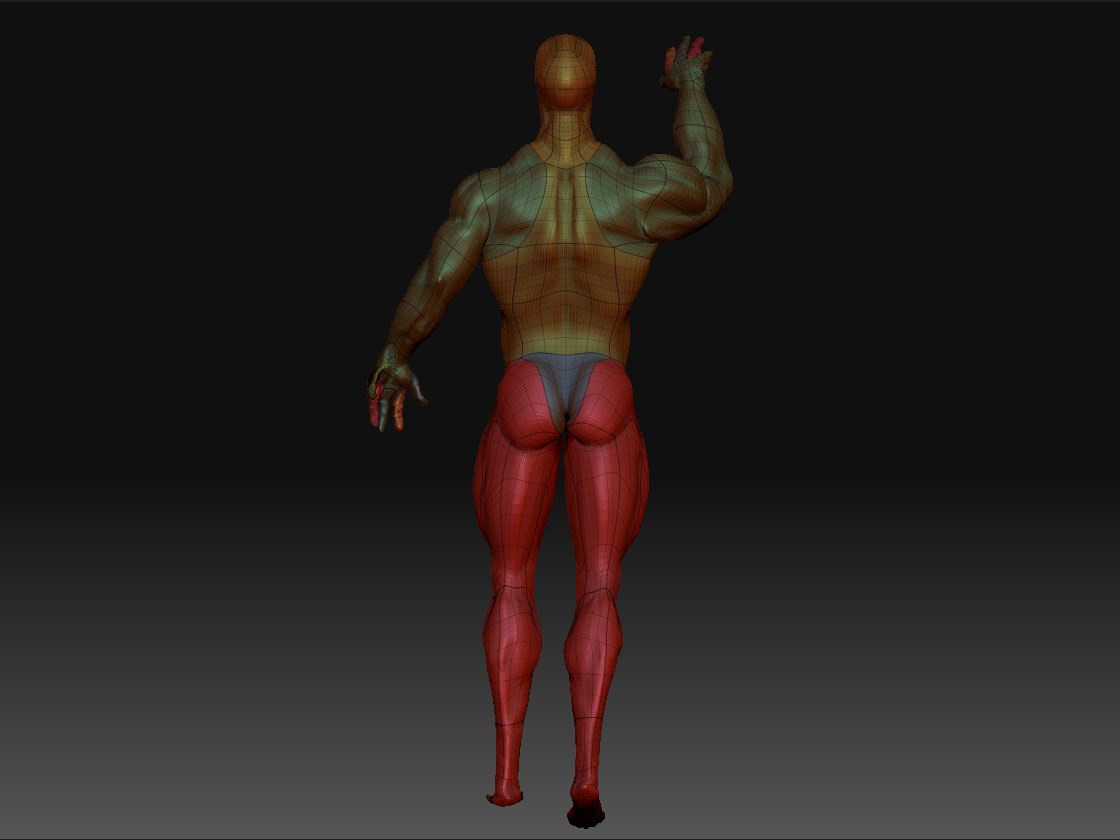
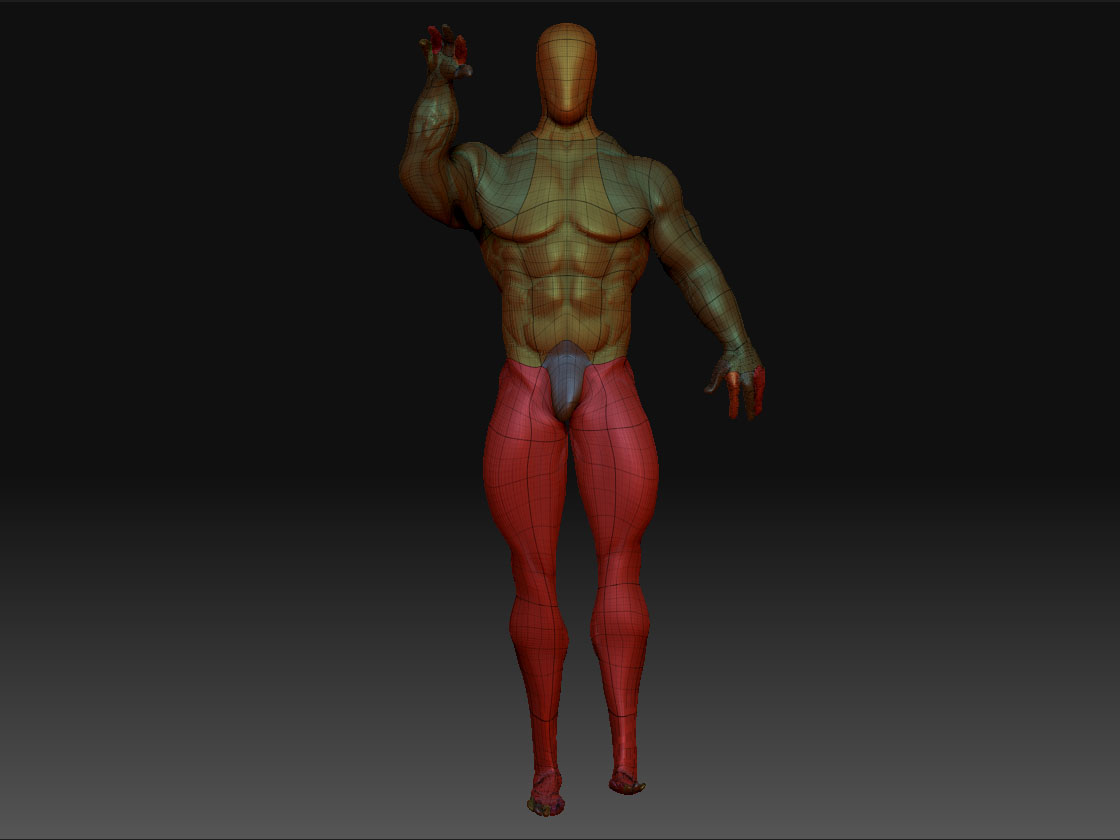
Here are the images of what I’m trying to use poseable symmetry on at a subdivision level of 5.

I should mention also that he was made from Zspheres and was sculpted symmetrically.

I appreciate your help with this!

Attachments

man_aa.jpg

man_bb.jpg

man_cc.jpg

Hmm, I can’t see any particular reason why poseable symmetry won’t work with your mesh. The only thing I can think of is that when you created the zspheres there was some mesh irregularity that resulted in uneven topology. (This can be difficult to avoid with zspheres.)

If you still have an un-posed low res version of your model you could see if poseable symmetry will work with that. If it doesn’t then that will be a sure sign that the topology is not symmetrical - in other words, there are more polygons or points on one side than the other.