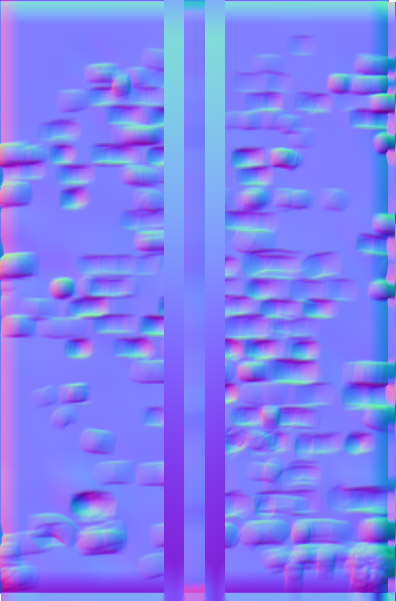
Hello.
I’m having problems with creating normal maps for a low poly brick wall.
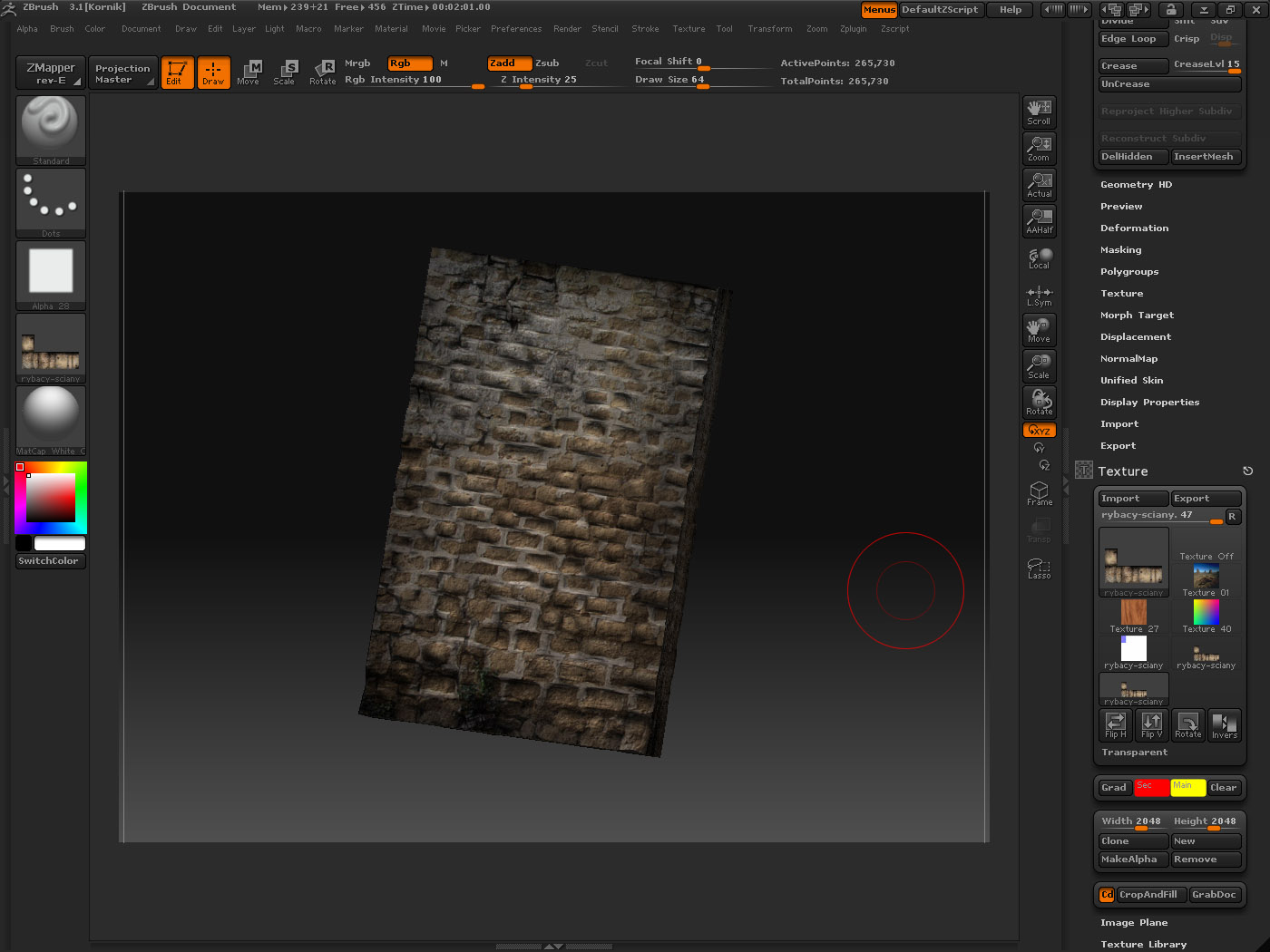
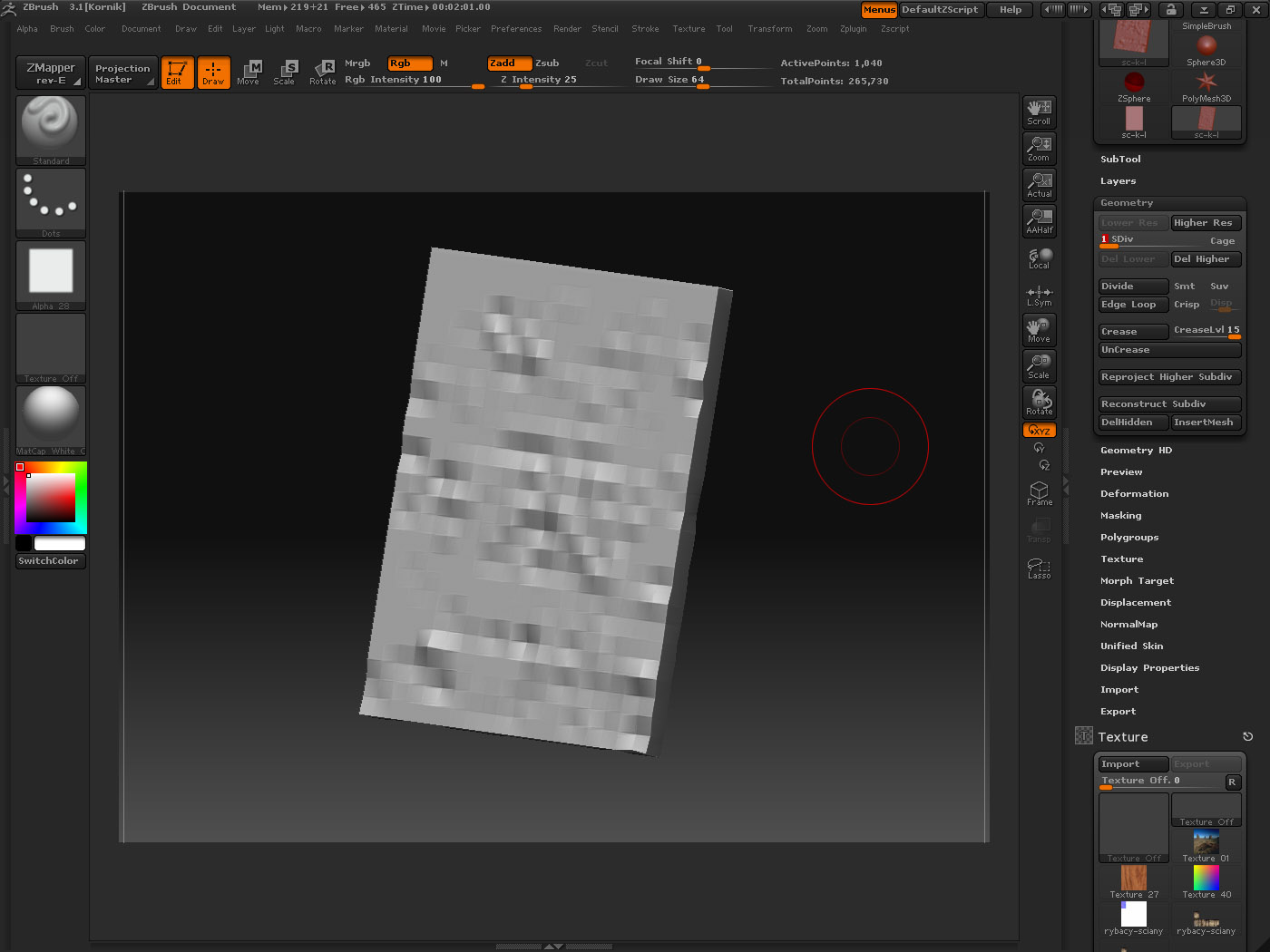
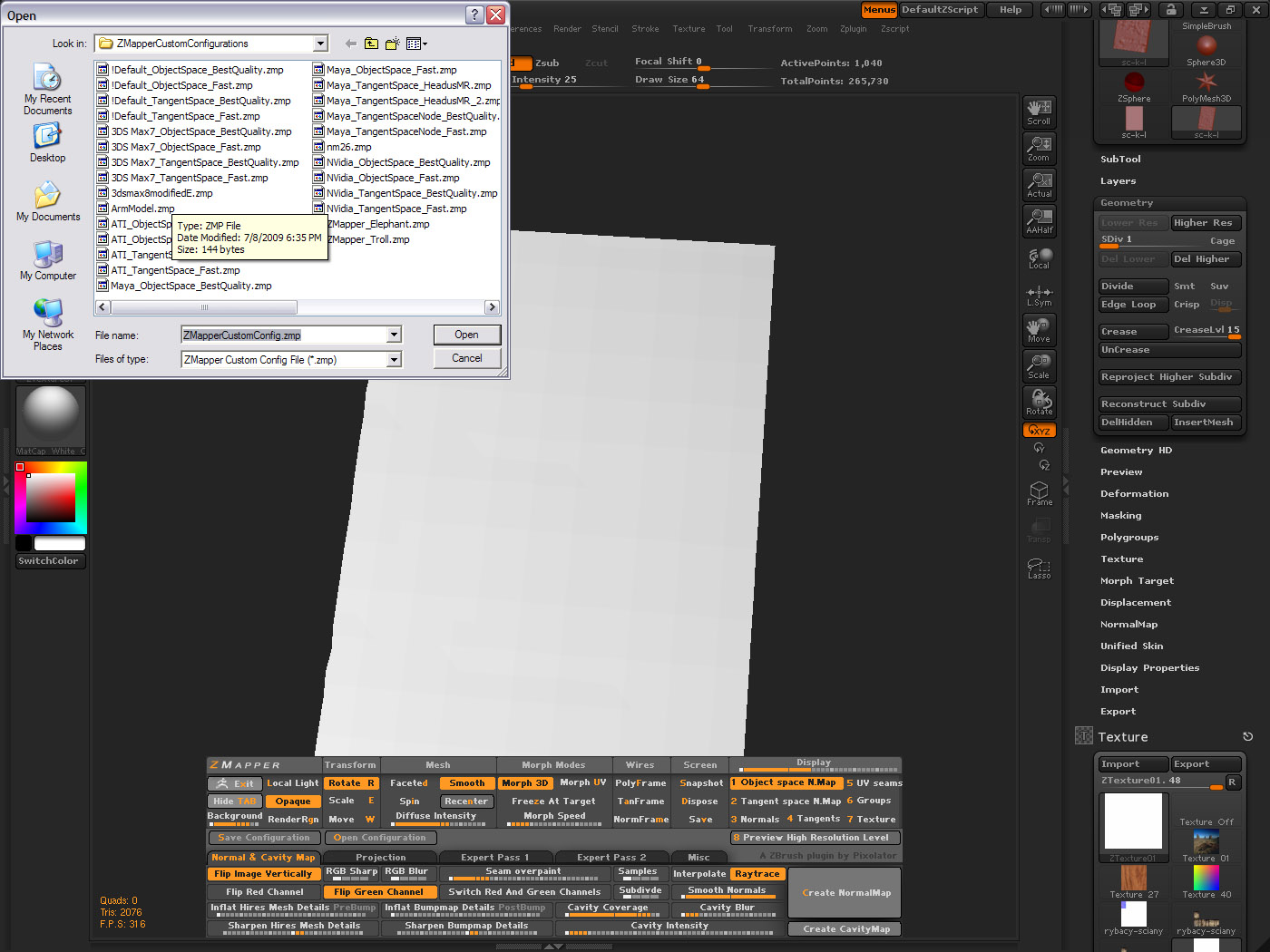
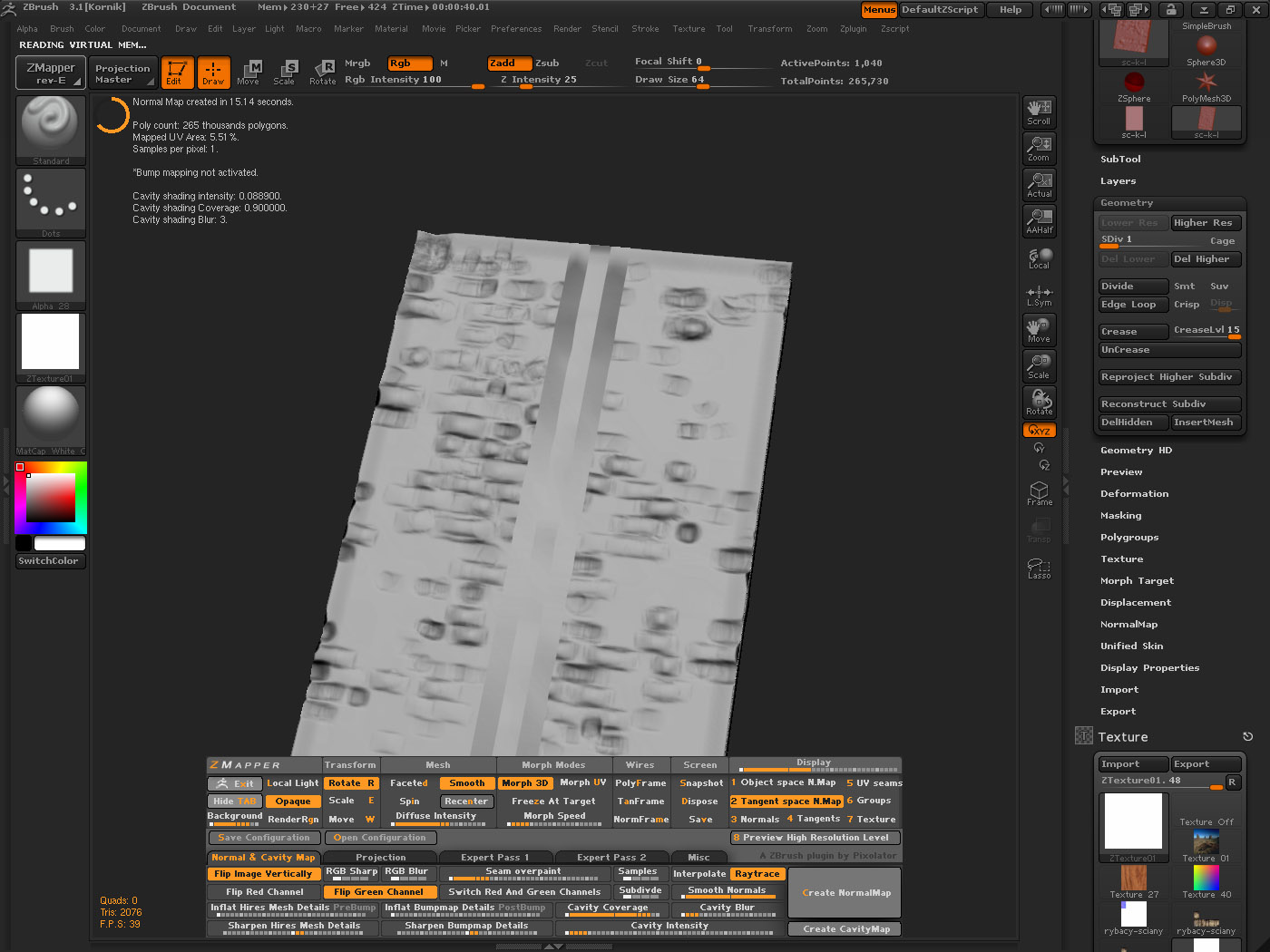
I created the texture in Photoshop, put it on a box model in 3D Studio Max, adjusted it with UVW Map (the V Tiling has a negative value and is flipped). I then added a UVW Unwrap modifier, then I added Edit Poly and divided the mesh to 24 tiles in one direction, 18 in the other and exported it to Zbrush. In Zbrush I divided the mesh (without smt), applied my texture (flipped it vertically) and then sculpted it. When I finished it looked like in the 1st image. I then cleared the texture and started Zmapper, loaded the 3dsmax8modifiedE.zmp (I also tried 3DS Max7_ObjectSpace_BestQuality.zmp and ended up with the same result). I hit the create normal map button and ended up with those stripes running through the centre.
I tried changing several things and resculpted the thing several times ending up with the same thing (I tried leaving the UVW in it’s original position, offseting it and a few more things). I searched the Support forum for an answer but got none. Please tell me what I’m doing wrong.
I’m using Zbrish 3.1 and 3d Studio Max 9.
Attachments