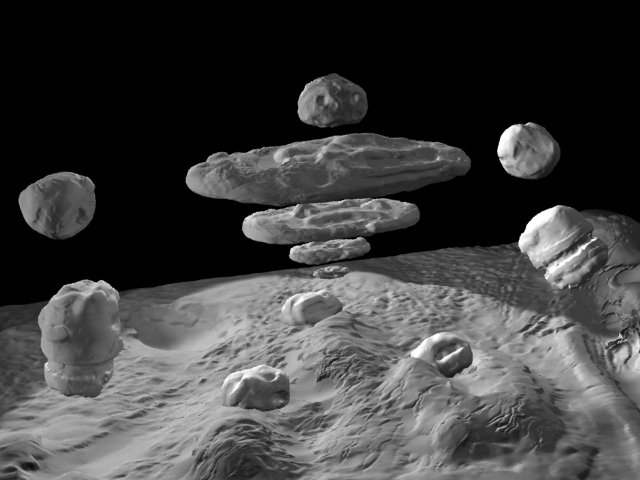
Hey everyone, im pretty new to zbrush, i have watched a lot of tutorials, and even bought the master classes from gnomen workshop, at the moment im making a rock elemental, i created a basic box model of it in 3d studio max, then i uv mapped it, then saved it. Then i imported it into zbrush, did my sculpting, but when i go to make my displacement map it doesnt show up in my alphas and some of my geomatry dissapears.
Now i think i know what i did wrong i didnt unwrap the uv’s in max, so i think there overlapping, but i dont wanna resculpt all the work i did on my model, is there a way to go back to the original box model in max, unwrap the uvs, send it back into zbrush and still have all my sculpting detail there?
Any help would be appreciated.