I’ll try to explain the problem with pictures:lol:
[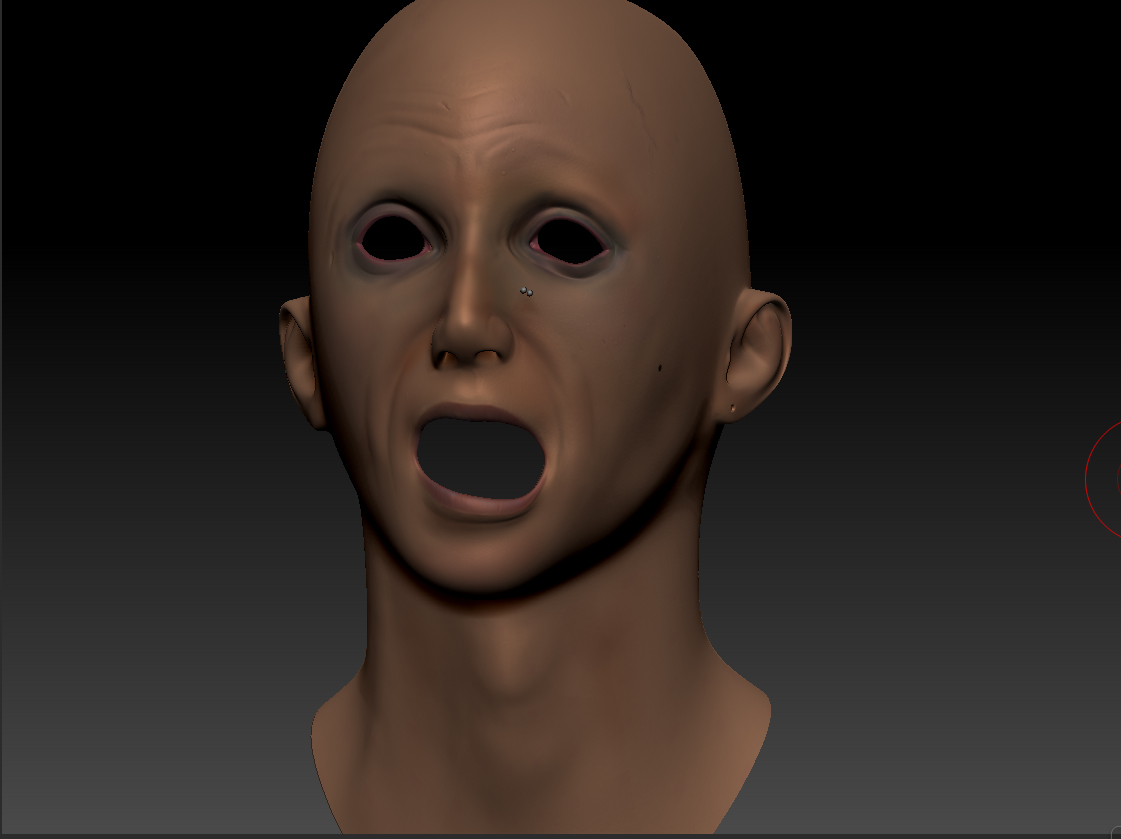 ](javascript:zb_insimg(‘190471’,‘1.jpg’,1,0))
Attachments
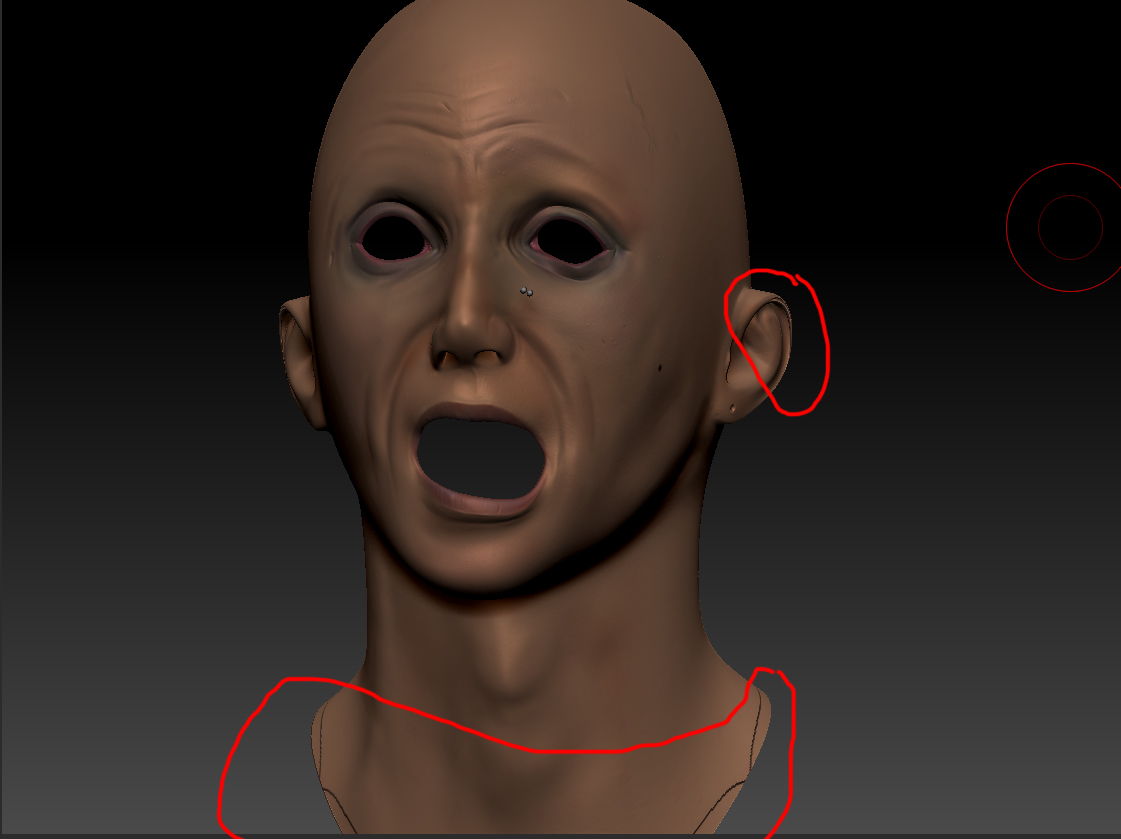
I’ll try to explain the problem with pictures:lol:
[](javascript:zb_insimg(‘190471’,‘1.jpg’,1,0))
Come on… noone knows the answer to this ? 
well i have the exact same problem. i looked out for the problem and cant solve it… thought that it would be a topology problem i got back to maya and add some edge loops but returning to zbrush occured the same problem again.
arpaci dude if you find out what the problem is than please reply to this post 
I’m dying here lol.
And I can’t believe noone knows this… I thought it was a noob question lol
sure i will , hope someone besides us also read this topic
Can I see the low cage of the mesh and are you using adaptive when you create the displacement?
are you using 16BIt or 32BIt
Paul
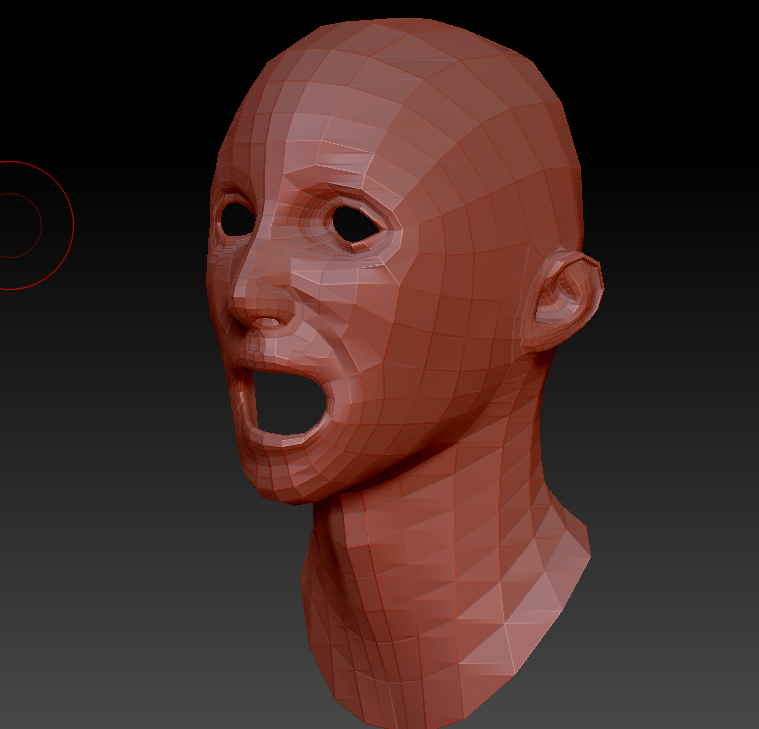
here’s the low res mesh level 1