Hey guys!
Well I’m kinda new to Zbrush/Max Integrations and in the last days I’ve been unable to figure out whats going on with the UV’s when I import an OBJ file (With the “Texture Coordinates” Checkmark On)
There are no errors in my previews UVW Mapping work inside 3dsMax since I really spent my time on it checking for overlapings and stuff. And most important of all, its a finished model that has already been rendered and even exported to Maya and Vue having no problems with the UV’s.
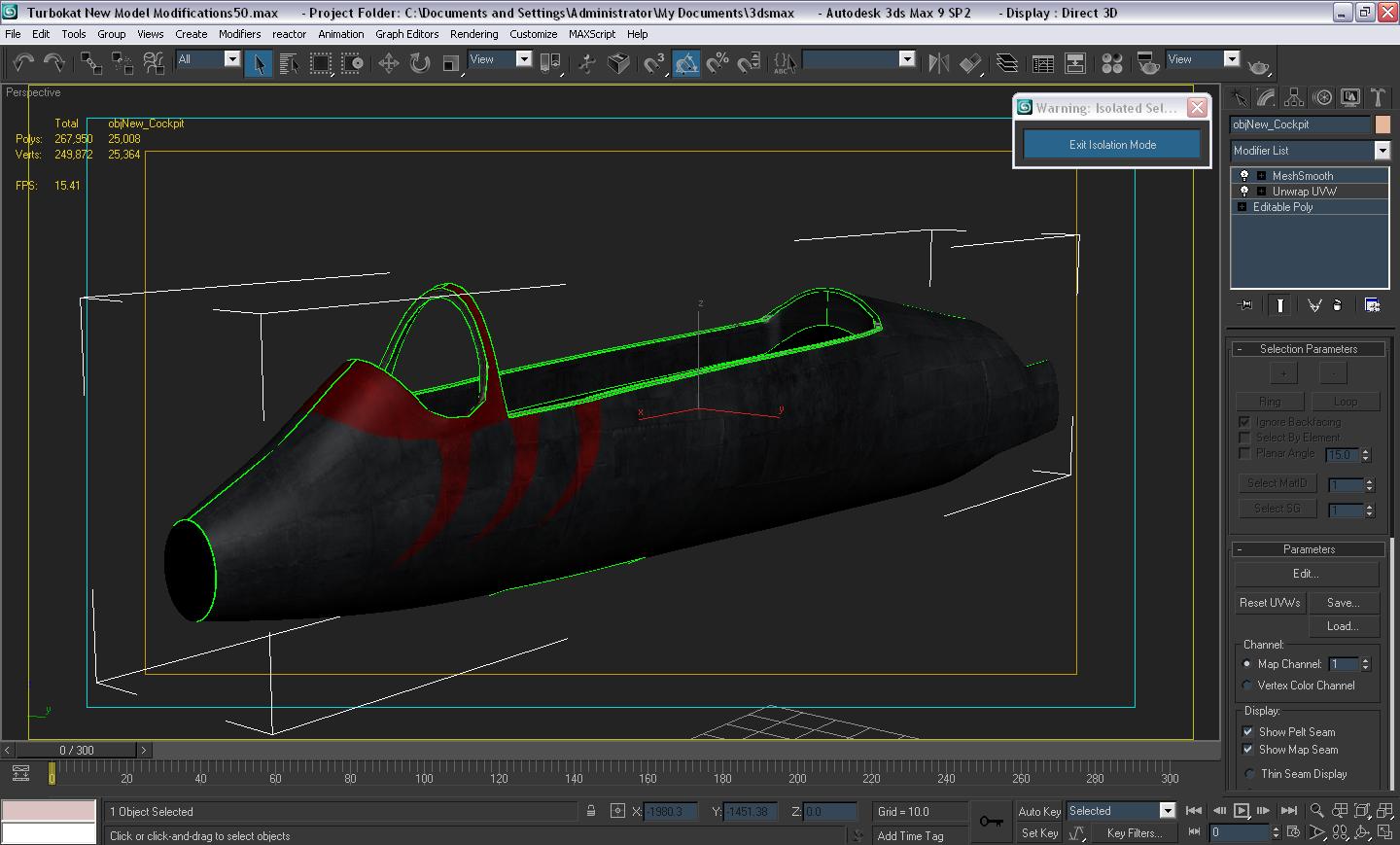
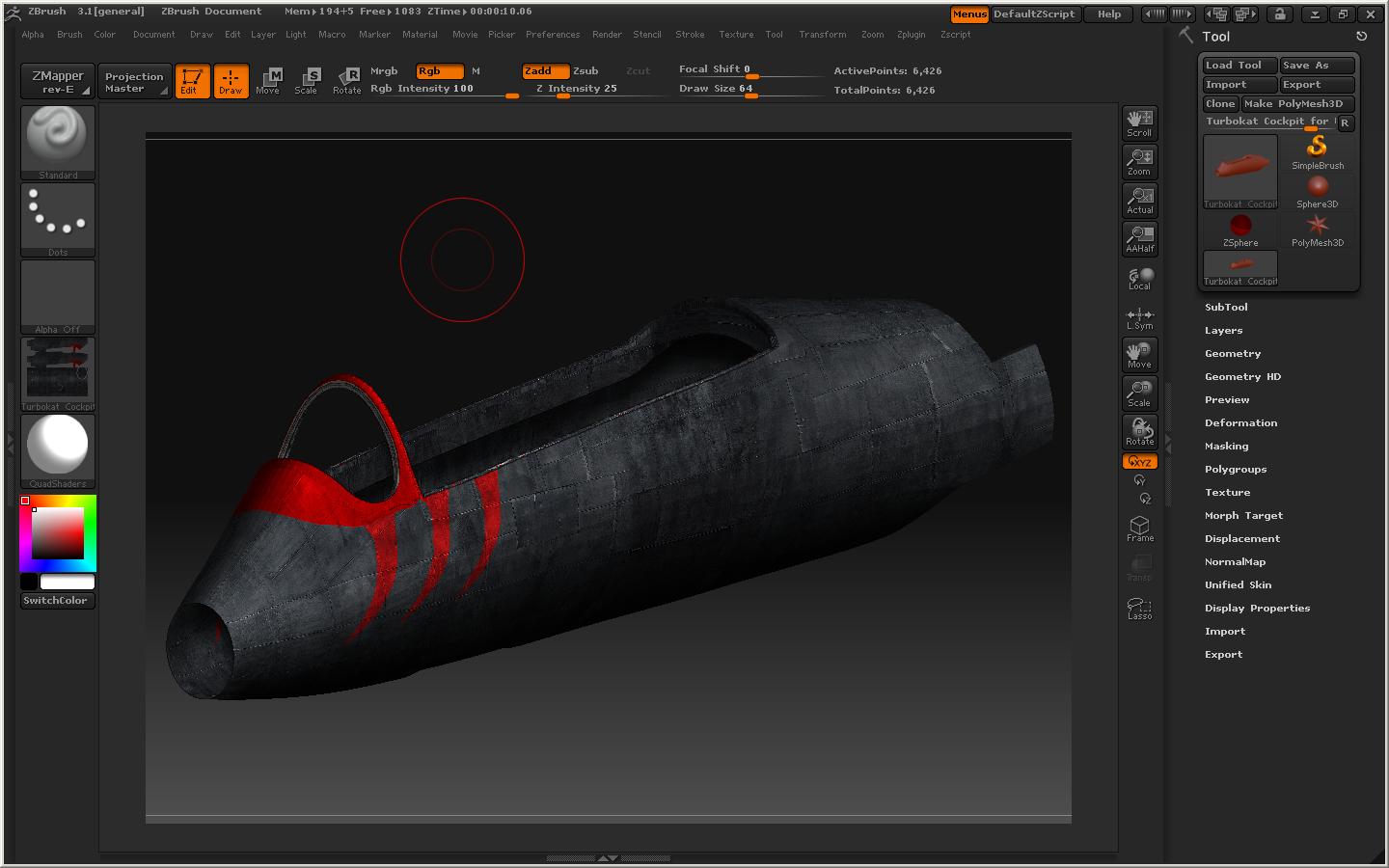
Alright, first the Image where you can see the texture perfectly applied to the model.
[ATT=]Turbokat UV Inside 3dMax.JPG[/ATT]
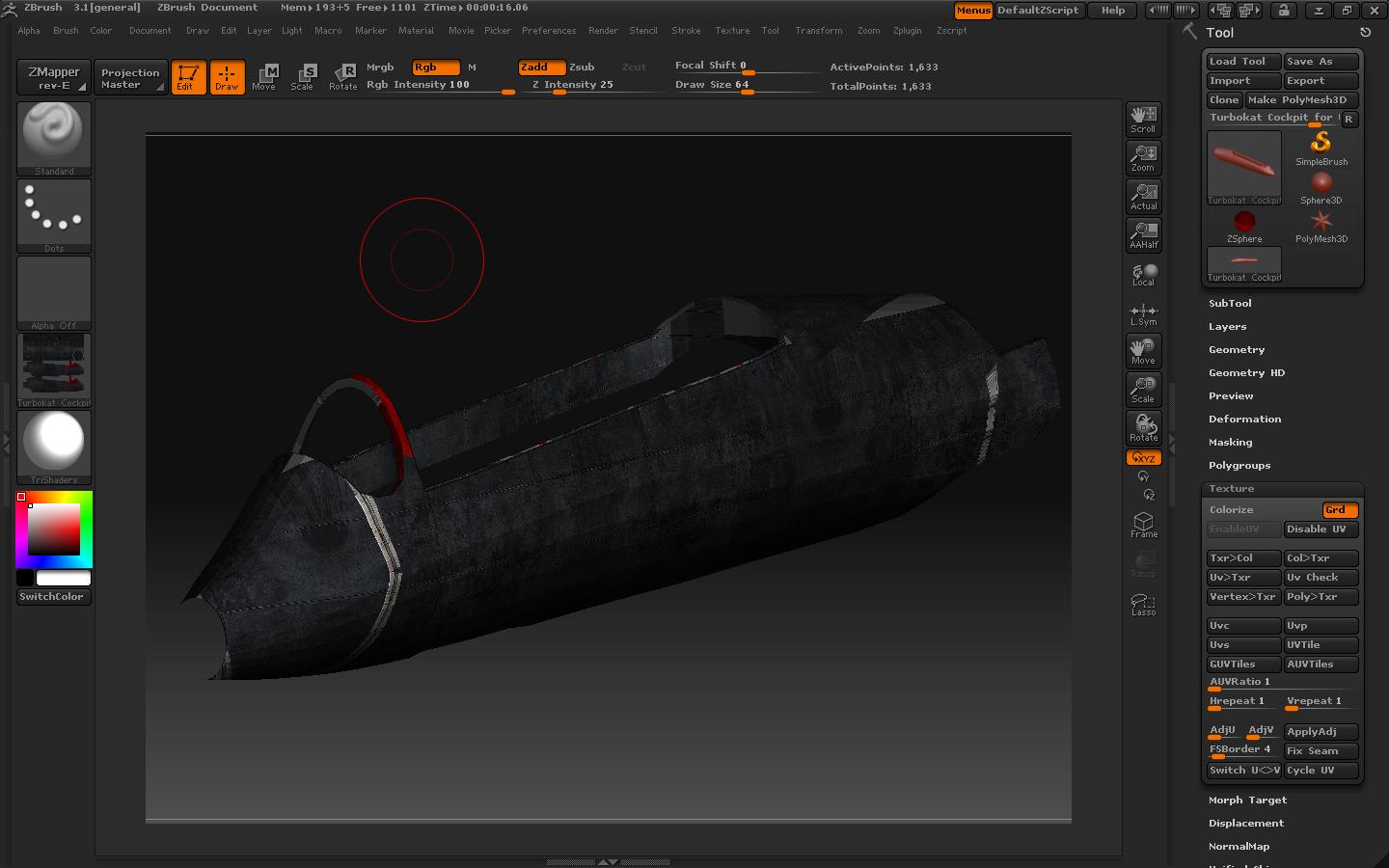
Then the messing up when importing them to Zbrush.
[ATT=]Turbokat UV Inside Zbrush.JPG[/ATT]
If please someone can help me on solving this problem, Thanks!
Attachments
![[ATT=]Turbokat UV Inside 3dMax.JPG[/ATT]](http://javascript%3Cb%3E%3C/b%3E:zb_insimg%28%27%27,%27Turbokat%20UV%20Inside%203dMax.JPG%27,1,0%29)
![[ATT=]Turbokat UV Inside Zbrush.JPG[/ATT]](http://javascript%3Cb%3E%3C/b%3E:zb_insimg%28%27%27,%27Turbokat%20UV%20Inside%20Zbrush.JPG%27,1,0%29)