ZBrushCentral

Problem with Uv maps

Hi guys!

I am pretty new to Zbrush and was hoping to start sharing some of my work, but I seem to be having a bit of trouble with
extracting my maps (normals/polypaint/Disp). I browsed the net and these forums for someone who encountered this
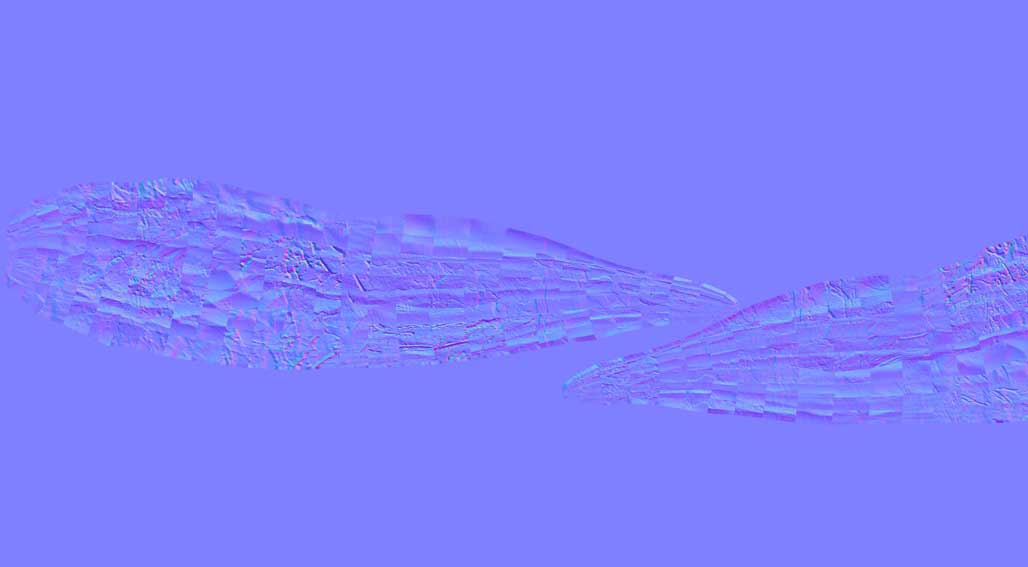
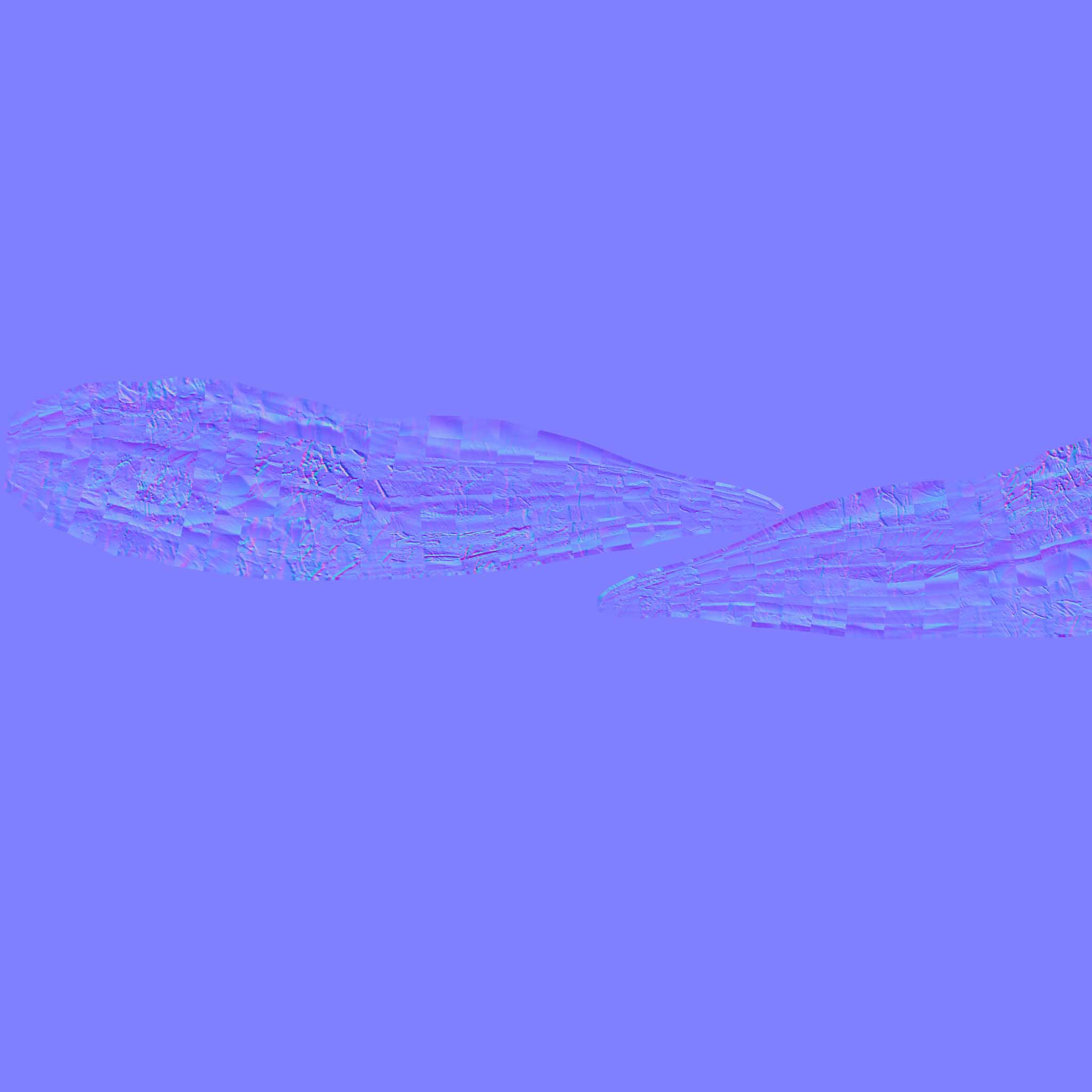
problem but I did not find an answer. Anyway here is an image of one of my subtools normal map…

As can be seen the map extraction is acting a bit oddly, for whatever reason the wireframe of my mesh is somehow
overlapping my normals and causing allot of deformation not to mention a bit of a headache. :confused:
Basically once I was done modelling my subtools in zbrush, I used the uv master to unwrap them and then I exported my subtools to 3Ds to fit all of my uvs onto a single map. I exported them back to Zbrush, clicked the work on clone button and
imported my 3Ds objs on the clones, copied the uvs and pasted them onto my original subtools.

What I find excessively odd is that several of my subtools had no problem with this process and all the maps I extracted from
them were perfectly fine…

If anyone has encountered this problem and knows how to fix it, or if you may have a different process to achieve my goal I am all ears!

Thanks in advanced guys!! :slight_smile:

Your screener image isn’t showing up so its hard to tell whats going on-

You mentioned 3DS, so I’m pretty sure this is the familiar case of max detaching each UV face and flipping them individually on export. I always forget the exact solution as it’s not a program I tend to use.

Best I can say is to check your UV/export settings. If you’re using a preset for zbrush, try without it. If you’re using GoZ try without it (and if you’re not, then try with it). Otherwise, this happens a lot of 3dsmax users, so the solution should be searchable.

Normal-map-problem.jpg

Well that was embarrassing, here is a reupload and if that does not work, well here is a link to the image:
http://img138.imageshack.us/img138/7571/rmqa.jpg
Thanks for the replies guys, I think the main reason I can’t find an answer to my problem is simply because I really don’t know
what the name for this is…

Attachments

Normal-map-problem.jpg

It looks like your UVs have flipped- does your displacement map look the same? Did you flip the UVs when you made the Normal Map? I work in Maya so don’t know the different workflow approach w/ 3DS and haven’t worked w/ SubTools yet- maybe experiment on one sample piece first to figure out how to generate the maps.

Good luck