Hi, another newbie here.
I came across some tutorials on the web showing how and why to unified skin. It is a basic set up for cube modeling. Using unified skin and lowering the resolution can get rid of the pinching point a 3D cube mesh has.
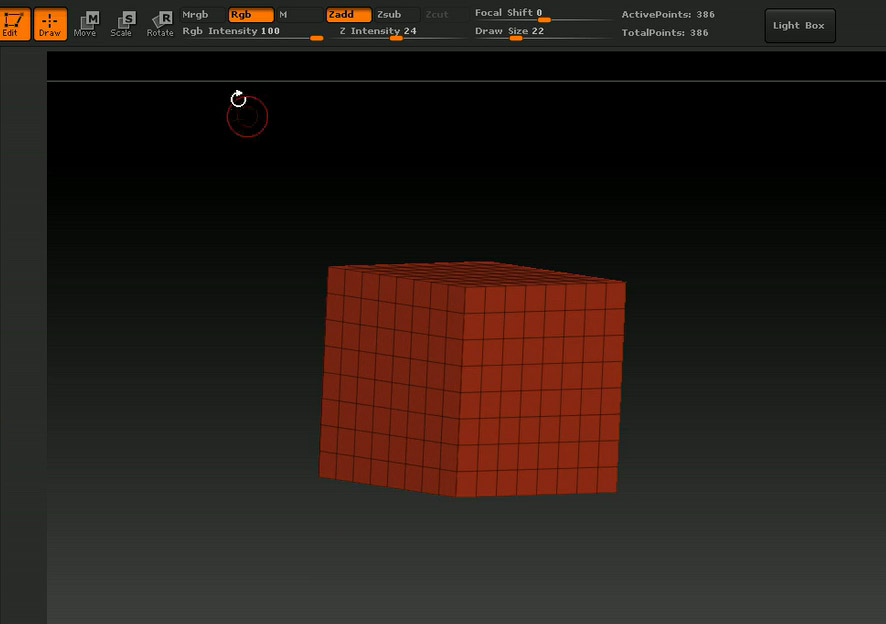
As I followed every step correctly I couldn’t get the correct result. Please see pictures. Anyone that can help would be greatly appreciated.
This is the incorrect result
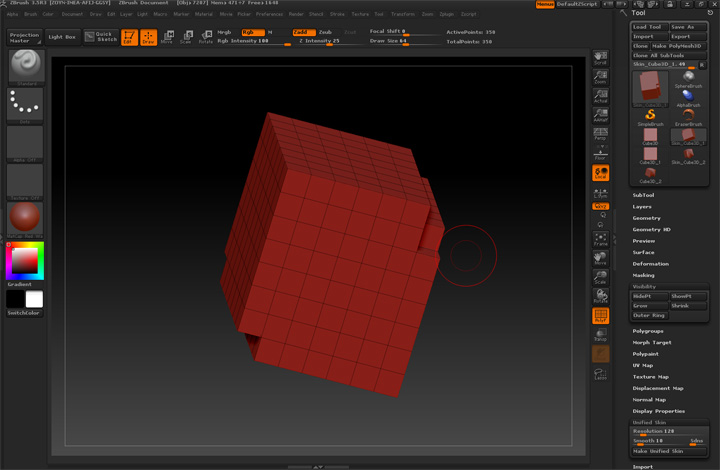
The steps I took were…
drag a 3D cube mesh from the tool menu
click Unified skin
lower resolution to 8 and smooth to 0
then hit Make Unified Skin button
Those were the instructions, but before it, I did mess around with the initialize setting, but I did place them back as were in default.
Even after I close down the Zbrush 3.5 r3, and restart, it still wouldn’t give me a perfect cube. Just a simple silly question. Any help, again is appreciated.
Alan
Attachments