ZBrushCentral

Problem with transpose Master. [Solved]

I followed this tutorial
http://www.youtube.com/watch?v=s6THhnv0m6g
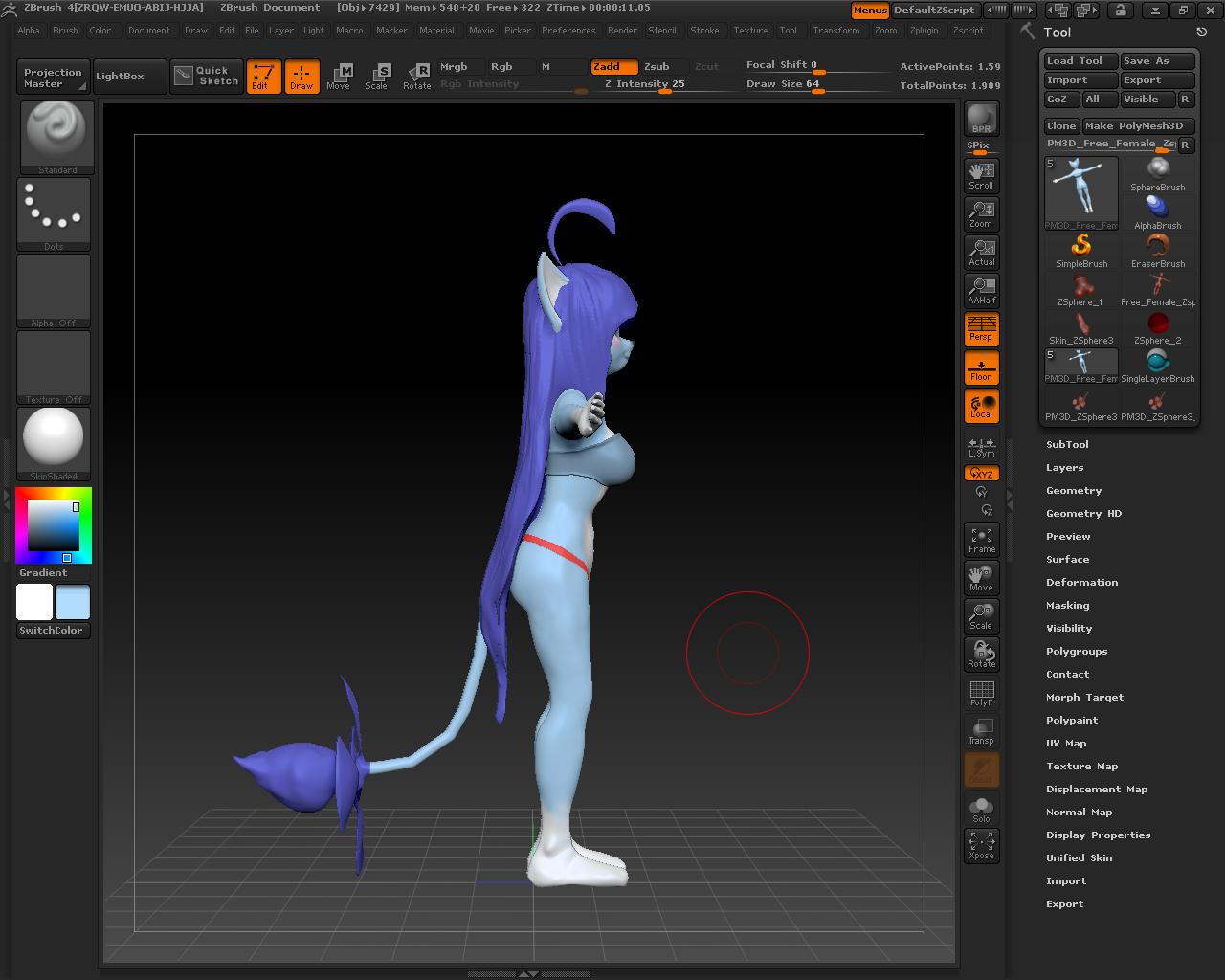
This is my model
http://i.imgur.com/poJ1J.jpg
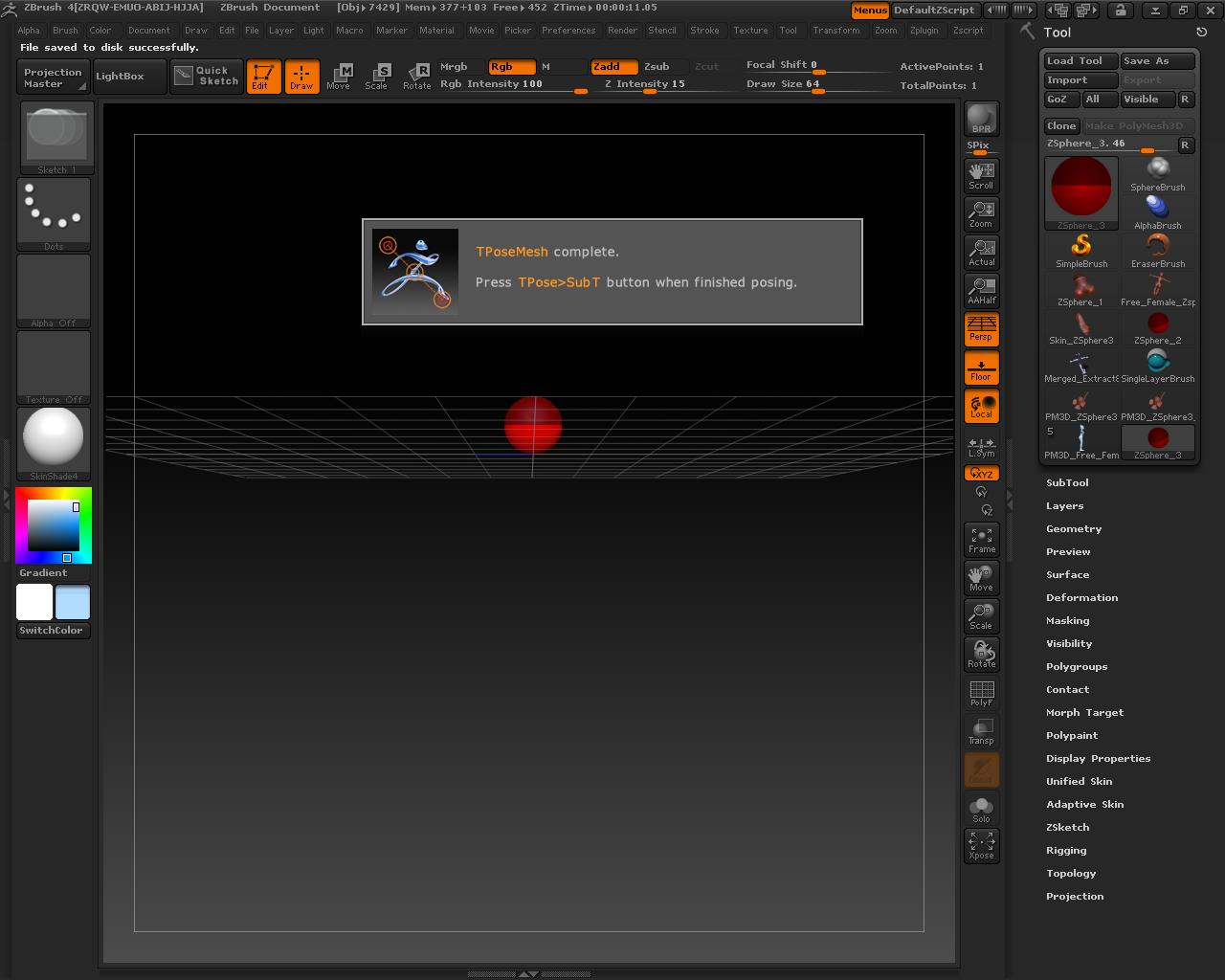
But when i click on Zsphere Rig then Tposemesh
http://i.imgur.com/UaITm.jpg
It only show the zsphere and not the model with sub tools.
Im new on using zbrush and im using zbrush 4. Please help!

Attachments

1.JPG

2.JPG

is the ZSphere Rig button depressed when you active TPoseMesh?
Try this on the Demo soldier and see if it works there.

Try this:

  1. Select your original model (which has subtools).
  2. Save it with a new name, preferably without spaces.
  3. With the ZSphere Rig button turned on, press the TPoseMesh button again.

If this still doesn’t work then I’d need to see your model (or at least two subtools) to find what’s going wrong.

HTH,

demo soldier work fine. I think its my model. And changing name doesnt seem to work.

Here is my model. I made for a friend so dont mind the detail.
http://www.mediafire.com/?4htuiup9y62dzdc

Many thanks for the file. I’m not yet entirely sure why this is giving problems but I do have a solution:

  1. Save out your original model from the Tool palette as a ZTL.
  2. Restart ZBrush and make sure the new document is a good size - something like 1100 x 800.
  3. Load up your model through the Tool palette and put in Edit mode.
  4. There’s masking on the body and the tail. You need to remove this before operating Transpose Master in ZSphere Rig mode otherwise it will cause errors.
  5. Proceed with using Transpose Master.

EDIT: I found the problem. You have more than one document layer and for some reason this is affecting how the ZSphere rig is displayed. Deleting the layer will solve the problem. I will bring this to the attention of the development team.

[attach=260878]TM_error.jpg[/attach]

HTH,

Attachments

TM_error.jpg

oh so that how it is. Thanks you. The rigging work now :slight_smile: