ZBrushCentral

Problem with shadowbox?

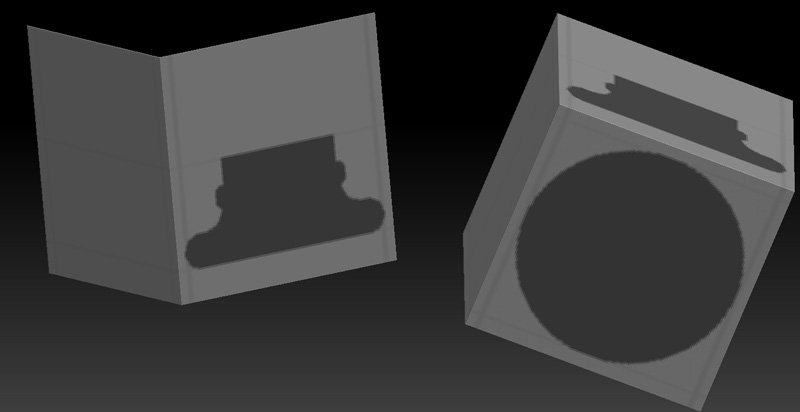
I’m drawing a shape in shadow box and what you see in the image is what I want generated radialy. Though it requires me to create another image on the other side. Is there a way to copy one mask to the other plane? It would be impactical to try to recreate the side mask :frowning:

Attachments

sb.jpg

Hi there!

One way would be to firs create the shape as a brushalpha. The use the rectangle to draw the shape out on the sides. If you hold down the Ctrl key you would see that the “alpha” turns to “brush-alpha”. Import the image (black and white).

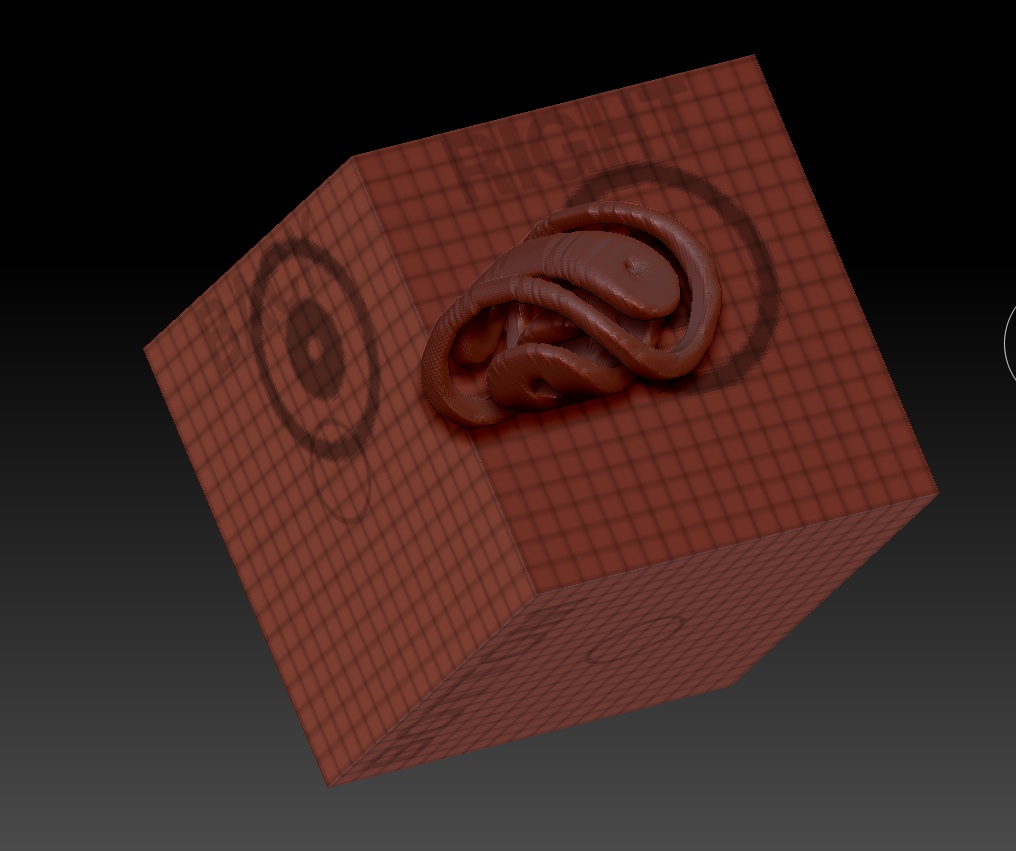
DocBrush.jpg

cheer expede. that seems to be the only solution right now. Ideally would be great if you could set up the mirroring somehow to draw on the otherside. Alpha is good though there is still the problem of accurately placing it to match the same position as the other.

If you take a copy of the shadowbox grid to your image editor program you can accurately put whatever images you want onto the 3 grids using the layer tools. Import that images of the grid and place it on the shadowbox using it in an alpha mode. You can get VERY accurate and specific using this method but it does require a few more steps.

See here:

Using Alphas in ShadowBox http://www.pixologic.com/docs/index.php/ShadowBox#Using_references_on_working_planes.

Ezra

Cheers Ezra. I guess this is the best solution for now. I really hope they implement a simple mirror function for future versions. Baffles me why they didnt implement it in the first place :\