I’m sorry for a newb question. i have a problem with the right shelf. I can’t see the lasso tool, how do i scroll down?
Attachments
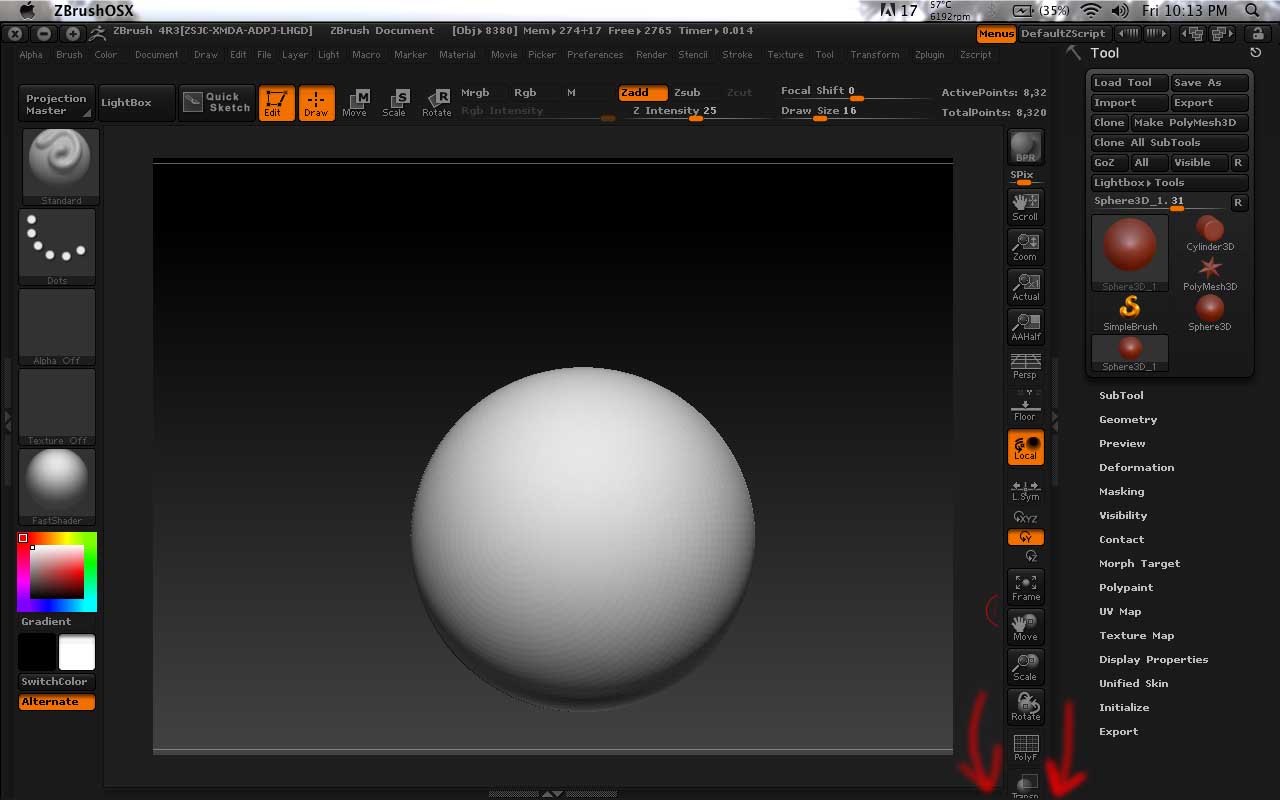
I’m sorry for a newb question. i have a problem with the right shelf. I can’t see the lasso tool, how do i scroll down?
It´s in the brush palette.
How come when i used lasso tool it’s doesn’t looks right, like in the first image? How do i get it to works like in the second and 3rd image?
Btw, thanks Stone3D.


First of all, the upgrade to ZBrush 4R4 P2 is FREE. Your missing out on a lot of really cool new features. How come you don’t want to upgrade?
Regarding the other thing with the lasso mask, you have to subdivide the sphere some more.
As to your first post, with the missing buttons at the bottom of the right shelf. The 3 buttons are Transp, Ghost and Solo which can be found in the Transform palette. I would suggest that you do a custom UI and remove the Scroll, Zoom, Actual and AAHalf buttons from the top of the right shelf. You will find that you will very rarely use those buttons and they are all in the Document palette anyway. After you remove those buttons, you can just move the Transp, Ghost and Solo ones up.
If you don’t know how to customize your UI, see Changing the Interface Layout.
Thank you very much Zber2.
Sorry, i have another question. When i do command and drag on the object to highlight it, then i command click on the area but, how come it doesn’t covered up the opposite side, instead only covered 2 small areas and leave the rest out?
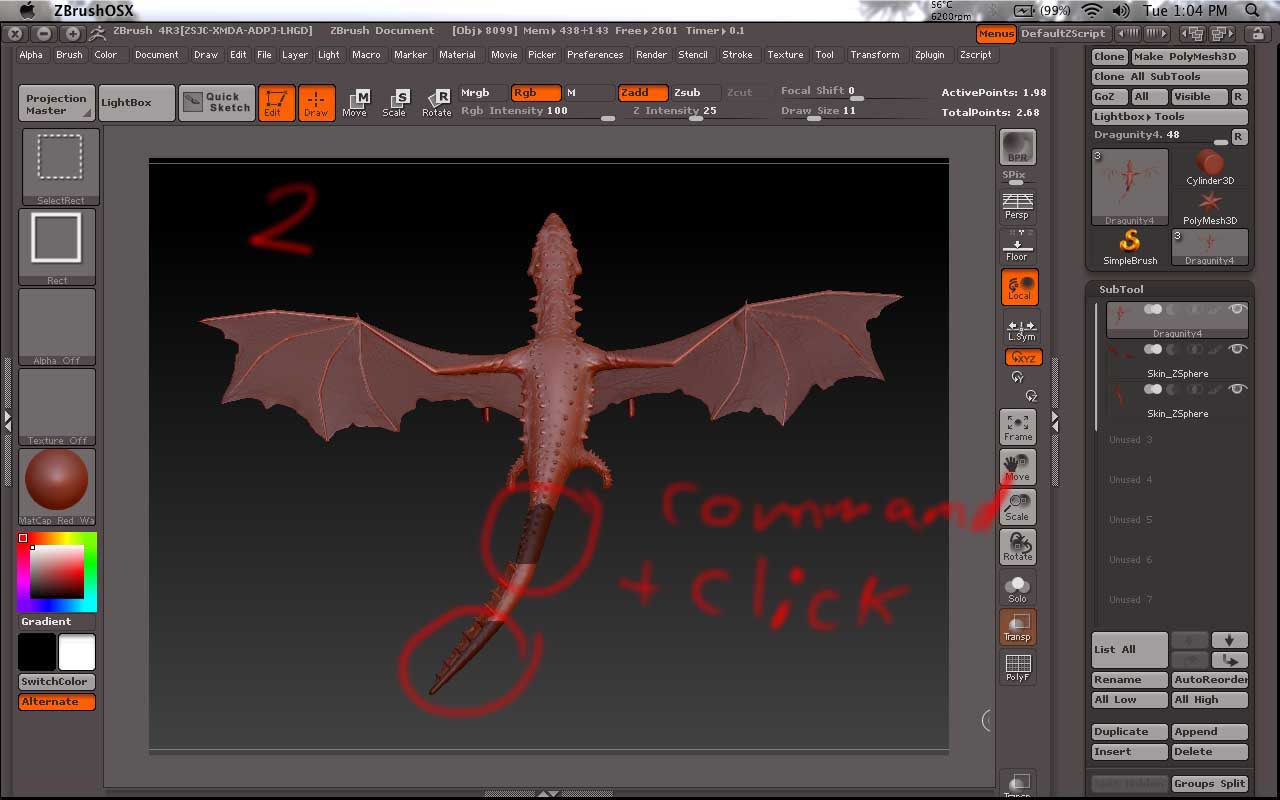
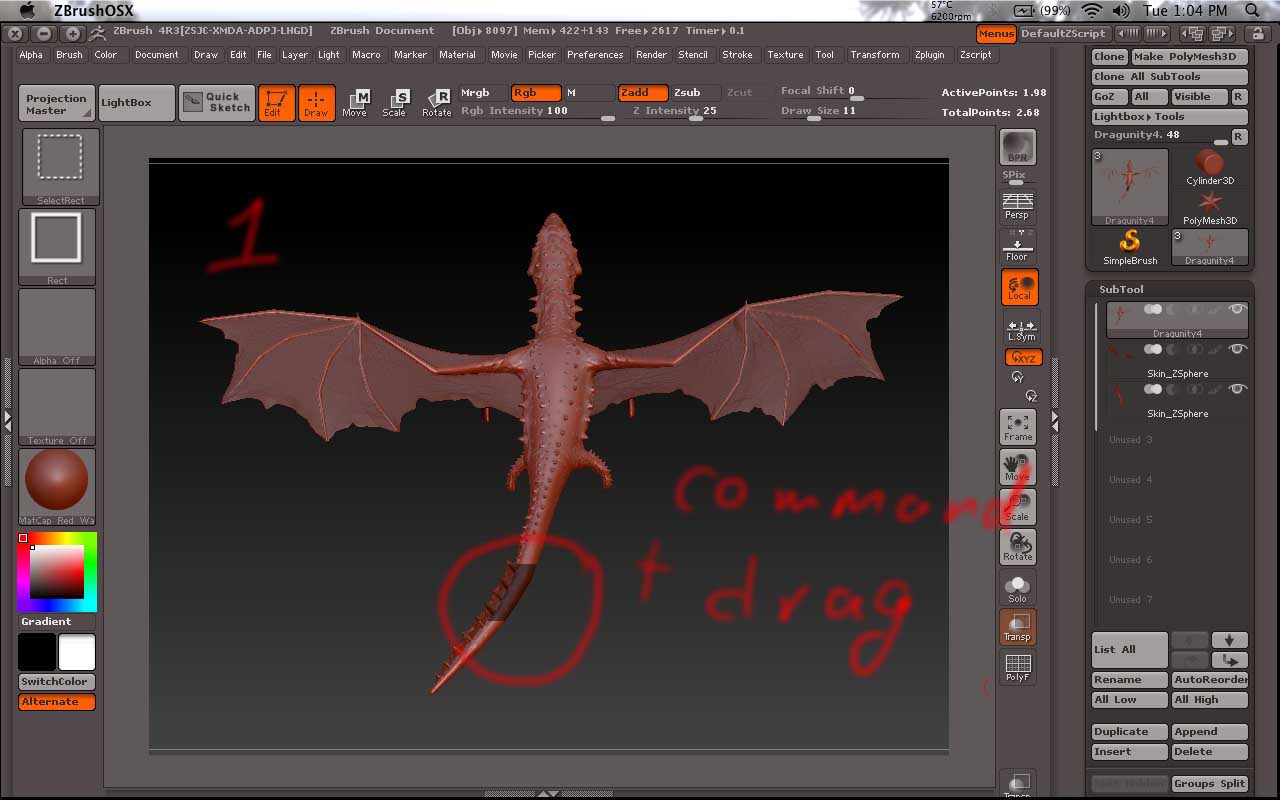
Sorry, I don’t understand your question. What are you trying to achieve?
OK, now I think I know what you mean. You want to invert the mask? Are you Command+click on a blank part of the canvas? You have to do it on the canvas to invert the mask. Or you can go to Tool>Masking and click ‘Inverse’. I still don’t fully understand how you are doing it though.
I clicked on the canvas it does’t do anything. And also try out the Inverse, but it’s still happen as the same before.
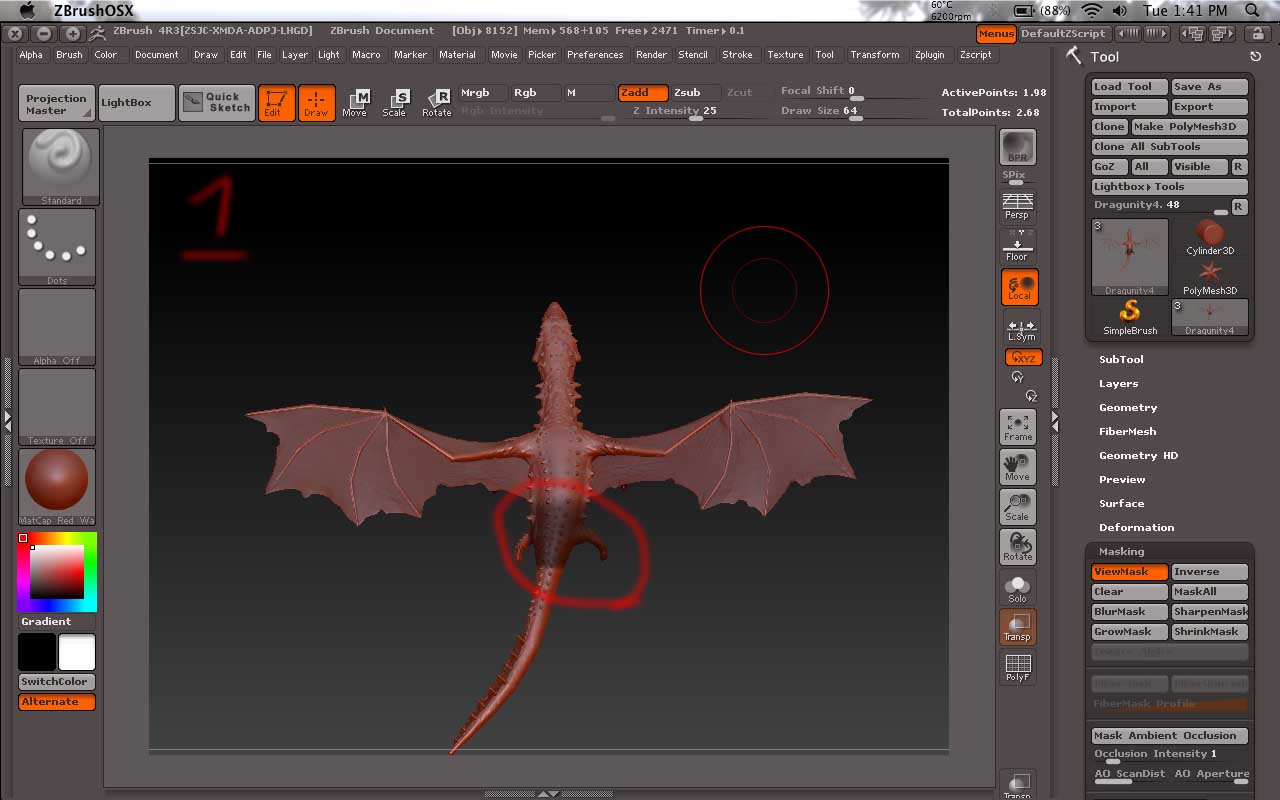
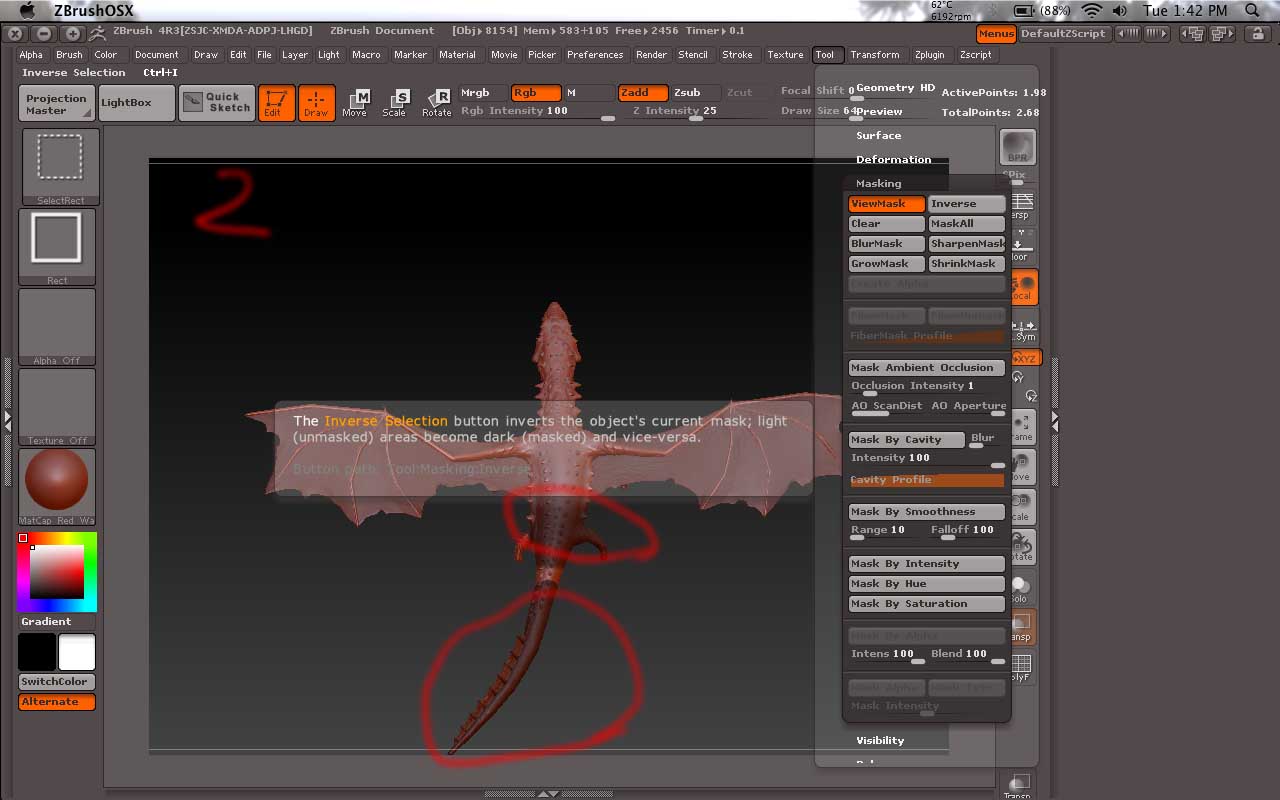
Well, I can’t say for sure what the problem might be because this has never happened to me and I have never seen it happen to anybody else either. Maybe there is something wrong with your mesh or maybe something wrong with ZBrush. Have you tried restarting ZBrush?
or maybe something wrong with my object? I tried to masking on a sphere or on the demprojects, and nothing wrong with it. But, it happens to all of my works.
Start a new thread with this problem. Maybe somebody else might have a solution. They won’t see it in this thread.
ok, thx.