ZBrushCentral

problem with normal maps going to XSI

some normal maps made in ZB are giving opposite results in XSI. Simply put, the outs go in and the ins go out. Maddeningly, this never happens on test objects, but only on real projects. Bummer.

I’ve followed the instructions on this thread:
http://www.zbrushcentral.com/zbc/showthread.php?t=67101&highlight=normal+map+XSI

which works fine on test tori and such, but not on my projects (which are not that complex. I’ve also tied all the fliping red and green channel stuff suggested elsewhere on this forum, and all i get is a diiferent kind of mangling.

Any other ideas? I’ve redone the current project twice, figuring i did something wrong with the model, but it comes out the same – bad.

I’ve yet to get a decent result from a zbrush normal map in XSI.

Does anyone have a configuration file that works? Currently i use the Maya tangent space node best quality, as suggested by the thread above.

please help!
NJ

EDIT: I got the normals to go correctly, but to do this i had to select tangent space, which causes the problem in pic – discolored faceting type thing. These are not even UV seams. Any ideas?

Attachments
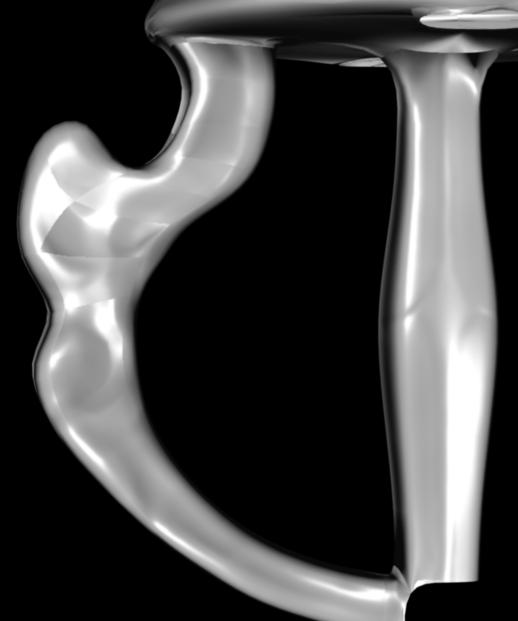
normalsprob.jpg

There are something that I need you to clarify.

Is the model you use in XSI, is the one that got exported from ZBrush, AFTER the normal map was generated?

Check your mesh on the area with glitches, and see that there`s no duplicated mesh.

Unfortunately my Prnt Scrn Button broke, so I couldn`t show you, but you can increase the intensity by using Color Correction on Green and Red Channel, and adjust the intensity.

thanks for the tip, i checked the mesh and it seems to be ok.

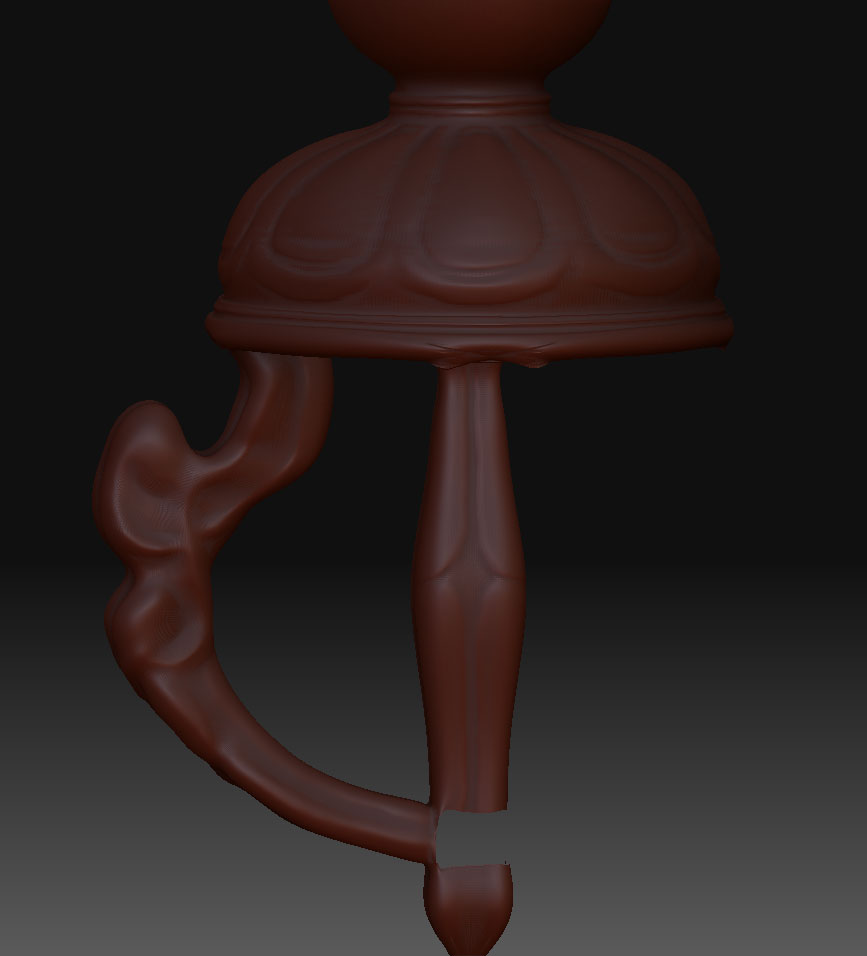
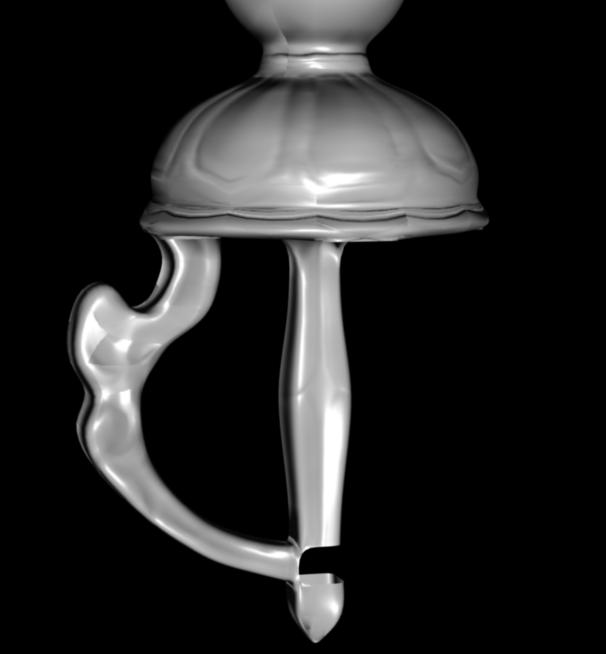
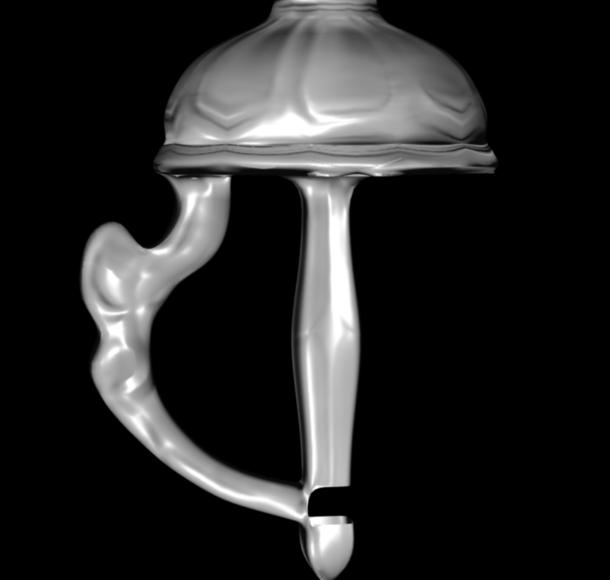
There are other areas which seem to be messed up also in strange ways, in the normal map. Check out these pics. there is a straight groove around the wide part of the half-spherical shape (zbrush version). in the normal map, it becomes wavy. the third pic is with the normal map set to ‘vertex_color’ in XSI, which causes the bump reversal, but fixes the facet artifacts.

This is meant to be a piece which will be put together with other pieces, so there are open areas of the mesh. I did use ‘crease’ before i subdivided, but it still seems to have distorted the mesh around the openings. so that i would expect to be messed up in the normal map, but the rest i can’t explain.

are there other settings i should be using to generate the normal map?
Any ideas what is going wrong?

Attachments

piece.jpg

normalsprob2.jpg

vertex_color.jpg

With Zmapper setting, you should set it so that the tangent space are all smoothed out.
If its other than that, since I never have your problem before, its beyond me.

It may be an XSI`s issue, you could try asking around here.
http://community.softimage.com/

if ‘post-smoothe tangents’ is what you mean, that’s cranked all the way up.

Thanks very much for trying to help. If anyone else has any ideas, thanks in advance…
NJ