ZBrushCentral

Problem with image planes (answered)

Hi all,

working with the new feature image planes I had setup my project with a image plane in zbrush and made my armature with Zspheres
first. The first thing I notice was that the armature was seen trough (when restarted after saving Zbrush it was not anymore).
When I saved my document and Ztool and restarted Zbrush and the project I was working on the image planes where gone I had to allign them all over again. I do not think that this is the right way to work, so I am doing someting wrong!
Hopefully someone can help me figure this out so I can also enjoy the new feature when working with image planes beceause I like to have some kind of reference and this is far better than lightbox way in my oppinion.

Regards,

Michaël

P.S. i have uploaded a picture of the project when i aligned the image plane.

Attachments
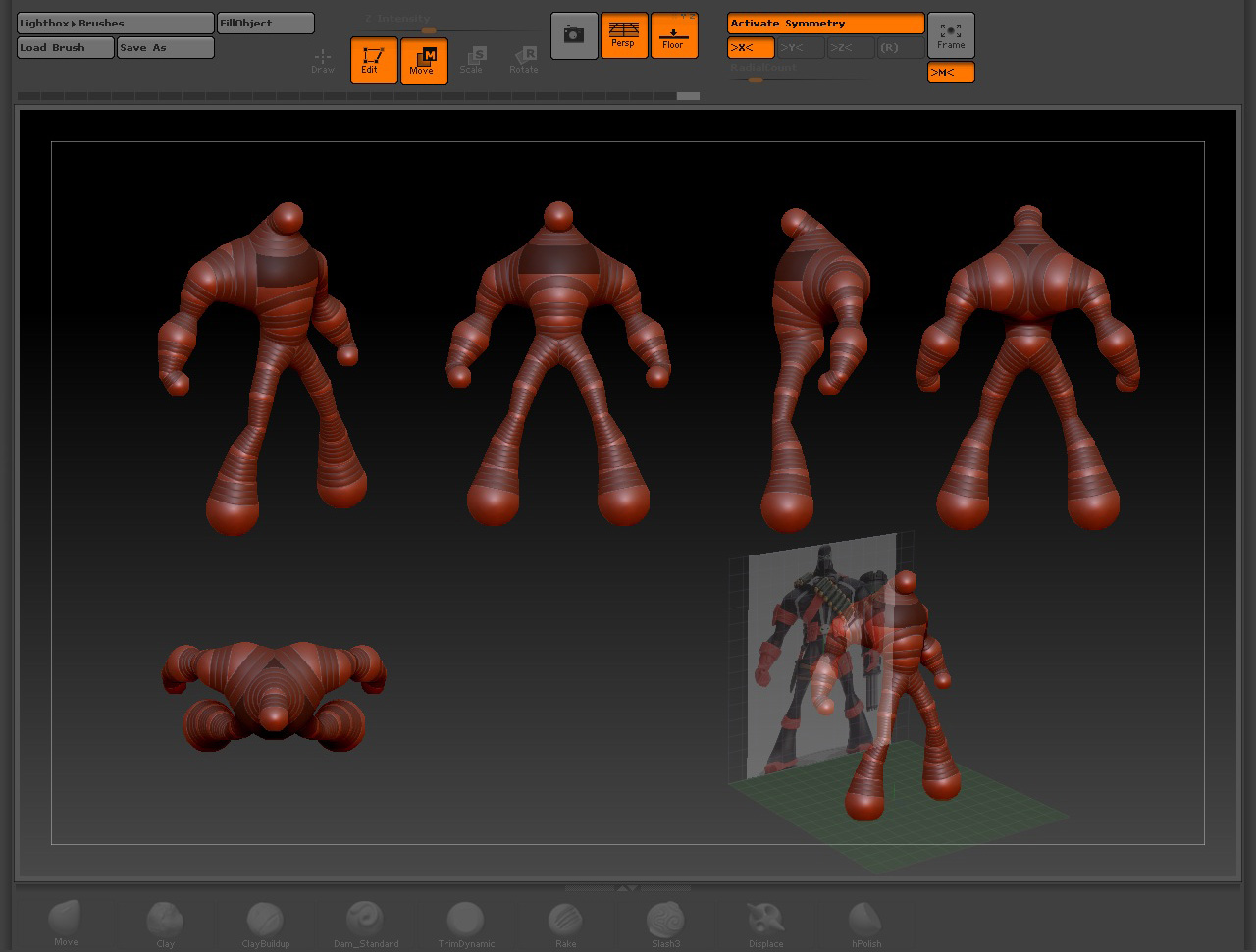
Spawn project base Zspheres_tweaked.jpg

Spawn project base Zspheres_tweaked image planes options.jpg

Hi,

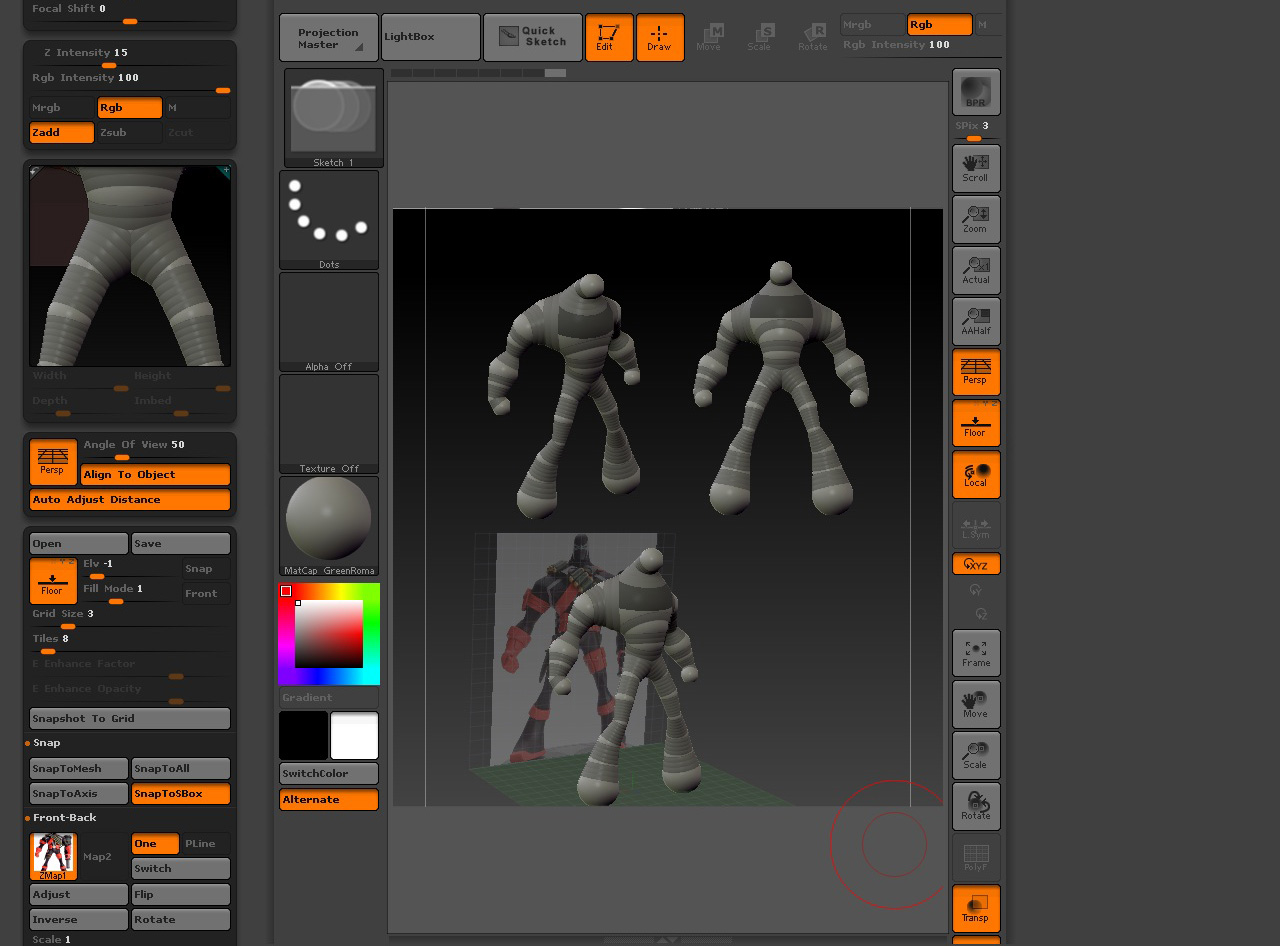
I also had some problem. I had this gun model, but when I used the grid image plane and adjusted my settings
and use snap to mesh. Then I would save the grid image settings and restart zbrush.

I would load the gun mesh then load my grid settings
It would not align up propperly.

So then I looked in the preview in my toolbar and I noticed that my gun was far to big. So then I used deformation
unify and did the samething as above.

Then it aligned correctly. It might work for you too. Just check in the preview and ofcource save all you grid settings.

Thnkz for the response so do you had to do that all the time when you restarted Zbrush, or only once?

I tought it was the idea behind the new image plane feature to setup the image planes for the project and saved whith Ztool or document and then when restarted and you still have the image file in the proper foler as before then that must be at the same corret size and aliged proper but that was not the case!

Saving the project (File>Save As) will save your ztool (model) and the grid.