I’m sculpting scales on a snakes at the moment, and to get the best result I need to use HD sculpting. However when I try to open my .ZTL files after using this sculpting method, zbrush either refuses to open the file and gives me this message:
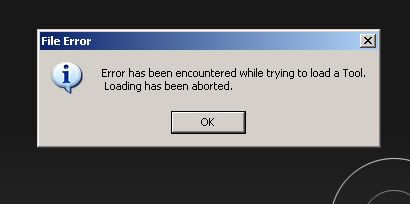
Or makes the model explode like this:
To say the least, this is a bit frustrating. I’ve tried saving it at the lowest HD subdivision level after sculpting, but when I open the file again it has still messed it up.
It works at 18 mill polygons, but messes up at 75mill. And yes, I know that 75mill is a bit steep, but it should be able to handle it, no?