ZBrushCentral

Problem with dynamesh on helm

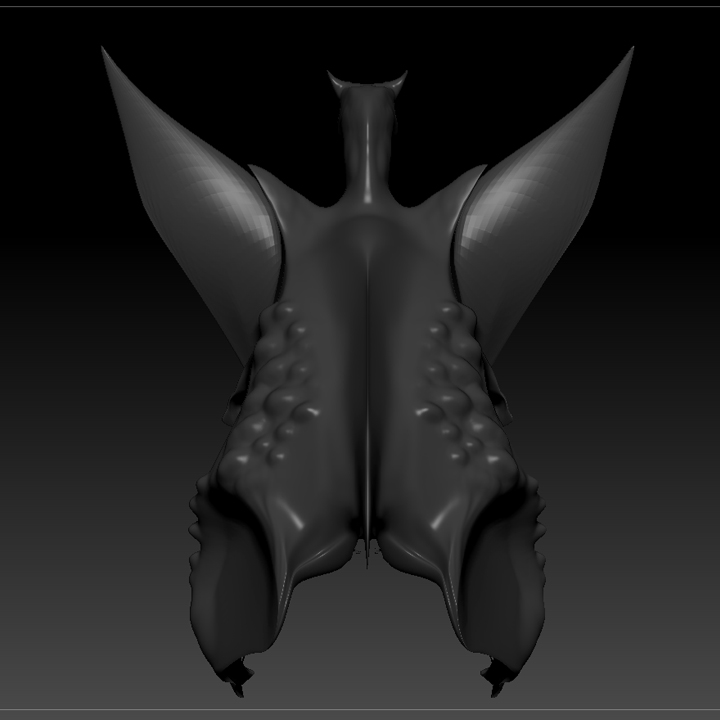
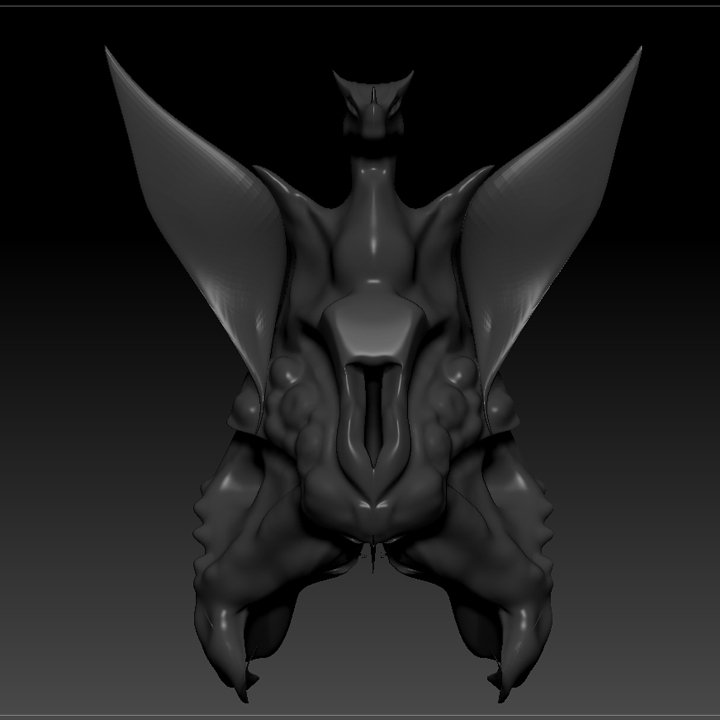
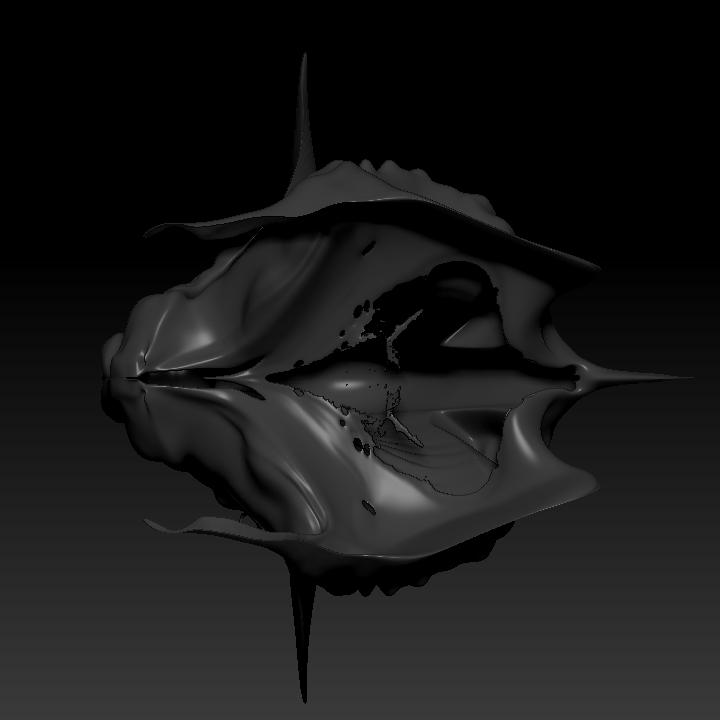
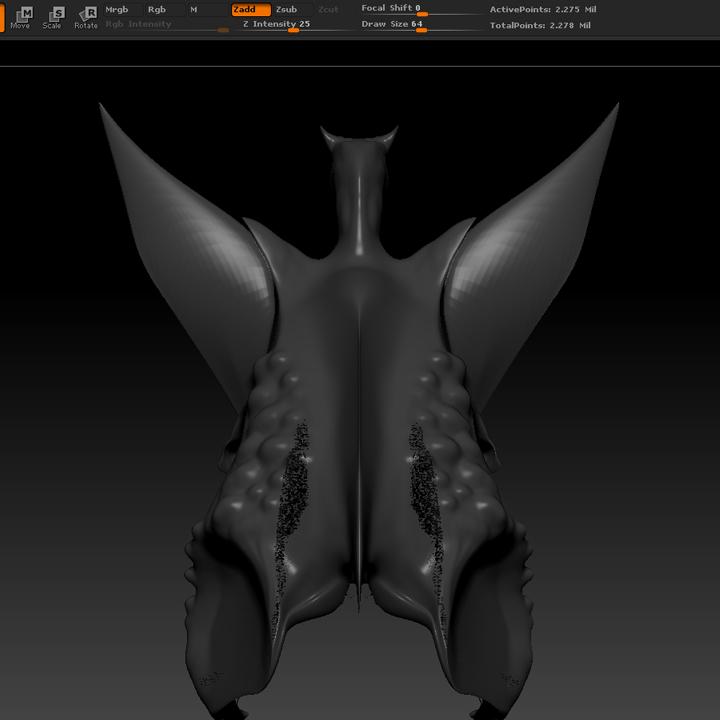
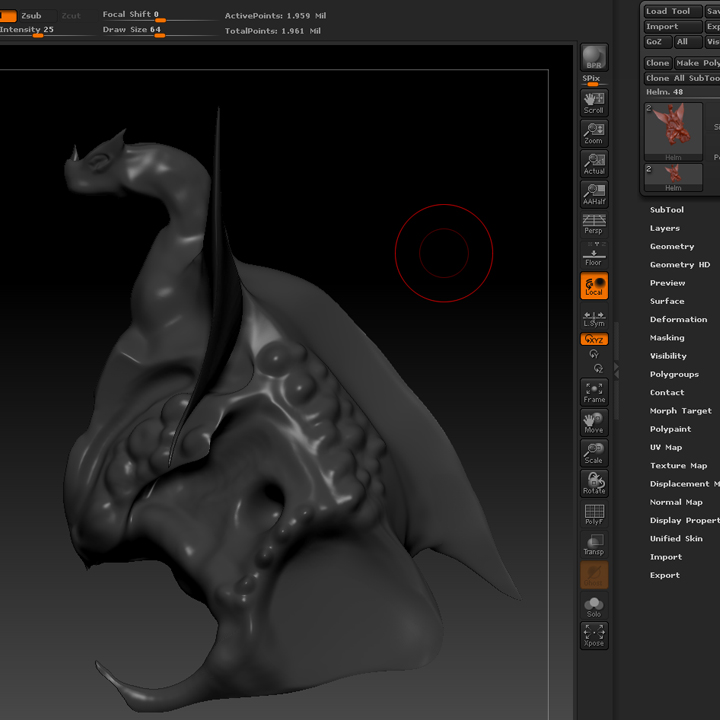
I’m taking my first course of Zbrush and loving it to death! Though I have ran into a problem on one of my projects, when I dynamesh I get this tearing in the back. I probably stretched out the sphere too much at the start or something. I have a lot to learn about dynameshing and geometry dividing still. Any tips to get rid of this tearing? Also…what is the best way to get screenshots of my projects…at the moment I just print screen and paste in photoshop. Thanks!

The 4th picture is the helm from underneath before redynameshing, after a dynamesh I get the tears on the back in the last picture and it just spreads further each time.

Attachments
Untitled-1.jpg

Untitled-2.jpg

Untitled-3.jpg

Untitled-4.jpg

Untitled-5.jpg

Ok i am not really sure but it could be that it was too thin. it happend to me few times when i was dynameshing thin surfaces.

hi, go back before dynamesh turn double sided on and polyframe take out the underlying surface from the top the problem is that the inner surface got mixed with the outer one then you get the holes i’ve run into so many times. that worked for me.split inner and outer into different groups by the way. before remeshing group visible after seperating them
grtz JACKED

Thanks pal, I didn’t even notice it had a inside layer split like that. It took a while but I got rid of most of it and deleted. Time to rebuild the bottom half! :slight_smile: I appreciate the feedback.