Hi there,
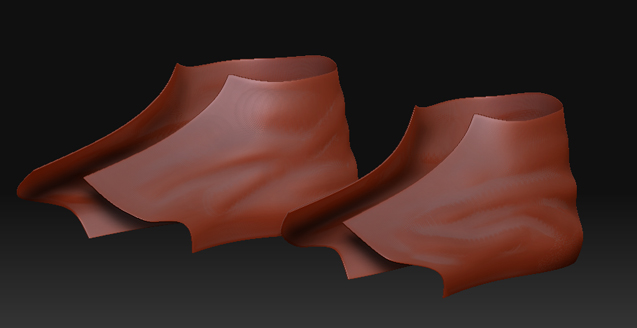
I already found the perfect solution for using ZBrush made displacements in maya and it had worked perfectly on everything until now…
I made a pretty thin object, made sure the normals are fine, made sure there are no overlapping polygons or stuff like that and there are no intersections of 6 or more polygons.
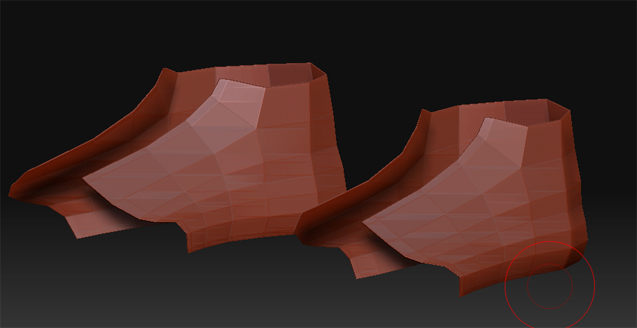
The base model looks like this:
[ ]
]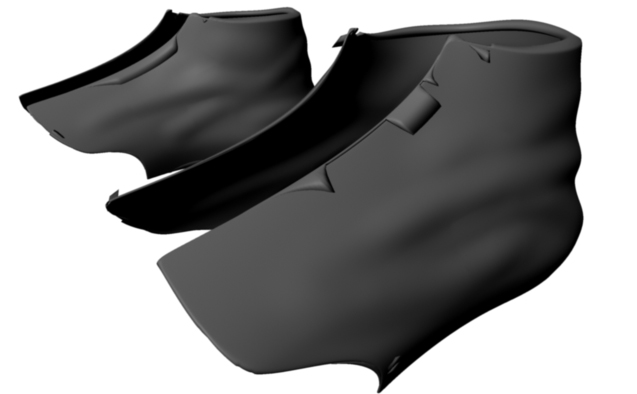
Possible to see the displacement is allright overall except for those nasty weird distortions from the inside and out.
I’m thinking it happens maybe because the object is thin…
Can anyone help me out here? 
Thanks !
Attachments