ZBrushCentral

Problem with Creatign Displacement Map

Hi there,
2 Questions:

  1. How can I increase the size of a displacement map? (Default is 1024x1024)

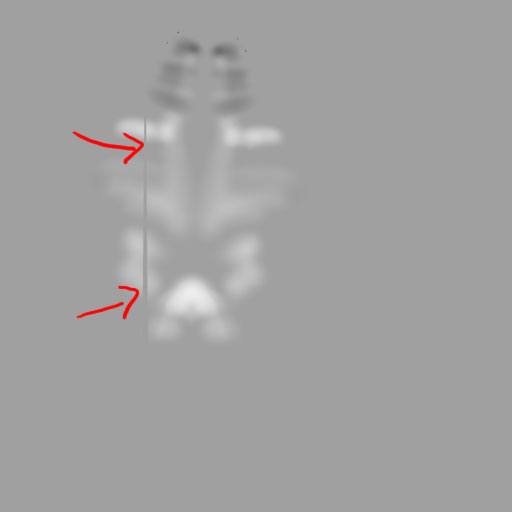
  2. If I create one by pressing the button »Create Displacement Map«, everything works fine but look at the picture: ZBrush creates a grey line?

(I´m not sure, but I think, someone has the same problem in the past, but I cannot find the thread, sorry)

Thank you for helping me,

Stephan

Attachments

Skin_ZSphere#2RTopo1.jpg

So it seems, all of you are try to get their last christmas presents, I tried again to solve my problem by myself.

What I had forgotten to say: I work with Cinema4D.

What I did: I changed the position of the UVs in C4D, and now it seems to work.

My workflow:

  1. exporting the low-res model to C4D

  2. In C4D I give it a texture and a UV-map. Then I export as .obj and open again in ZB

  3. Store Morph Target

  4. Divide, sculpt

  5. After finish sculpting: lowest subdivision level

  6. Switch Morph Target

  7. Creating the Displacement Map

  8. Exporting again an opening in C4D for final work

Just click on the field for the displacement map size in the Tool>Displacement menu, and type a new value (it is square dimensions)

This looks like a problem with your UVs getting mangled in ZB. It used to happen quite a bit with Z2, but I havent seen it much since Z3.x. It usually happens when verticies are laid out too close to the border in a UV editor, and the item undergoes ZB work with the UVs active.

Give it a new set of UVs or tweak the old ones in an external editor, and reimport them. Make sure to give the border a significant berth, and make sure all your UVs are welded. Check for overlap issues in ZB using the UV>Check option in the Tool>Texture menu.

I hope that is helpful.

Hi Scott,

so you are the only one who has finished yet the Christmas shopping? :slight_smile:

Thanks for your help, I did, what you recommended and it seems to work. I´m glad, that I recognized, this problem has to do with the UV-map.

Sigh, it´s such a lot of things to know, until you are able to create a ZBrush-model…

Greetings,

Stephan

Here I am, sigh…

I´m getting highly frustrated, cause exporting of my model to cinema doesn´t work I expected (and I have to work with C4D)

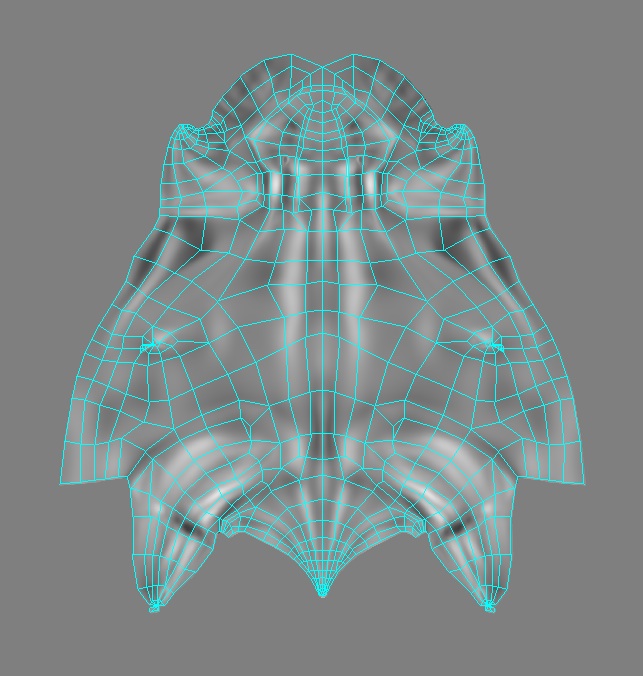
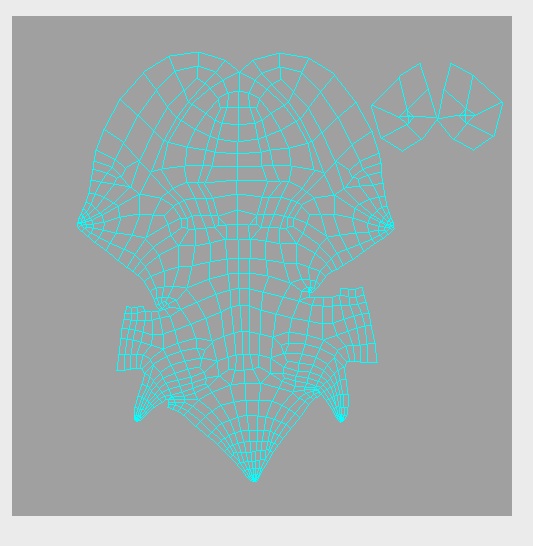
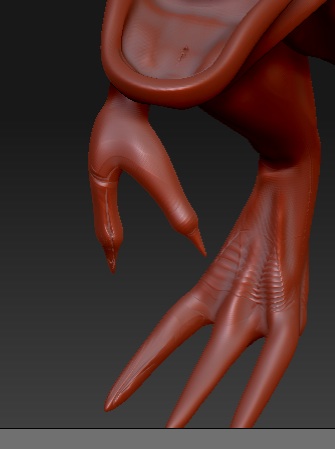
For learning, I created a simple model of a dino. I exported it to Cinema and made a UV-map like you can see in the attached JPG. (This is one of a lot of UVs, I tried out)

The workflow, how to im- and export is clear, also the creating and exporting of displacement maps.

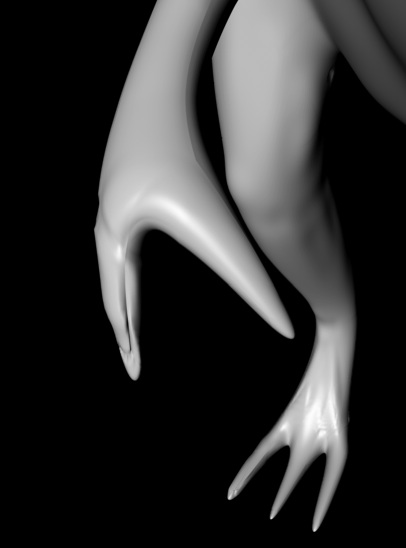
Back in Cinema, I can adjust the amount of displacement. But: in my model, in filigran parts like toes and fingers, appear mistakes.

I just tried out a lot of different UV-adjustments, but i always get rubbish.

Can anybody help?

Thanks,

Stephan

Attachments

C4D.jpg

Mesh2.jpg

MeshC4D.jpg

Ohne Titel.jpg

Have you read the guide for C4D found in the online documentation? Check out my signature.

…I did.

Hi Matthew,

normally I try to help myself, but sometimes it is a bit too hard to understand, what is really meant in all that documentations (and, please, don´t forget, I am not an native english speaker)

The fact is, that I understood, I have to be very, very careful with creating of the UV-maps, for example in C4D.

And not to expect, that I can reach all fine details 100% perfect by exporting in C4D.

I now reached a point, where I found a workflow from planning, creating, retopologizing, sculpting and exporting files from ZB to C4D.

I bought ZB six monthes ago, and I must say, that it is a very fascinating tool, but, like everything in 3D, it takes its time to get clear. I´m still on my way…

I want to say thank you for your help during this time, you´ve always been there, that´s a great thing.

Have a nice Christmas and a fine beginning in the New Year, I hope, my questions will become a bit more detailed in the next year…

Stephan