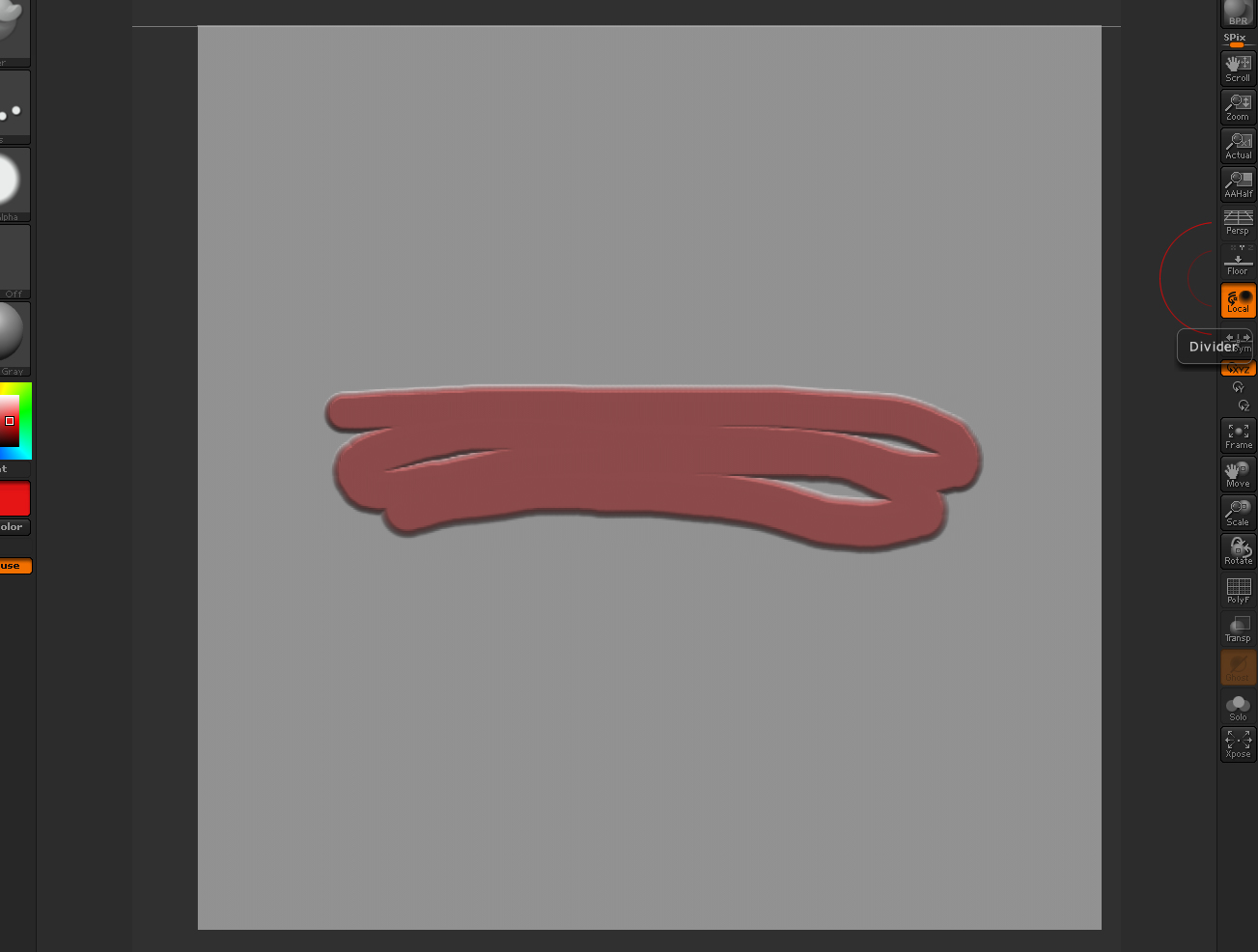
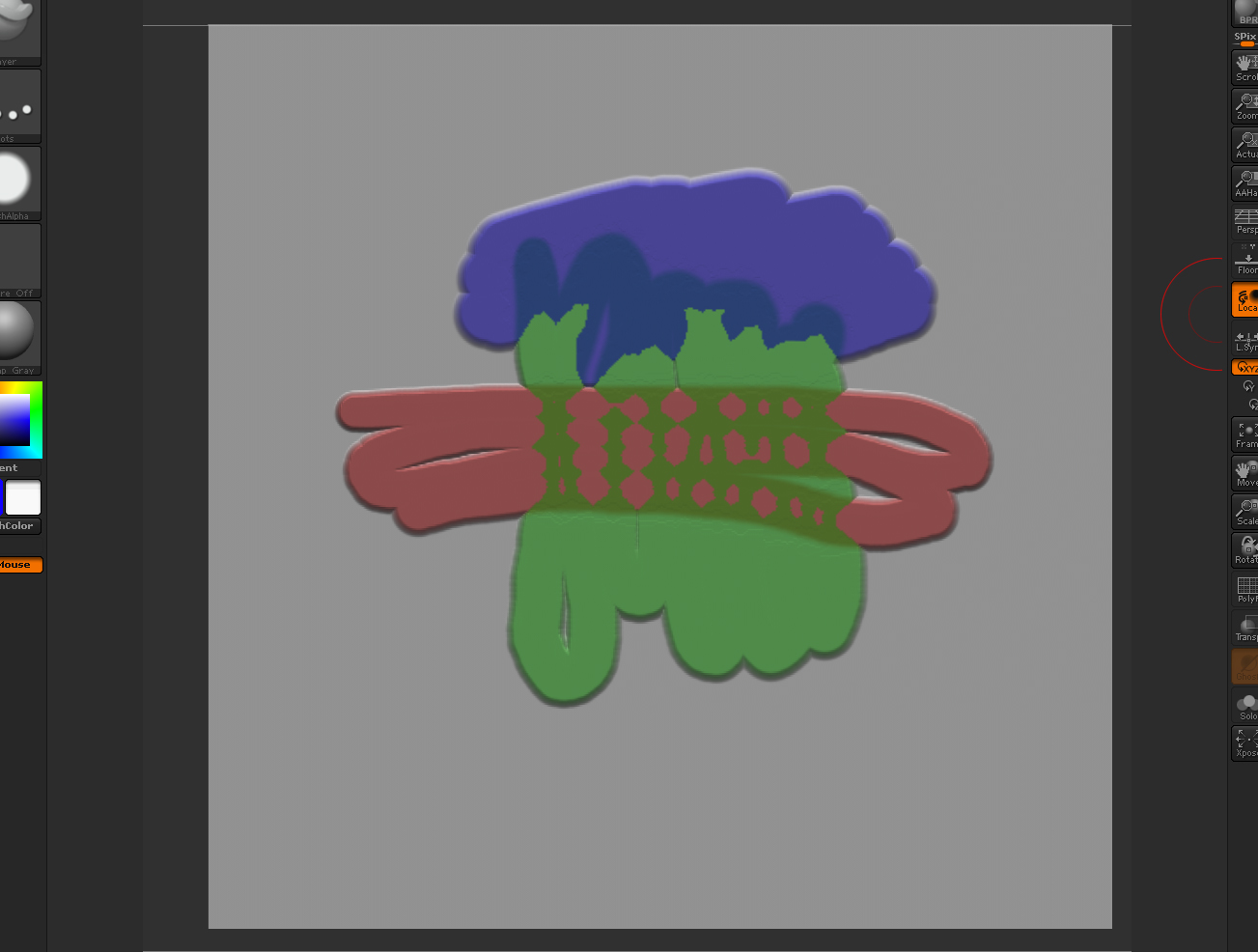
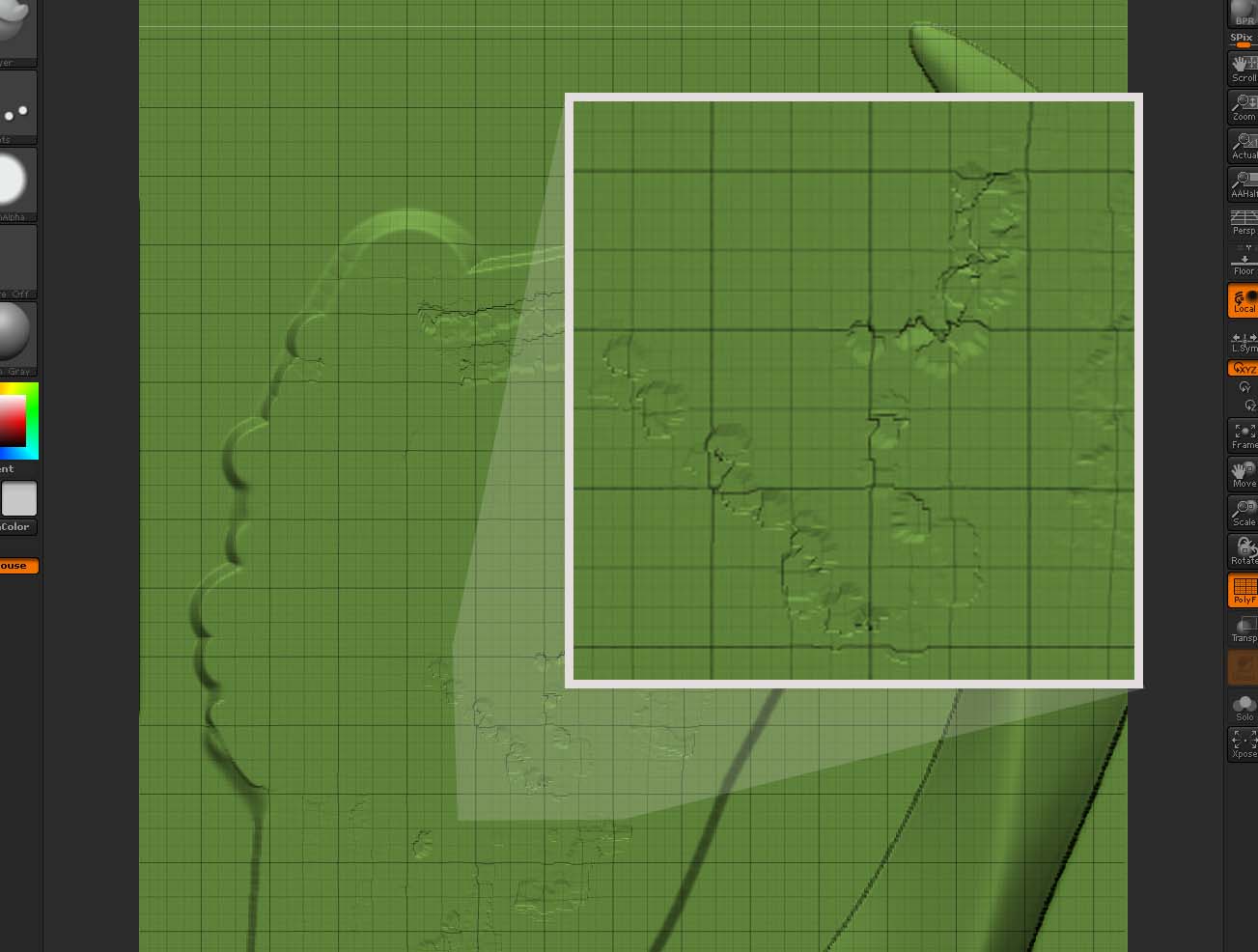
I tried using the layer brush, which is quite amazing. To get a clean, uniform surface without visible overlap, I followed the advice given by marcus: Set the Preferences>Tablet>Z Sensitivity to 0. That should disable the tablet input and depth is set through Z Intensity. To get constant depth when strokes overlap, store a morph target first (Tool>Morph Target>StoreMT.
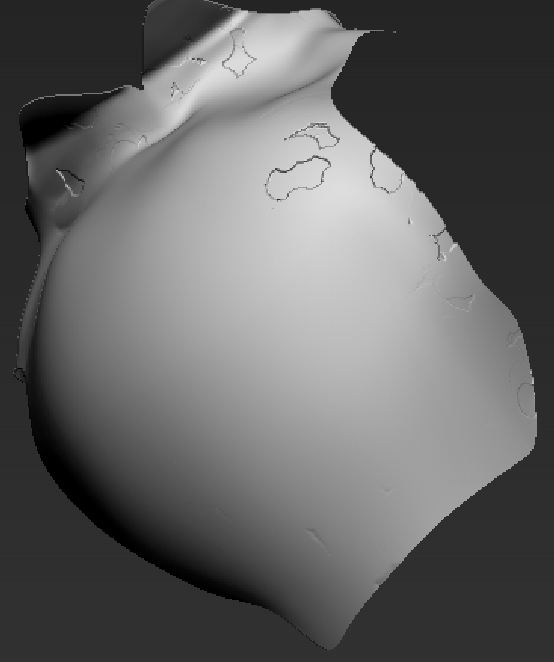
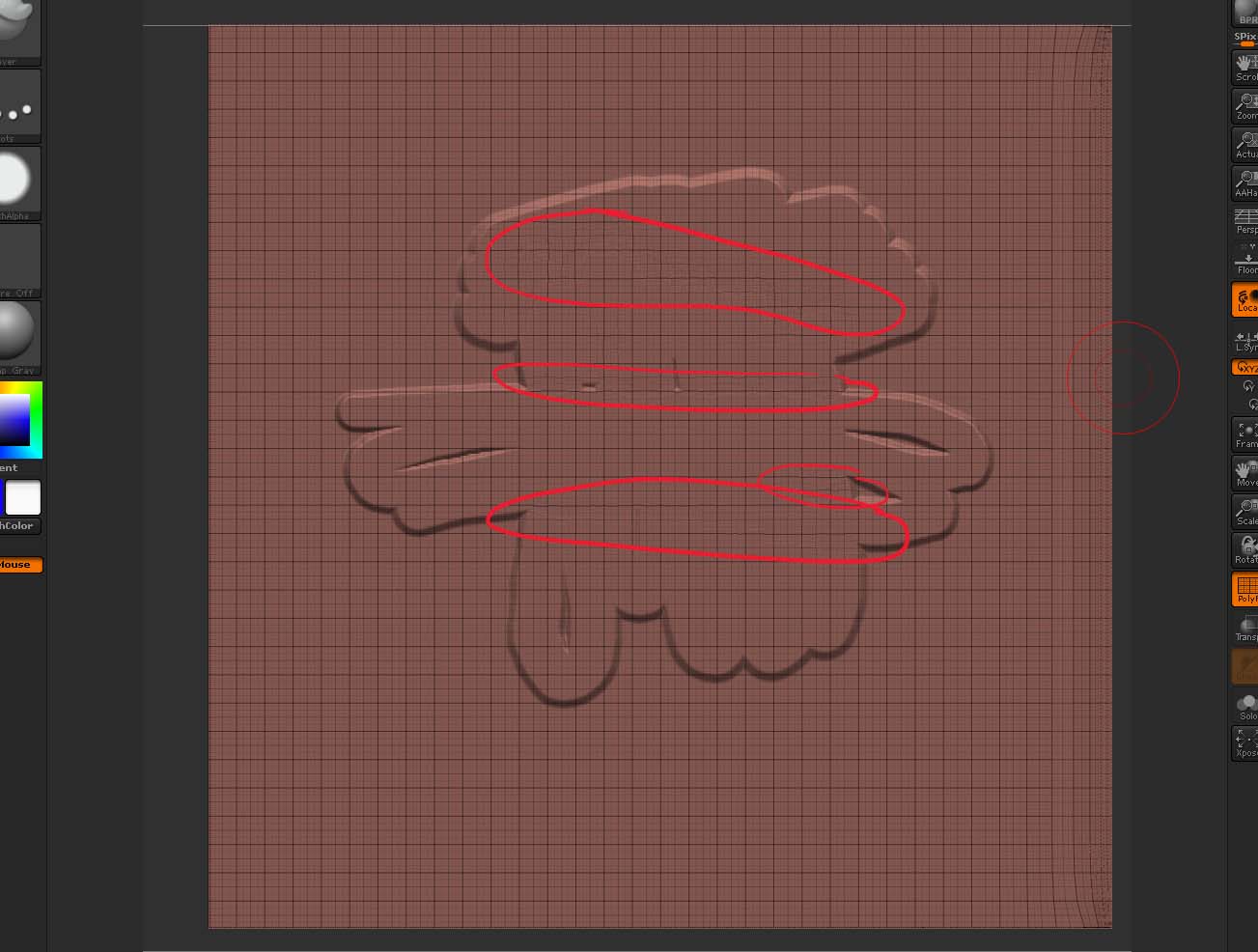
Works great except that I get this “chipped paint” effect in places. See image attached. Redoing those areas doesn’t correct the problem. Does anyone know how to avoid that?
Attachments