I have been having this issue and hopefully someone here can offer a solution.
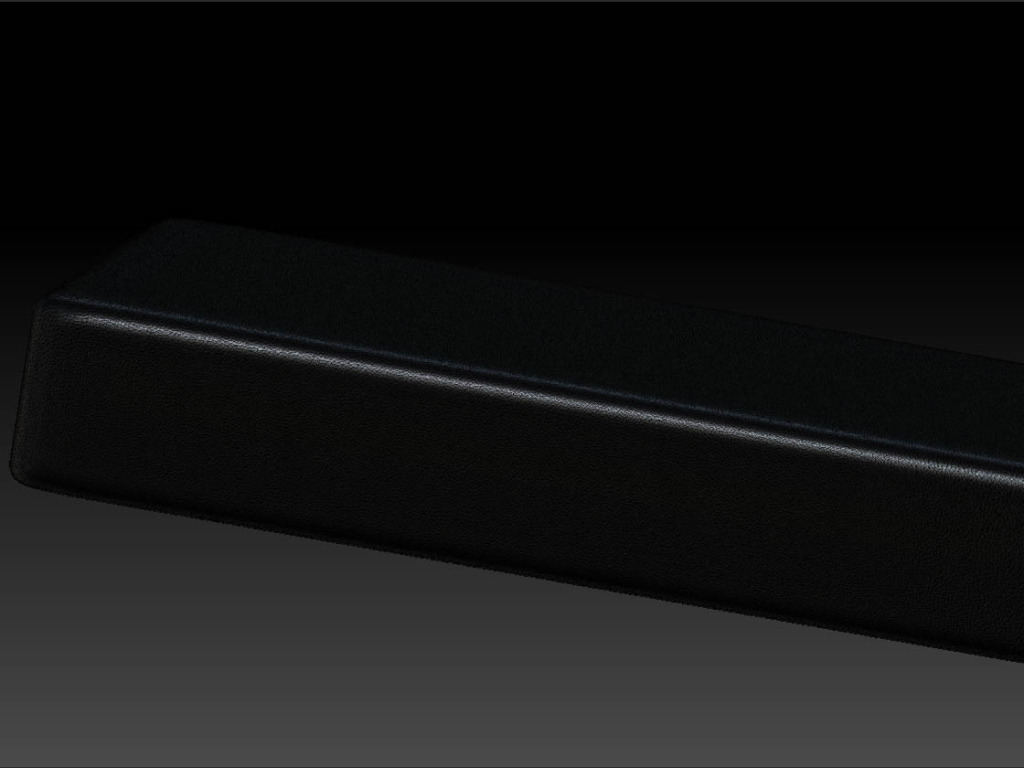
I have my high poly model textured the way that I want it…
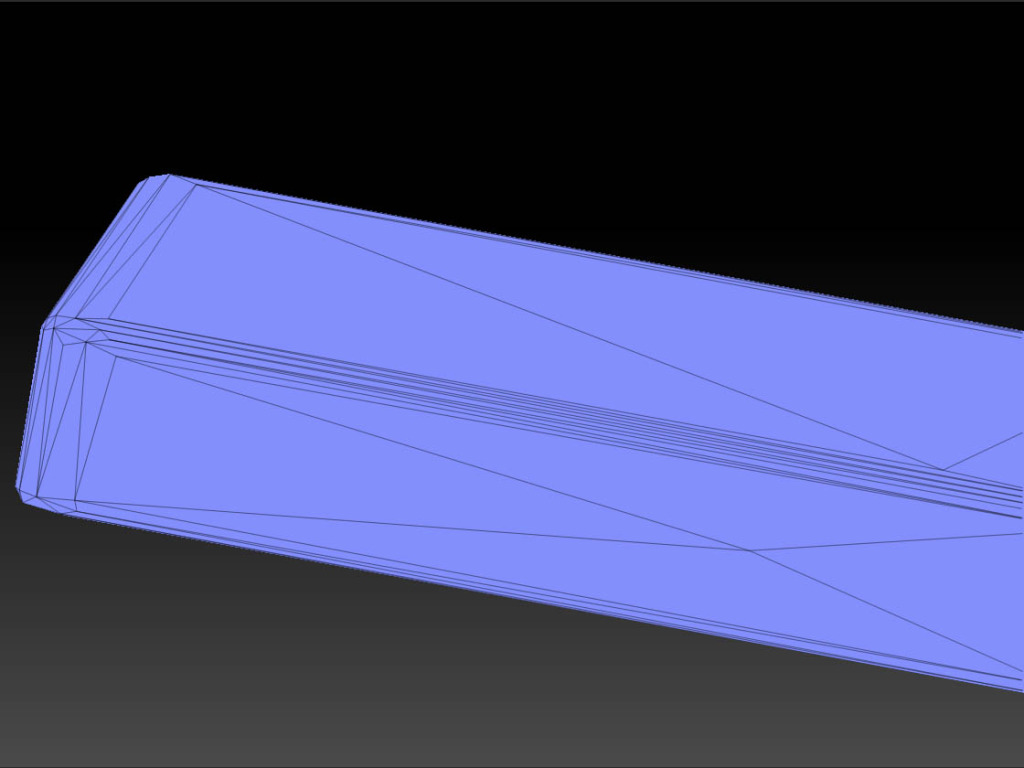
Then I made a duplicate of the subtool, decimated it to 100 points…
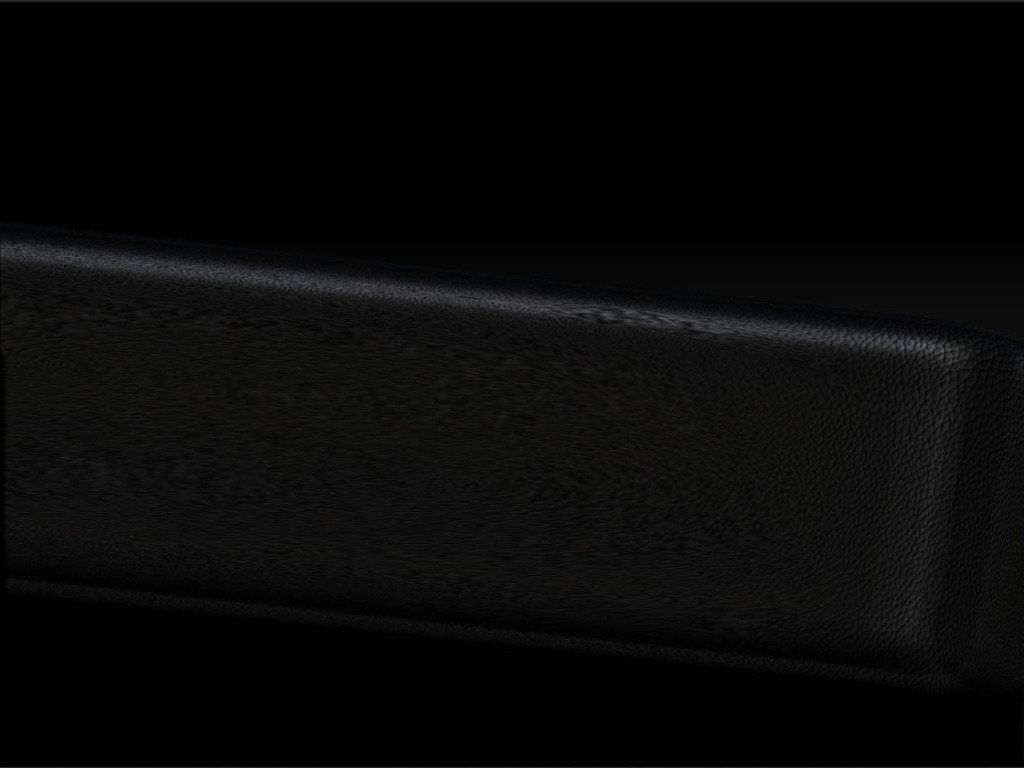
I then subdivide with smooth turned off to around 4 million points, then project it to the original, the texture on the decimated model ends up looking stretched or blurry in some areas…
I am assuming that this problem is related to the fact that the polys are not uniformly spaced acrossed the decimated model. Is there any advice that someone can offer me here to correct this problem? I tried subdividing one more time beyond 4 mill in hopes it would add enough definition to the lower density areas of the model, the result was only a slight improvement, not quite adequate. Is there another approach that i can take? Thanks in advance for your help!
Attachments