ZBrushCentral

problem in getting rid of texture/normal map seams

being stucking with this problem for a while now, tried many ways googled from net but non of them worked. I did it step by step but the result is still the same… feel very frustrated.
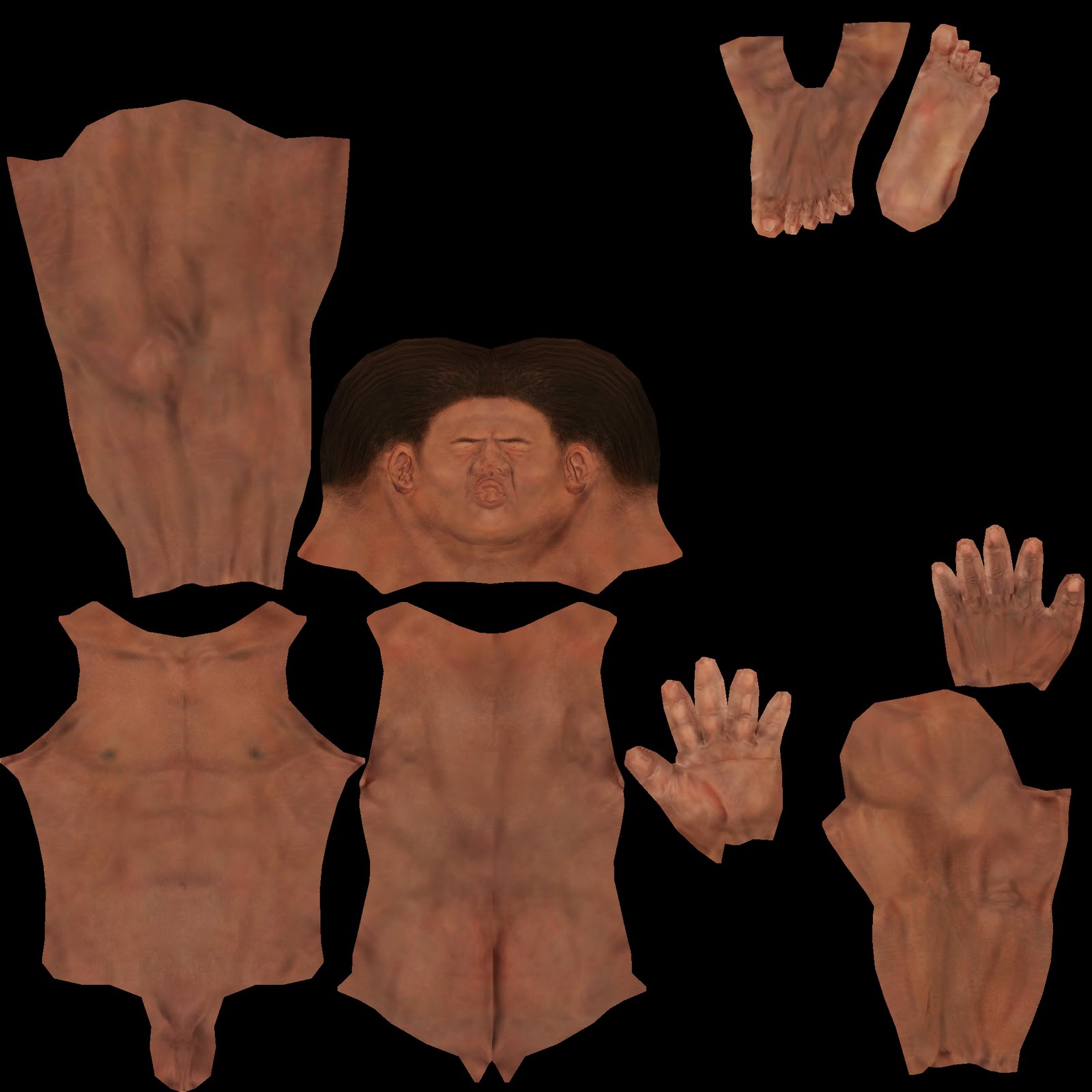
What I did to my uv map: I used mirror for all parts of the body except body and head. It shouldn’t be a problem right? I seen many ppl do the same thing to save more uv space.

http://boards.polycount.net/showthread.php?t=51088
this found in polycount, but don’t seemed working

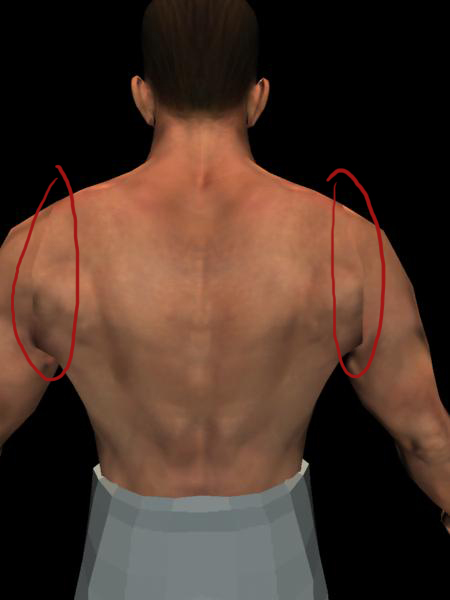
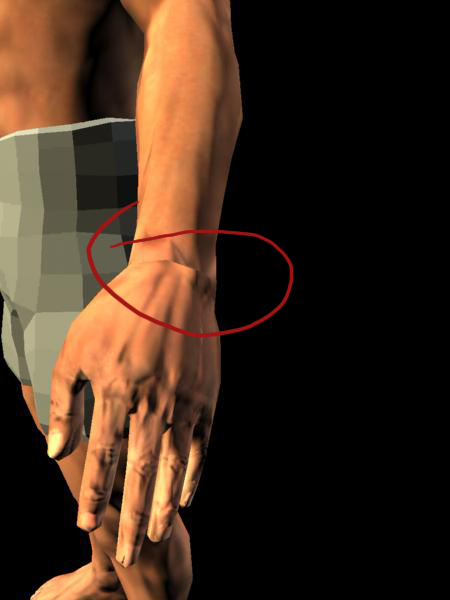
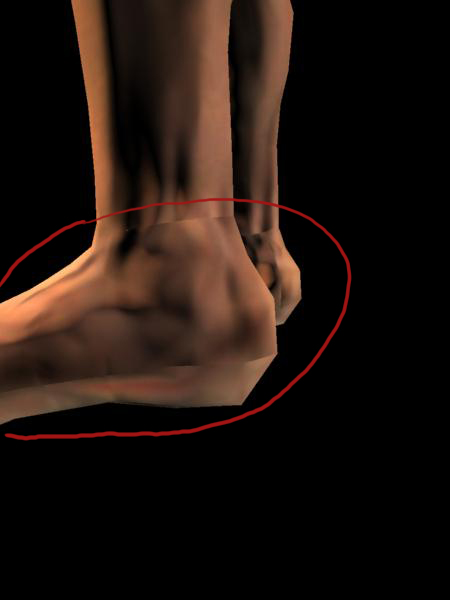
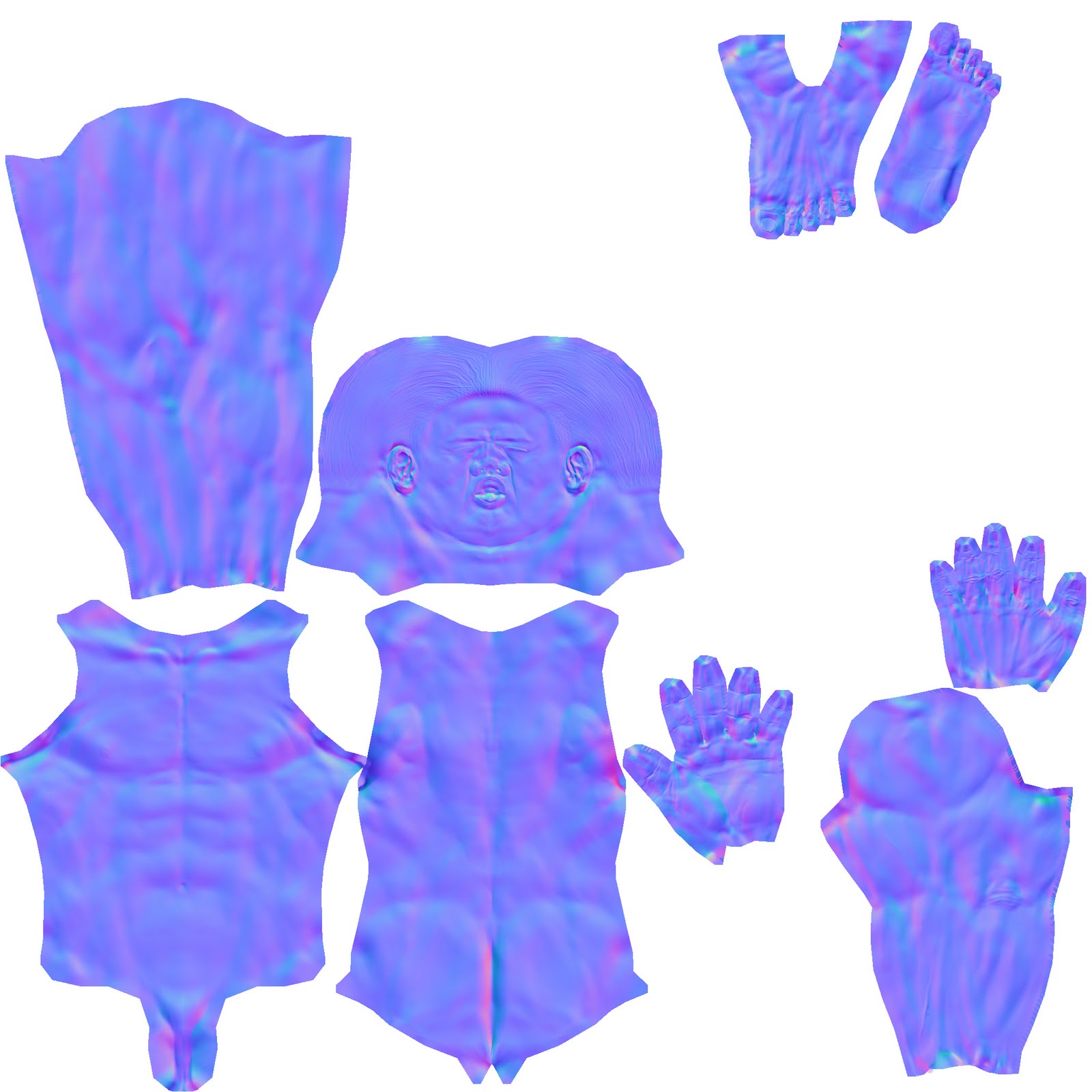
here are screen shots of my problematic area, color map and normal map.
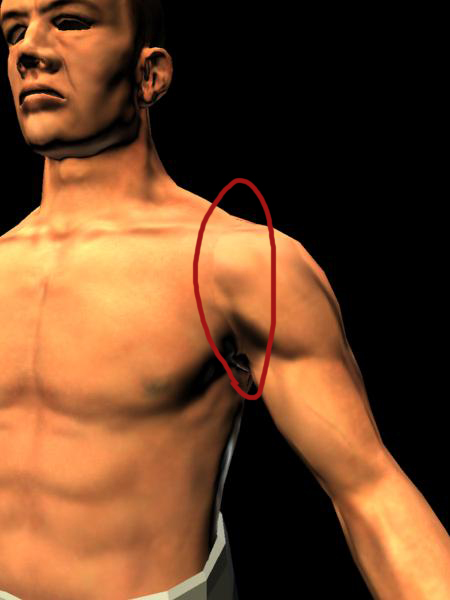
NMproblem01.jpg

thanks a lot
-Danny-

Attachments

NMproblem02.jpg

NMproblem03.jpg

NMproblem04.jpg

body_CM.jpg

body_NM.jpg

Normal mapping’s seams occurr when your uv shells aren’t parallel or perpendicular to each other.

The seamless normal map’s tutorial uv layout is perfectly vertical, you have to layout your uv’s properly.

Or you could paint the seams with an 128,128,255 rgb color, but you will loose detail

im sorry, i don’t quite understand what you mean by making the uvs parallel and perpendicular. Do you mean I should strighten out the border edges make uv islands as squarish as possible?

Nah, seams that bad aren’t down to unaligned uv borders. That is more likely to be a flipped green channel in the normal map (from the point of view of the graphics card that’s displaying it)

Open in PS, go to channels, select Green on its own, hit CTRL-i, resave, reload in 3D app.