ZBrushCentral

problem importing high res details to low

hi guys,

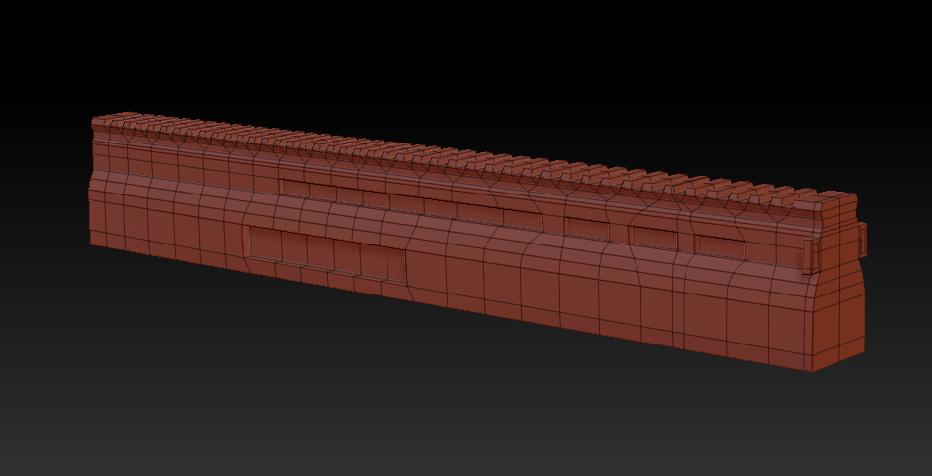
I am new to zbrush and i am having trouble transferring details from high poly to low, i made this model(part of scar)

now i want to project these details to this mesh

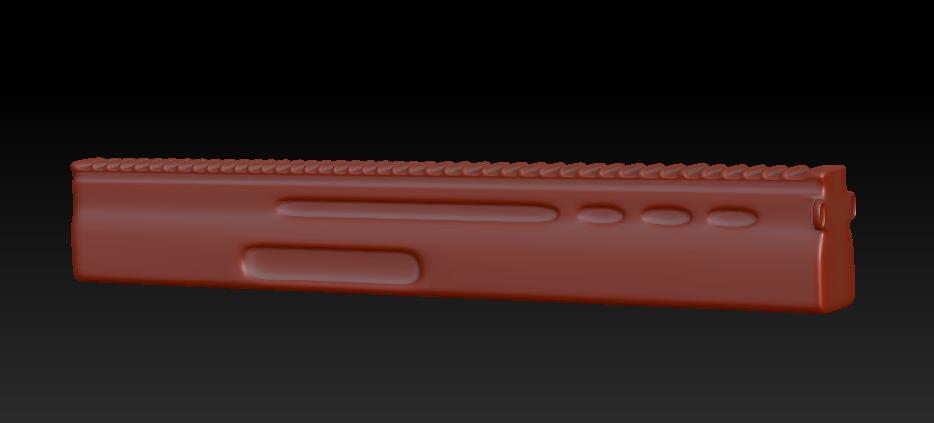
so i went to sub d level 1 of the part and imported it and clicked yes to project the details, the result i got was this

i also tried turning of smoothing(smt option near divide button) while subdividing but it gives the same result.

so please tell me what is it that i am doing wrong and if there is any entirely different fast and efficient process to do the same than please share it with me.

thanks in advance.

Attachments
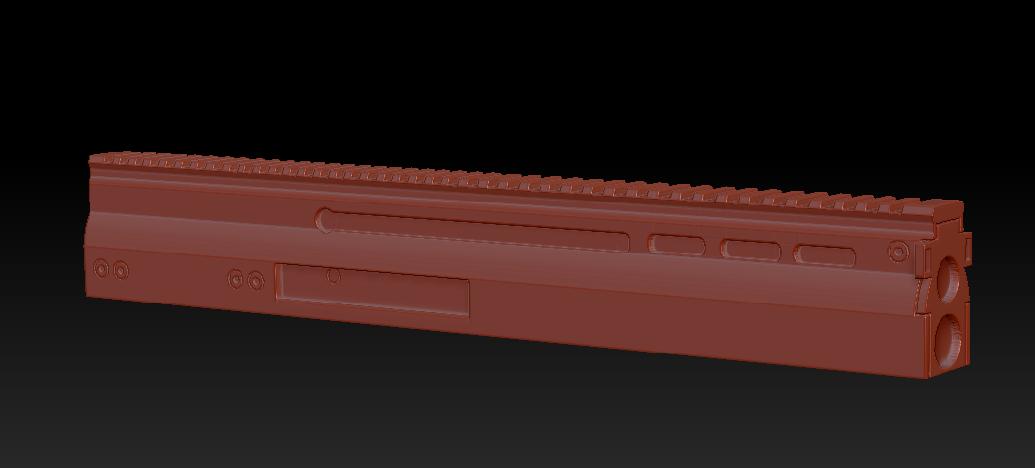
hp.JPG

LP.JPG

PROJECTED.JPG

Try appending the new version of your model to the original as a SubTool. Since I assume you’re going to want to create a displacement map, store a morph target before dividing the new model to have the same number of subdivision levels as the original. Now use Tool>SubTool>Project All to copy the details from the original. You can then delete the original, return to level 1 and switch morph targets before creating your map.

Thanks aurick that helped a lot, i am just having minor projections errors but i will sort em out.
Again thanks