ZBrushCentral

probelem with texture (Max to Zbrush)

hi everyone it is my first post in zbrushcentral. And Pixologic ofcourse need no introducation because it is great 3d and 2d application we have ever found. And I personaly like Zbrush thank you pixologic team.

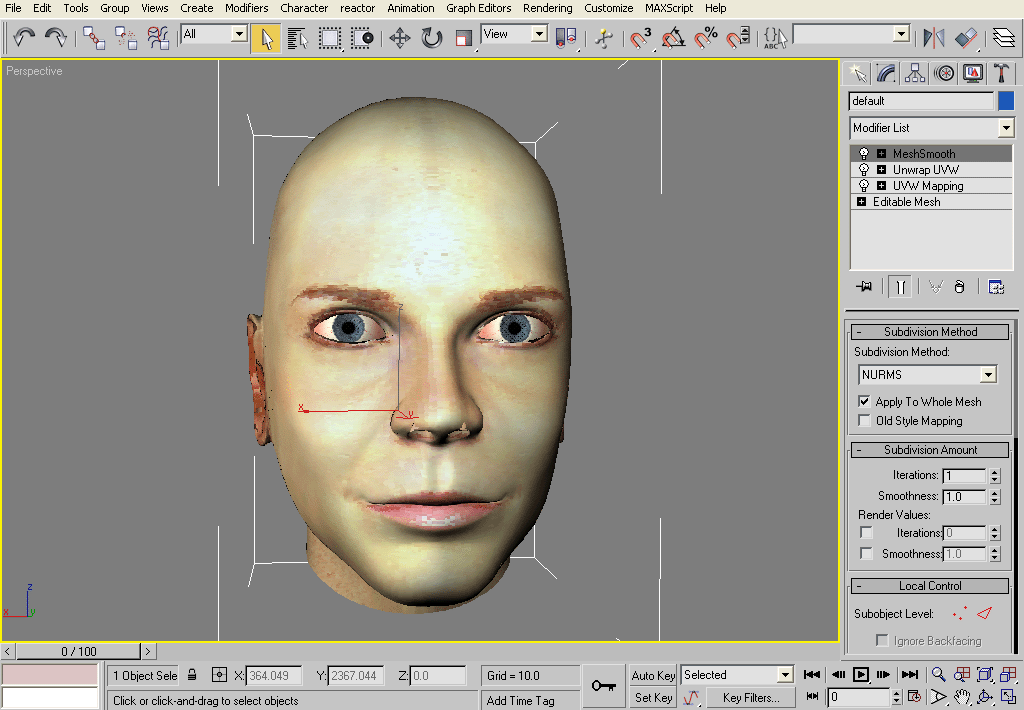
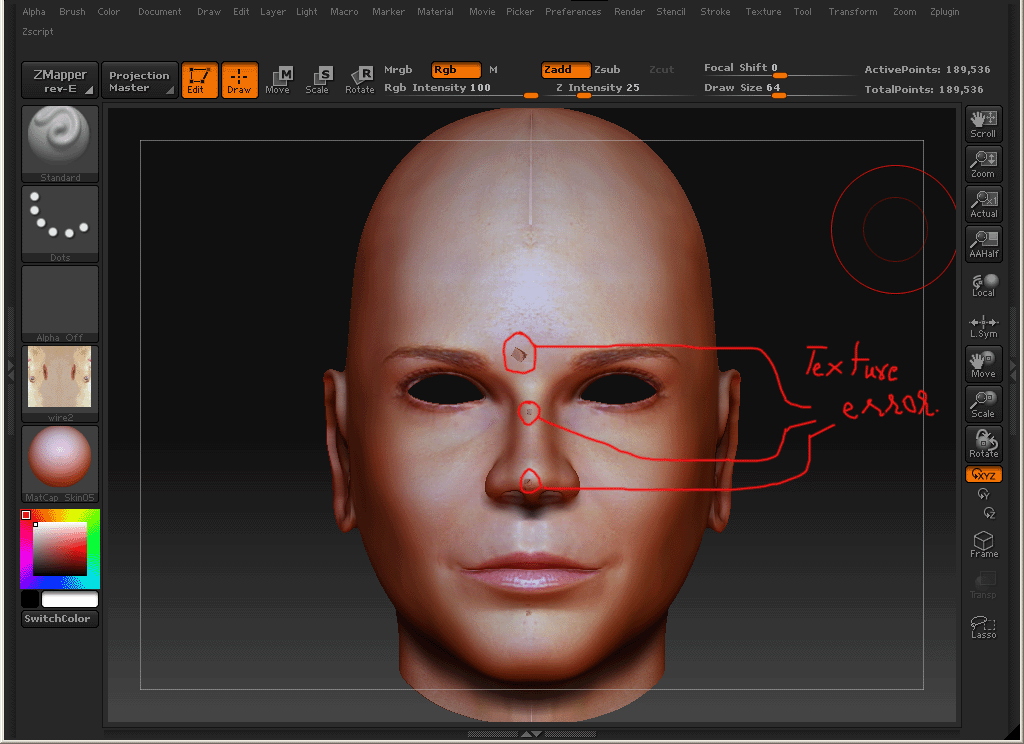
ok here is some probelm with texture when i export my model with texture at 3d max into zbrush it gives me problem and i’m not understanding the problem. here is some shot i hope you may solve my problem. thanks in advance. :slight_smile: exp_sitting_1.gif

Attachments

max_textr_2.gif

impt_zbrush_3.gif

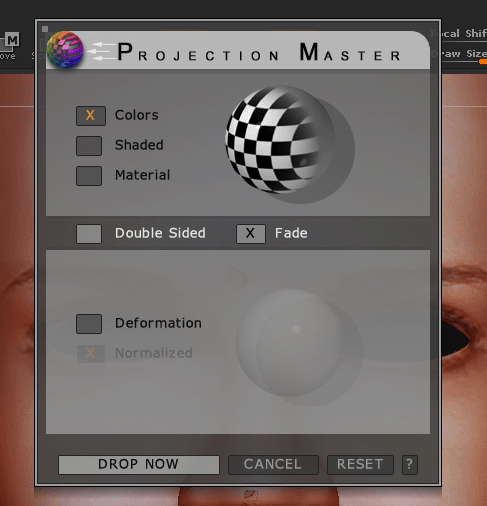
Projection_master_setting_4.gif

Here are list of suggestions I can tihnk of on top of my head atm…

-Did you collapse the stack before export the mesh?
-Have you ever tried with Editable Poly instead of Editable Mesh?
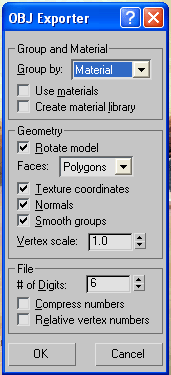
-Have you try use different settings in exporter?
(i.e. use “Object” (instead of ‘Material’), “Quad” (instead of ‘Polygon’), “digit # 12” (instead of ‘6’) )

If you try all but still having same issue, repost here, please…

Rybeck

I have tried all this. But it doesn’t work. :cry:

A few more things I can think of would be…
-Apply xFomr Rest before export from max
-Make whole object contains single smoothing group

What about your UV map? May I see it? Hopefully both screen shots ‘from max’ (or other UV editor if you substitute) and ‘from ZB.’ (UV check under Texture subpalette will generat new texture based on your current UV)

I don’t know about xForm Rest. And soon I will post the uv map ok.

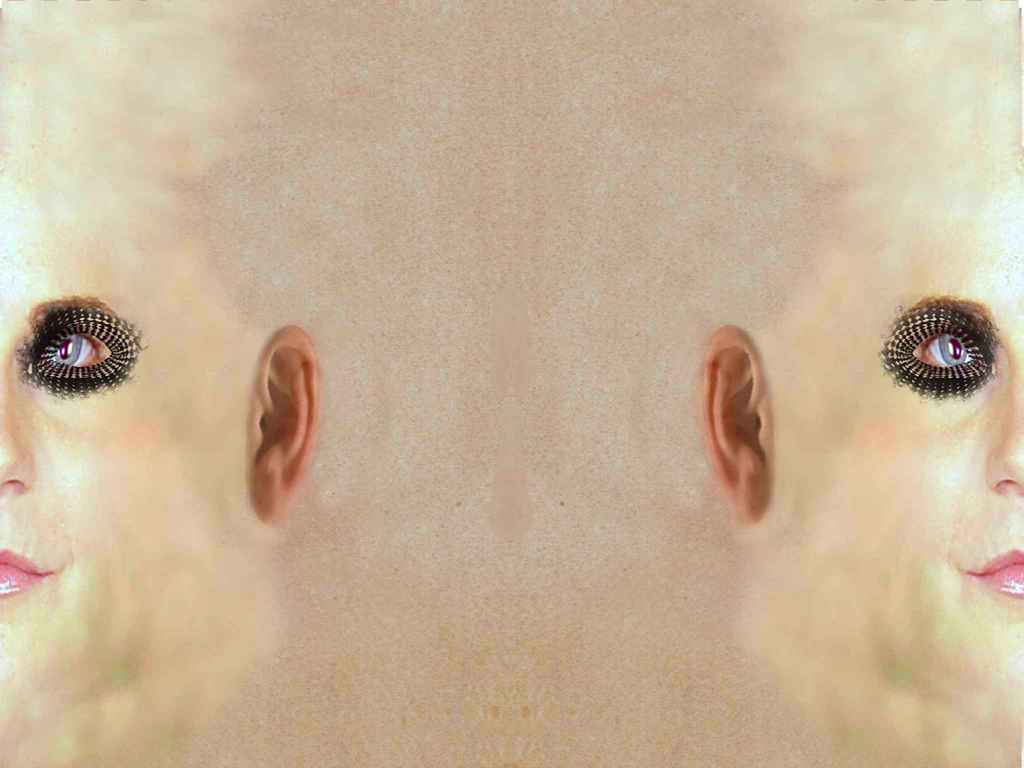
ok here is my uv and map. here is the uv in 3d max and I wanted to make some correction in zbrush.face_texture_1.jpg when I work with Projection Master it is not coming excatly when I paint everything. It should come smooth but …
Attachments

wire_error1.jpg