ZBrushCentral

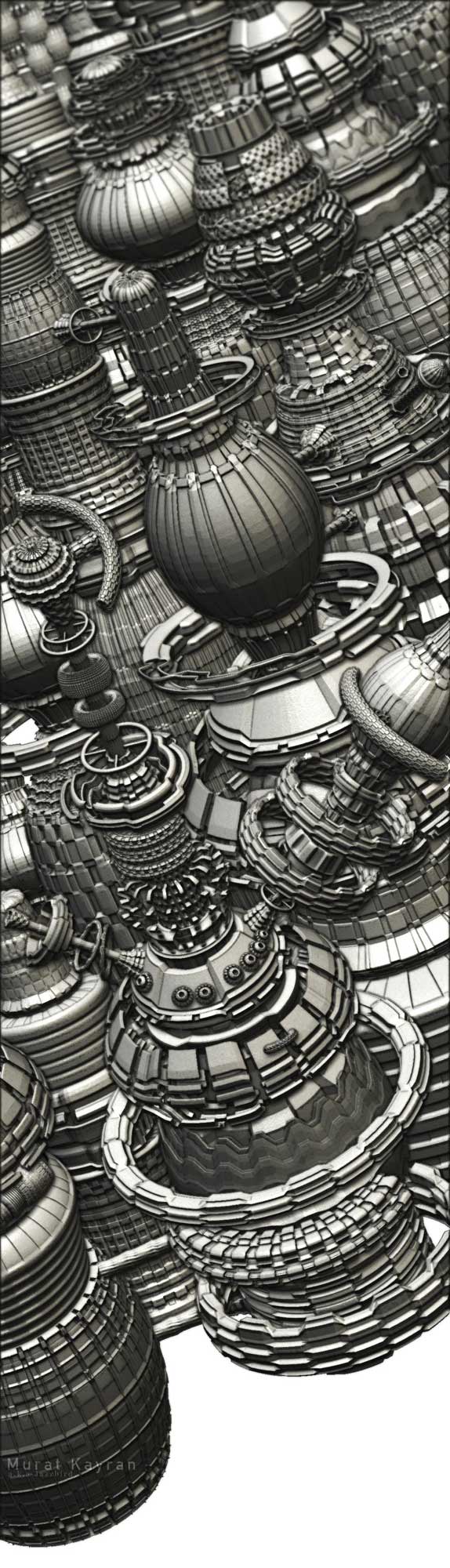
primitive city jazzbird version

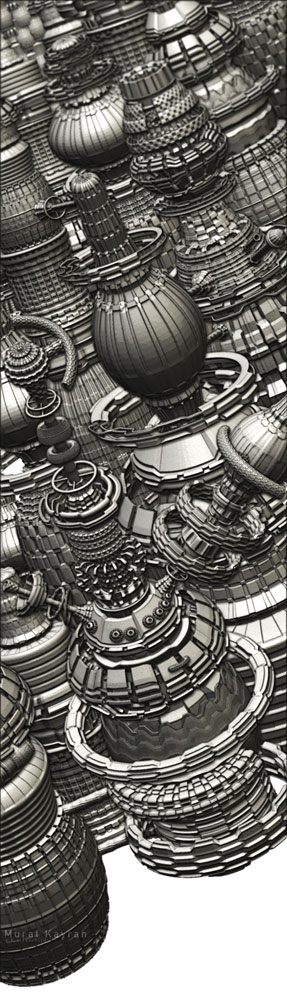
OK heres my primitive city
well i guess i wanted to look it a littile bit sketchy
so oldfriend photoshop interfered
hope you guys like it
its still a wip and crtics are most welcome
sorry for my wierd canvas size but i needed to be this way

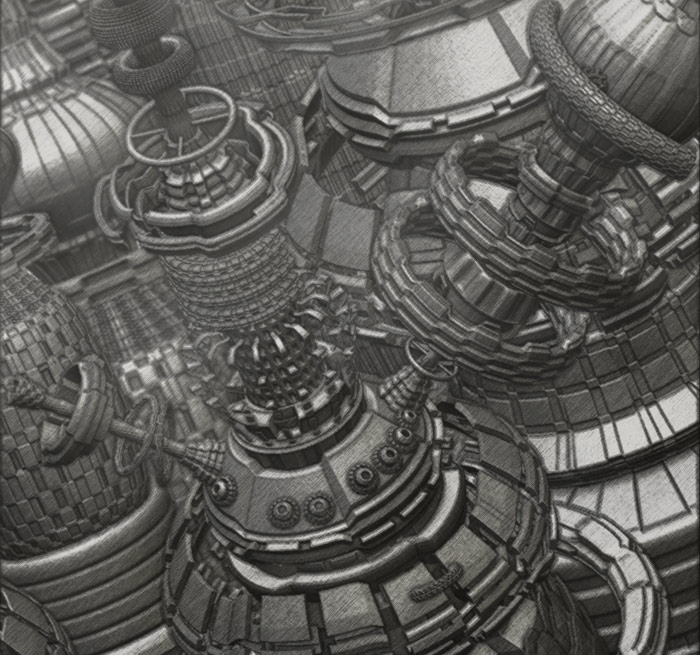
lov-detail.jpg

Attachments

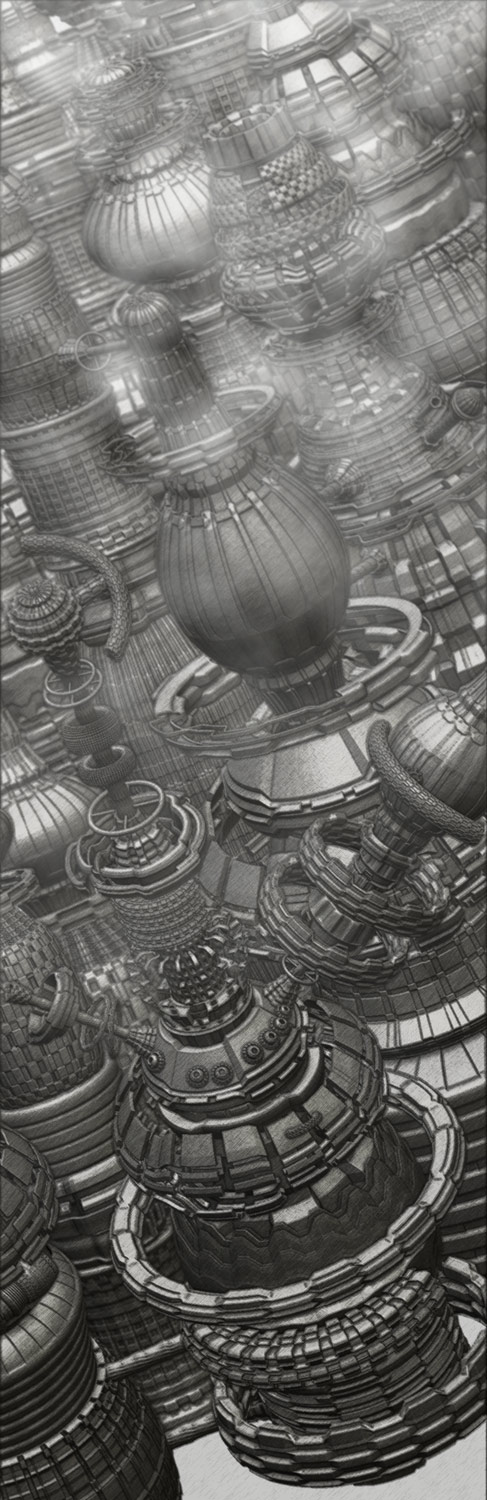
low-res.jpg

highres-city.jpg

Cool. You could try experimenting with the fog tool in the Render settings to get a bit more depth. The blurring you added in PS helps, but there is little tonal difference between foreground and background, so all the buildings look close together. There’s also a tutorial on perspective in the tutorial forum … that’ll help some more, I think. But still a really effective pic. :+1:

thanx for the feedback well this is my first pixol image
so im not very familiar with the render settings of zbrushbut im willing to learn and try harder. :smiley:

-The dark side of the force has many abilities some considered to be unnatural
-is it possible to learn those powers
-not from a jedi

where are all the starwars fans

hey z brushers
made some changes add some mood ,fog and depth
crosshetchıng done ın photoshop wıth multıple layers also
color correctıon .

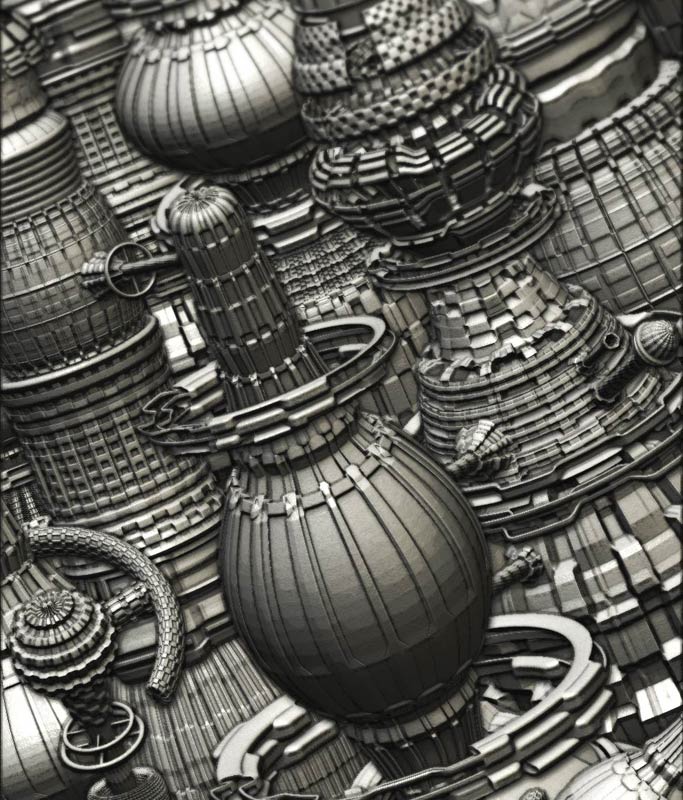
heres the updated version

mudet.jpg

Attachments

muratforz.jpg

Cool. Check out the recent pic by 3DJock and previous posts by Meats Meier … both masters of this genre.:+1:

Not a bad start… For your fog, you might want to add alittle texture to it and add some distance. You can do that by clicking on the first depth to the left, holding it and dragging the pointer onto your canvas. That should be your foreground or whatever is closest to you. Then do the same thing for your next depth and that should be your background. It is alot easier to drag onto you canvas rather then trying to come up with a number.

The same thing applys to your Depth cue, dragging it onto your canvas. Just look where you want it to fade, foreground or background…

Some people forget these steps or don’t know how but adds so much more realism to your piece of work…
thanx for the comments guys

moochıe
yes i have seen both of their work and decıded to make one myself they are both brıllıant

3djock
and yes ı fınally understand how the dept cue works used ıt too but for the fog ı dont know why but fog ıntersected wıth 2 of the buıldıngs make
ıt looked lıke two of maın forms completely cutout
so i add the fog ın photoshop

…use a material or a texture on the 3D object ? :slight_smile:
For the next crazzy city ? :wink:
Have fun Zbrushing! :cool:
Pilou

actually there ia a material on the city but its been washed up after photoshop
at least ıt looks lıke ıt