ZBrushCentral

Predator_game model

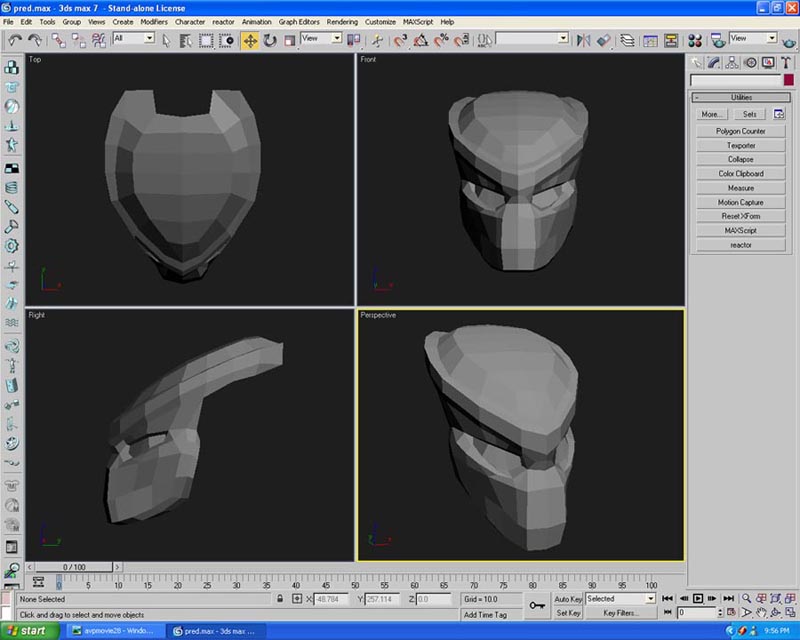
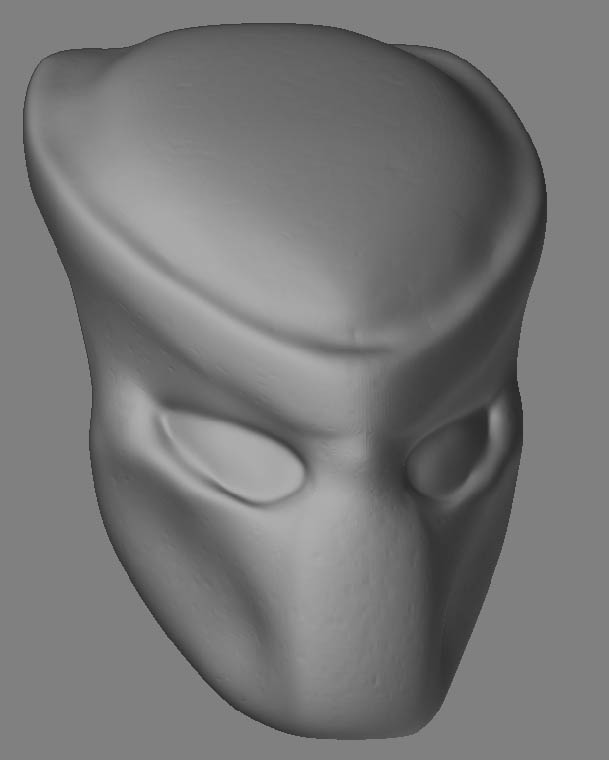
I decided that I might want to make a AVP mod with the HL2 engine. I am fairly new to ZBrush. The top one is the low poly mesh made in Max7, bottom is the high poly model drawn in ZBrush from lowpoly mesh for normal map.
One question, is there any easy way to make “bumps” like in this ( http://www.alien-archiv.de/avp%201280%20final.jpg ) picture other than doing it bump by bump. Also, I know nothing of painting with ZBrush so if you know of a good tutorial on making a skin that looks similar to the one in the link above that would be really appreciated!
Thanks
_JaPoZi

Attachments
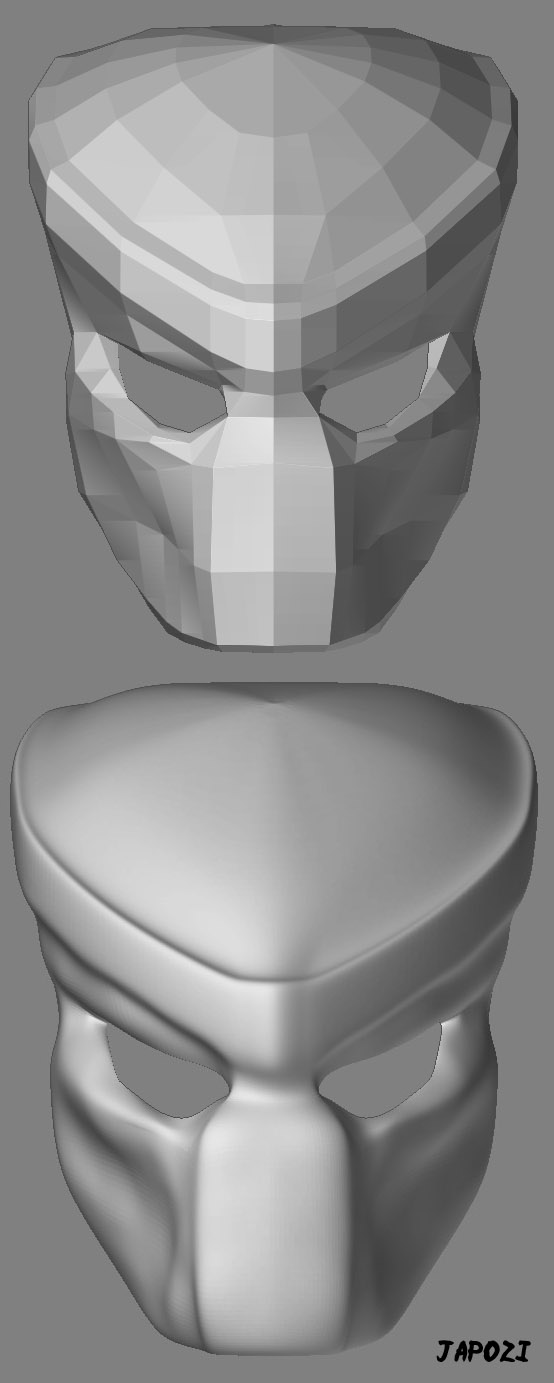
predator_low&high_1.jpg

use your Projection Master if you are wanting to texture the whole model. Use drag stroke and one of the “dots” type alpha brushes, zsub on, and rotate that alpha as you are painting to mix the pattern up a bit…hope this is what you are asking. You should be able to pic up the Predator helmet nicely doing that. Play around and have fun and you will be suprised at your results…dont hesitate to ask the forum for help.
ron

hmm,thanks for the help, but ( and I did look ) I cant find where the projection master thing is?

:edit: nevermind I found the projection master, but do I want to go to colors, shaded, or material?

I just did this quick little speed head model test…just to show you some different ways of using some of the default alphas and simple brush etc…put show actions on when you load the script…hope this helps ya…and far as proj master…you can use some of the techniques I show in the script with PM. That is one of those tools you play with to understand…it wont allow at this time to record scripts using it or I would do one of those for ya as well…lemme know if you have any probs with the script…
kidn regards,
ron

PredHelpHead1J.jpg

sry, just got back, getting ready to check it out, thanks a lot !!!:+1:

:EDIT:
wow thanks I just watched it, im going to try it now :slight_smile:

Man, this was a quick one, my eyes are still roling!
When I’m not fishing, I’m Zbrushing!

The projection master, what is it doing? Wen I’m sculpting I can not do the fine details like in the PrM. It does not make a bump on the texture because I can use it without a texture. Can you explain this?

yeppers…it was pretty quick…you can slow the zscript playbacks…I just watched it myself…the lip or ring around the head did the silver thing rather than the gold thing in the use fo the materials for me…must be a bug or me screwing up…who knows…hope it helps…and if I am not hollering at my kids, doign chores, zbrushing or sketching I try to then be fishing…callign for snow I think this evening…I still might go tomorrow maybe…if my bronchitis allows…been doing nothing lately but coughing up lung butter…o yummykins… :slight_smile: Bas I have shown your zombie catfish to several of my fishing buddies…they alllllll loved it… :slight_smile: a couple of them thought it was real.:+1: :+1: :+1:

Bas I wish you had asked me which cut baits I like to use and why, but as for your question…sadly I dunno…99 percent of my paintups are done in static mode like in the zscript shown… :frowning: you have discovered one of my many achilles tendons:o :o :o :o :o :o
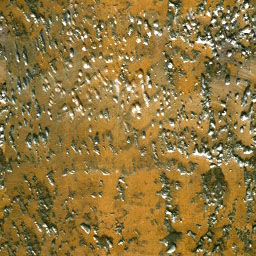
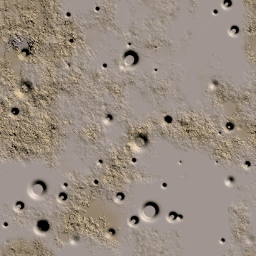
Hey this was my try :
http://photobucket.com/albums/v441/Tharok/avp3.jpg

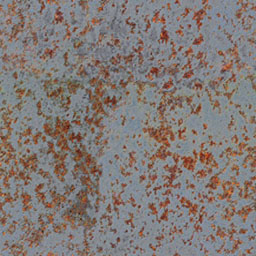
What you could do is take a rusted metal texture, use it as an alpha with projection master , and use the single layer brush with the alpha (CTRL holding with ZADD) and put in some dents.

(Alpha’s can have a fading option , so it fades in a circle radius , avoids hard edges while making those dents with projection master)

Look at the attachment for textures to help you on the way

And ps : I love HL2 !! , I tried to make a rotating HL2 logo , but I stopped the animation after 2 hours of rendering , so it doesnt go all the way round yet ;p
http://home.scarlet.be/~cd978315/logo.rar

Attachments

metal007.jpg

metal012.jpg

metal056.jpg

You have a good sense of humor. The best gift is a smile!
Once a catched a small fish and I lay it down on a 40% copy of the newspaper.
On the photo it was looking much bigger. This was my first cheat without a computer. Now I have ZBrush and Photoshop!
About my question, the Projectionmaster… Maybe there is an Einstein or a Znerd who knows.
Fishing… : No ice in Tennessee? Here the fish are behind the (ice)window.
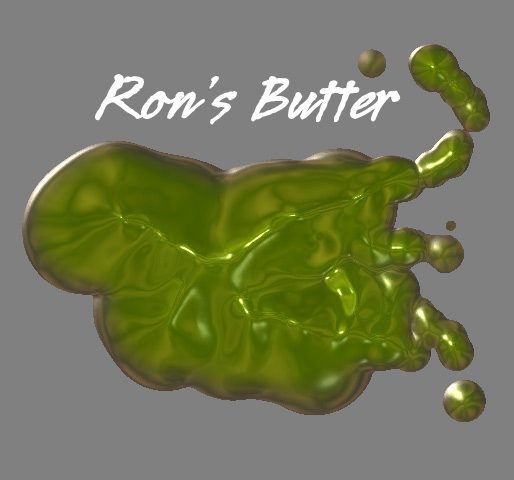
Coughing up lung butter… : We have a lot of butter here, but an other collor!

Attachments

Butter.jpg

Thanks The Namek, I like your try, looks awsome!! also I checked out your logo, I like it! cant wait to see full rotation :slight_smile:

The best explanation for Projection Master is built into ZBrush itself, because it can show you interactively.

Hit the “Help” button.

Select “ZScript and Tutorials: Complete List”

Hit the “Continued on Page 2” link.

the very last one should be “Texturing: Projection Master”

Watch the whole thing, but you’re mostly asking about Chapter 5.

Thanks for the reply, but this is not what I mean. I know how the projectionMaster works. I want to know how and where the extra information of made by the projection master is stored.

Short answer: it isn’t.

When you start Projection Master, your model is dropped to Pixols. You then have access to every 2.5D pixol-editing tool in the arsenal. When you end your Projection Master setting, your model is restored to it’s original location, it’s polygons displaced to approximate the 2.5D version as closely as possible. If you weren’t at a very high subdivision level in your model, much detail will be lost from that session and can never be recovered, because it’s not stored for reference in any way, shape or form.

Does that help?


Edit:
Just threw this together for you. Sometimes it helps to back away from the tiny details and just look at things in the most obvious way possible…

PM_HowTo.jpg

I picked up displacement and material here. Fade on, Normalized off.

Notice, by the way, that everything which falls behind my base mesh is ignored – we keep the flat shape from my original mesh on those polygons.

This is a good tut for newbies. Very clear and clean. :wink:

And more importantly, it let me test some new fonts.

(Okay, so my priorities are out of whack. But I bought these a month ago, and they’ve just been sitting there!)

Thanks for your kind explaination and time :+1: :+1:

I optimized the low poly version, it went from about 510 to a little over 400. I am going to re-do the high poly b4 I normal map and skin this. C&C welcome

Attachments

pred_low.jpg

I started on the high poly with the new base, C&C welcome.

Attachments

pred_high.jpg