This follows a post by thecrock on 09-07-09 about moving a chain of zspheres. As far as I can see, the thread never really answered the original question. At least, not as I understand it. This is my version of that question.
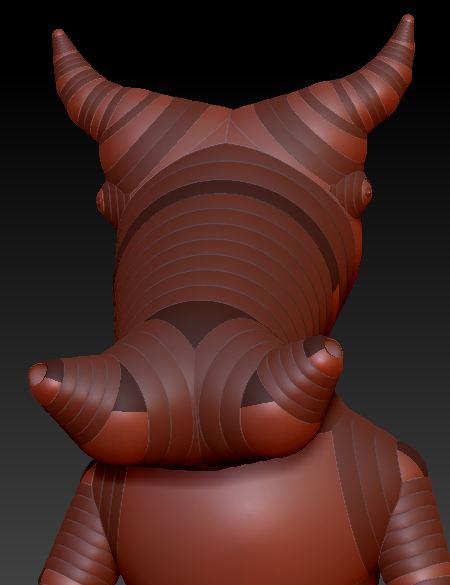
I attached a file, Armature.jpg, that shows an armature of a bull, with the horns comprised of identical chains of zspheres. I would like to pull the horns out further from the head, keeping the structures intact.
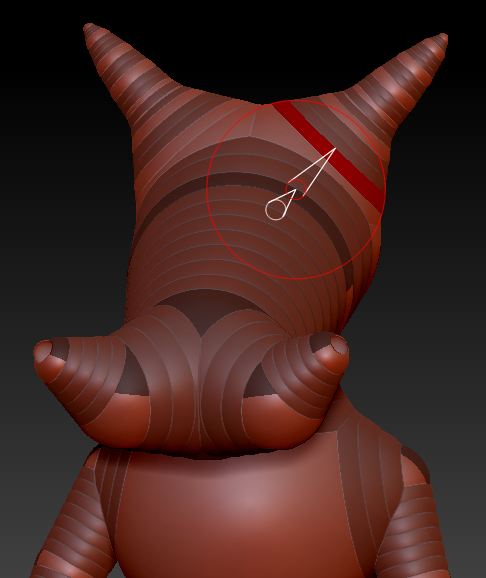
In Edit/Move mode, if I <alt> Click and drag on a link sphere I can basically straighten the horns and rotate them upward (more a rotation than a move), but I can’t really pull them up and away from the head. See Armature2.jpg.
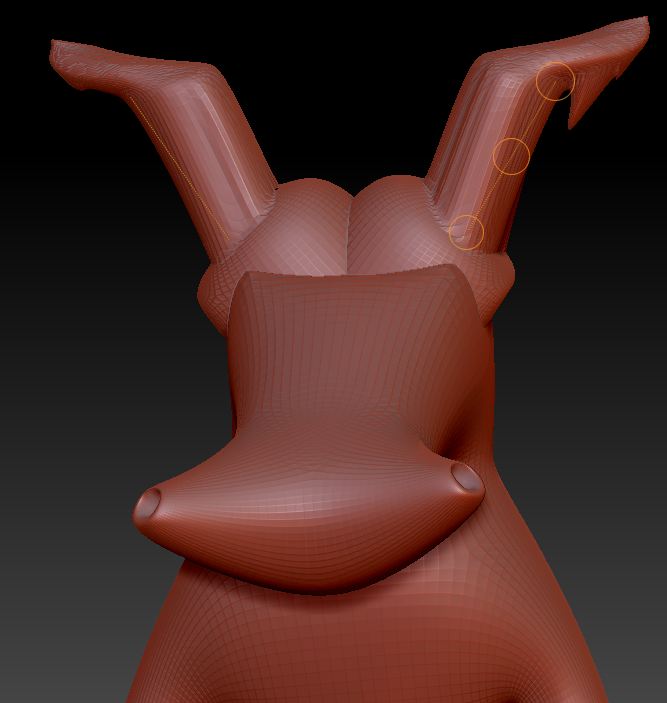
I can pull the horns up by previewing the adaptive skin, masking all but the horns, and using the transpose tool. But, I seem to be stretching the skin without any way to control the shape, meanwhile leaving the underlying armature unaltered. (When I toggle back to the armature, it appears unchanged.) That confuses me. I thought the transpose tool did reposition the armature.
In hindsight, I think the best way to approach this would be to keep structures like the horns very simple (minimal number of zspheres) until the basic form is blocked-in. THEN, start adding zspheres to accomplish the curvature of the horns and other modifications.
Any help would be much appreciated.
Doc Pit
PS: If anyone could point me in the direction of any tutorials or documentation that gets into detail about how to use the adaptive skins controls effectively, that also would be much appreciated.
Attachments