ZBrushCentral

Possible to "Mask by (Texture) Intesity" with 16Bit Mask?

Hi,

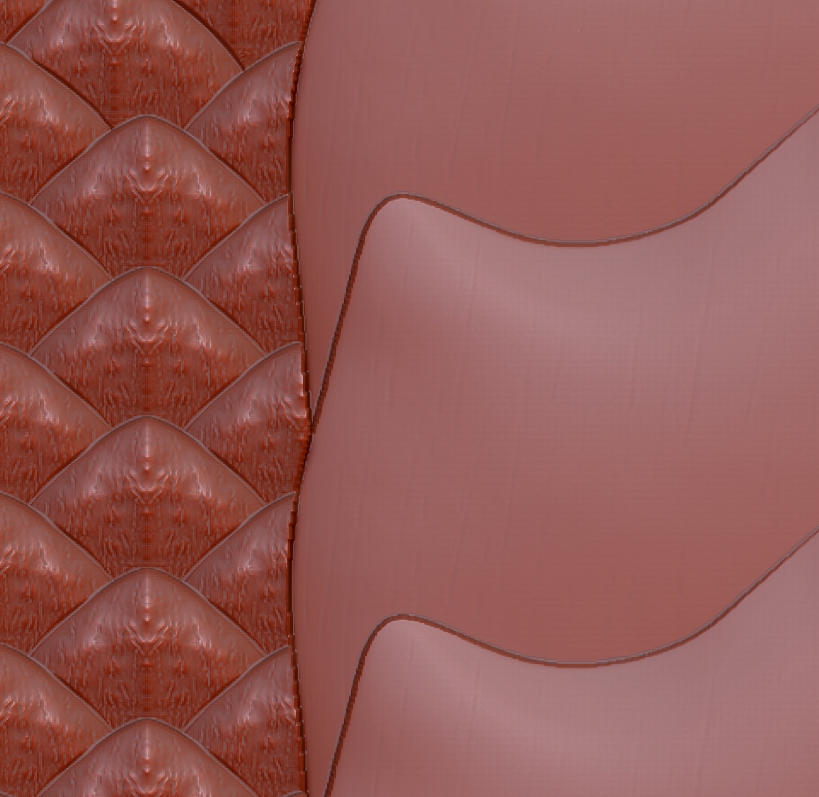
im actually working on the scales of a Dragon Model. For that i created a 16Bit Texture (or Alpha, it doesnt care its simply Grayscale) in Photoshop.

Then i apply the texture to the Model, mask by Texture Intensity and Inflat the Model.

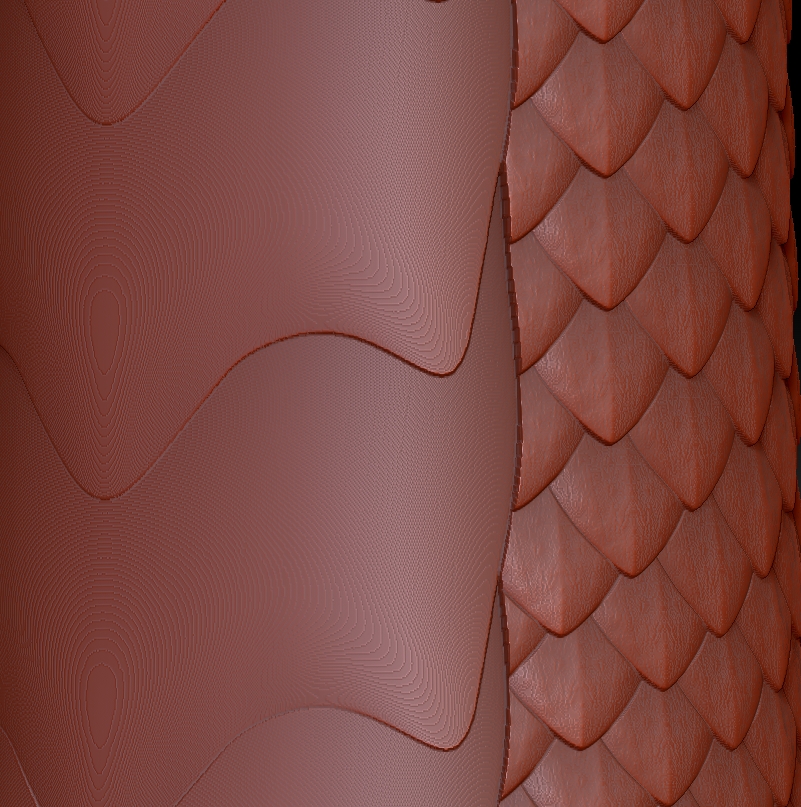
And here is the Problem, it looks that the Mask only use 8 Bit Grayscale and not 16Bit and thats why there are very visible seams on large Areas.

I attached 2 Pics, the first one is the extruded Mask and the second one is a direct Drag as Alpha on a Plane (you see the problem is not the Texture). I also noticed that the “Convert Texture to Alpha” only produce a 8 Bit Alpha too.

Is there some Way to change that?

Software: ZBrush 3.5 R3

Attachments
maskingproblem1.jpg

maskingproblem2.jpg

Its like i thought, the mask has only 256 levels:

http://www.pixologic.com/docs/index.php/Tool:Masking_Subpalette

“Masking can be applied with variable intensity—up to 256 levels”

And thats bad because i cant get high details from the “Mask by Intensity” Feature.

Is there any way to improve the Levels of the mask (Plugin/Script?) or is there a similar method to extrude Texture/Alpha details from a wrapped Texture?

Ok i got it myself. Or from the “Baking MatCaps” Tutorial from the ZClassroom.
Was much simpler than i thought:

Simply load the Texture as Alpha and use this as displacement map and then “Apply Displacement Map” and it bake the displacement into the 3D Mesh.

Thats exactly what i wanted. Things can be so easy sometimes.