Hello,
I have a mesh, which has not good topology, because it came from phot ogrammetrie …
To fix this, I would like to get a complete solid mesh with Dynamesh, that does not keep all that geometry failures.
Even when I “Fix mesh” and “Check Mesh Integrity” states, that everything is o.k., the mesh still makes problems.
UV Master is not able to generate proper UV’s and so on…
Is there a way to delete everything inside or to rebuild it like a solid mesh?
Attached some screenshots,
Thanks!
this is typical “inside” geometry in critical areas
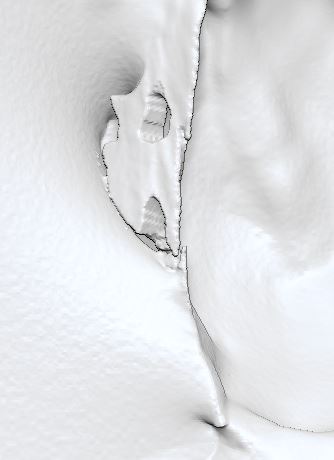
this is the same mesh, just a look at a special region from outside.
Of course I can delete this area, but there are more hidden like this in unknown parts.
it needs a more automatic function. Fix Mesh doesn’t detect it, and especially solves not anything with flying parts.
(picture shows twice the same: with poly colors and without on the right)
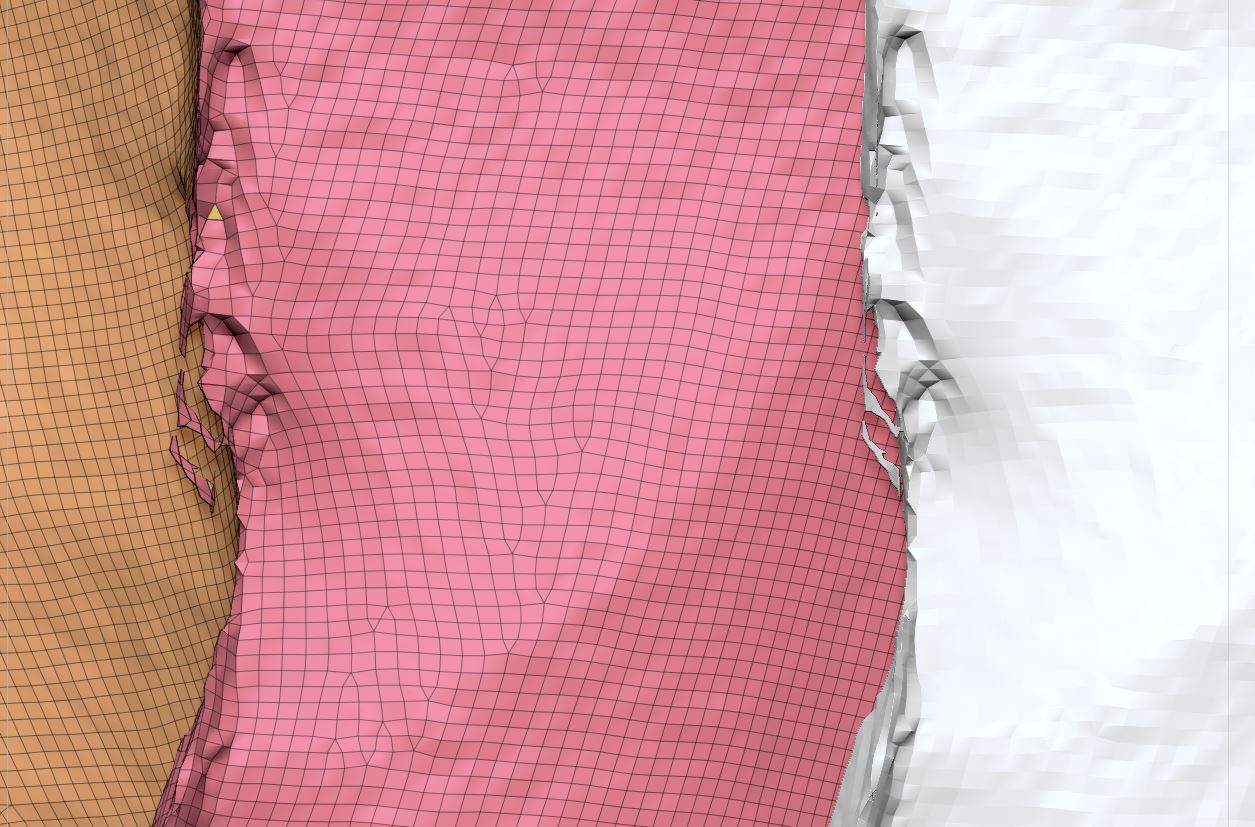
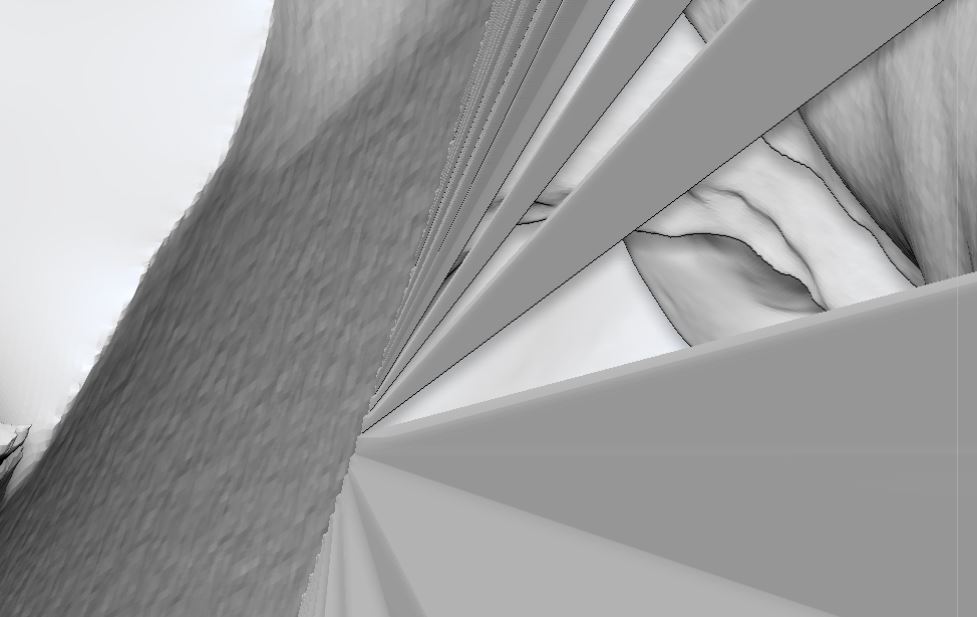
and other weird stuff you can find when you go inside into micro details:
Attachments