Another noob topic  .I have watched numerous videos on posing your model. I’m pretty familar with transpose now. My question is whenever I try to pose my model that doesn’t have subtools parts of the mesh get very distorted, am I missing something?
Could you show with a screenshot?
Sure. I’m using the demo male for the example but the results are the same regardless.
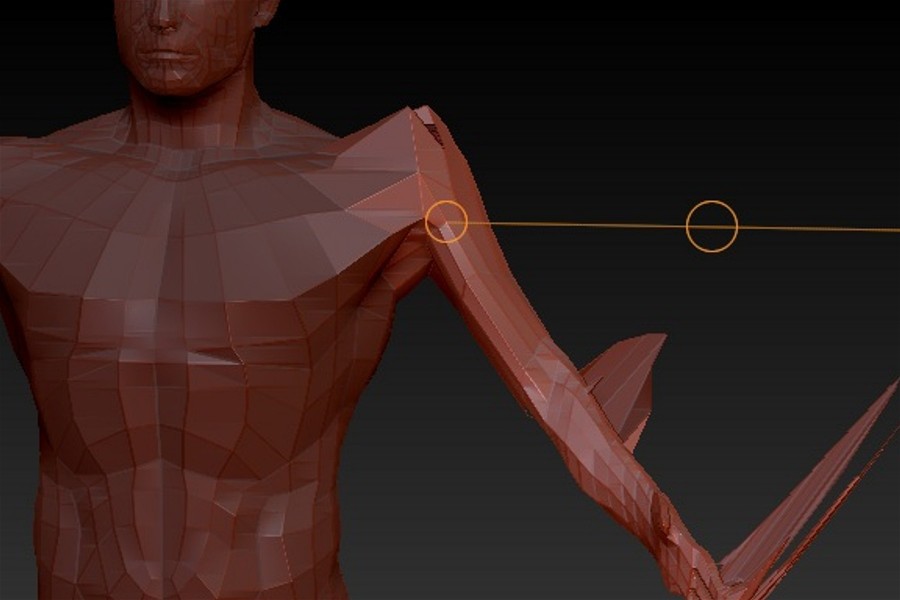
Attachments
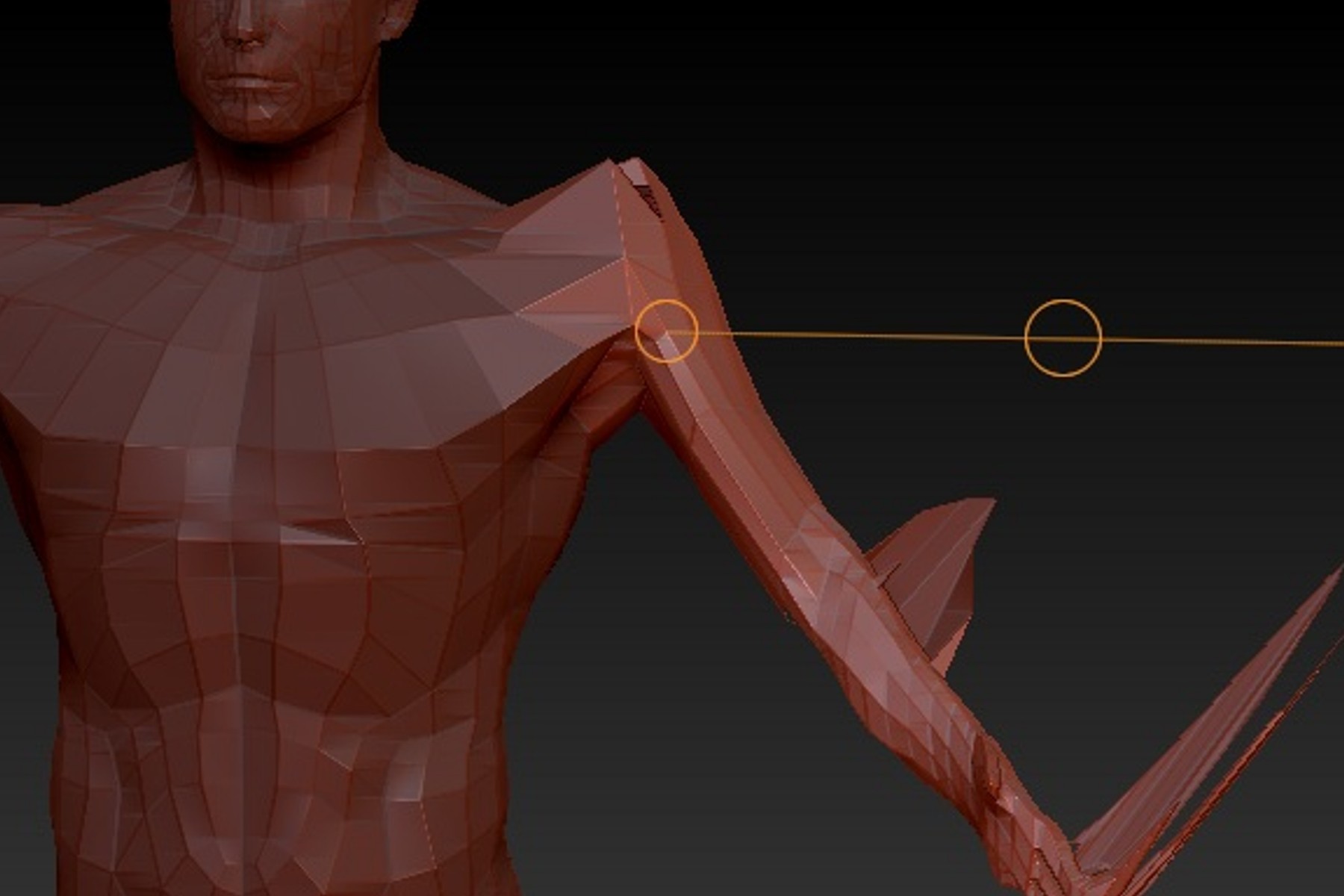
That definitely looks like some areas of the arm still have some mask on them. Those masked polys , even it’s 1 point, won’t move no matter what you do to them. So the entire arm will transpose, but those areas will stick to their position forming those stretched polys. If you know how to draw a rectangular masking area, do One over the arm holding ctrl and then ALT to change the mask into - so it will remove any masked areas on the arm.
But it is also distorting at the seam of the mask at the shoulder?

try blurring the mask , before you transpose, it gives a smoother transition, a lot also depends on where you place one end of the transpose line and the last end. Usually after you rotate, you sometimes also need to use transpose move to drag stuff back into place a bit.
Thank you namek, that fixed the distortion, but now it flattens the body part  .
.
if you start seeing flattening, check to make sure you arent in move mode when you meant to be in rotate, and if you did mean to move, select the middle circle to move a body party without distorting , not the outer circles of the transpose line.
Thank you man! Yeah I was moving instead of rotating .