ZBrushCentral

polypainting problem

Hi,

I just did polypainting to my model, and it was my first time tried.
I finished the painting and converted it to texture to export to maya or photoshop.
Now I have a weird problem here.
All the painting converted to texture good except the face piece.
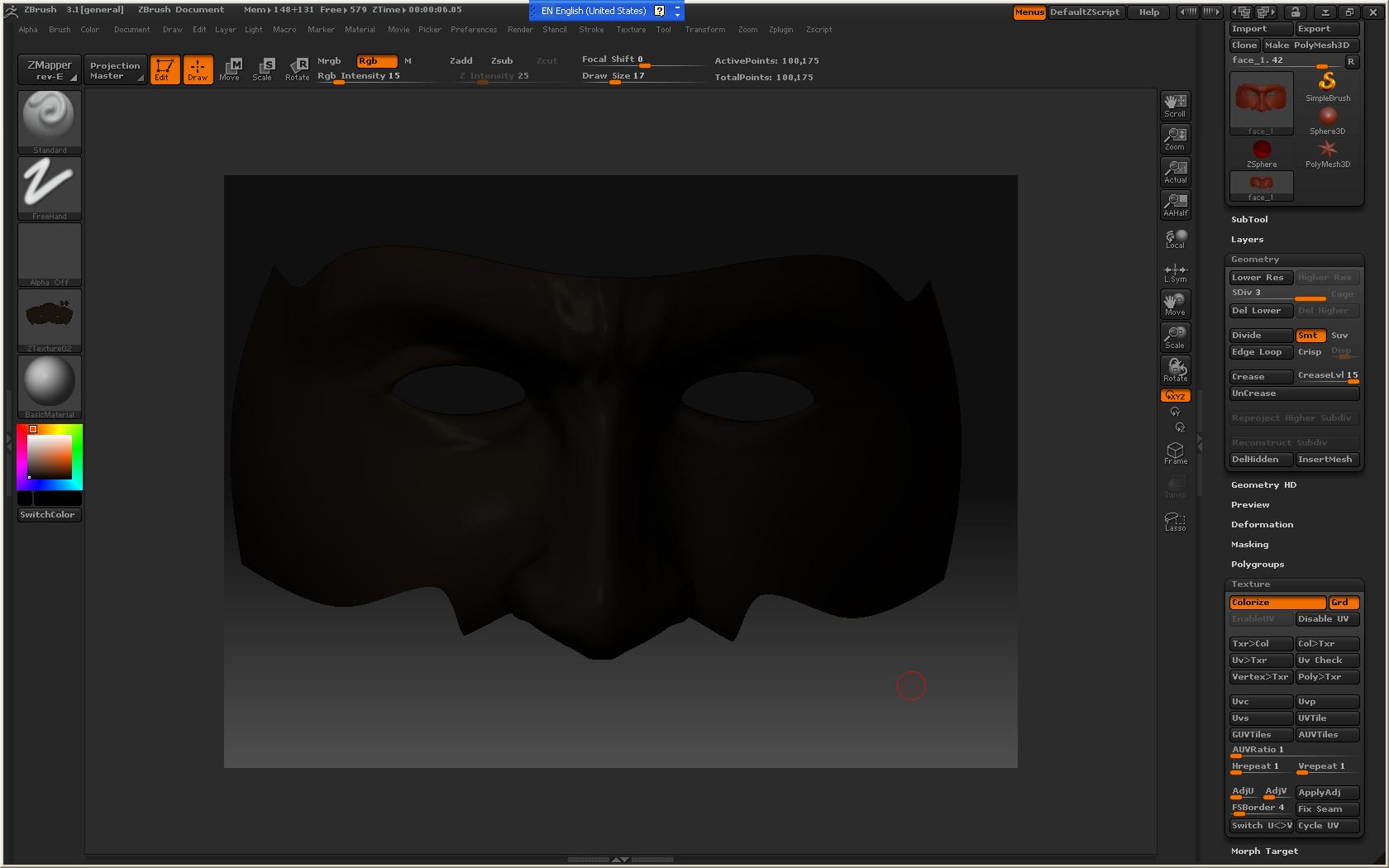
Here are picture before and after converted to texture. If you look at them, after I converted to texture, the color became very dark. It looks like there is one more layer of the color.
Can you guys give me advice on this?
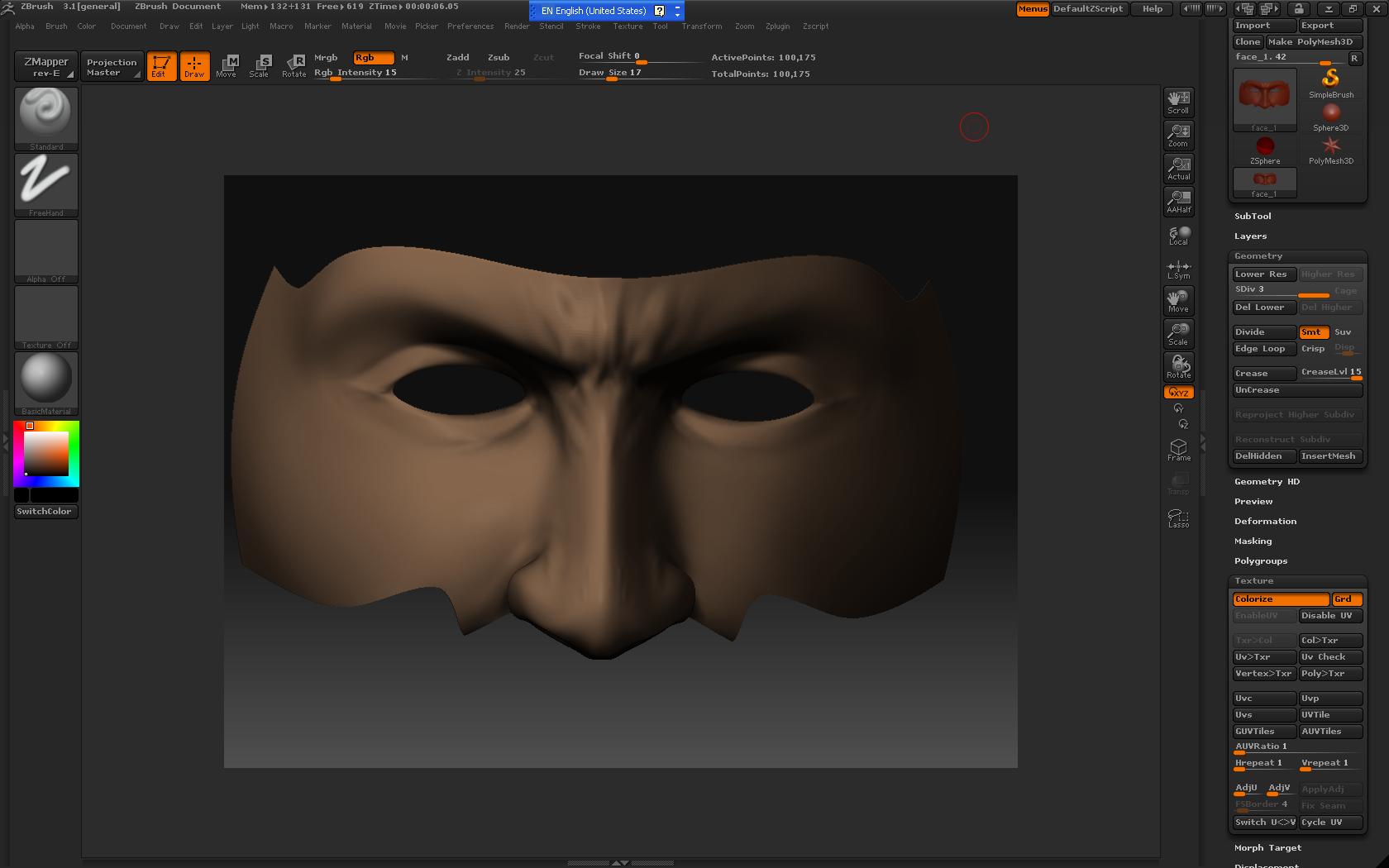
face_1.JPG

Attachments

face_2.JPG

Howzit dude. Okey first of all what you are doing wring is just before you convert you polyopainting to texture go up to your texture dropdown menu. make sure your colour is set to white and then set your desired texture Resolution and then click new.

Zbrush wil make a pure white texture that you can use to bake you polypaint data onto.Good Luck dude. let me know if you still need some help

Thank you for the reply.

Hum, the thing is, I was following a tutorial, and I did convert all the other peices were converted just fine without problems. I set the color to black and it worked just fine.
Anyway, I did as you adviced, and now it actually look more white…it doesn’t have the color that I want…
I don’t know what is wrong with it…

your RGB intensity should be set at 100 to get 100percent of the color information…if it is at 50, then you get 50%…etc.

hope that helps.

Ah, thank you for the reply.
I think that’s the problem. I didn’t see the rgb intensity.