Hi guys,
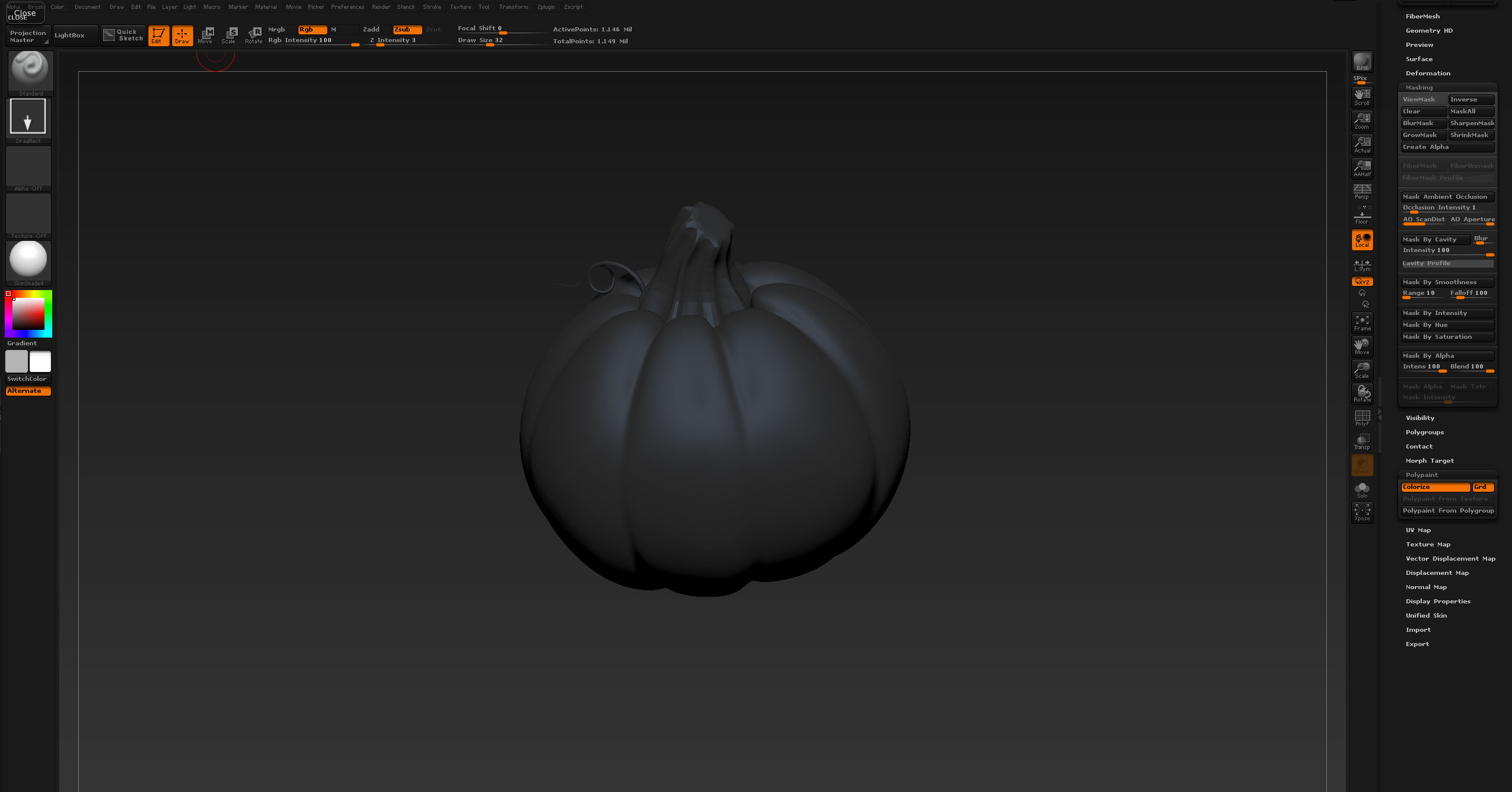
I was polypainting and I accidentally hit “quick sketch” and it screwed everything up. I redrew my tool and it first came on with a flat shader instead of skin shader 4, but the polypaint was there, unfortunately I forgot to hit T before I tried to move it and when I redrew it I got what you see in the picture. Everything is black however I still see my orange pumpkin in the subtool palette.
Its not a mask that is applied, (I already tried clearing the mask) but whatever it is I can’t get rid of it and I really hope I didn’t lose my polypainting 
Has anyone seen this? Anyone have any suggestions on thing I can try to do to get my polypaint back?
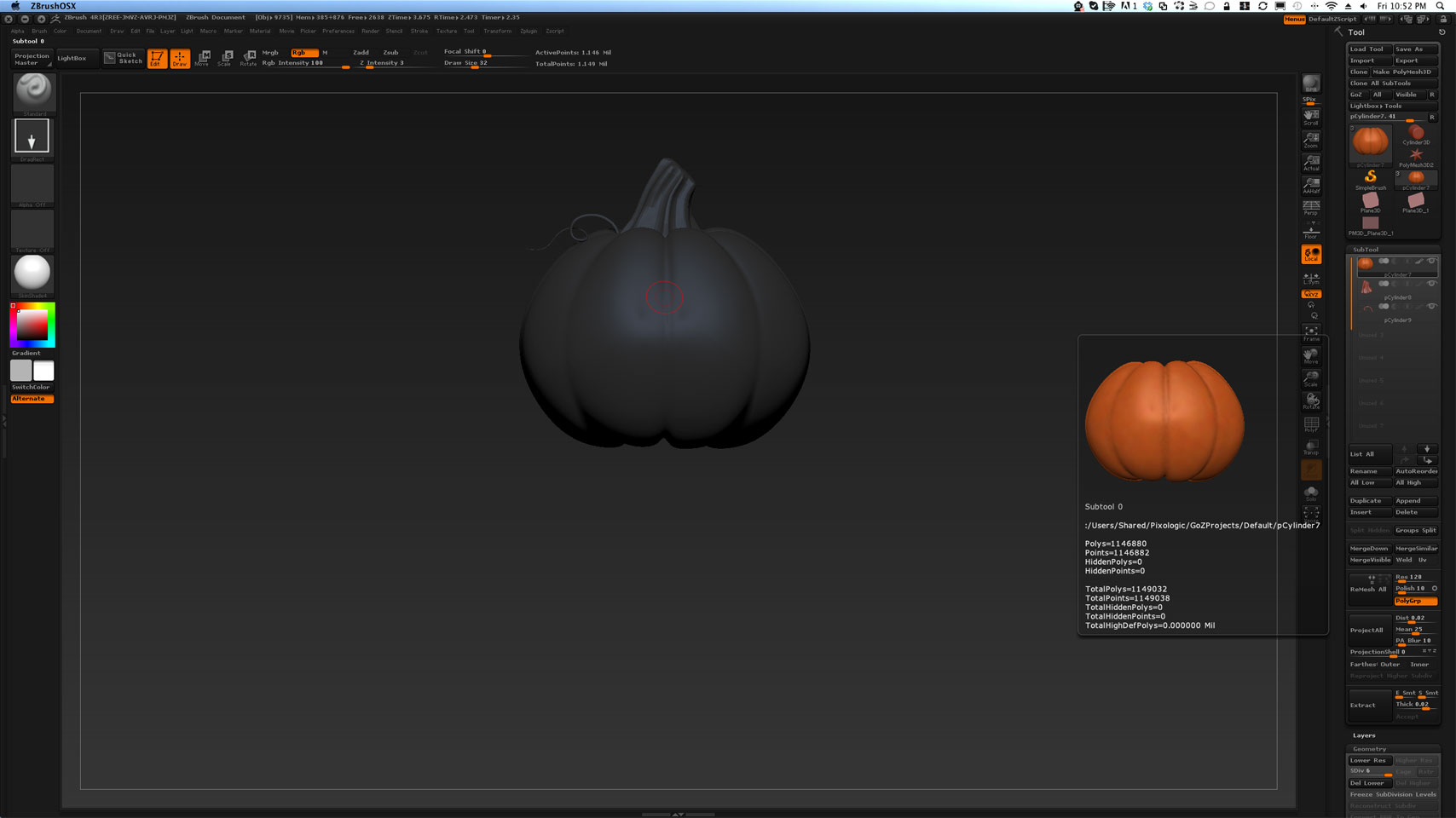
Also heres another pic showing that I can still see it in the subtool pallete.
Attachments