ZBrushCentral

Polypaint to Texture Map Basics?

I’ve spent a lot of time getting into the modeling aspects of ZBrush… using 4R5
Now I’m getting int uv mapping and texture mapping
Have hit a wall with making my texture map from my poly painting

  1. Went through the tuts on uv mapping, and how to place seams and checker map check
  2. Went through the tuts on painting, poly painting
  3. Now the poly painting details are not showing up when I click new texture from polypainting. It just fills the image with one color

What am I missing?

Attachments
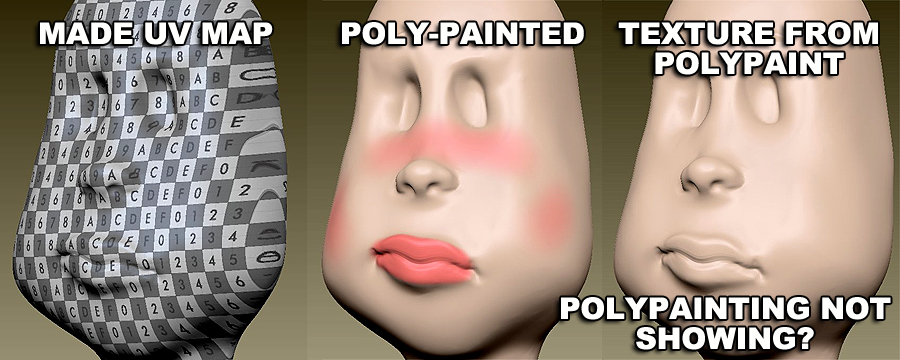
LizzyPolyPaintQuestion.jpg

LizzyPolyPaintQuestion.jpg I’ve spent a lot of time getting into the modeling aspects of ZBrush… using 4R5
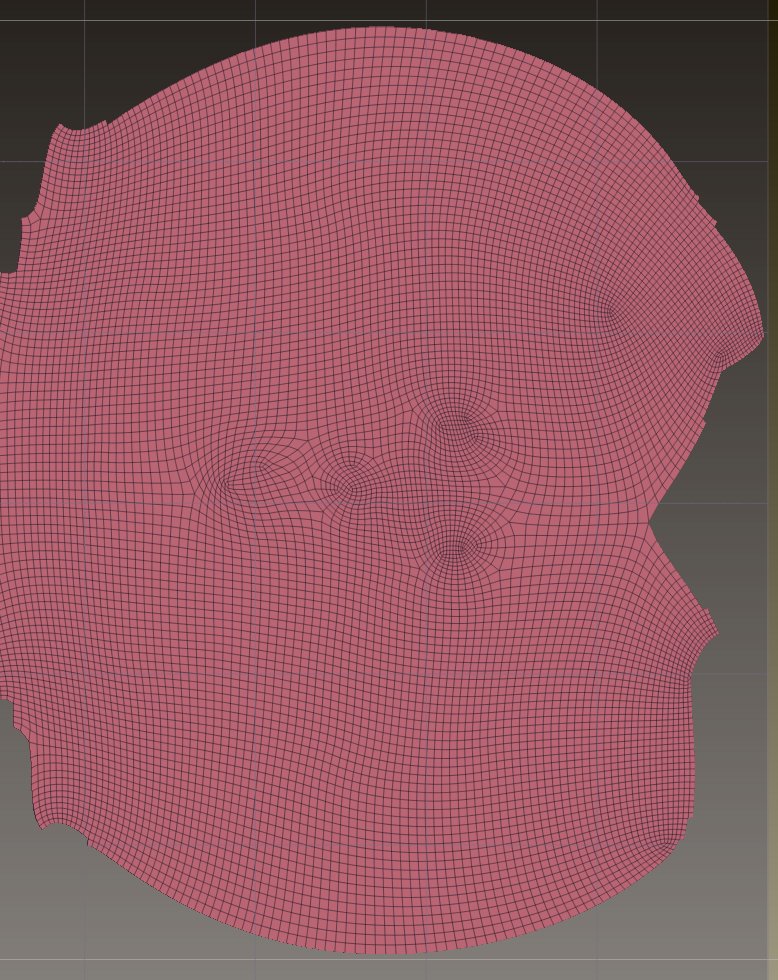
Now I’m getting into uv mapping and texture mapping
Have hit a wall with making my texture map from my poly painting

  1. Went through the tuts on uv mapping, and how to place seams and checker map check
  2. Went through the tuts on painting, poly painting
  3. Now the poly painting details are not showing up when I click new texture from polypainting. It just fills the image with one color

What am I missing?

We’ll need some more info.

have you run a UV check inside of Zbrush to see if you have overlap on your mesh anywhere?
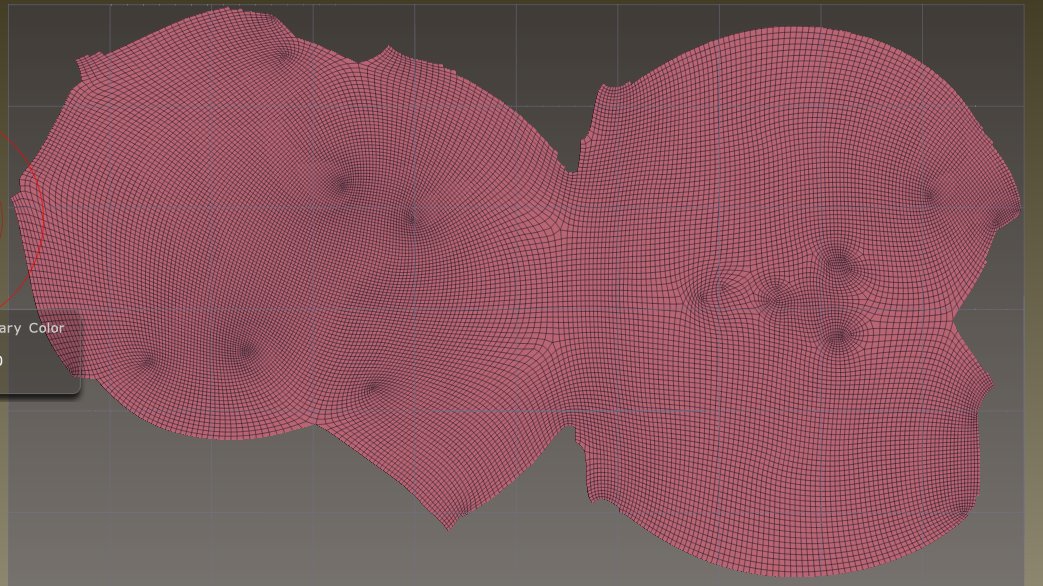
What do your current UVs look like?

Thanks…
I’m in uncharted territory for me, so not sure how to do that or what I would look for…
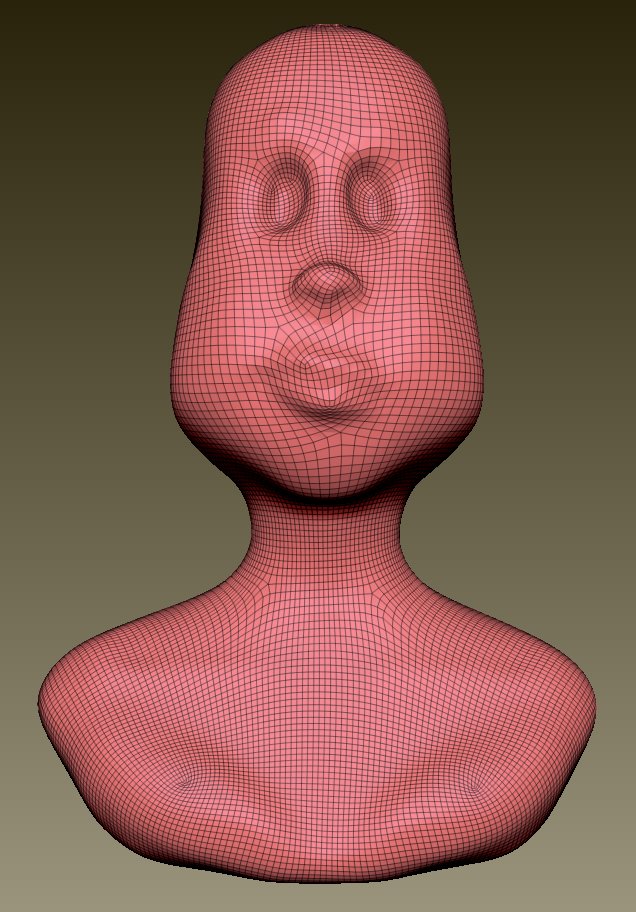
Here are some different screen shots - not sure it is what you need?
Not to be a pest, but if you can describe what an overlap would look like, or how to do this, it would help tremendously

I used the basic Qremesher, and did not draw guides for the poly-loops… is that necessary?

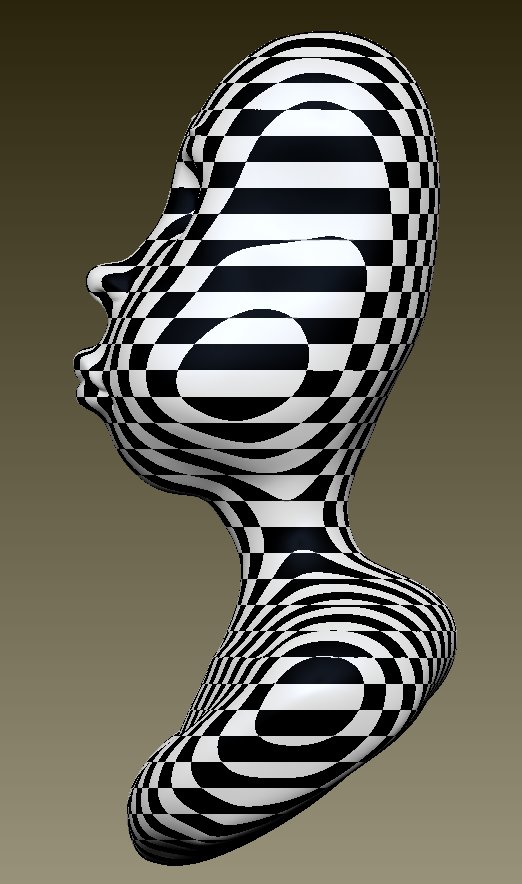
This side view looks weird… does it need to be corrected?
If so, how?

LizzyPolyPaint007.jpg

LizzyPolyPaint006.jpgLizzyPolyPaint005.jpgLizzyPolyPaint004.jpg

your checker pattern appears to be using a planar projection, but your UVs are using an unwrap. So I am unsure which version you are actually using.

how are you getting your checker pattern?