ZBrushCentral

Polypaint problem: flat shaded?

Hi there,
I googled for quite a while now and couldn’t find anything about this…

I modeled this head, created a new basemesh with a cleaner meshflow and used “Project all” to project the details and polypaint texture from my HP model to the new basemesh. Now I did some more detailing and want rework the textures as well. And here’s my problem:
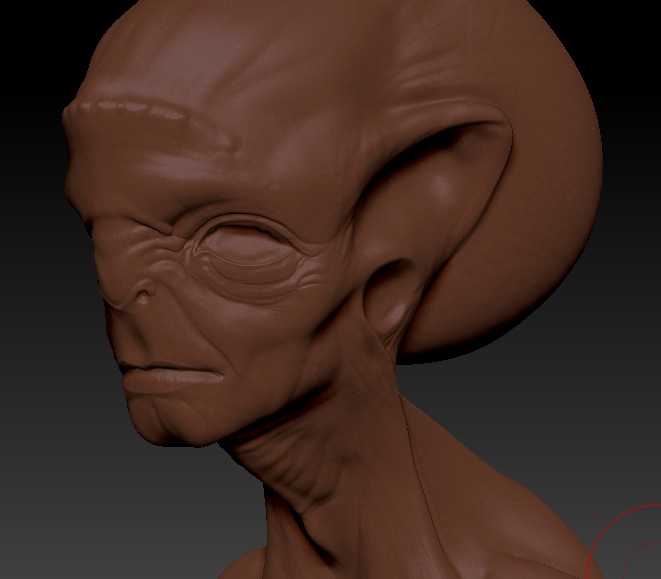
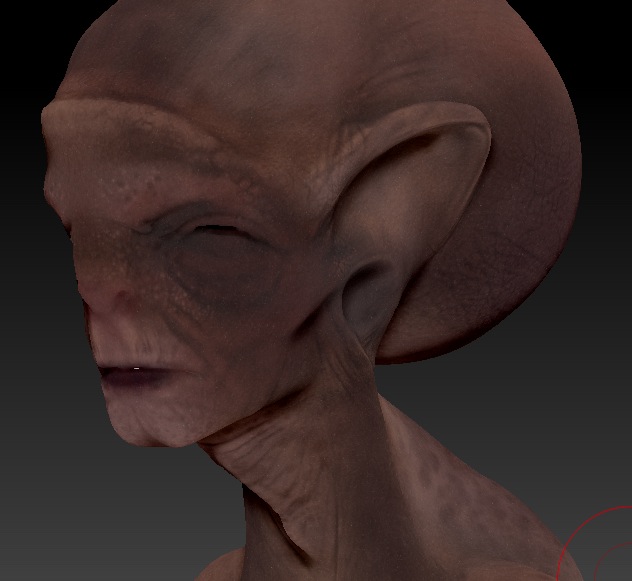
When I turn on “colorize” in the “Polypaint” tab it looks flat shaded. I can’t see any of the modeled details which makes it kinda hard to texture…

I hope you guys can help me on this. I attached two screens so you see what I mean.
alien_prob01.jpg

Attachments

alien_prob02.jpg

You have to apply material or matcap, then play with the modifiers in the Materials tab.
Good material to work for poly-paint (for me personaly) is the SkinShade4, then in Material > modifiers turn the ambient to 40, Diffuse to 100, Specular to 4.
You can adjust it so it suits you best. My quess is that you need more Specular, so that you can see the details! - this goes for the screenshot you posted, for the polypaint… Play with Specular and cavity colors and detection - the cavity options differ in teh different materials.

I hope that this is helpful!

hi pimeto. Thanks for the quick answer, but unfortunately this doesn’t help. It seems like as soon as I turn on colorize it ignores completely any settings by the matcap. There’s no difference in the shading when I switch the Matcaps or change the settings under Material > Modifiers… :confused:

Thats strange. I never had any problem like this…
Check if Texture is turned ON, or something… I dont know really.
Or when selecting a material, fill the object with M only selected… :rolleyes:

Sorry mate, i dont know what else it might be :confused:

Already tried that, sorry I forgot to mention. Even reloading the ZTL etc doesn’t help. Isn’t there some function to reset all texture and polypaint based attributes on the model?

Is the texture you have applied a texture map or polypaint data?
Which version of Z are you using?

hi turn on M only not (mrgb or rgb ) and turn colorize on ,then choose flat shader and from color minue choose fill after that choose you desired matcap

since maybe your problem that you have filled your mesh with some flat shader material but after doing what i told you should get ride of any baked material data

@goast666: It’s just polypaint data. I’m using ZBrush 4 for Mac.

@ryu2020: Thanks, but it didn’t change either :/. But I noticed something strange: when I switch the matcaps there’s one spot on the upper lip which changes with the matcaps and seems to have no polypaint data applied. I made a screenshot so you can see what I’m talking about. The head is the only Subtool visible so I have no idea what this is… maybe mesh sticking through which would mean it’s somehow polypaint related… but I can’t figure out how to reset the polypaint on the model.

alien_prob03.jpg

There is sooo much bugs with ZB4 and polypaint… Obviously we have to wait for R1… i hope it comes out soon! :mad:

my only thinking is that you might have a hidden mask try to clear it even if you dont see any mask

i dont know but if your ok with it could you send me the file on [email protected] and try to make it less than 10mb even if you have to delete some levels

thanks for your advices. I was able to figure out that it has something to do with the layers. So I remodeled and textured everything without using layers and it just worked fine. Still strange though…

Anyway, thanks again :).

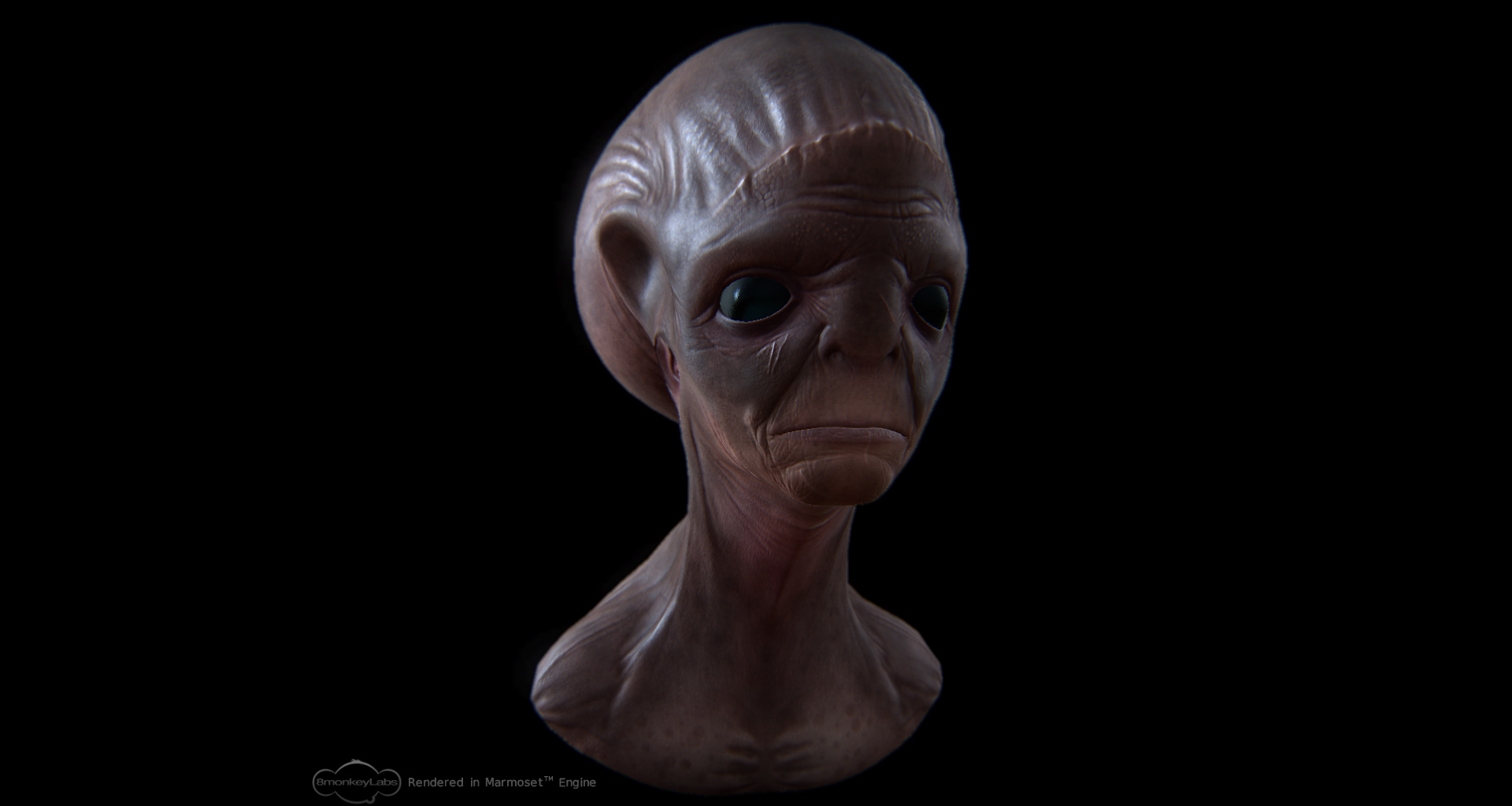
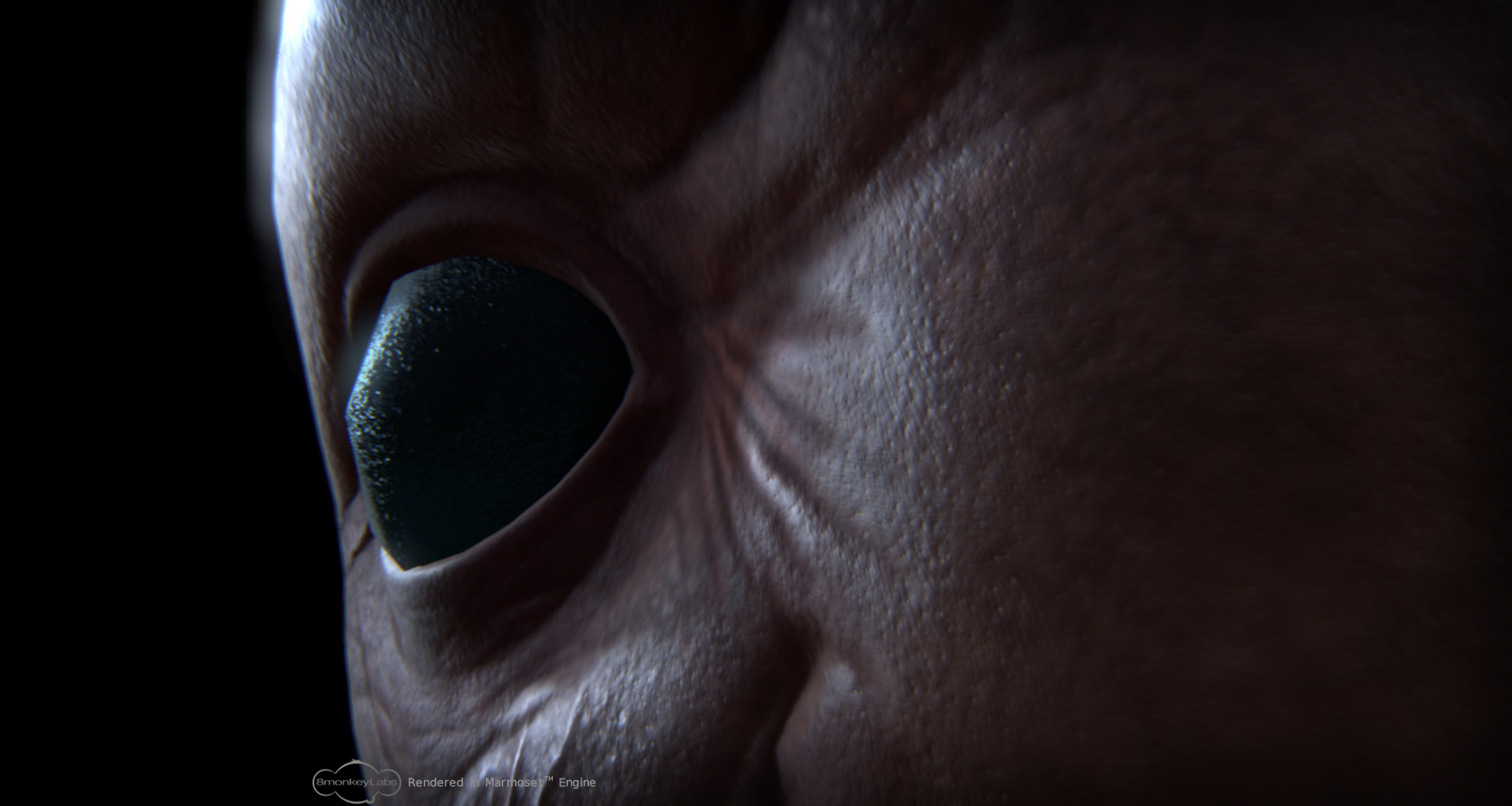
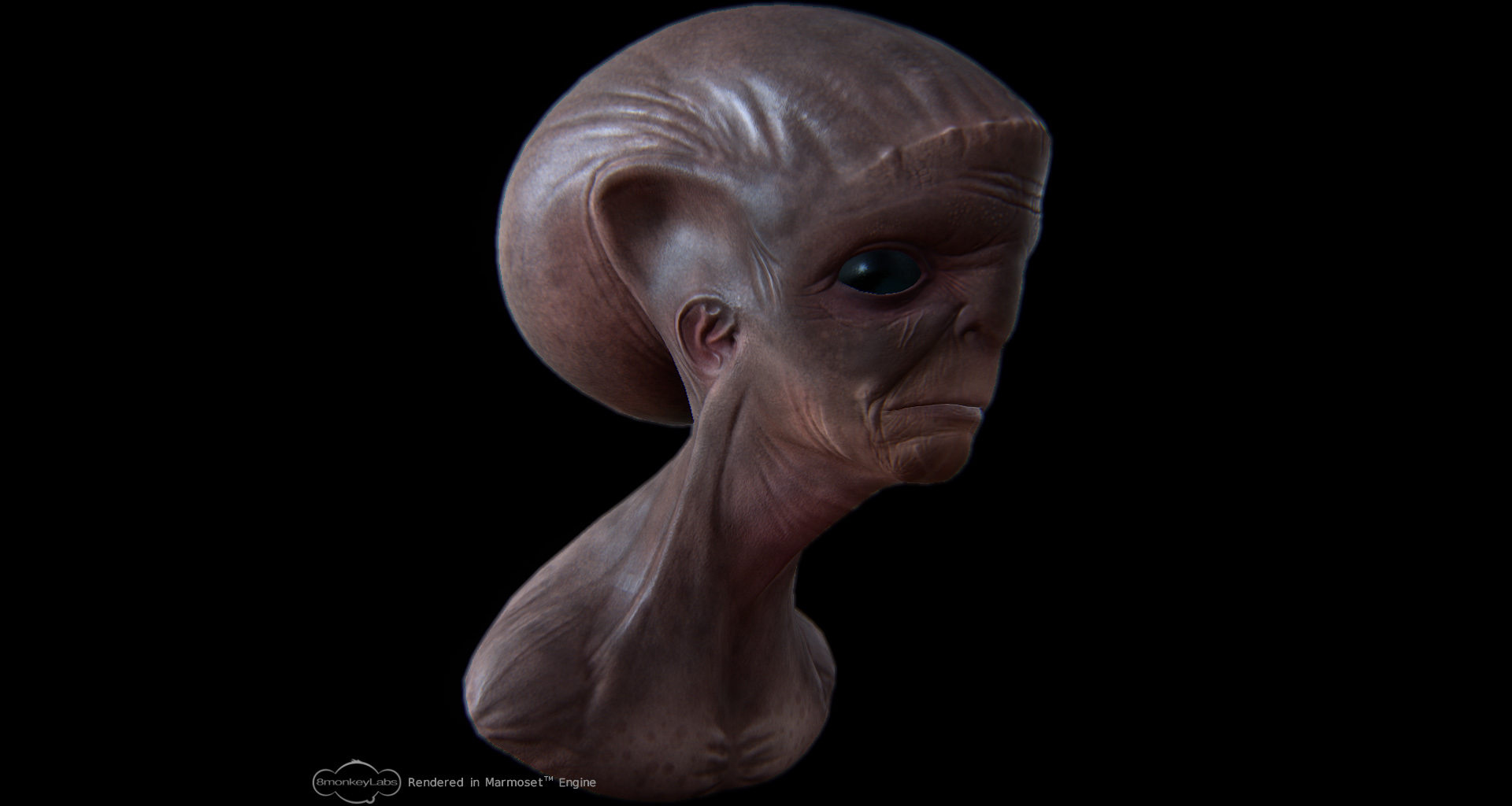
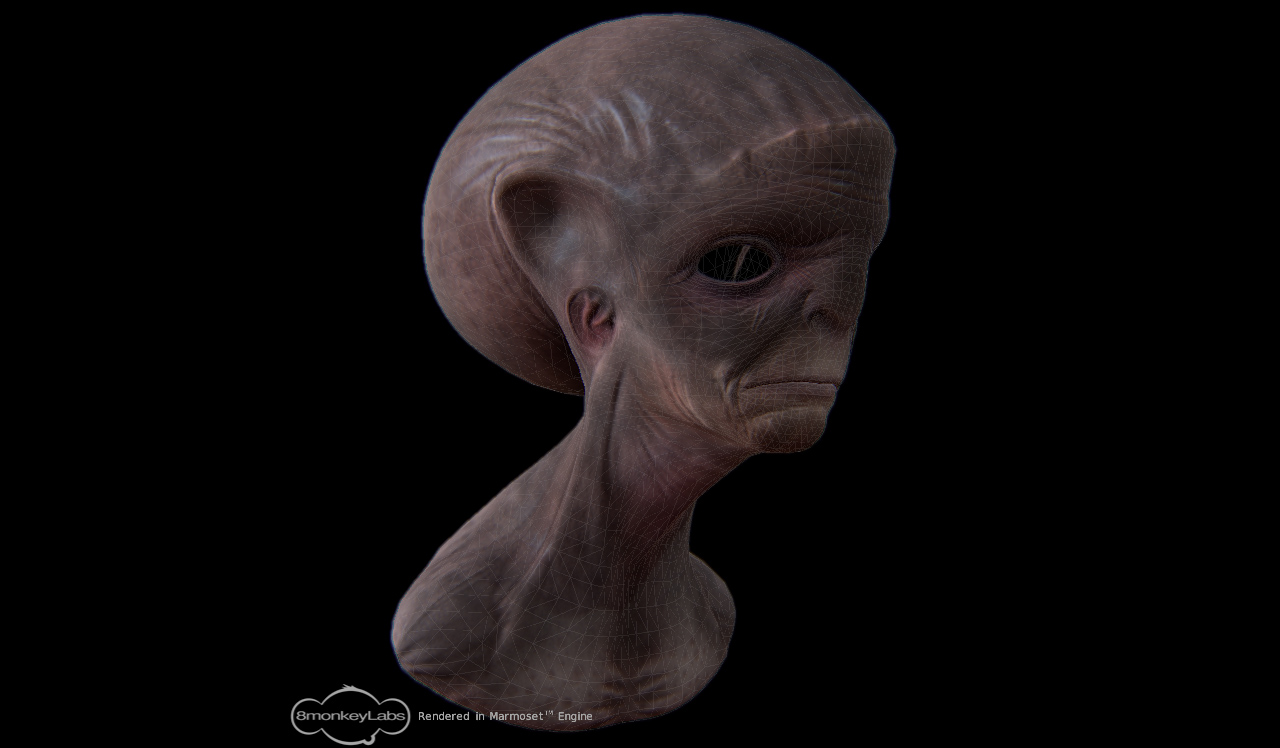
The model is now finished and projected onto a lowpoly. Here are some in-engine shots:

alien_cu3.jpg

Attachments

alien_cu1.jpg

alien_cu5.jpg

screenshot1.jpg

if you paint in a layer with M or MRGB active, it will bake the material into the polygons on that layer, which will then override the base layer that you normal “fill” with your desired material.

at least I’m pretty sure that’s what’s happening :confused:

I had this problem recently, had the MRGB on without knowing it. I searched google for “zbrush erase material” and found the fix here:

http://www.pixologic.com/docs/index.php/Materials_and_SubTools#Returning_to_Default_Behavior

“Sometimes you might like to return a subtool to its default behavior of using whatever material is currently selected in the Material palette. To do this, simply fill the subtool with the FlatColor material. This essentially erases the embedded material from the subtool. From that point forward, any time you select a new material the subtool will immediately update to use that material.”

Kept my poly paint just fine, fixed the shading issue and the weird bright patches. Hope this helps going foreward.