ZBrushCentral

Polygroups visibility issue

Hey there!

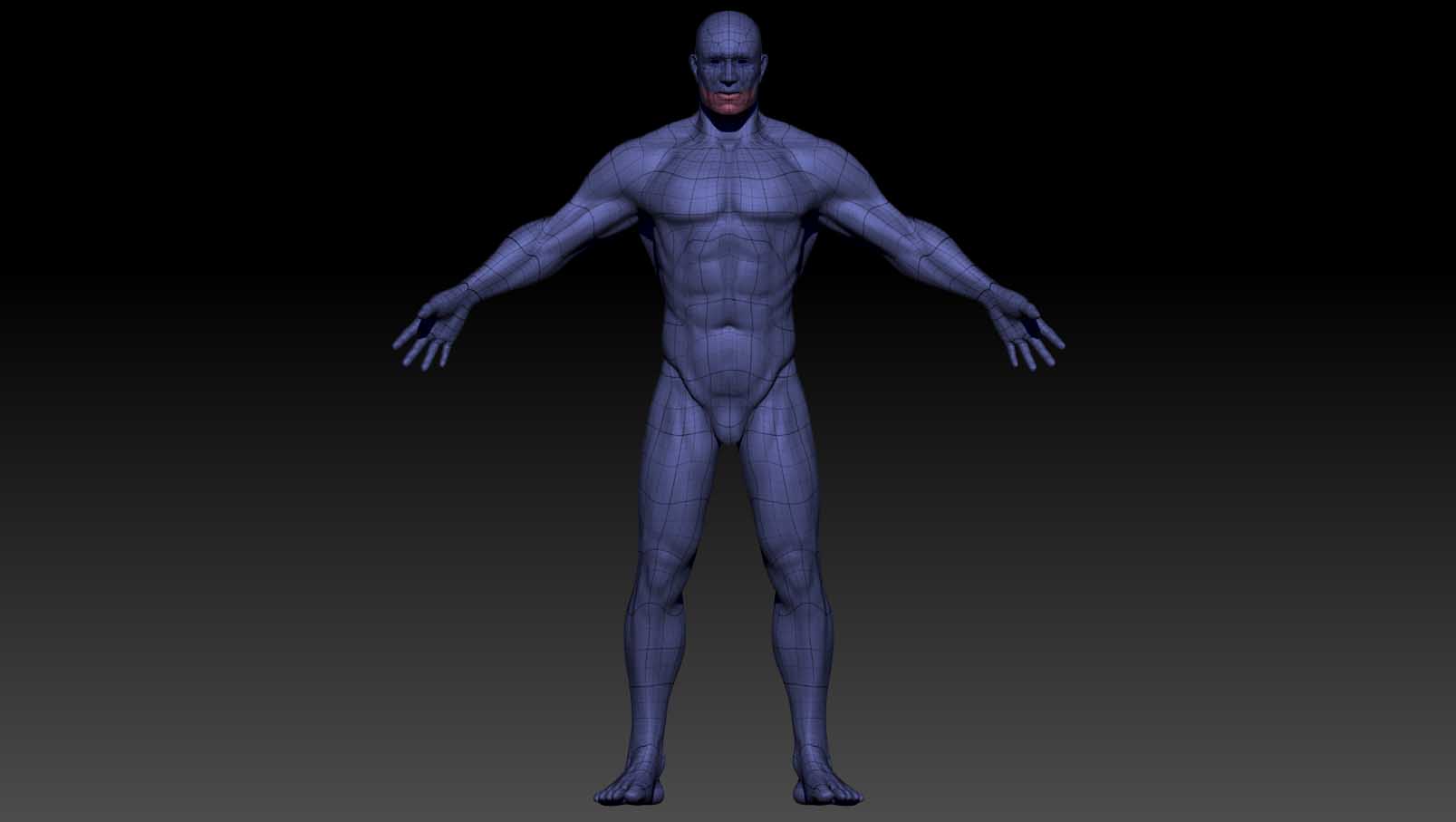
So I wanted to play with some fibermesh on this guy and I decided to follow the method with polygrouping balls of hair… Anway, trying to do this, I found out that my mesh is not actually showing me the polygroups… Let me explain myself…

Usually when you press down shift+F you get the wireframe with a random colour as a background. If you have polygroups on your model, they will have different colours while still displaying the wireframe… Now, in my case, if I press Shift+F the wireframe comes up but there is no change in colour whatsoever on the model… I will attach a picture to show you what I mean.

I should also note that is very confusing since this is a remeshed model and if I look on the original I do have the polygroups showing accordingly… However, this remeshed guy decided for some reason to rebel against this and it shows me just a blank grey…

Here are the pictures so please, help me out and tell me what am I missing.

Thank you very much for your time!

Regards, Dan!

Attachments
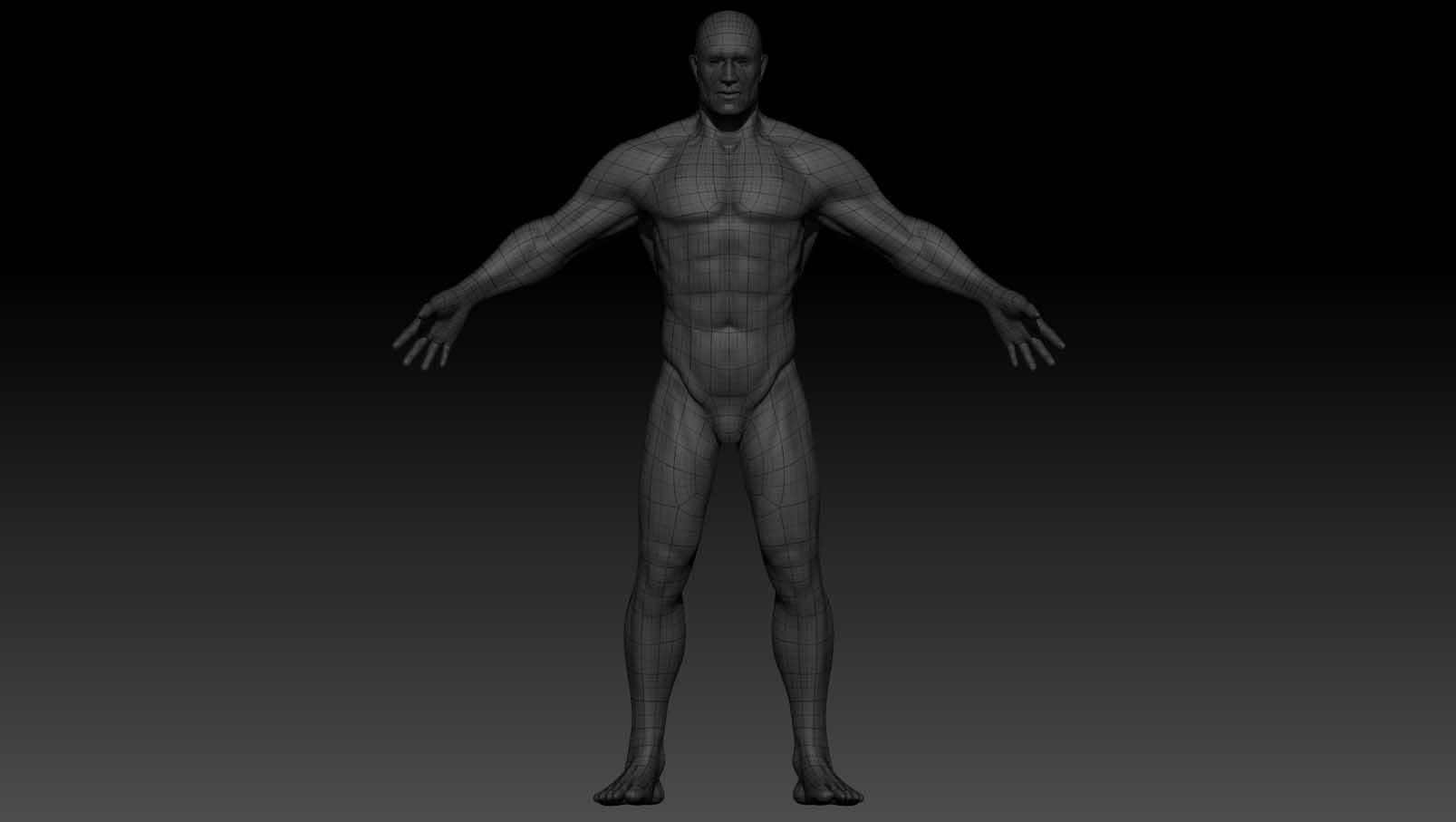
NoPolyGr.jpg

PolyGrp.jpg

If you use QRemesher or Dynamesh, remeshing will consolidate all the polygroups into one. You will have to create new polygroups or just don’t remesh to begin with.

That was the first thing I thought about when I hit this issue… so I created a new polygroup by isolating the head and “Group visible”. Than I checked by ctrl+shift+click on it and it reacted accordingly… the only problem? It doesn’t show up… which is kinda of an issue since, as I said, I need to see the polygroups to work with some fibermesh…

Sometimes, when you click ‘Group Visible’, it will create a polygroup that is similar in color to the rest of the mesh and it can be hard to see the difference. If you keep clicking ‘Group Visible’, it will keep changing the color. Do that until you have a color that has sufficient contrast.

No matter how many times I press “Group Visible” the colour won’t change… So basically I’m stuck with that grey shader on the whole model…

I tried Group from mask as well… it won’t work…

Again, the polygroups are there because I can separate them when I shift ctrl click… The problem, as I said, is that no matter what I do, the colour of the polygrps won’t show… as a matter of fact, the wire frame mode should provide a different colour than the shader by default, with no polygrps in place… As I said, that doesn’t happen. When I press shift+f I get what you see in the picture I attached in the first post.

Your not using the BumpViewerMaterial by any chance are you? I know that material won’t show polygroup colors. Try a different material and see if it’s still the same.

Also, make sure that ‘PFill’ (Polyfill Color Opacity) in ‘Preferences > Draw’ is not set to 0.

Nope… My PFill is set to 50. And I tried to change all the clasic materials… The basic mat 1 and 2 and the mat cap grey,white and others… Still nothing…

The only other thing I know of that you can try is to reset your material. Turn on ‘Mrgb’, select ‘Flat Color’ material and go to ‘Color’ menu and click ‘FillObject’. Now select a different material.

If that doesn’t work, can you set the tool to SubD 1 then ‘Del Higher’, save (Tool>Save As) that with a different name so you don’t overwrite the original and then zip and upload it here if it’s under 500K file size. I would like to see if the ZTool is having the same issue on my end. Thanks.

I’m afraid is 28mb… Can I e-mail it to you? If is ok PM me you mail address… Otherwise you can tell me what upload website you are ok with and I can put it there for you and for any one else who wants to give it a shot…

Thank you for trying to help me!

My email has a 5Mb limit. Mediafire.comwould be good though.

Fixing it now. Be right back in 2 mins

Edit:

Here it is: http://www.mediafire.com/?hukg8i4bn6lvmjf

Thanks!

LOL…you have a texture applied to it. Go to Tool > Texture Map and turn off the texture.

Jesus christ… Yea… what can I say :)))) Thanks a lot mate! I forgot I checked my UVs last time when I opened it…

Thank you once again… It would have taken me some time to realise that… :)))

No problem! Glad your back in business. :+1: