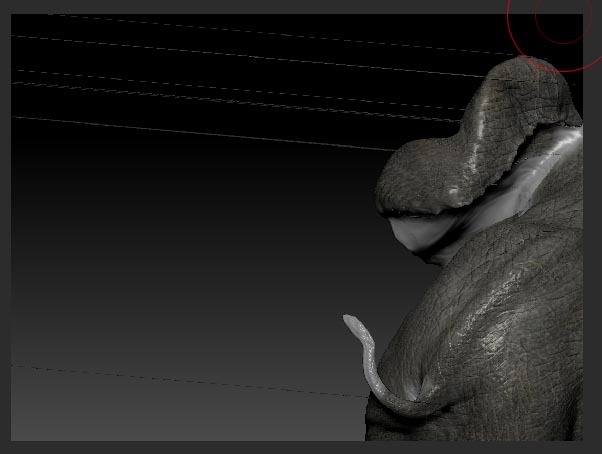
3 million polygon model. Using zapplink in r46. Get this crazy polygon stretching every time I come back from photoshop into zbrush after zapplinking. It goes away after 3 undos every time I re-enter zbrush. Anyone know why it occurs and how to fix?
Must look at screencap attachment if you are unfamiliar. Reminds me of what used to happen sometimes if you saved a model at a sub-d level higher than 1.
The stretching happens in different places every time. Like I say, 3 ‘undoes’ corrects the stretching… until the next zapplinking.
Attachments