ZBrushCentral

polyframe ghosting / artifacts

Hi. I’m very used to sculpting with wires turned on in Mudbox.
I want to do the same in Zbrush via ‘polyframes’. I experience some game breaking problems using polyframes though.
The first issue is that the wires will not always update when going through the different subdivisions, meaning that the wires from the prior subdivision is showing instead of the current one. <-- This is only a small annoyance where I turn off -> on polyframe to update it.

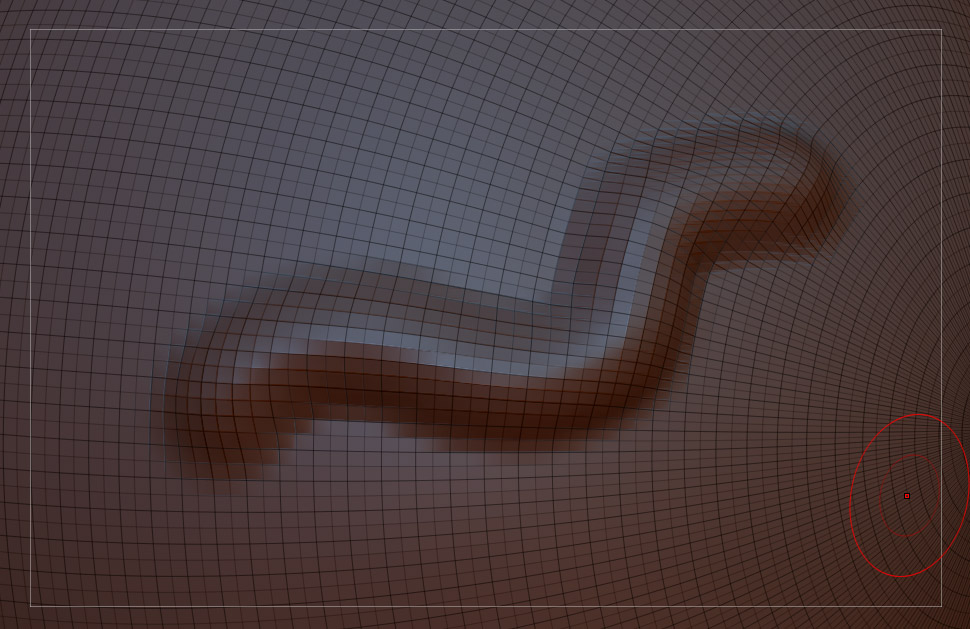
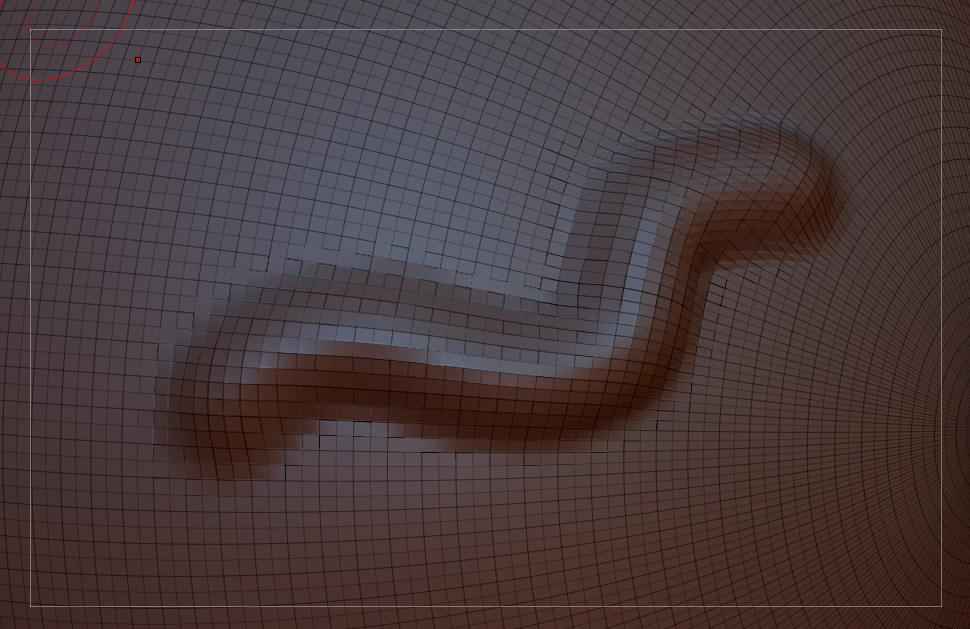
Another more pressing issue is this: When sculpting on a surface that has polyframe turned on, I experience some artifacts or you could call it “ghosting” of the wires. In the instance that I rotate or zoom, the wires will be updated.
These artifacts / ghosts basically make it impossible for me to sculpt with wireframes.
The pics below show the issue:

With artifacts:
wireframe_artifacts.jpg

Attachments

wireframe.jpg

Your annoyance is a feature that I like very much. I can see and work with a lower subD level wire on so I don’t have to see all of the geo when working. Things like making sure I’m working on my finger knuckles without having to see the 2 million edges that are at my highest…but it would be nice to turn this on and off, or make it so you can set the level that is displayed always…i prefer level 2…so i have to step down to 2, turn on polyframe, then step back up so i can work with that on…kind of a pain. but yeah.

The second part sounds like a graphics error from your card. I dont’ get this error unless working on the silhouette of the object with polyframe turned on.

Thanks for the reply.

I actually never thought about it in that way, because I usually only use wireframe when working on the lower subD’s. Once I get more experience in using the program, I could definitely see the use for it. <- Thx for pointing that out. :slight_smile:

In relation to the ghosting / artifacts:
I have experienced the same thing on two different laptops:

  1. Nvidia 9600M GT, Win 7 64bit
  2. ATI 4830M, Win 7 64bit

Both obviously running with newest gfx drivers.

This is why I would be inclined to think that is it not an gfx error but program related. Furthermore I had hoped for it to be a feature that I could turn off. :confused:

I actually found a workaround:
Preferences -> Performance -> “QuickAndDirtyEdit” turned off. I still experience artifacts but the effect is now much less pronounced.

Now I’m worried that this will decrease performance?`