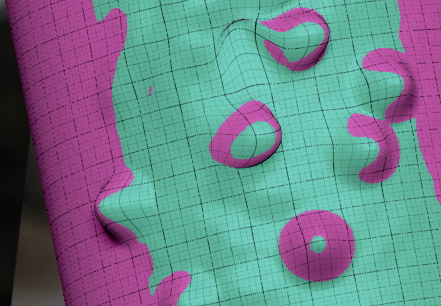
It is possible to set rgb with the inflate brush, at least for me.
About the masking there are plenty of options for masking in tool-masking.
http://docs.pixologic.com/reference-guide/tool/polymesh/masking/
Perhaps AO masking could do what you need. Keep in mind that AO can be very slow beyond 1-2 millions polys and it is better that the subdivisions are not very high. The rest of masks have not that limitation and are quick to test.
If what you want is to avoid vertical surfaces and only paint in vertical ones then the brush has the option to mask vertical or horizontal areas automatically in brush>depth>depth mask and then set outerdepth or innerdepth slides as you wish.
The last option is the polygroup creation as it offer the option to create polygroups visible or based in group front, for example 45 degrees. It will create a polygroup based in the camera orientation, that could match the direction you want. The polygroup could be used as a mask and blurred if needed.