ZBrushCentral

Plz Help me about updateing mesh. [Solved]

Hi everybody, i got a problems updating mesh here.
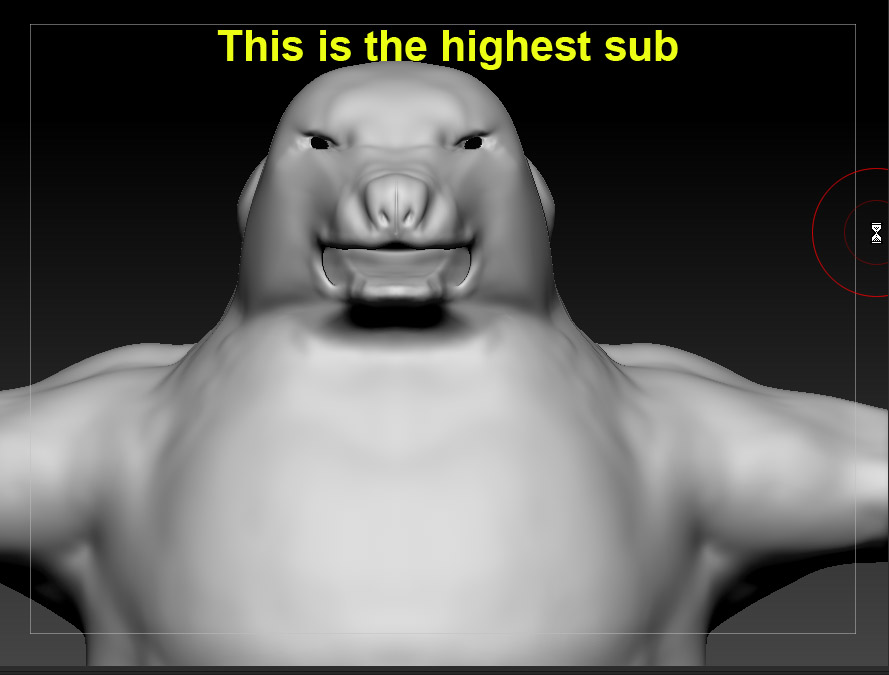
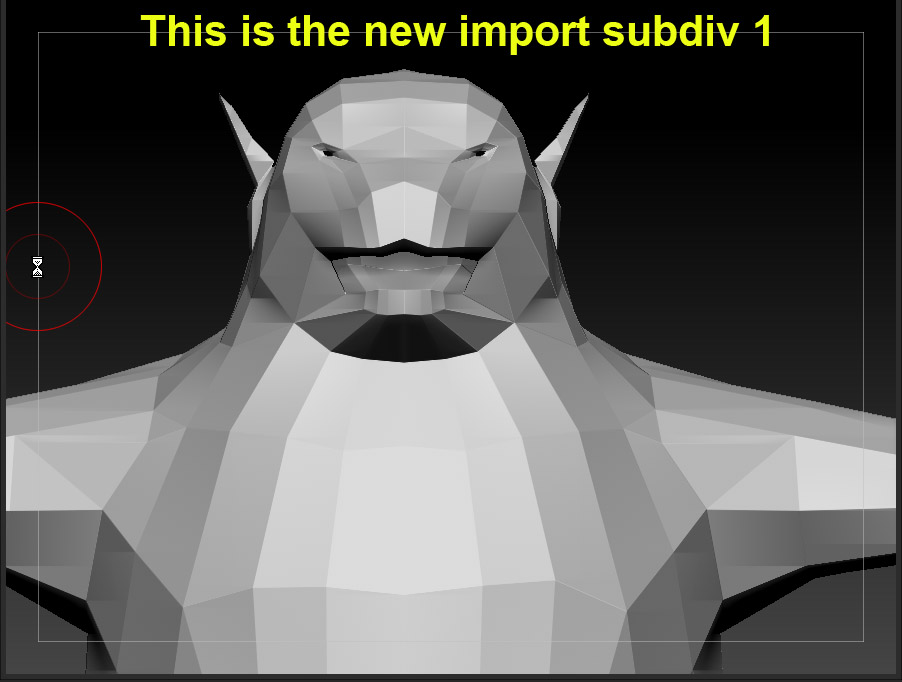
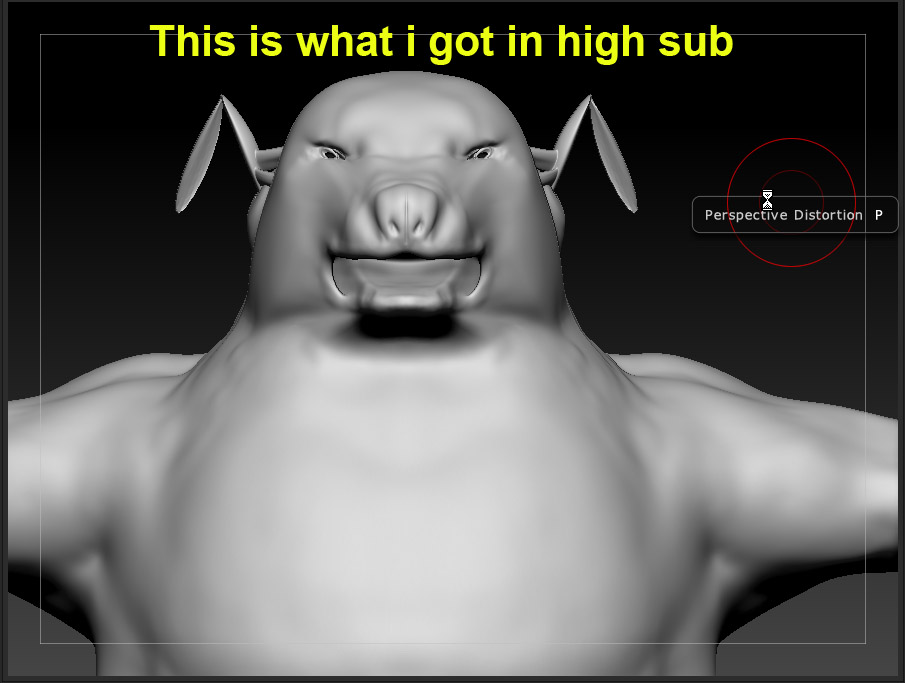
When i come to model the ears, i pull it up to model my bear’s ears. But the mesh seems collapse ( cuz it want more geometry ? ) . So i decide to export the lowest div to 3dsmax, model a simple ear, add some loops to the eyes. Then i import back to zbrush at subdiv lv 1 . The programs update and keep my high subdivs , but the ears and the eyes look terrible. I can’t start sculpting them like that. Plz help me , or tell me what i’ve done wrong ?

Attachments
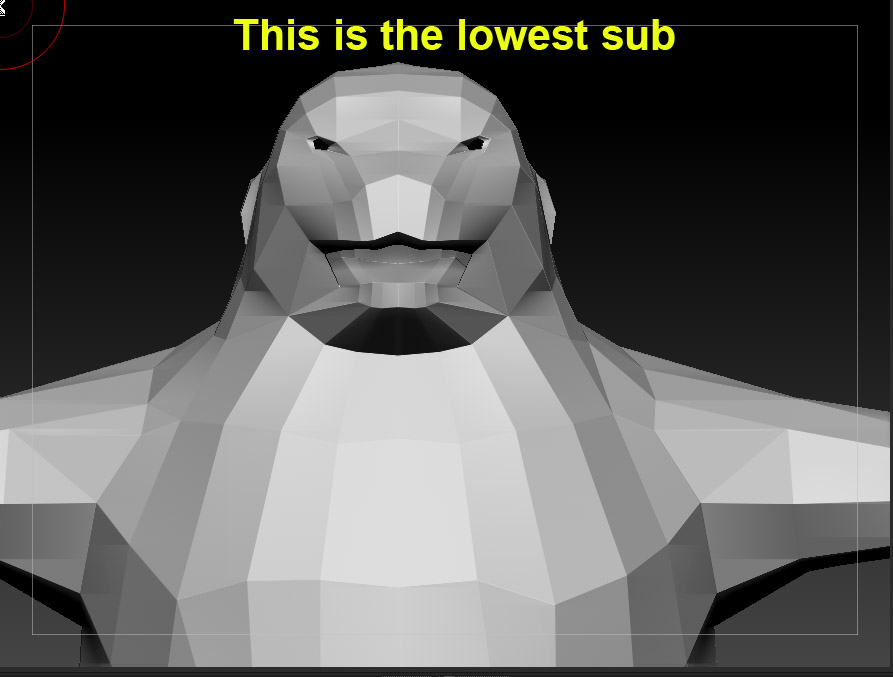
zp0001.jpg

zp0002.jpg

zp0003.jpg

zp0004.jpg

are you using goZ?
or a traditional projection? It should be masking by default if you’re using goZ.

Instead of importing in the new mesh to replace the original try importing it as a subtool
zplugs.subtool master.subtool master.multi append (select .obj file)

subD up the new subtool (your updated geo) to a similar vertex count.
store a morph target - tool.morph target.store MT
project the new mesh onto the old one - tool.geometry.project all…might be in tool.subtool
this will project the new mesh for you but will screw up the eyes and ears.
switch your morph target - tool.morph target.switch
change your brush to the morph brush
make your Zintensity 100
brush back your detail avoiding the areas where the projection is failing.

Hope that helps.

Whee ! i can continue my sculpt now ! thankyou !!!

0007 copy.jpg