ZBrushCentral

Pls Help!!!!!

I have made a model in 3ds max and bought it in zbrush without UNWRAPING.
I have been seeing these video tutorials from Eat 3d, in which the guy states at one point that he took the model in headus uvlayout for unwrapping and then generated the uv for the sculpt.

Now my Problem is how can we take an unwraped model out of zbrush unwrap it and bring it back in zbrush and still keep the details of sculpt intact. The method i know requires me to export as obj unwrap and bring back in zbrush. But that method loses all the sculpting detail and any polypaint i did.

Pls tell me the method to do this.

What are your exporting and importing in zbrush. What are your options in what youre unwrapping it in.

I created the model in 3ds max, exported it as obj (each piece was expoted indivisually). Then brought it in Zbrush ans sculpted and painted it. Later I decided to get the model into UDK but the are no UV layouts. So i exported model out of zbrush in OBJ format at the lowest subdivision level, but wen i bring it back into zbrush after unwrapping all the details and paint is gone. is thr ne way to keep the details and paint and still get it unwrapprd in external application.

I tried UV mapper plugin but its has its own mind.

TreeElfFront.JPG

http://www.zbrushcentral.com/showthread.php?t=98211
That didnt help ?

If you export your tool from ZBrush at the lowest level, then make changes in your external application, then import it back into Zbrush with the same tool active, it should ask you if you want to apply all the hi-res sculpting. You end up with the same hi res mesh, but with the new lowest level object (inlcluding UV).

Another option is just to unwrap it in ZB the UV unwrap tool is good.

Lemme tell u my exact problem.

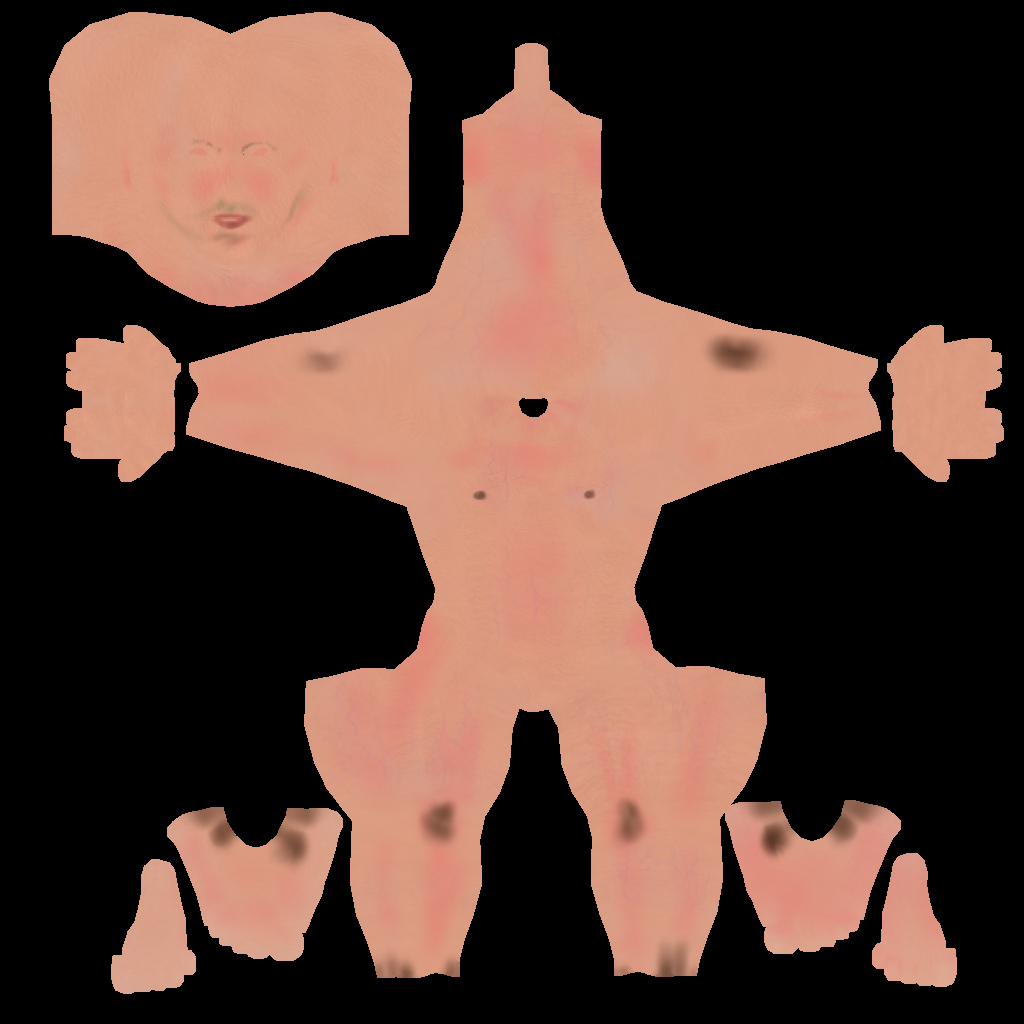
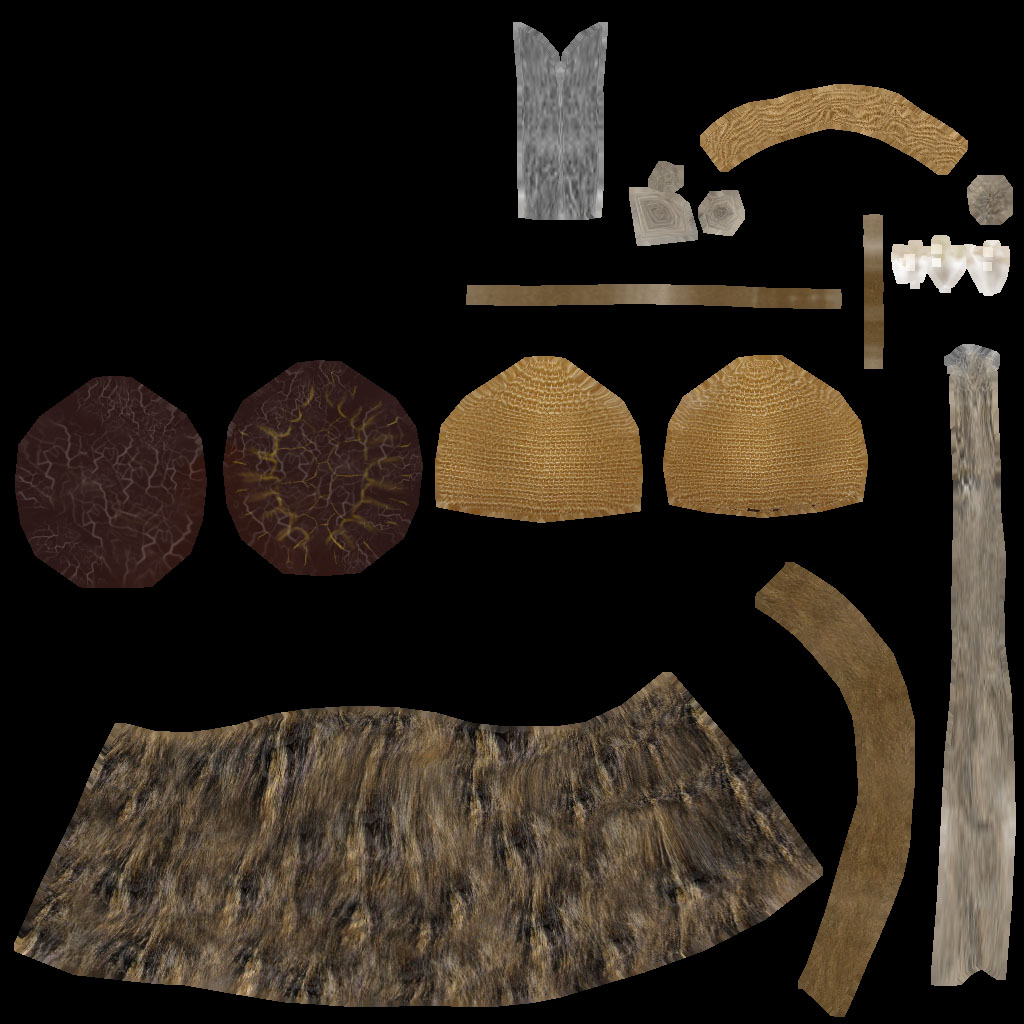
I created the base mesh in 3ds max and unwrapped it in three diff uvlayouts (my biggest Mistake)

This is for the body

Diffusebody.jpg

Now I want to port the model into UDK, and for that this diff layouts don’t work well (if there is a way if putting diff texture pallets on a single static mesh pls tell ), so now i have to put all these assets’ uvs onto single plane.

I have tried UV mapper but dnt know the proper working of the plugin ( a little help will help), i tried projecting, morphing and layer things, but i dnt have enuf memory for fuction (i have 3 gb). so either i have to go the treally long way of getting each mesh as diff static meshes or thr is a proper way for gettin all these uv on single plane.

Attachments

DiffuseComplete.jpg

I don’t know Max, but if I were doing this in Lightwave, I’d jsut copy the stuff from one UV onto the other, then scale and move stuff around till its all on one UV. Then import it back into ZB as per my previous post.

So, you want to make a game model from this model ? And you want to make a single UV layout.

What you have to do is to create a new mesh, low poly for UDK with UVs as you want them then reproject the hi poly and polypaint to this new low poly. Then everything is easy…

Do this!
Merge all the subtools you have into one subtool (save it on a new file in ZB).
Then do retopology in ZB or Topogun or whatever you want.
Then Unwrap the new low poly in Max, then import it in ZB and reproject all the details (and polypaint) on the new low poly model.
Then create the diffuse, normal and whatever you need maps and apply them to the low poly mesh you created.

Its simple :+1:

But this projection thing crashes my zbrush cos it runs out of memory :(, i guess i’ll have to live with this one as it is but next time i’ll keep in mind to unwrap properly. Thanx everyone.

@robb : thnx man it works the similar way in max to :slight_smile: