Hi Guys
thank you
Attachments

Hi Guys
thank you
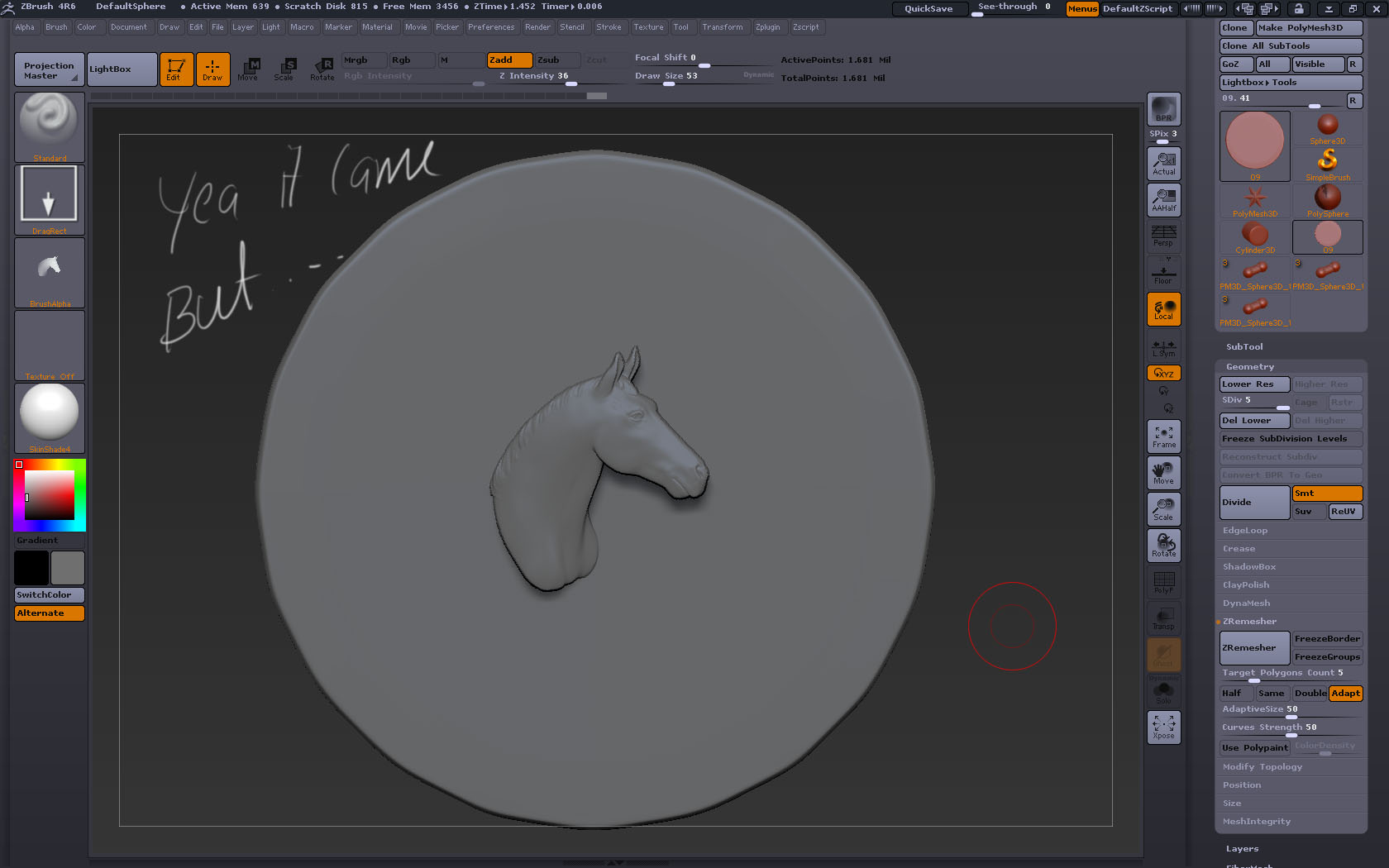
Here is what I recommend. to preserve the detail of the alpha image you need to subdivide the coin several times before you try to apply the image you want. Otherwise it will come out all jagged.
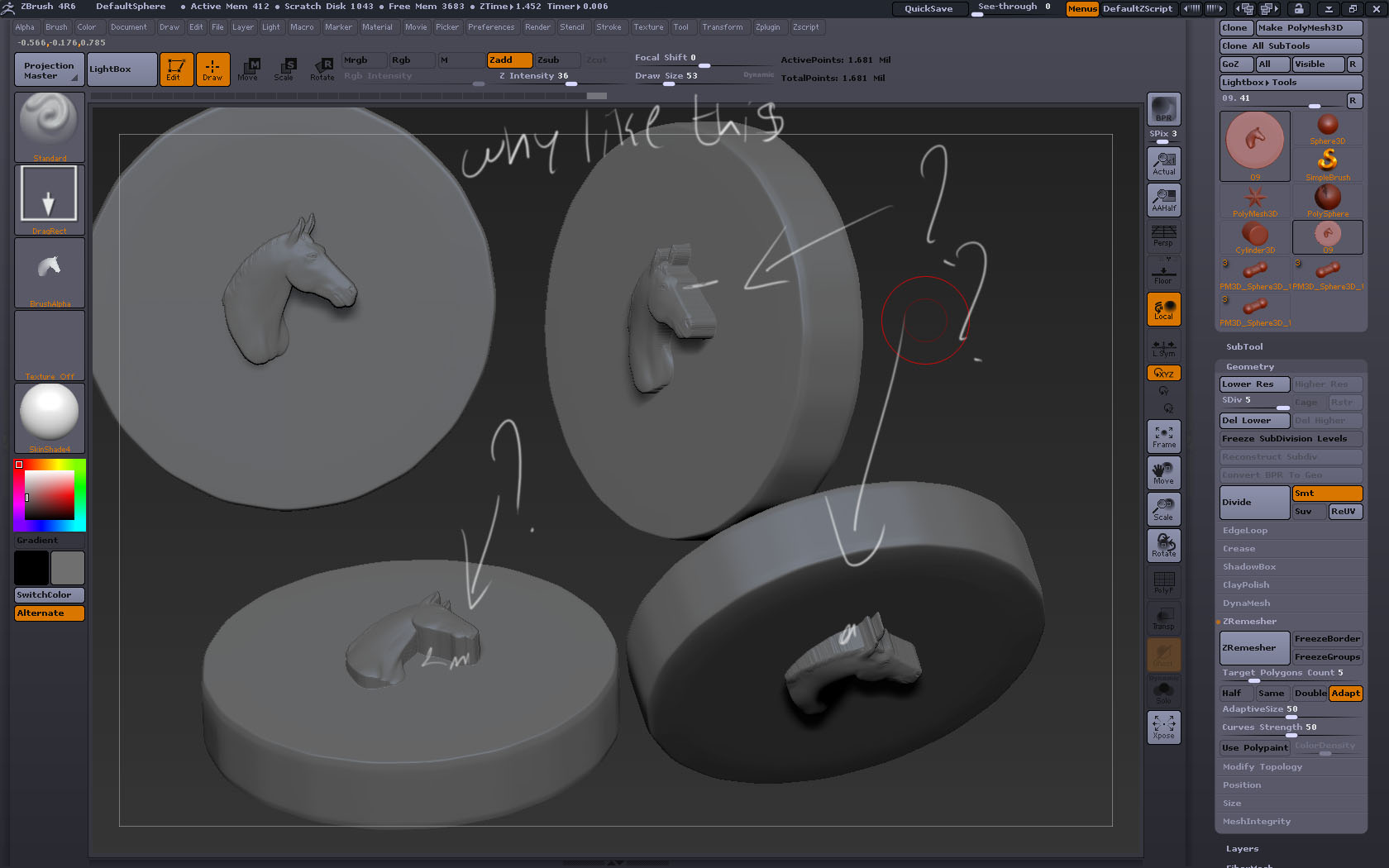
I took a closer look. I apologize for the previous statement. I’m a bit sick and not thinking clearly… Are you projecting the horse onto the coin? or are inserting the shape via the insert tool? as for as the thickness issue it looks as if you dynameshed it into the coin. I recommend making the horse head a separate subtool, and just laying the head into the coin. No need to merge the 2 tools.
maybe i don’t understand but you’re using an alpha, it’s two dimensional, the profile of the horse has to come out without detail because there is no detail. why not try to use the horse mesh itself? you can use a clip brush to make one side on the horse flat, then just seat it on the coin.
When you grabbed alpha from the document to make the horse, the horse was rotated thus the depth difference. Notice in alpha tile of image 2. It’s graduated(depth differs). You’re most of the way there. Show a screen grab with the subtool pallette open. I feel as though you’ll need a bit more direction, we need lots of visuals ;). You could modify the alpha image or just sculpt in the details you want.
Here i have attached one example… i wanted similar kind of result with the coin.
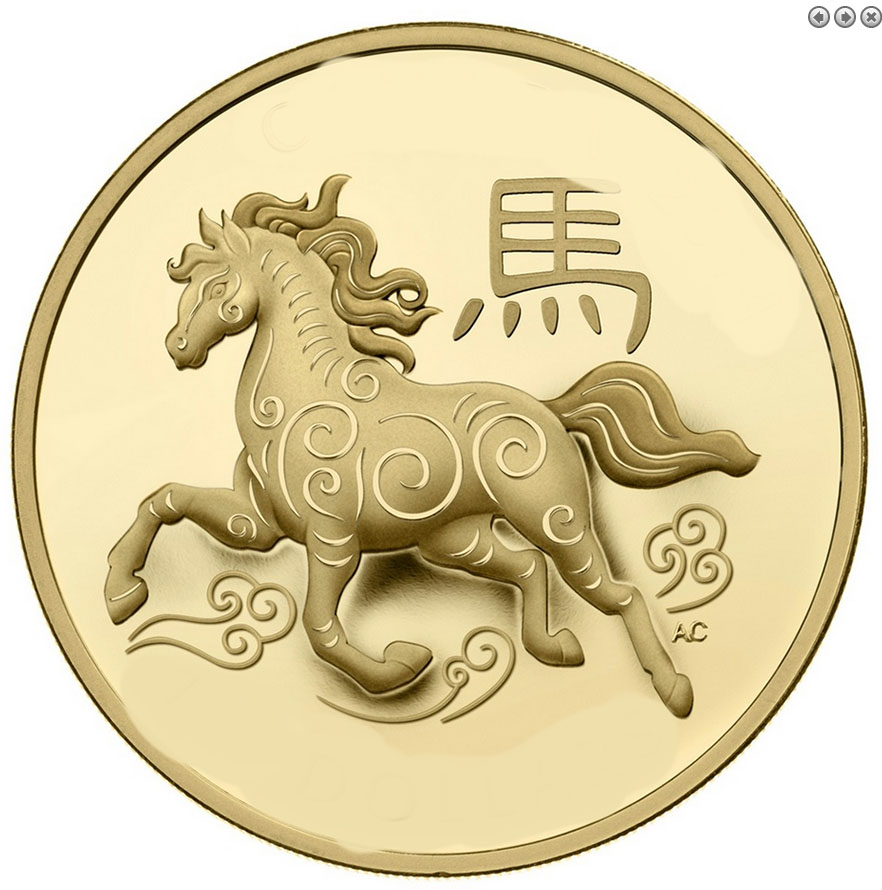
OK, this can be done with an an alpha. If you have an alpha version of the horse head you want, simply dragdot, while using the “standard brush”, the image where you want it to be on the coin or drag rectangle. Again, make sure your base mesh is subdivided enough to maintain the horse’s details.
You’re trying to fake a relief sculpture with a true 3d form.
What you need to do is “flatten” the depth on your horse head first.
You can either use the transpose line or deformations to flatten your mesh.
Once you’ve done this you can either just place the mesh down on your coin, or you can create an alpha of it and drag it out on your mesh, up to you.
also you could adjust your alpha values to remove the contrast in your alpha which is the same as flattening the mesh before create the alpha.