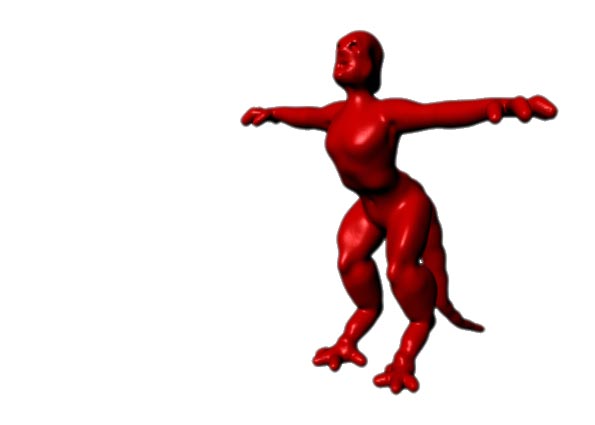
Robenhes,
One other thing you should investigate is a brilliant tool from TVeyes called XYZ Adjust (download from this thread) which lets you edit the resolution of any EXISTING individual ZSpheres in your model.
Of course it won’t help after you have converted the ZSphere model to a unified skin. But it sure comes in handy for adjusting all kinds of poly density and distribution when you are still in the process of building and MODIFYING the original ZSphere model!
If you download and install the XYZ Adjust utility, I suggest a session or two of pure experimentation on a number of modest ZSphere models to get the feel of using his script. It’s a revelation.
Things to try:
To use, point to any ZSphere and press the K key. Press spacebar to exit.
Once inside the XYZ Adjust Utility, go into adaptive mode (press the bottom center toggle button labeled XYZ Adjust) and try different resolutions for the selected ZSphere to see how it changes the distribution and number of polygons.
Try different individual values for X,Y and Z and watch the effect. In many cases odd numbers work better than even.
Symmetrically placed pairs of ZSpheres are automatically selected.
IMHO, I have to say XYZ Adjust is probably the single, MOST useful tool ever posted at ZB Central.
Sven