Hi Everyone,
This is my first time posting here. I was hoping to see if I could get some help on an issue I’ve been having with Z4R5 and the Mesh Insert Dot or Insert Sphere on my PC. I’m currently using Window 8 but before I got a new PC it didn’t work on my older computer that used Window 7 either. It did however work with older versions of zbrush like Z4R2. Unfortunately I can’t go back to that version.
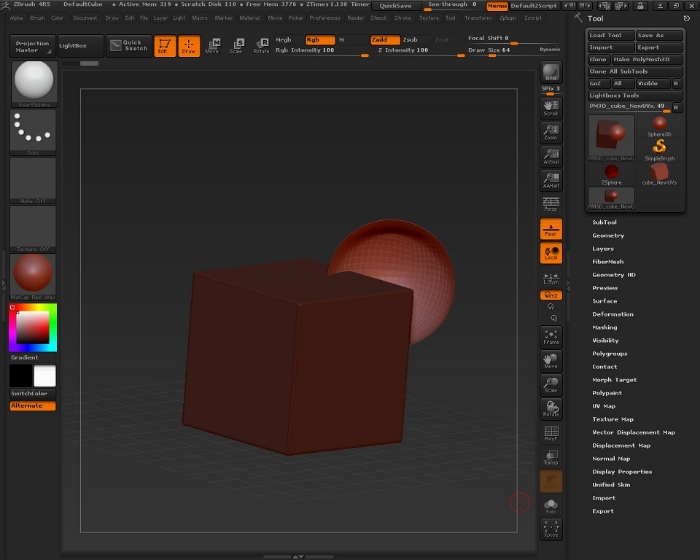
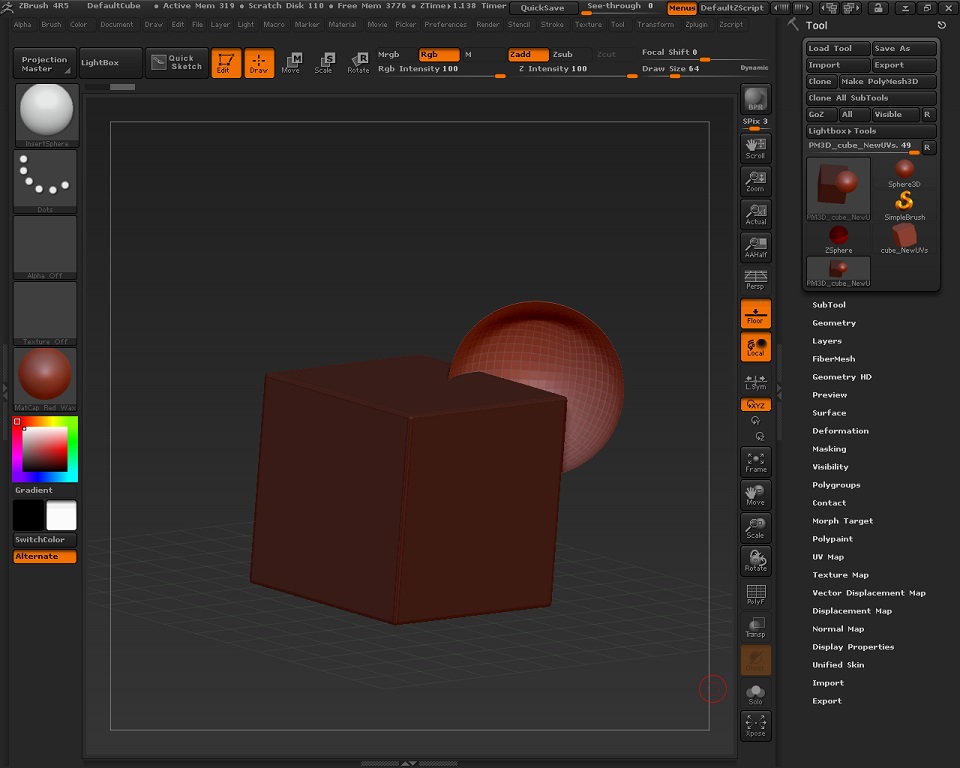
Here’s the issue, I keep getting an inverted subtool when I attempt to place a selected subtool inside another subtool using either the Mesh Insert Dot or Insert Sphere. I’m trying to create cavity of sorts, like a ball an socket or two parts that could interconnect. There is no issue if I want to add a subtool to another using these functions- just only when I press the “alt” key to subtract it. Please see image below. Is there a quick fix, patch or something I’m doing wrong to correct this issue? Below is a picture of what I’m seeing. Absolutely any assistance would be more than appreciated. Thanks everyone -Felix
Attachments