Thank you Daniele,alias LVXIFER.
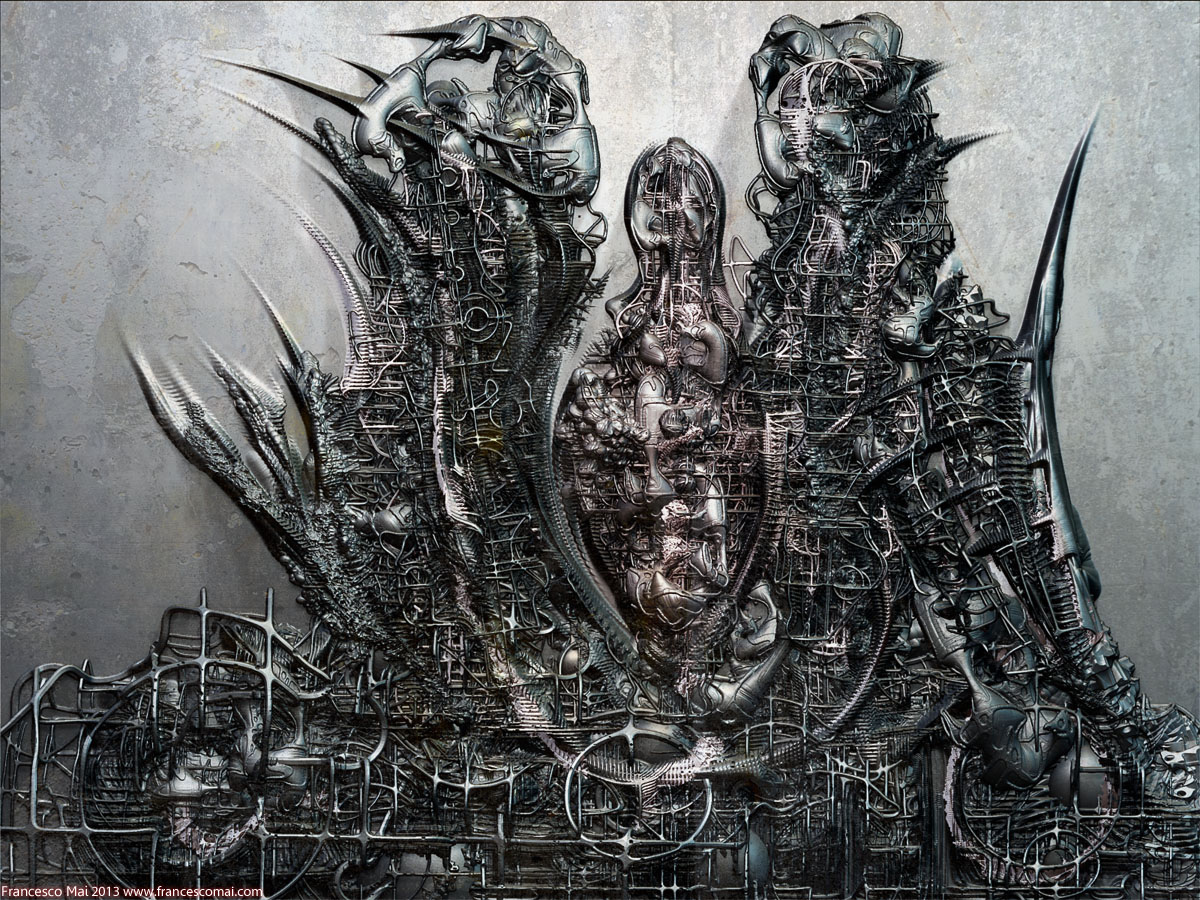
Here another one…It is quite impossible for me image that everything you see in this image is 3D!Everything was created in Zbrush,with some little arrangement in Photoshop…
U-N-B-E-L-I-E-V-A-B-L-E!
Attachments
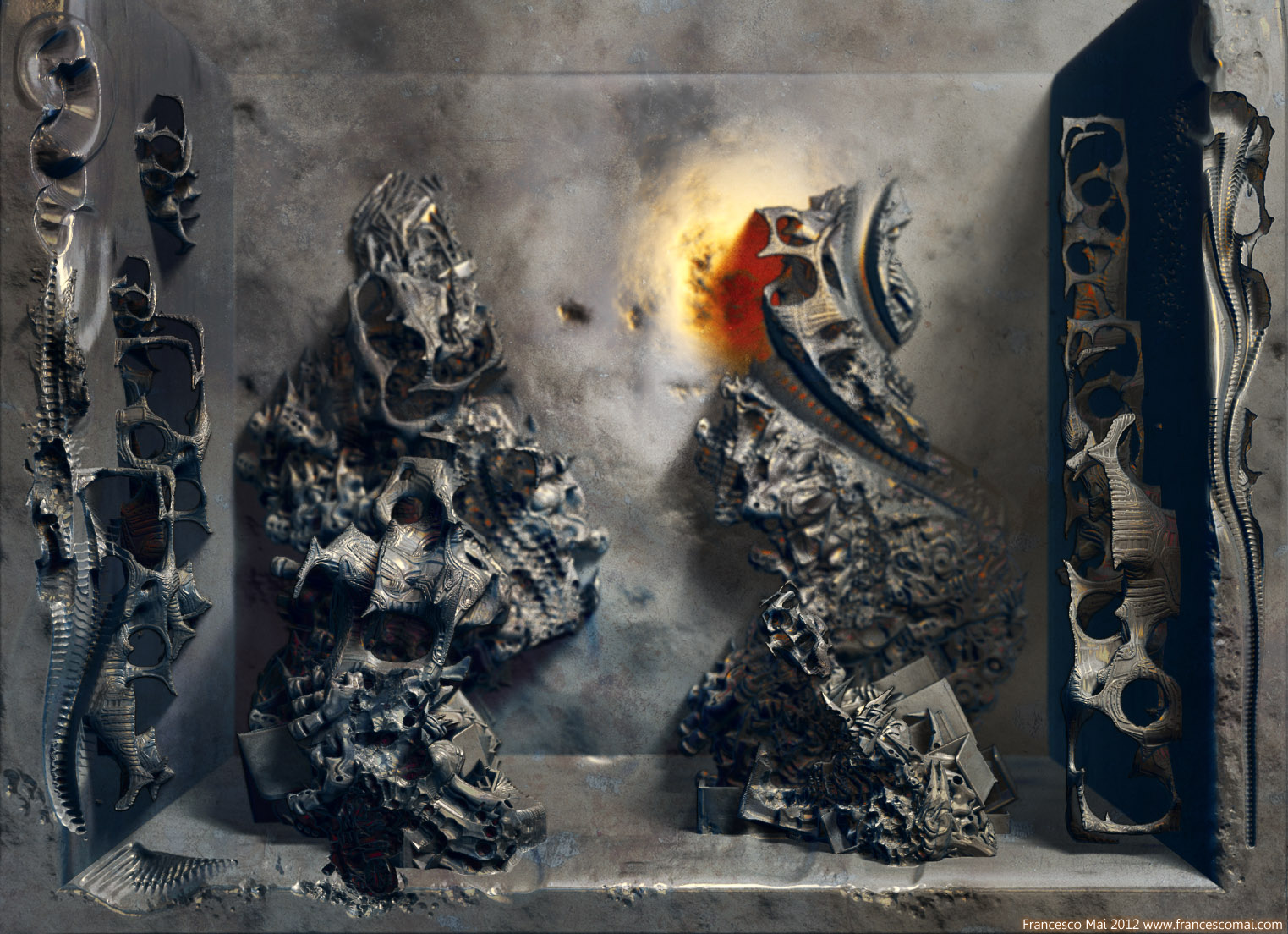
Thank you Daniele,alias LVXIFER.
Here another one…It is quite impossible for me image that everything you see in this image is 3D!Everything was created in Zbrush,with some little arrangement in Photoshop…
U-N-B-E-L-I-E-V-A-B-L-E!
Hi Francesco,
A great project! I always thought of the bas-reliefs with high detail. It’s quite possible. Working with groups provides a good effect, but very recognizable, or am I wrong? It’s a pity there are not many options …
Alex
Hello my dear Alex,I am very pleased to read your presence on this thread…
Yes,your are right…For now the control to convert pixols to pixel are not too much but for me are enough considering that
are many years that I waited for this solution (the plug-in written by Marcus Civis)…Until few weeks ago it was
practically impossible have an image like this above…Render in Cinema 4D with normal/displacement map created
after the conversion of a 2.5 D canvas in 3D plane via “Pixols to 3D”…I am very satisfied…
Any comments/suggestion are welcome…Thanks!

This is amazing Francesco!
Thank you so much my dear Tomasz!
OFF TOPIC Maybe this is not the most appropriate place but I want publicly offer
thank to you for coming to the opening of my artist exhibition in Warsaw last January…It was
very instructive speak with a great digital artist like you!
And now a new serious image…
…of course all in 3D by plug-in “Pixol to 3D”…
Normal +displacements maps and rendered in Cinema 4D,imported via GoZ…
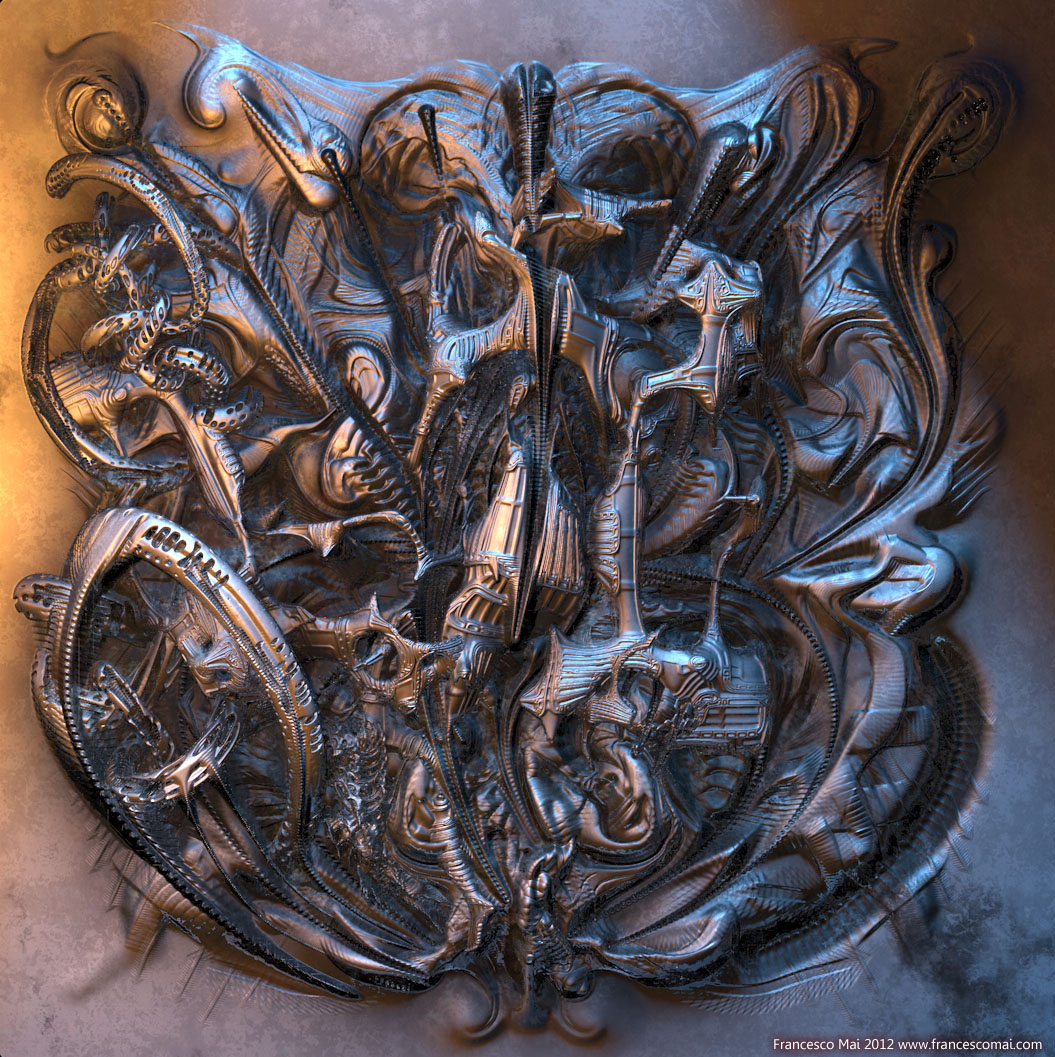
beautiful…demonic is appropriate, it gives me a sinister suggestion
Eheheh Daniele,
considering your nick,the adjective "demonic"fits like a glove…
In this days I created these images…The first in BPR and the other one in Cinema 4d with the usual creation of normal+displacments
maps in Zb and then exported…
A suggestion for every body…Try to project your converted map with “Pixols to 3D” to a sphere or other primitive…Very interesting results especially if your canvas is seamless…
Anyway,enjoy these…
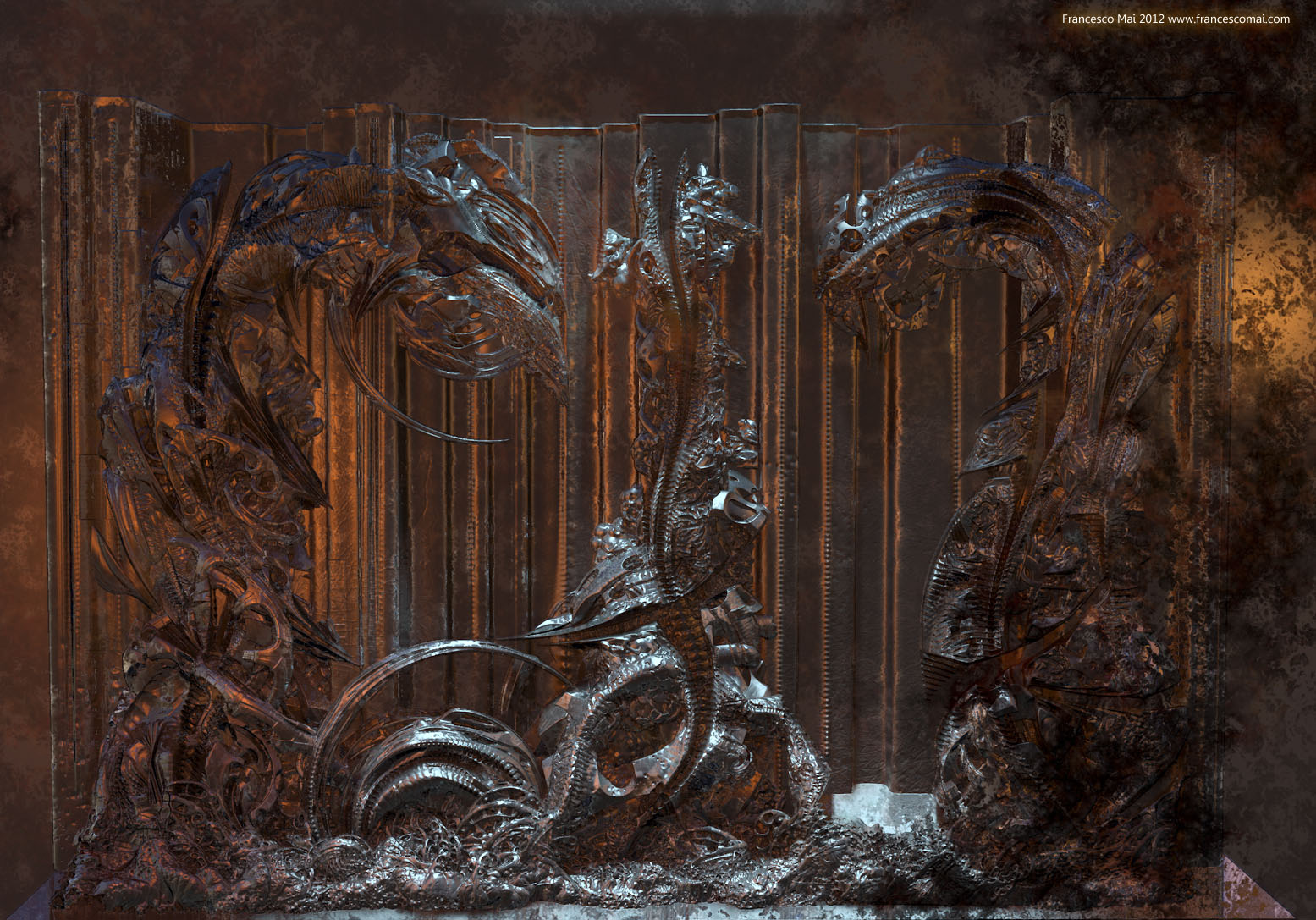
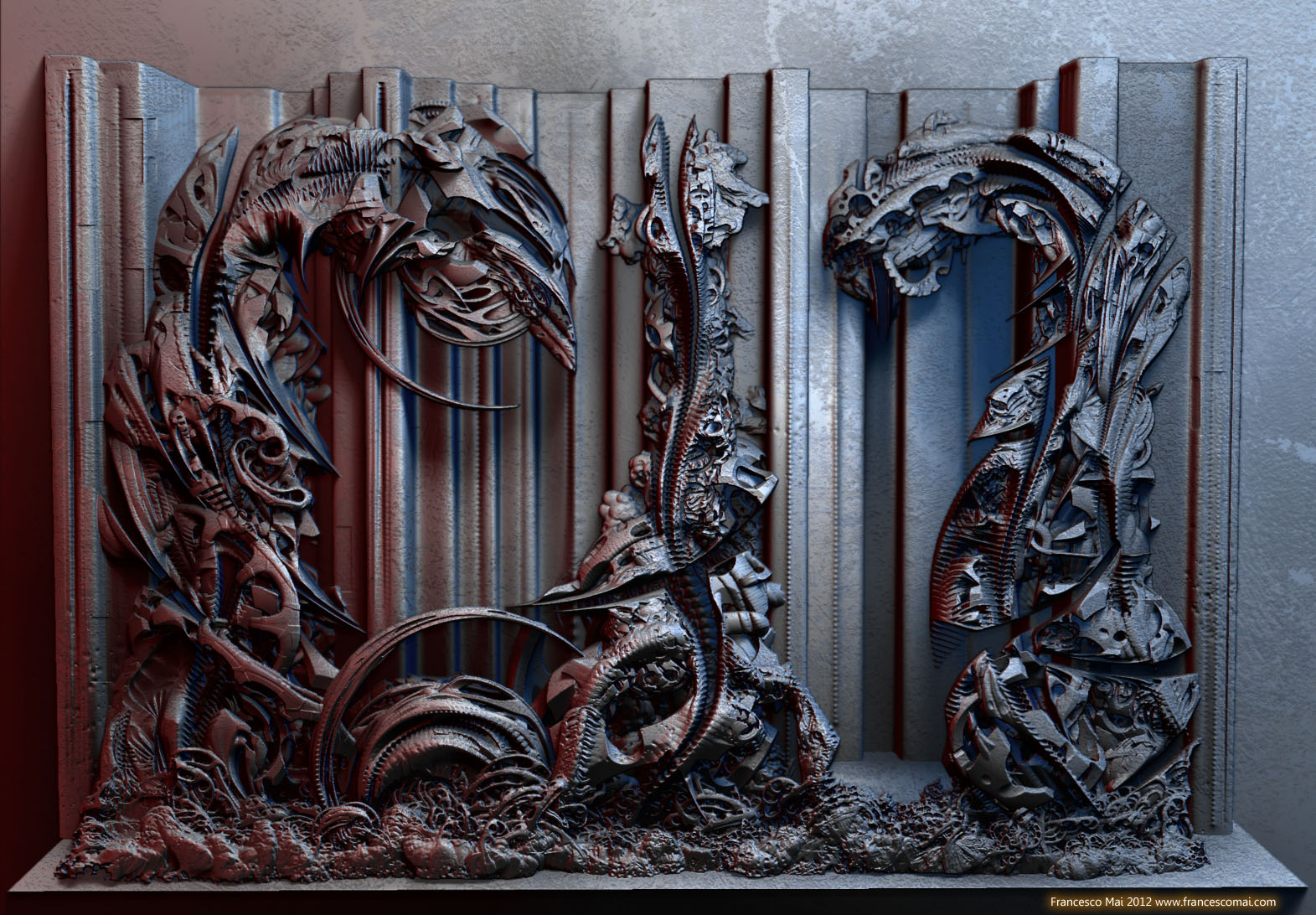
fantastic, i like both but the second one more…very very cool!!
I love these things you make and still can’t thank you guys enough for that plugin!
A new work,created in 2.5D,converted via plug in Pixol to 3D and rendered in BPR…
I hope you can find it interesting…
Excellent art, Francesco, As always. 
This is more layered than most of your pieces and it really works well here, aesthetically and technically. It’s a piece one can look at for a long time and still keep finding new things! Has Meats Meier seen this? I think he would love it. Mr. Mai, you just rock…no two ways about it! 
I would like to ask a few questions in the 2.5D area, as far as refining our craft:
How big was the working canvas for this piece? Note: I have been thinking about the 12 million facet total that results from your Pixol-to-3D plugin procedure and I was wondering…
Should we develop the option to extend that total to even more facets? If so, and if it got too big, could higher totals be converted to HD geometry?
What is the target DPI of your giclee print?
My focus here is that I find that one can print at about 100 DPI (40 dots per centimeter) and get a decent-sized canvas, say about a meter on a side…BUT…if one wanted to go for 200/300 DPI than one would want 4 to 9 times as many pixels (and therefore a similar increase in the number of facets in the object being prepared for BPR render).
The 100 DPI product looks OK at a distance of a couple meters, but it fails up closer where a lot of buyers and interested onlookers want to go check things out…and I would really like to stay big, rather than just print really small canvases.
What are your thoughts?
Anyway, keep up the momentum…your 2.5D work is truly world class! small_orange_diamondsmall_orange_diamond
Hi Francesco
Incredible!
I do not really understand the technology of the process, but it looks very impressive!
Good morning my dear Michalis,it is long time that we don’t write us but I follow always your new works.A great
and personal interpretation of the “edge loop technique” that I found always interesting.
It always a pleasure speak with you
Thank you for your post!
Dear MhueD,
thank you for your kind words and for your "technical"questions.And thank you also for your interest in my digital artistic research.
1)For the artwork above the resolution of canvas was 32002400 but I use the AA button (so a simple 16001200)for a better results and also for have all the piece under my control.I don’t like “paint"in a restricted area and that pan and zoom.Of course this resolution is not enough for printing results.I try for many years to find a method for have BIG resolution in ZB (there was a moment that I think that the only sokution is to have 6 monitors link togheter and is still actual!):finally I found it with the creation of the plug in “Pixol to 3D” (I gave the idea and Marcus wrote the code).Now you can non only render with BPR and all
its features such as a better shadow control (forget the old"best render”,SSS,Ambient occlusion and so on but you can create normal and displacement map of your over 12million converted plan mesh and render in your favourite rendering software (better in front view to avoid artefacts with prospective).Keep in mind that in this way you can really reach the enough resolution for a professional print glice and work with all benefits of a TRUE rendering engine.The rule "much is better"is especially true in this case.
Of course you have to star always with at last 4k images.The best will be use 2.5d at 8k but with a 32 bit only application as ZB
it is really easy to crash or wait to much time from operation to other.I hope that with the new release at 64 it will be faster and safer work with pixol.Please don’t forget to make pression at Pixologic to have more and cooler 2.5 d tools 
2)Concerning the way to reach more polycount you fell free to use the HD geometry.I made some experiment and it is nice but for high resolution is much better render externally.Anyway an over 12 million plane is not so bad in ZB.You can increase the size of you canvas to 8k and centre IN edit mode your converted mesh worked before at 2 or 4 k.
I hope to be clear.If you need more question feel free to ask me anything.I will try to answer to you.
Have a nice experimentation!There are infinite potential in ZB!
Cheers
Francesco Mai
Mr Gutalin,
good morning to you…You are welcome on these pages 
Thank you for posting…
Concerning the technology behind,it is simple…It is alien technology (and I suspect also yours!)
No,it is only paint in 2.5 D more and more and more.Not very intuitive at the begin but artwork after artwork you can
develop a good skill to control the process.
By the way your last works are wonderful.CLAP CLAP CLAP CLAP…
Francesco
Francesco–
I am not sure I am understanding your approach yet, but you and I might be thinking similar things. I am considering working with tiles, where each tile is 12 million facet output from Pixol-to-3D and I would have 4 or 9 subtools of that resolution. I am curious if I could modify the script to output these tiles and place them side by side so that the subtool stack is ready without any manual moving stuff around after it finishes.
Then the only challenge would be details that are on more than one subtool, reworking them would require some delicate cutting/merging. Also, it is possible there might be artifacts of the slicing process that look like a seam, though hopefully those could be sculpted away…? (or baked and reworked in the post-render)
So, I take your point that once the Zbrush sculpting part of the workflow is done you have to export, either to another 3d render or to a Photoshop compatible 2d post-render. I guess my concern with the displacement map approach is whether or not the material information would work that well. Your pieces have large sections of the same material, whereas mine have hundreds of tiny material transitions.
What is the largest Zbrush width/height that you have worked with that performs decently?
–Matthue
Dear Matthue,
the idea of create tiles is very interesting.I think that could be a elegant and efficient.Also Mealea and SpaceMan (very
active and creative Zbrush users) spoke about tiles some month ago.I will contact now Marcus Civis for know if it will be difficult to implement in Pixol to 3D
Concerning your question I remember that with 4096 anti-aliased canvas (so at maximum resolution of Zbrush,8196*8196)
I can handle sufficiently the 12 million mesh in edit mode.Of course if you have noise turned on and some complex material the speed drops down  This on a 4 core Xeon @ 3.6ghz.With the actual Xeon with 8 pure core+hyperthreading we can fly!
Keep in touch!
Francesco–
Let me know what Marcus says about his availability…I have not written any Z-script yet but I am a professional programmer so I can probably get up to speed pretty quickly. We should do some specification documentation so that the coder knows what feature set we are shooting for. Here is a first shot:
The User can specify the output of the Pixols-to-3D plugin to be in one or more tiles of 12 million facets each. The tiles shall be subtools of the same unified output tool, and they shall initially be placed seamlessly next to each other to form a master canvas entity that can be treated effectively as one object for a render.
Please add whatever related features you think we need to include for guidance.
And on the 8k square canvas…wow…and I note that the z-index depth is about 8k as well, so you were working in a sort of 512-gigabyte sized ‘space’ – though the genius of 2.5D is that you still only needed 64 million pixols to define the finished surface! I have a quad-core i7 w/ 3.6G processor and 16G RAM, so I am in the neighborhood. I have been thinking of putting together an in-house render network to blow even that away, so I am hopeful.
Thanks for getting ‘down and dirty’ with me on the tech side of this canvas stuff. Like you, I would like to push for more development focus on issues related to the 2.5D workflow…we should spec that out soon as well!
–Matthue
there is this script made ma the same guy,
http://www.zbrushcentral.com/showthr…l=1#post940005
it works for exporting big size rendered portion of the canvass in BPR