ZBrushCentral

Pixilated Normal Maps

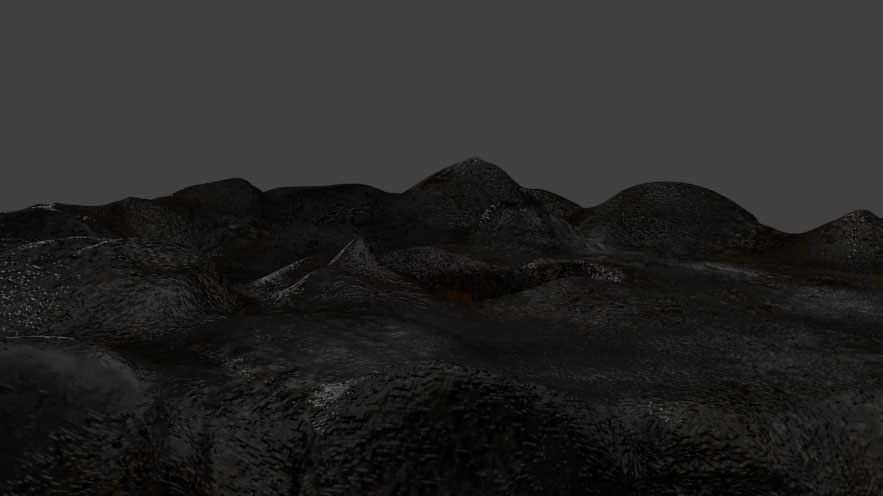
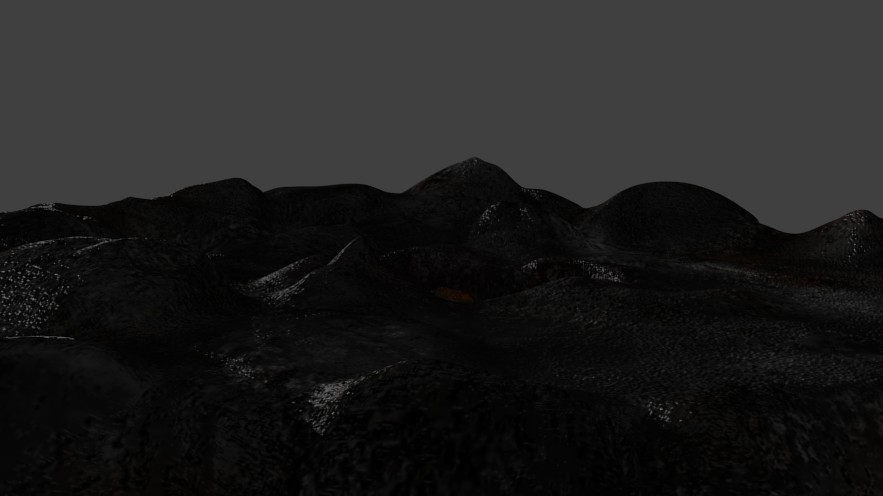
So when I export my normal maps they seem to come up kinda pixilated. I click to make the normal map, then make it a texture, change the size to 2048 X 2048 and click clone, so it makes a clone at 2048 X 2048, but my results still aren’t that good.

Is there anyway I can get better quality maps?

As you can see in the pic, the normal and texture map look ugly and low res. In zbrush they looked great though.

Attachments
test.jpg

which version of Zbrush are you using?
I can’t see anything in that image.
Are you making your texture first?
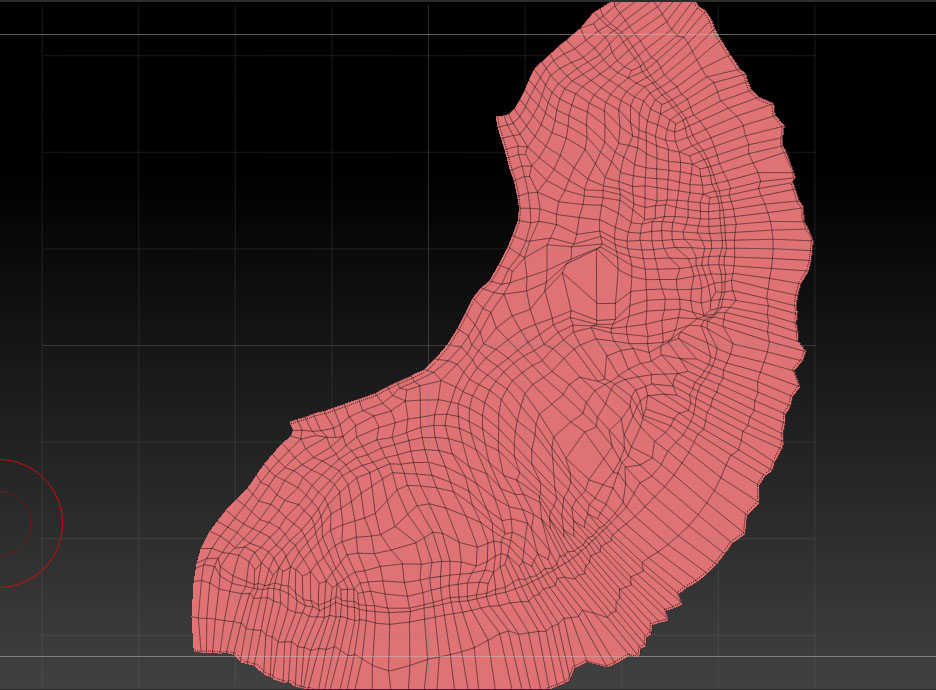
What do your UV’s look like?
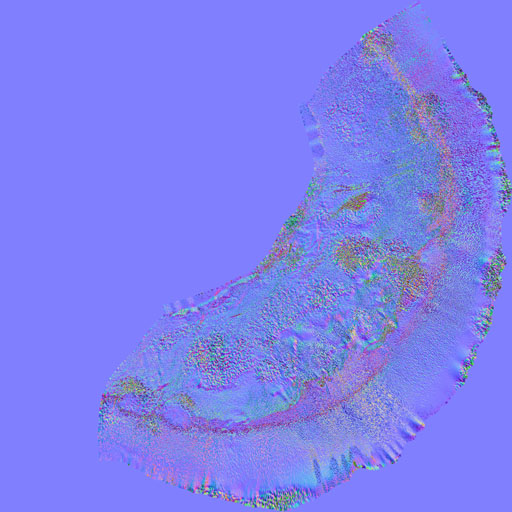
what does the actual normal map look like?

Well, I made both the texture and the detail as I went along. Its a ground for a scene I’m working on.

I am using Zbrush 3.5R3

And heres some more pics:

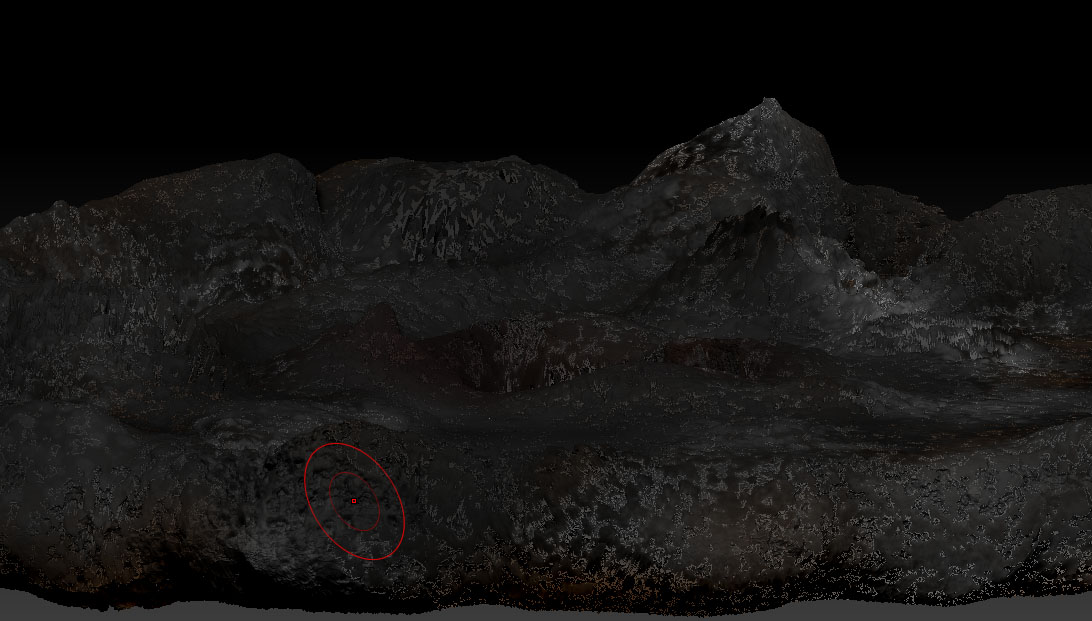
The first one is my render from blender, With the ugly parts, mostly near the part closest to camera. The second is how it looks in zbrush, and the other two are self explanatory. I used UV Master to get the UV.

Attachments

test.jpg

test2.jpg

test4.jpg

test3.jpg