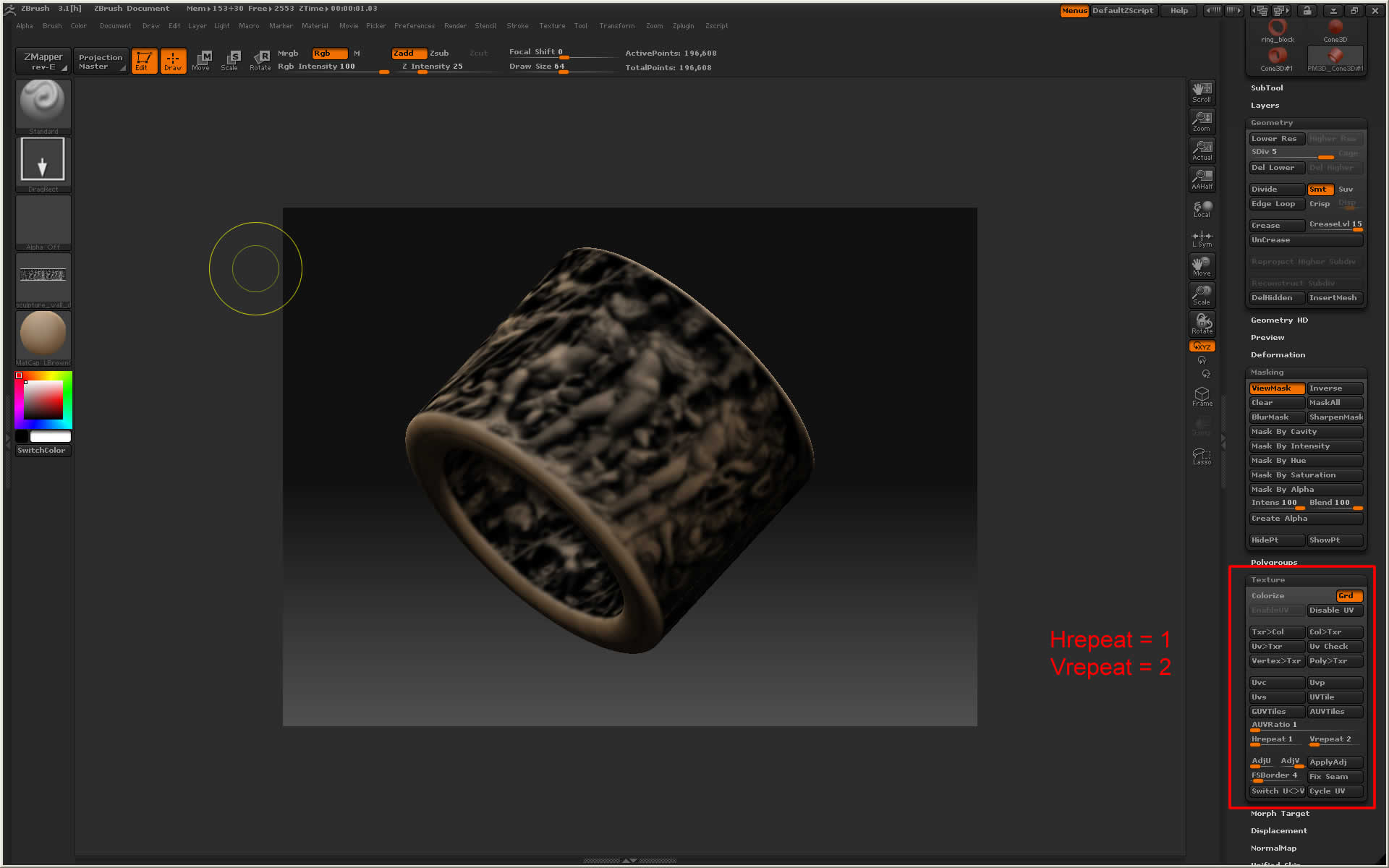
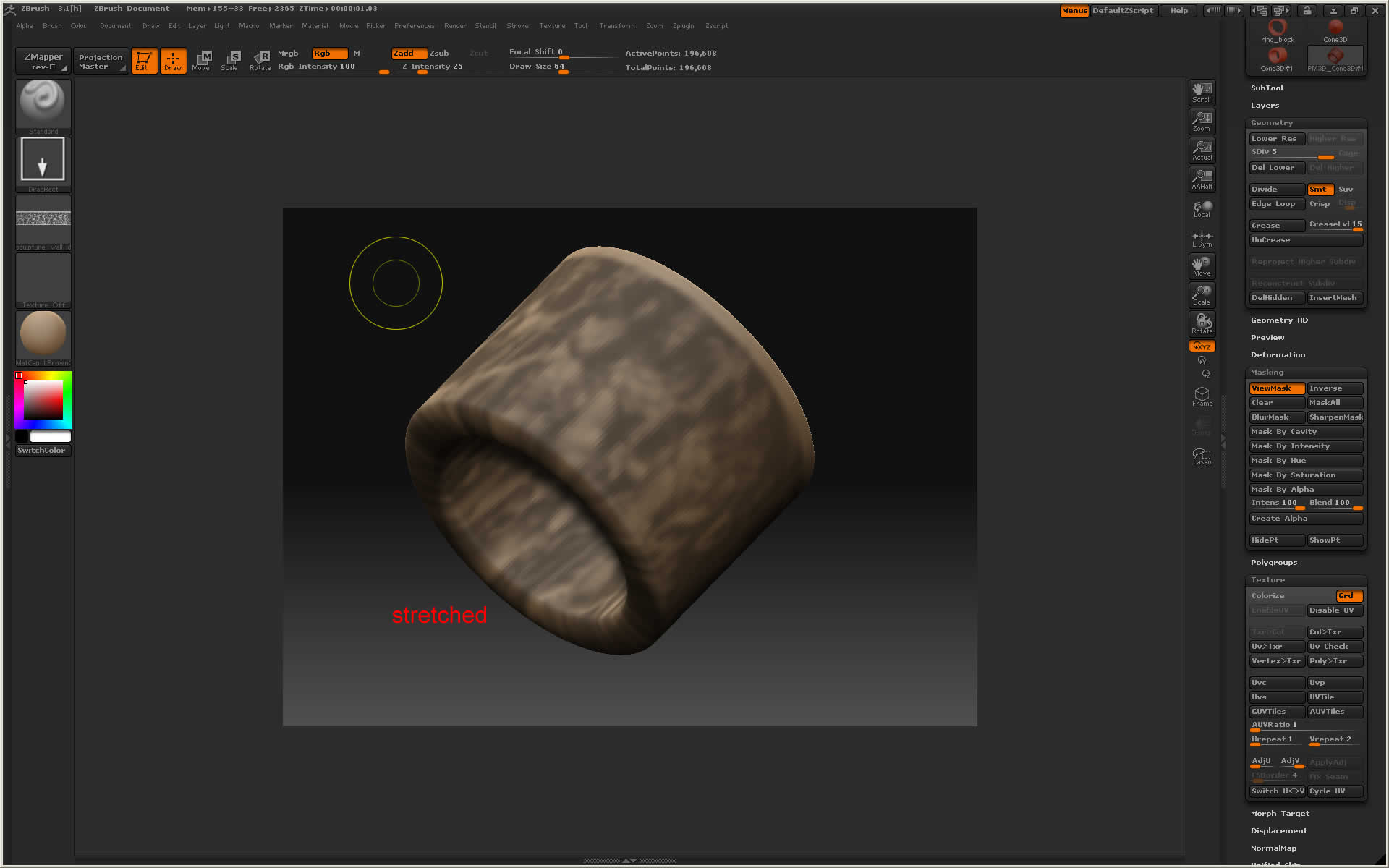
I am having issues when I turn a texture into an alpha, it seems to not maintain the specific H and V settings I had established to align the texture on the object. The first image shows the the texture with Hrepeat = 1 and Vrepeat = 2. However, when I turn it into an alpha and say “Mask by Alpha” the mask no longer follows the H =1 and V = 2, it just stretches the masked alpha around the entire object.
Picture 1 shows properly aligned texture.
Picture 2 shows stretched ‘mask by alpha’.
is there anyway to adjust this?
Attachments