Hi, I’ve only been using Zbrush for a week, so I apologize if I’m missing something obvious.
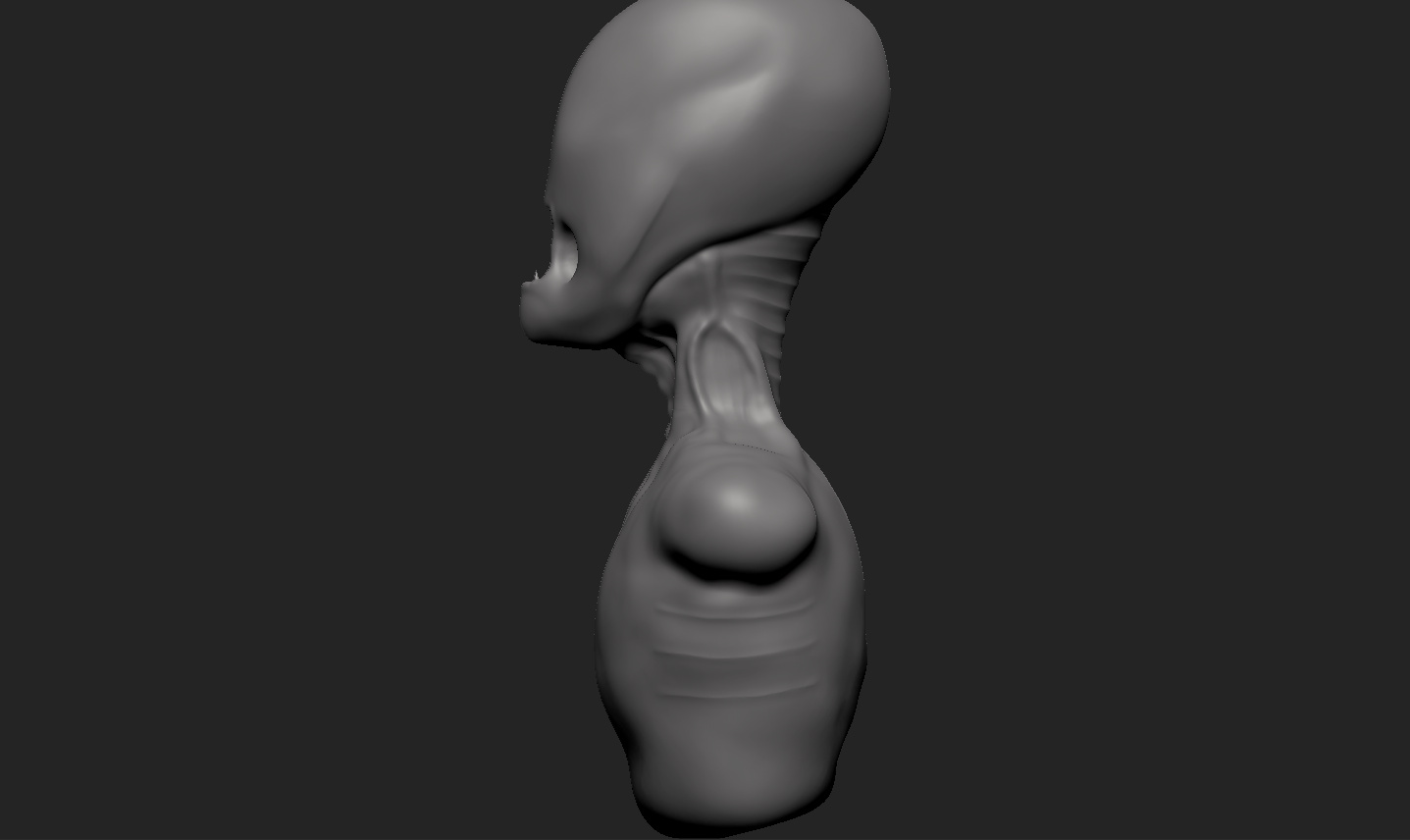
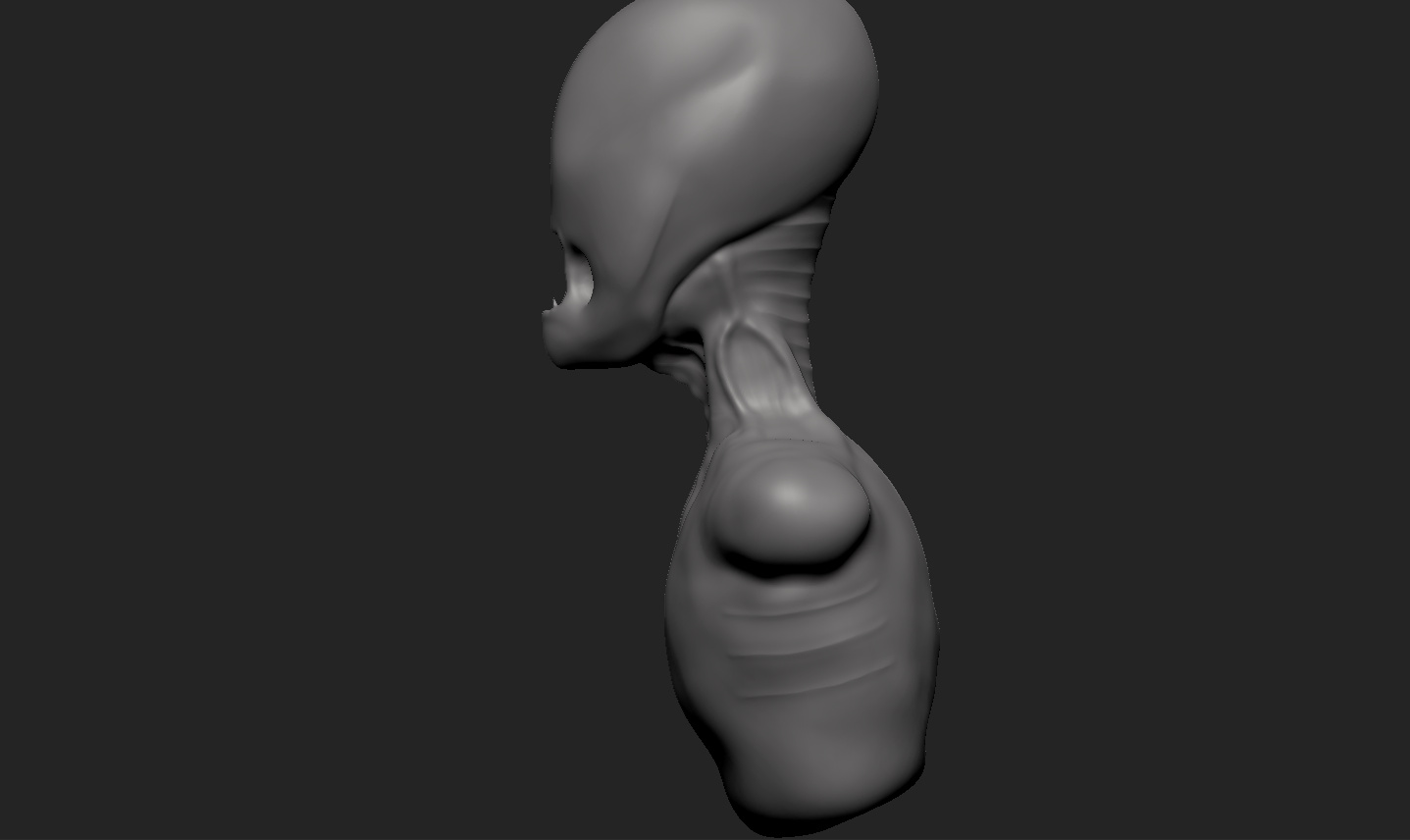
After learning how to navigate in Zbrush, I started sculpting a random creature, that kinda popped into my mind. However, I made the posture too straight for what I was going for, and I’m wondering if I can permanently rotate the model.
The first picture is what I’m working with.
The second picture is what I want.
Whenever I rotate the model to the place I want it to be (picture 2), it defaults back to picture 1 when I use Shift+Right-click. Can I “lock” the model in place to avoid it returning to picture 1 when I use Shift+Right-click?
Thanks in advance!
Attachments