ZBrushCentral

PelayoMG Starting on Zbrush

Hello guys
I started this year doing some 3D sculpting, first on Mudbox, now on Zbrush.

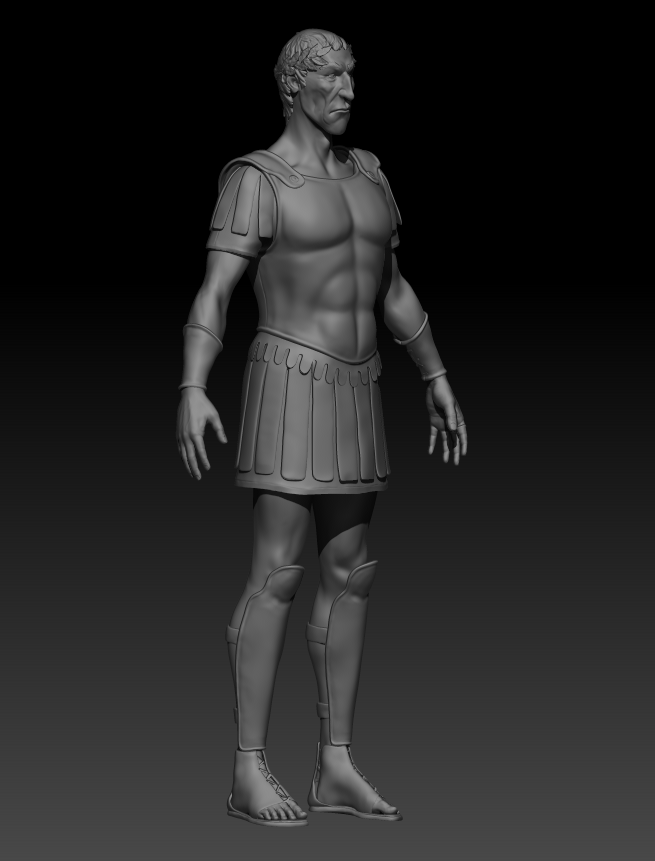
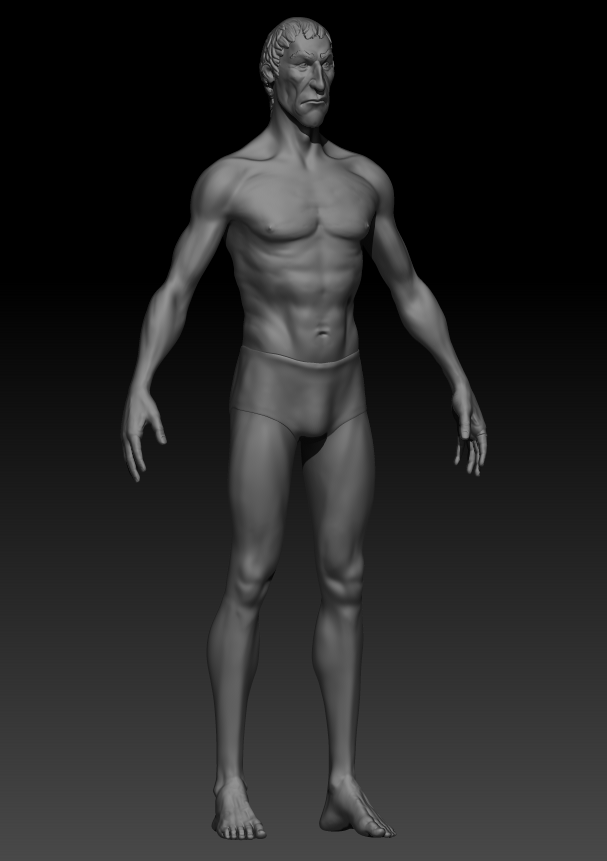
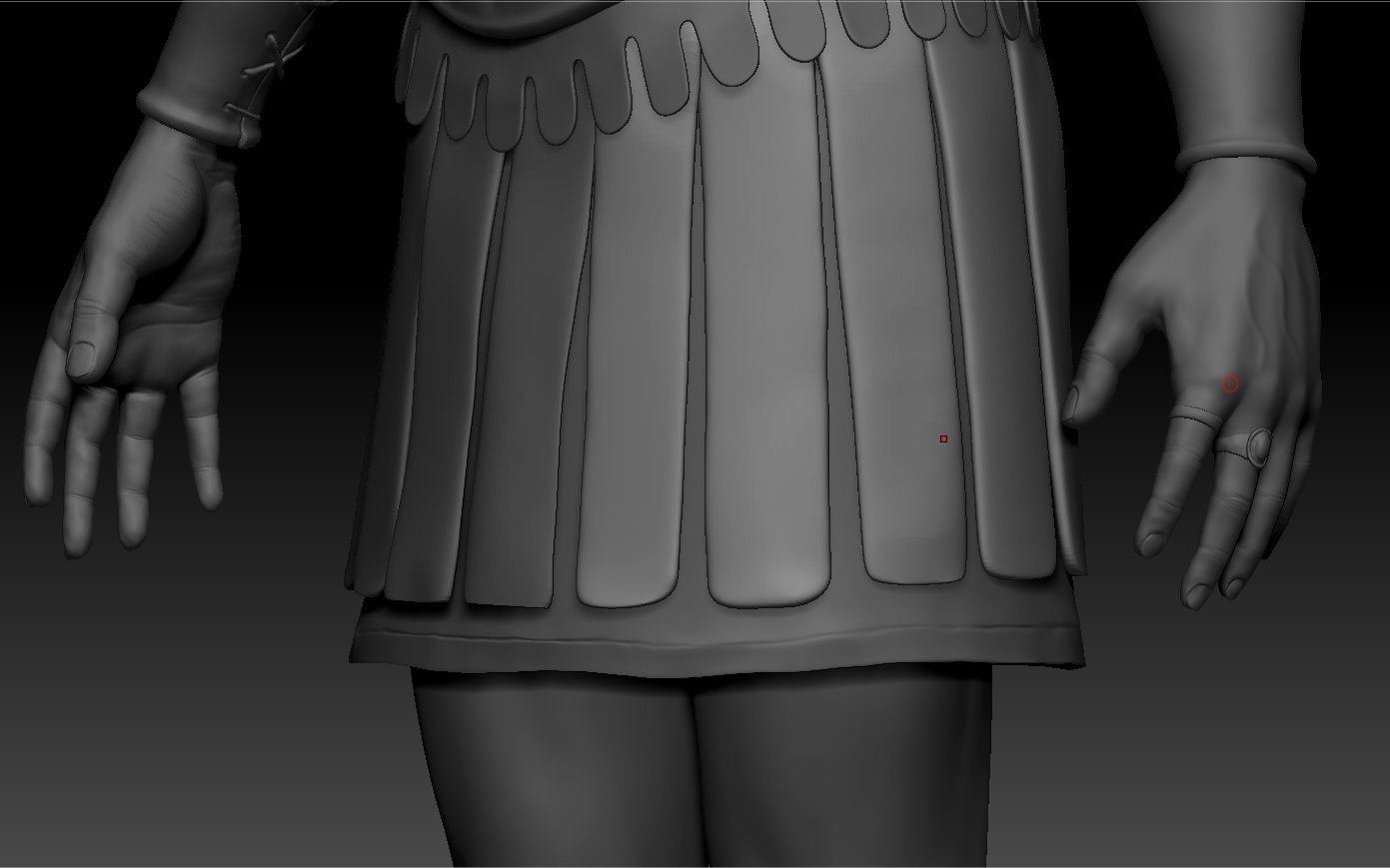
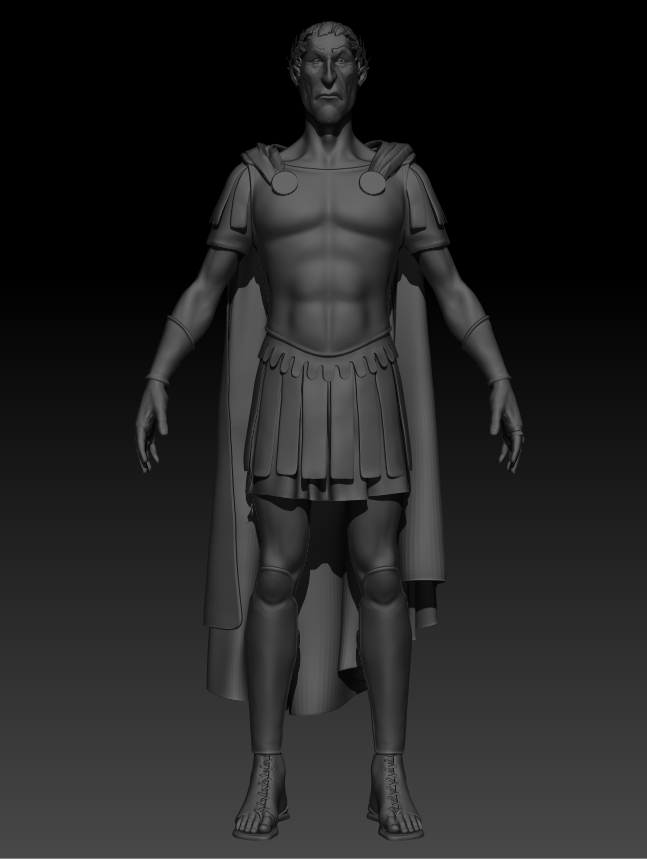
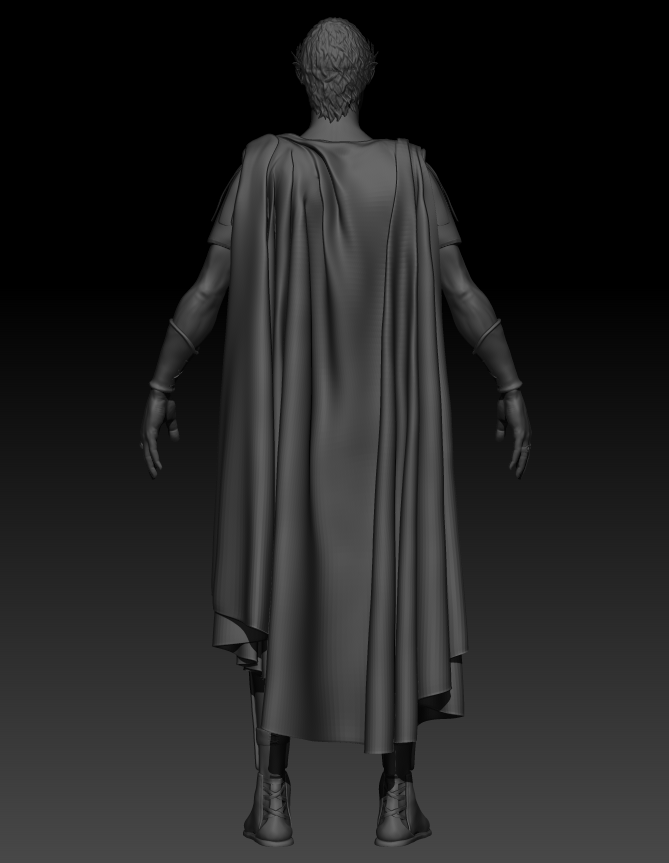
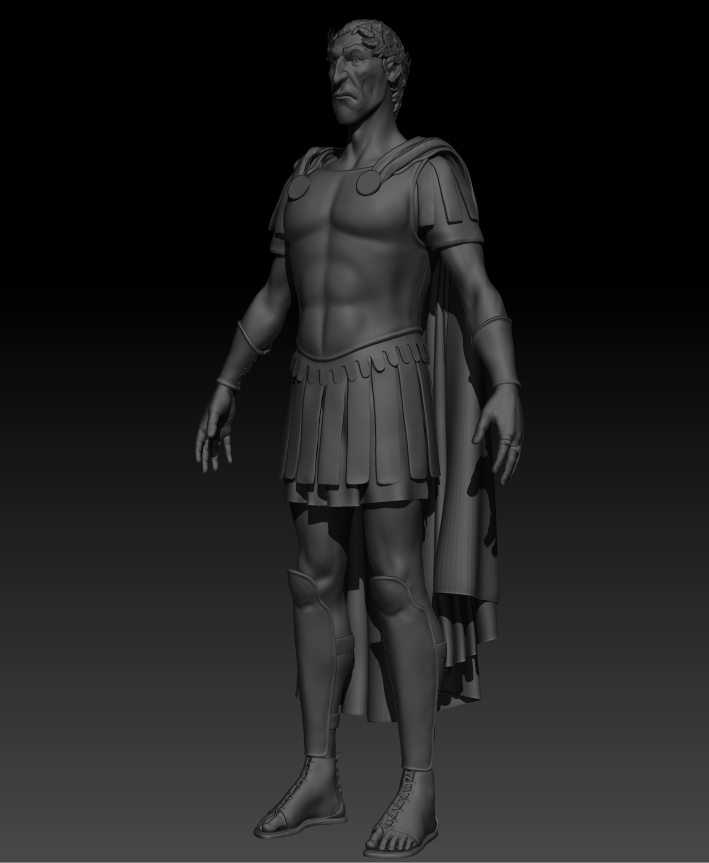
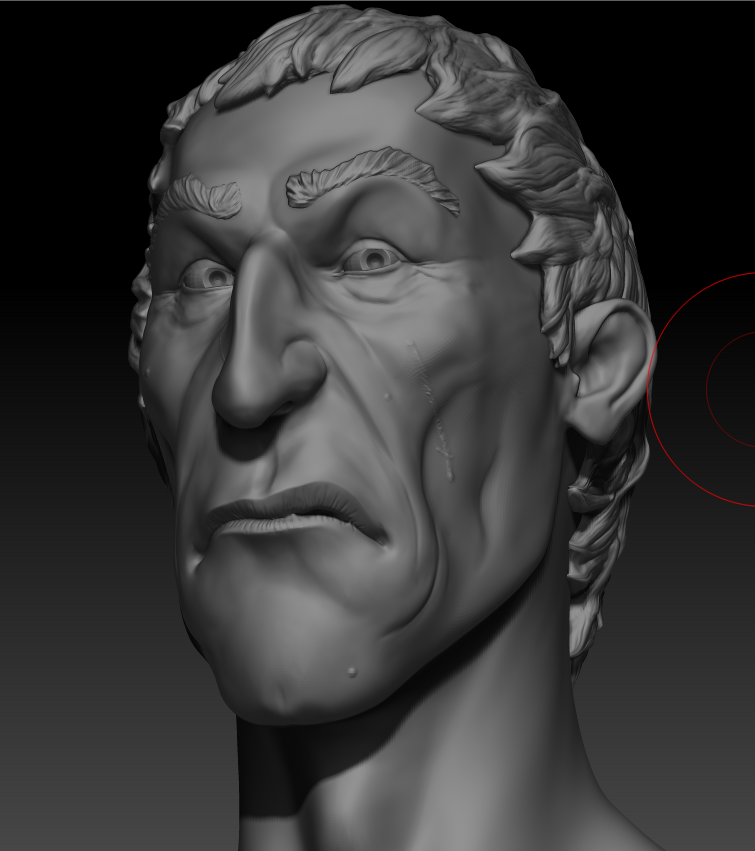
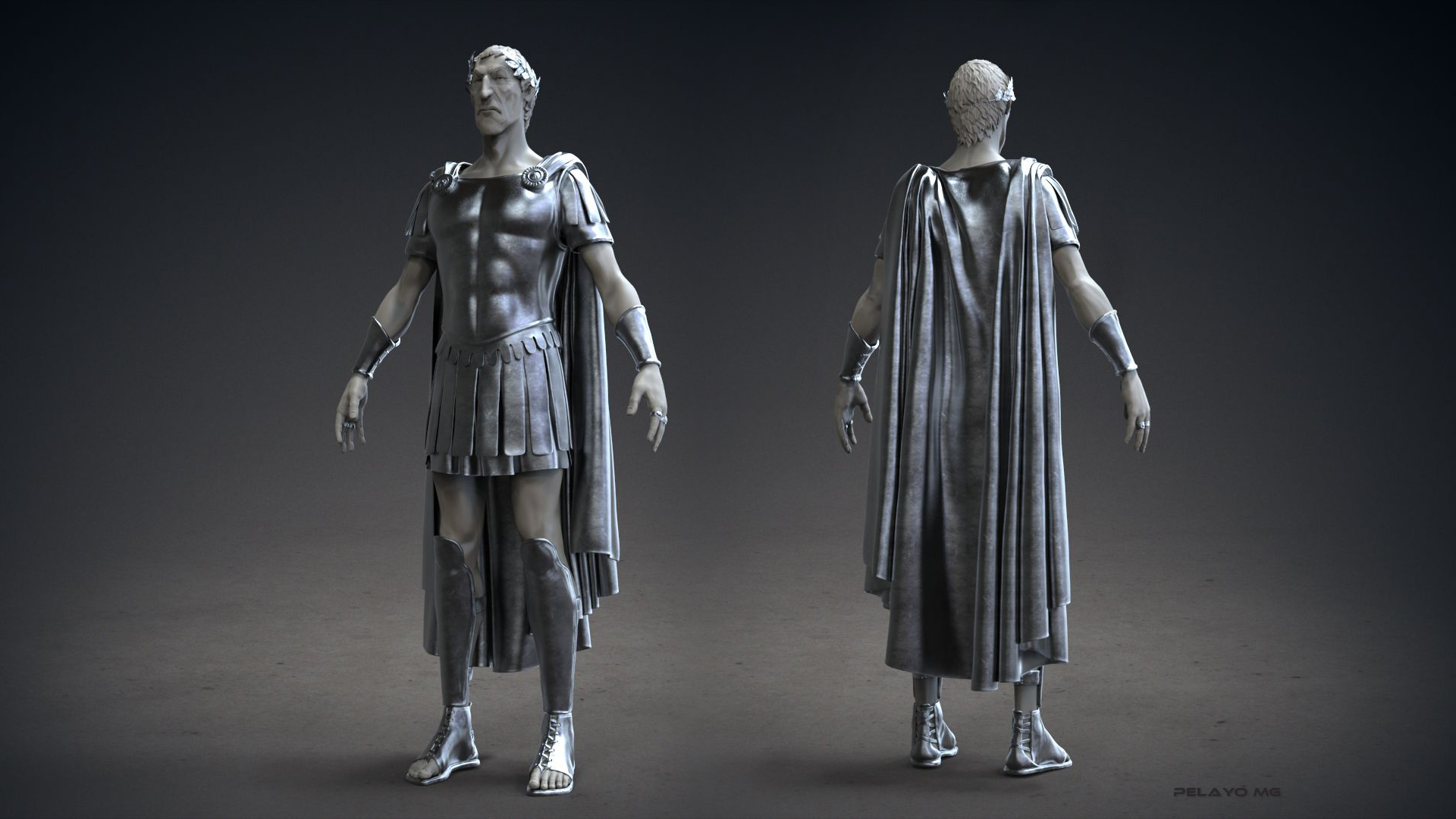
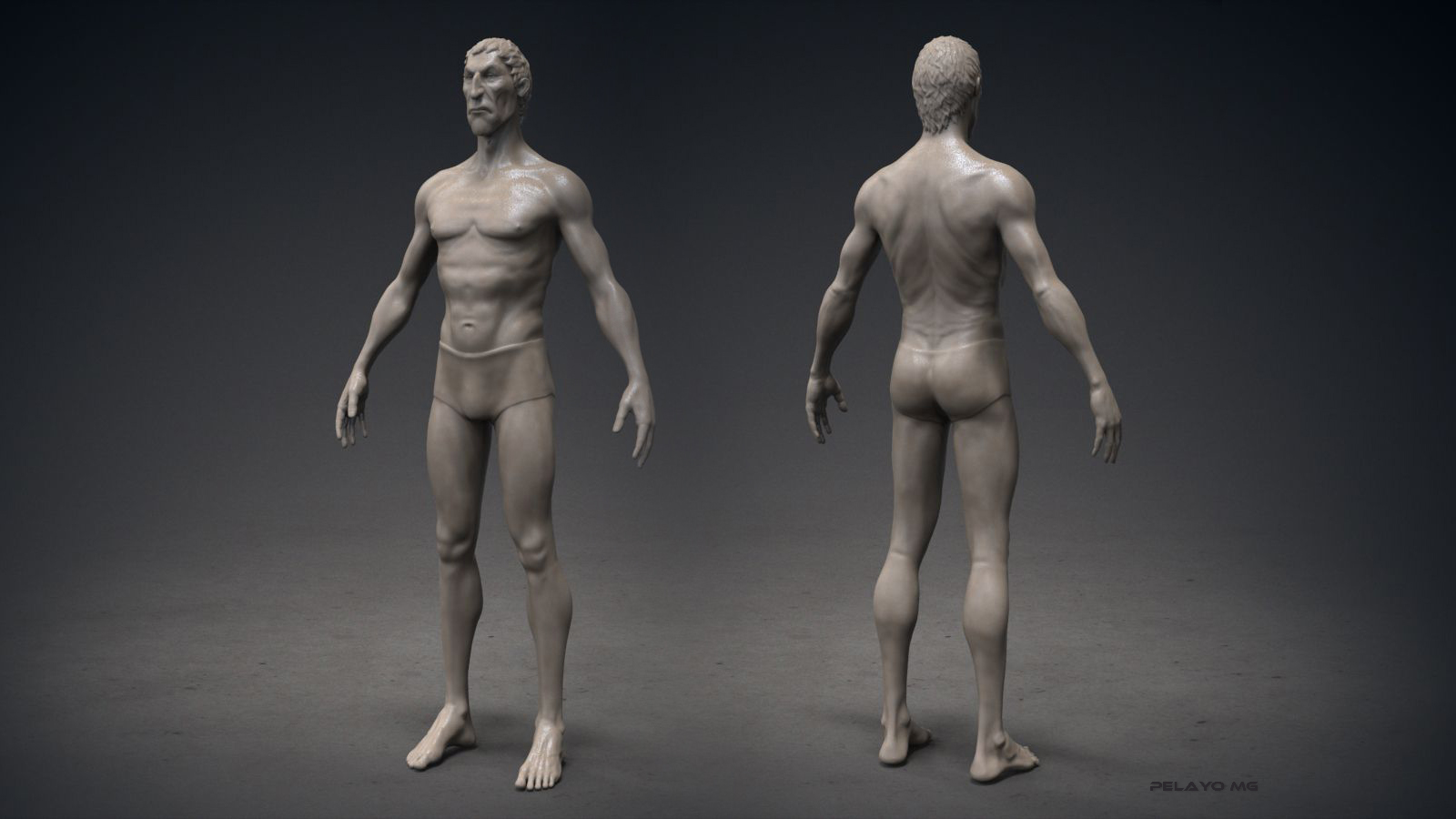
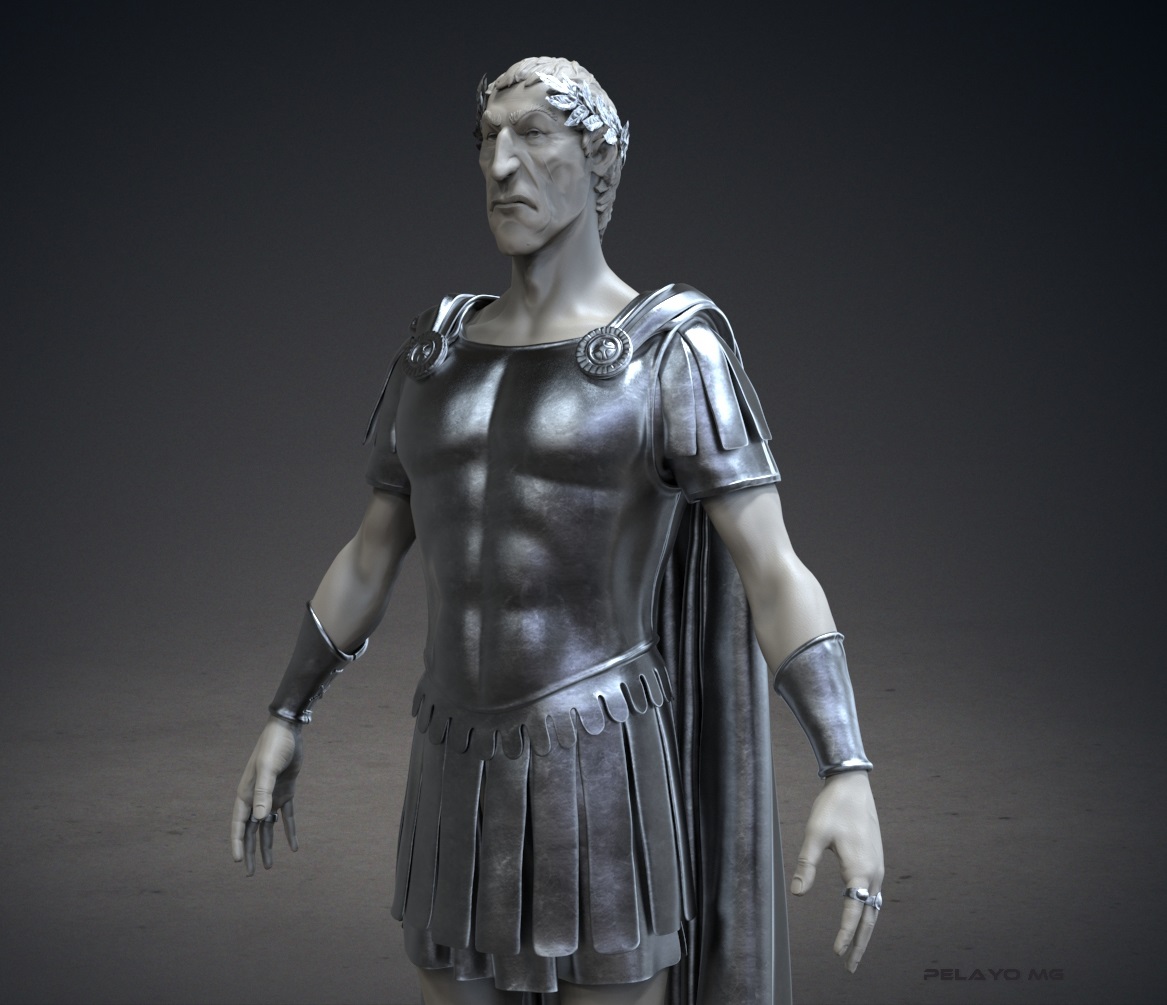
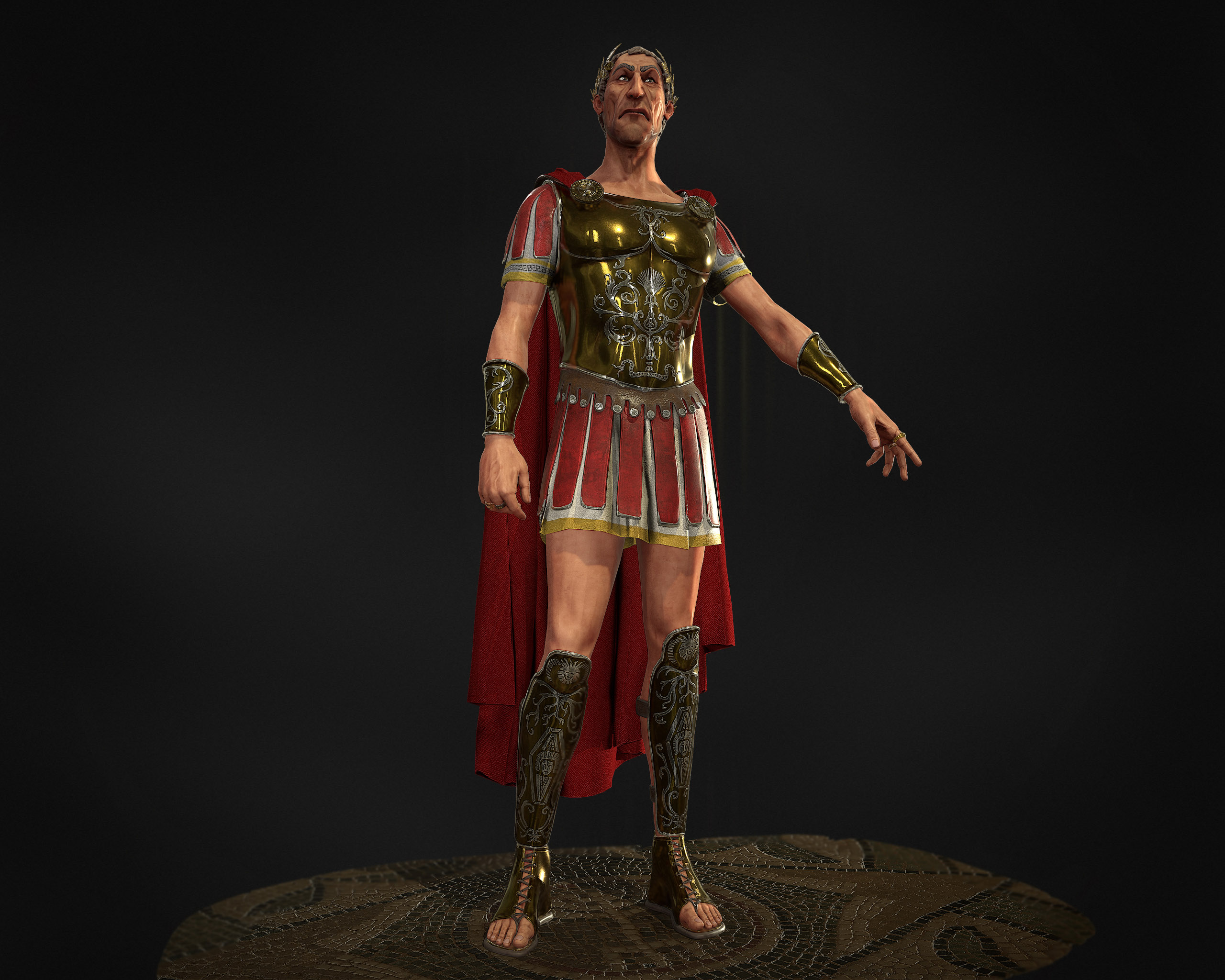
Right now I’m working on my own version of Cesar from Asterix, a little bit more serious one.
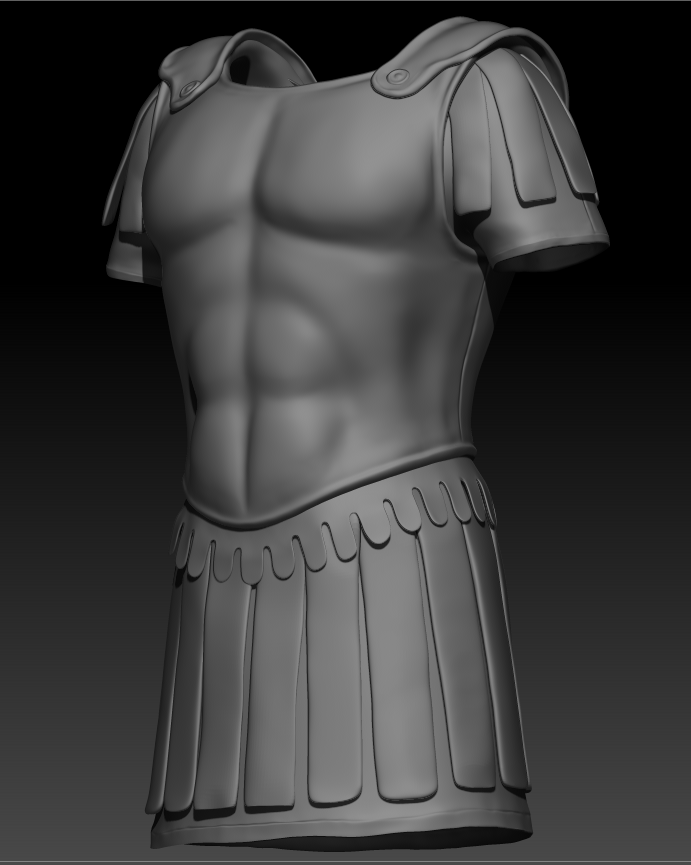
I came across some problems, like I don’t know how to sharpen the edges in a regular way, so I can create the feeling of leather.
I don´t know if I’ve explained myself properly, so i’ll sow you:

This is what i’m doing right now, early work:

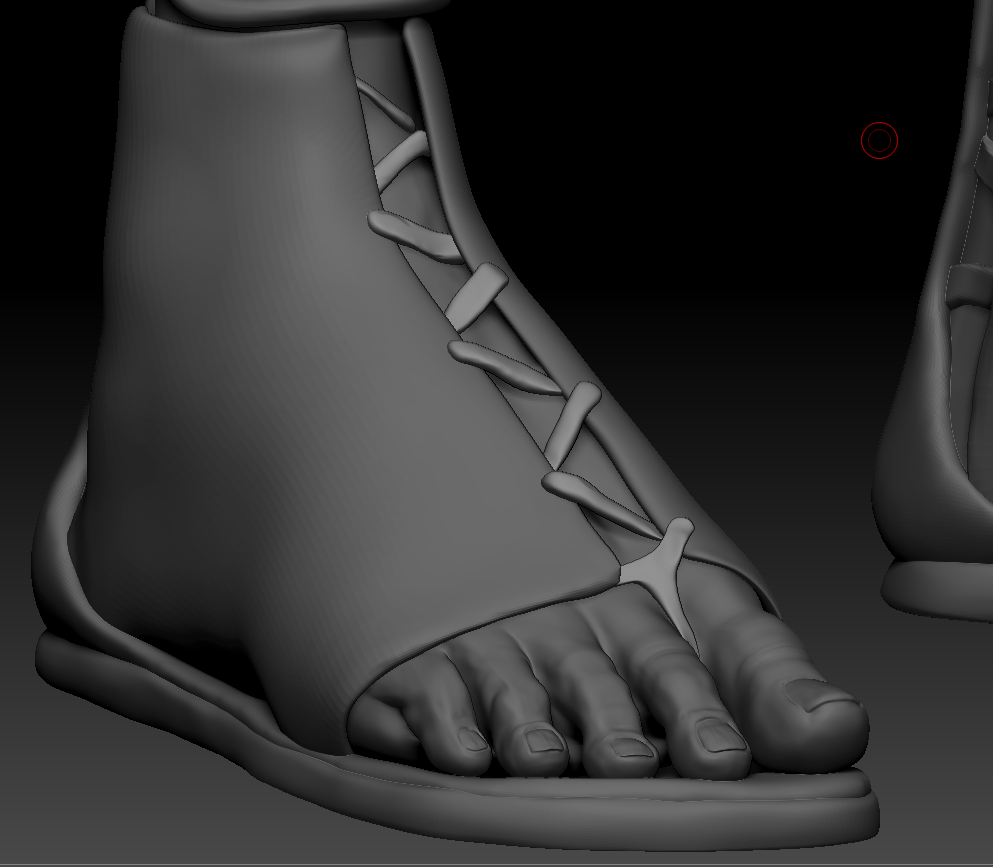
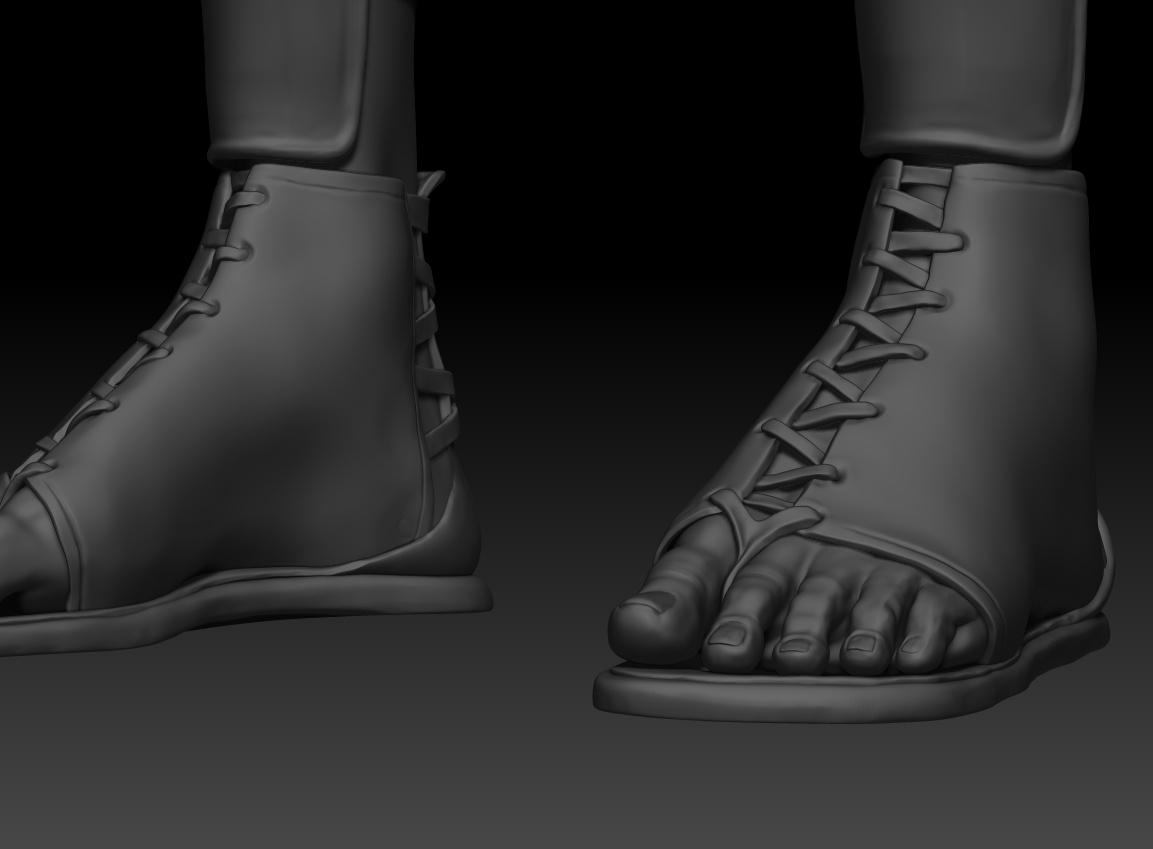
And on the leather parts, i don’t know how to make it look real, looks like plastic. On the shoes i just started:

Any suggestions?
Thanks :wink:

Attachments

Captura de pantalla (263).png

Captura de pantalla (266).png

Captura de pantalla (259).png

Captura de pantalla (264).png

Captura de pantalla (265).jpg

untitled.48.jpg

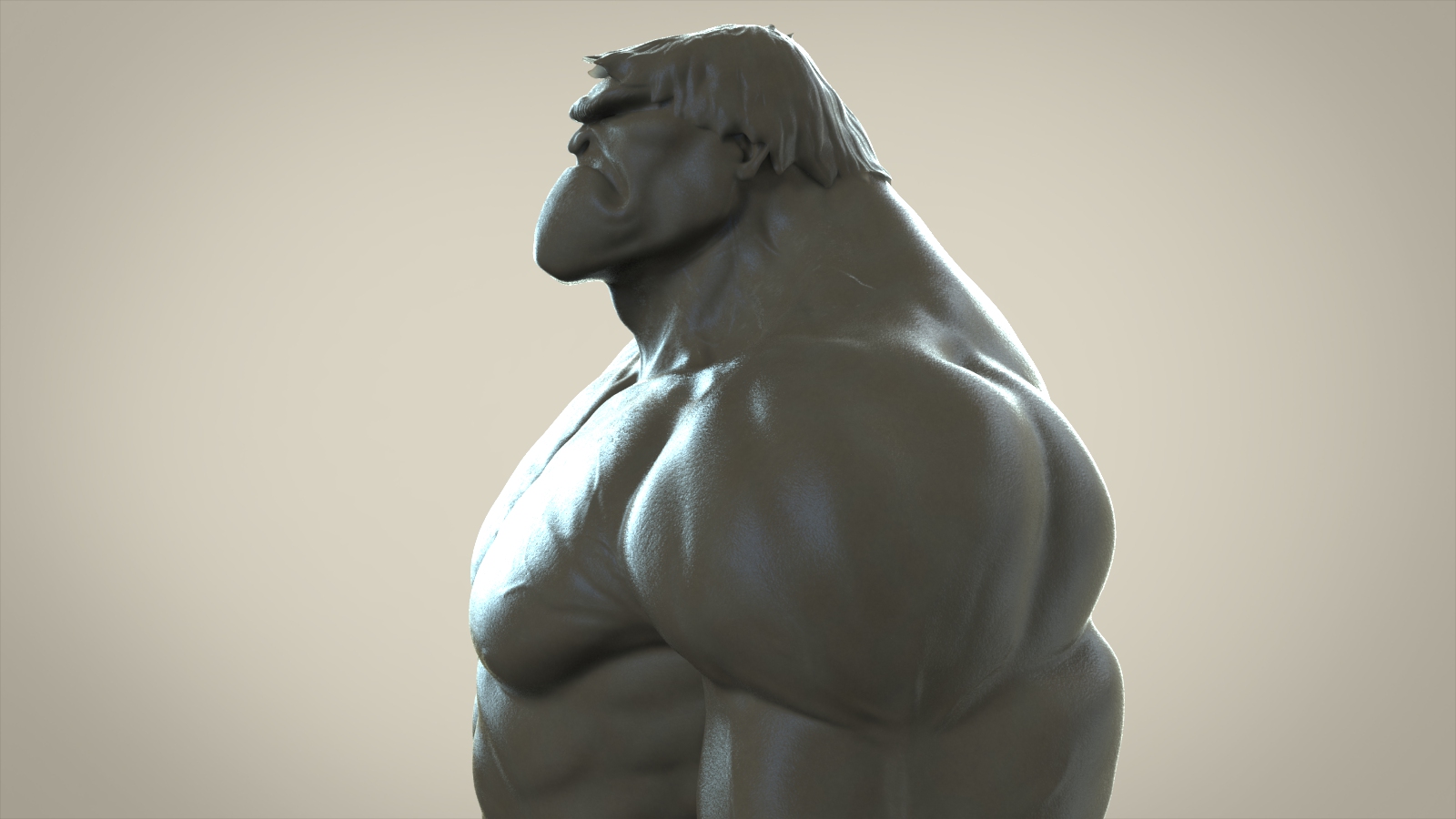
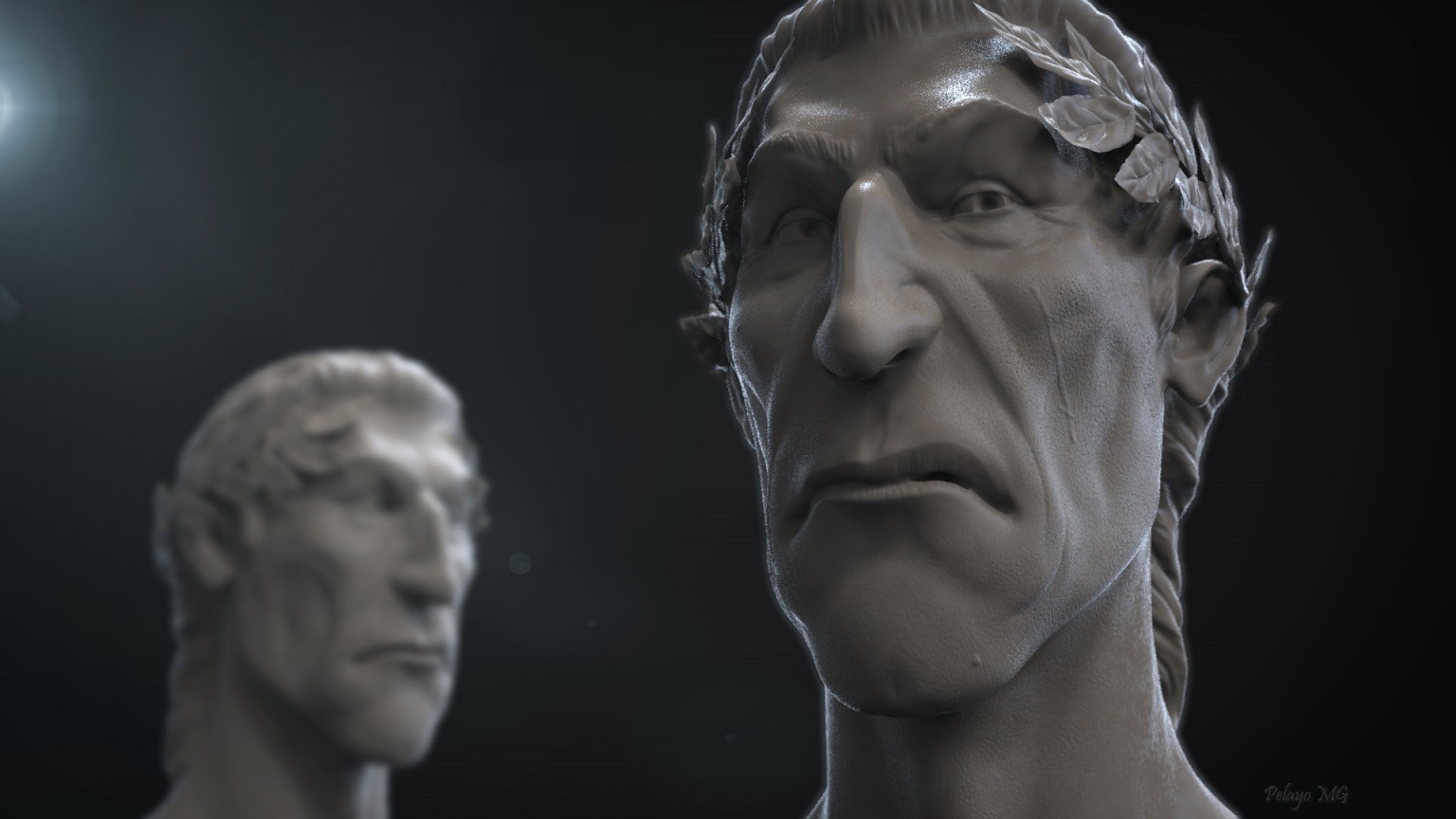
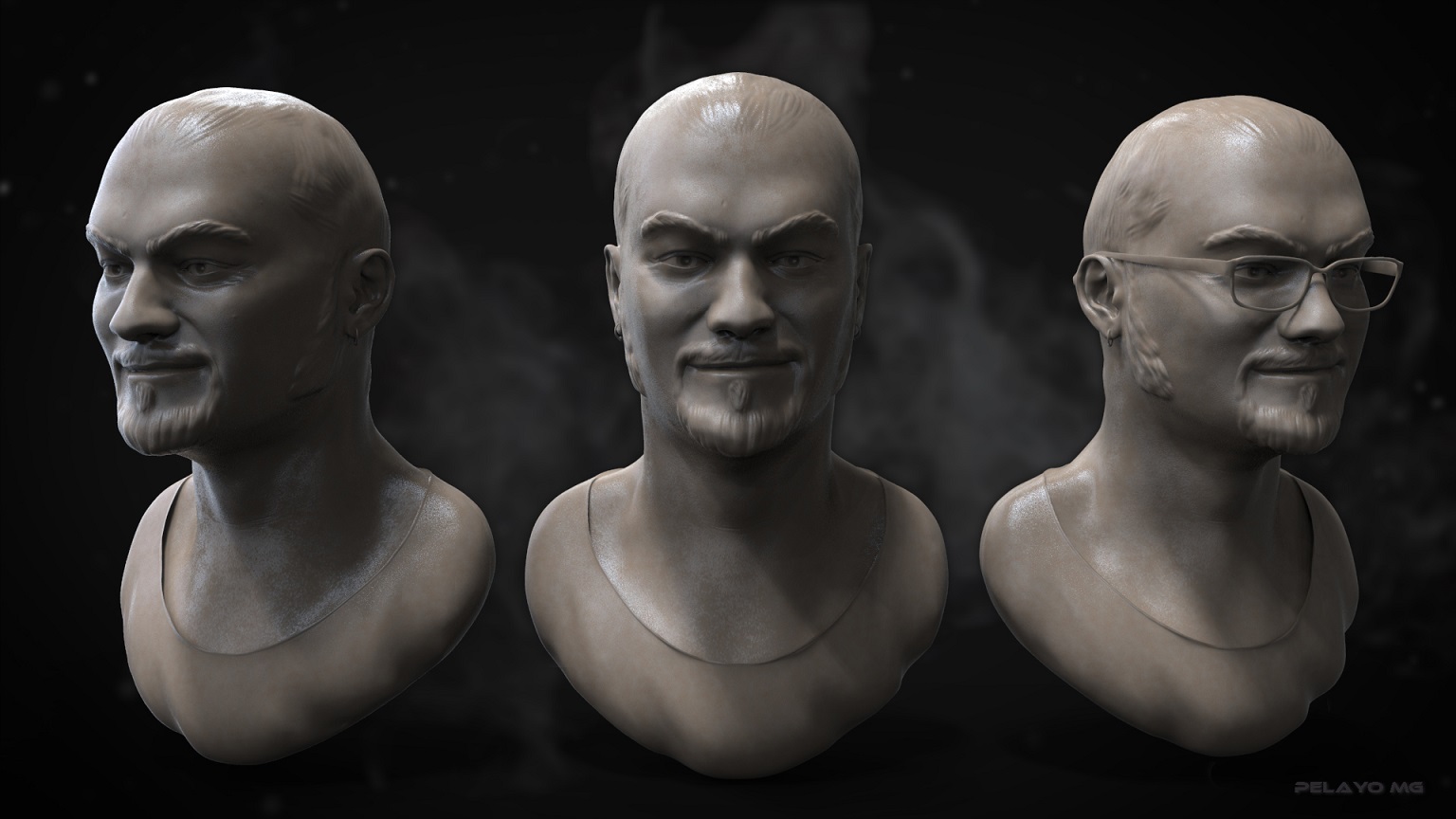
Here you can see some of my old works:

you could use the clip curve/trim brushes? Or Crease before you subdivide for a hard edge. Is that what you meant?

Hey love the “trim” brush, it does the job. thanks so much. I’ll try the crease later.

I use the “clip” sometimes but not for creating details.

Thanks again. :+1:

Hi quick question if I may? How did you create the ‘frill’ on the belt?

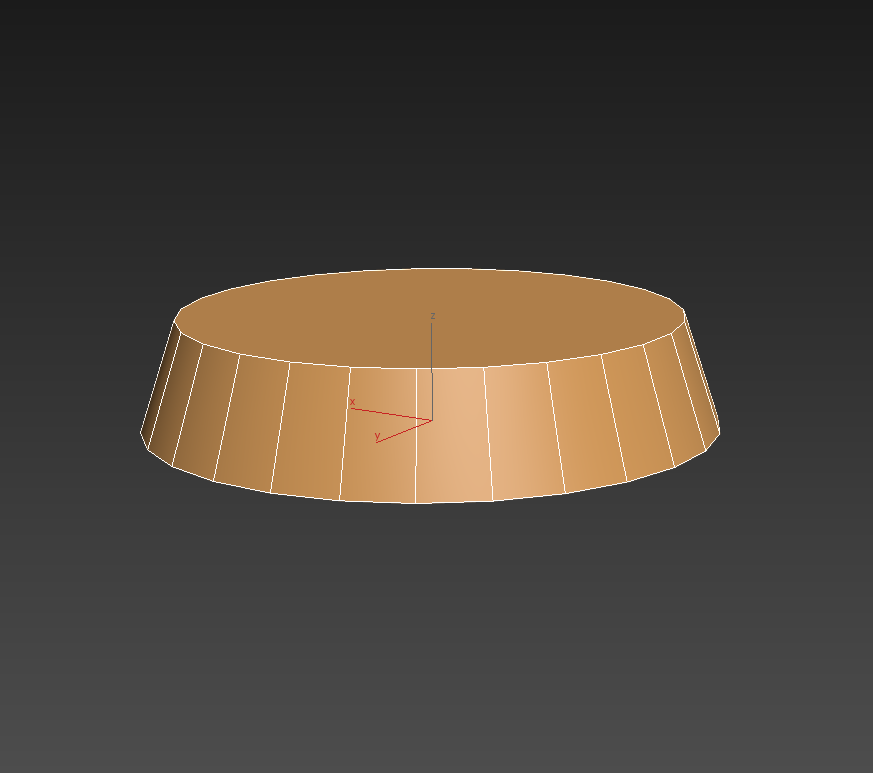
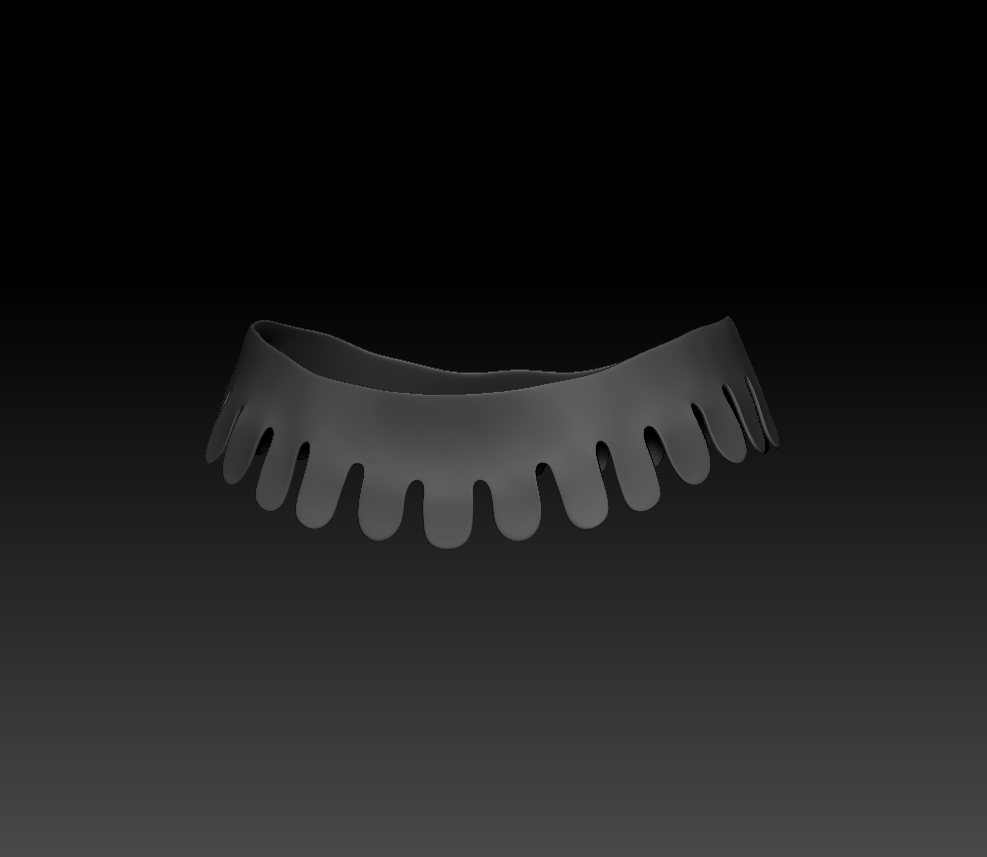
Just done it on 3D max first, with a cone. Then after importing to zbrush, use dynamesh and Zremeser to create that round effect.
I hope that answer your question. :slight_smile:

with a cone?

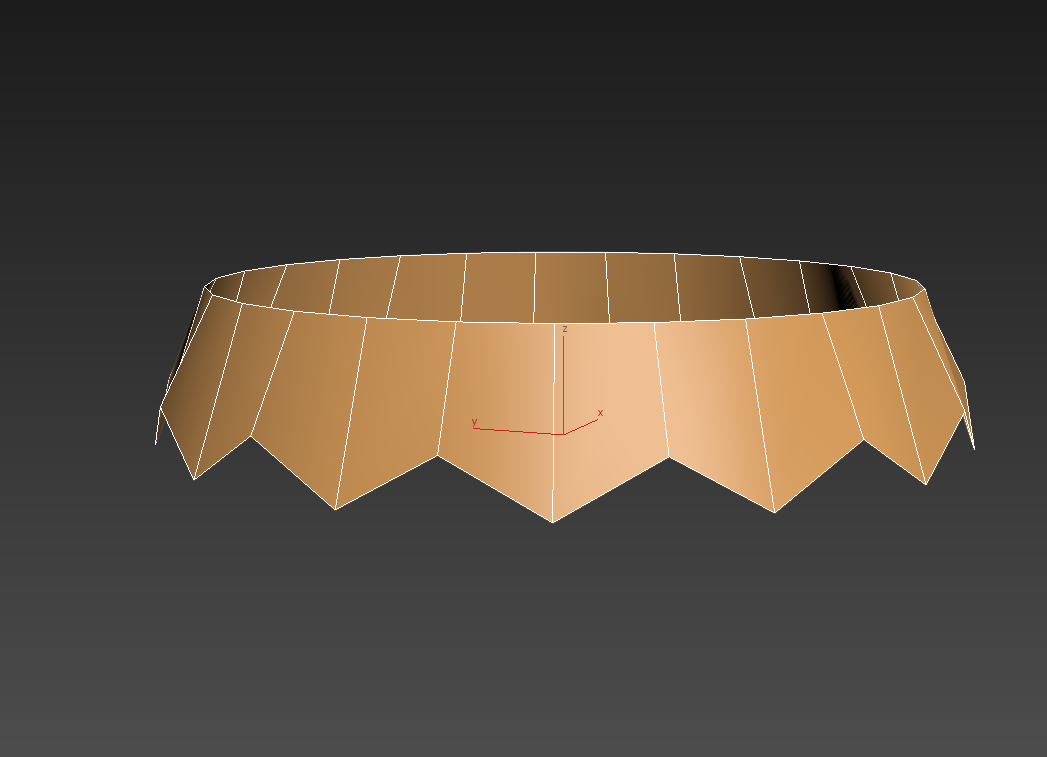
Haha, ok i’ll try to explain it better. Of course you can also use a simple cilinder, but i want it more open at the botom:
Captura de pantalla (275).png

Then move the dots:
Captura de pantalla (276).png
And in Zbrush just by creating more poligons with dynamesh, polishing a bit, is done:

Captura de pantalla (277).png

XD

Hey – I’m no expert, but I just wondered if some leather texture on the garments would do the trick?

You could use one of the alphas (or noisemaker) to sculpt some leather detail. If the mesh count gets too high, you can use
normal maps to project that texture onto your model at render time. :slight_smile:

I just left it like this:

Captura de pantalla (281).jpg

Of course later on, in low poly, i’ll paint it and add some texture, to give the feeling of leather.

The basic sculpt is nearly finish, just need to add some small details and done:

Captura de pantalla (278).pngCaptura de pantalla (279).pngCaptura de pantalla (280).png

I like the haircut :smiley:

Captura de pantalla (267).png

Ah ha I see :slight_smile: neat trick. Thanks. Did you create the cylinder in zbrush, I cant seem to get the flat top you achieved?
Did you model the cape in zbrush, if you look a t my work you can see Im ‘trying’ to get a technique down, any help would be appreciated.
For the leather, try the slash tool on a low setting around 15-20 and you tube some tutorials, you have noise maker as well don’t forget. The leather shape looks ok, it just needs ‘sculpting’

Well, i’m new with Zbrush, so maybe you can do it just with that, but for basic shape objects, i like to use 3D max.

For the cape i used Marvelous designer, i don’t know how to used it very well, so it took me a long time to get the shape i want.

thanks for the tips buddy, the cape looks great, I would like to be able to do something similar within ZBrush (my weapon of choice!) :slight_smile:
For someone starting in Zbrush your work looks cool

Thank You for helping me :smiley:

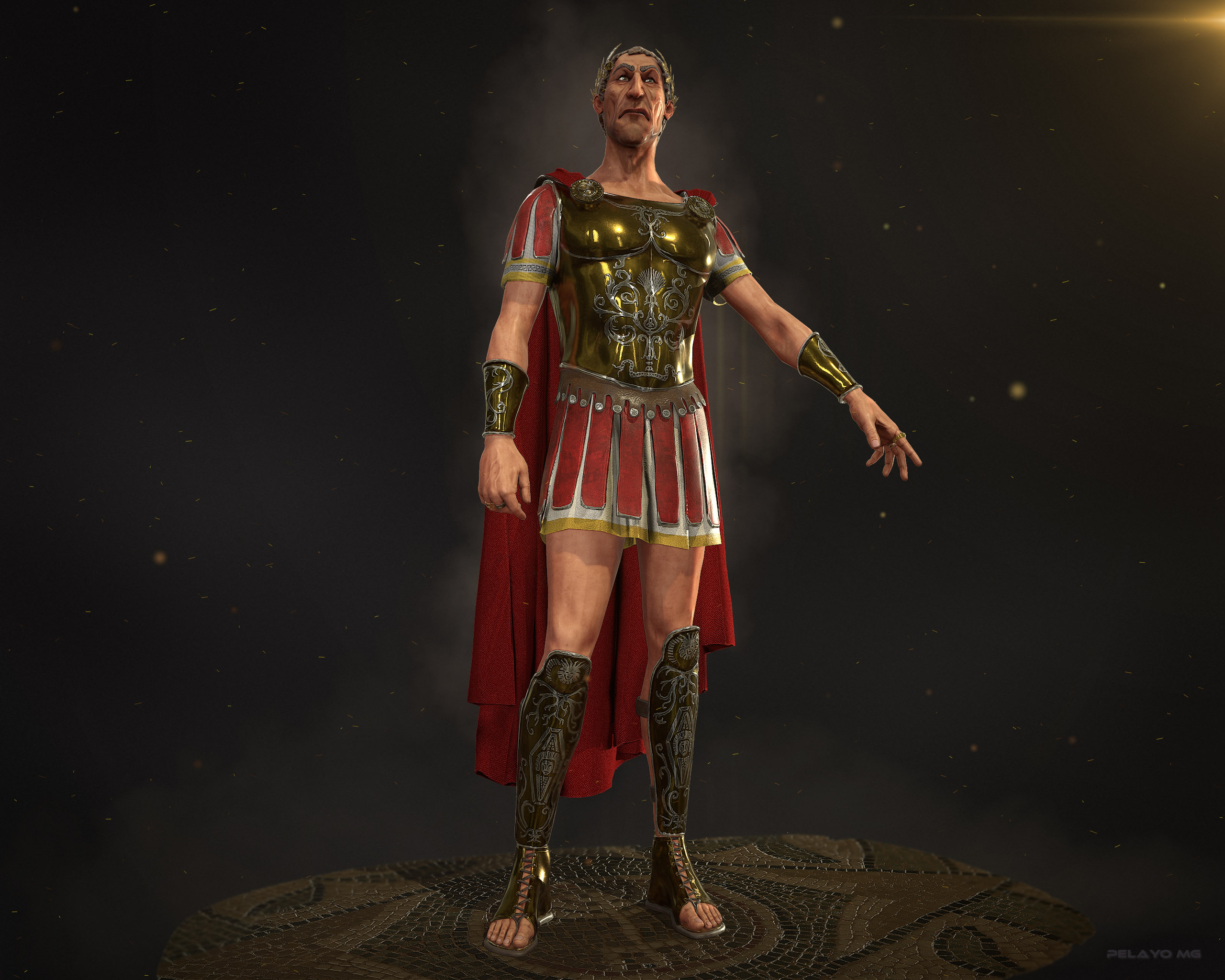
This is my progress so far, now i have to paint and texture in low poly.
CesarArmor.jpgRenderCesarBody.jpg

Attachments
pepe.jpg

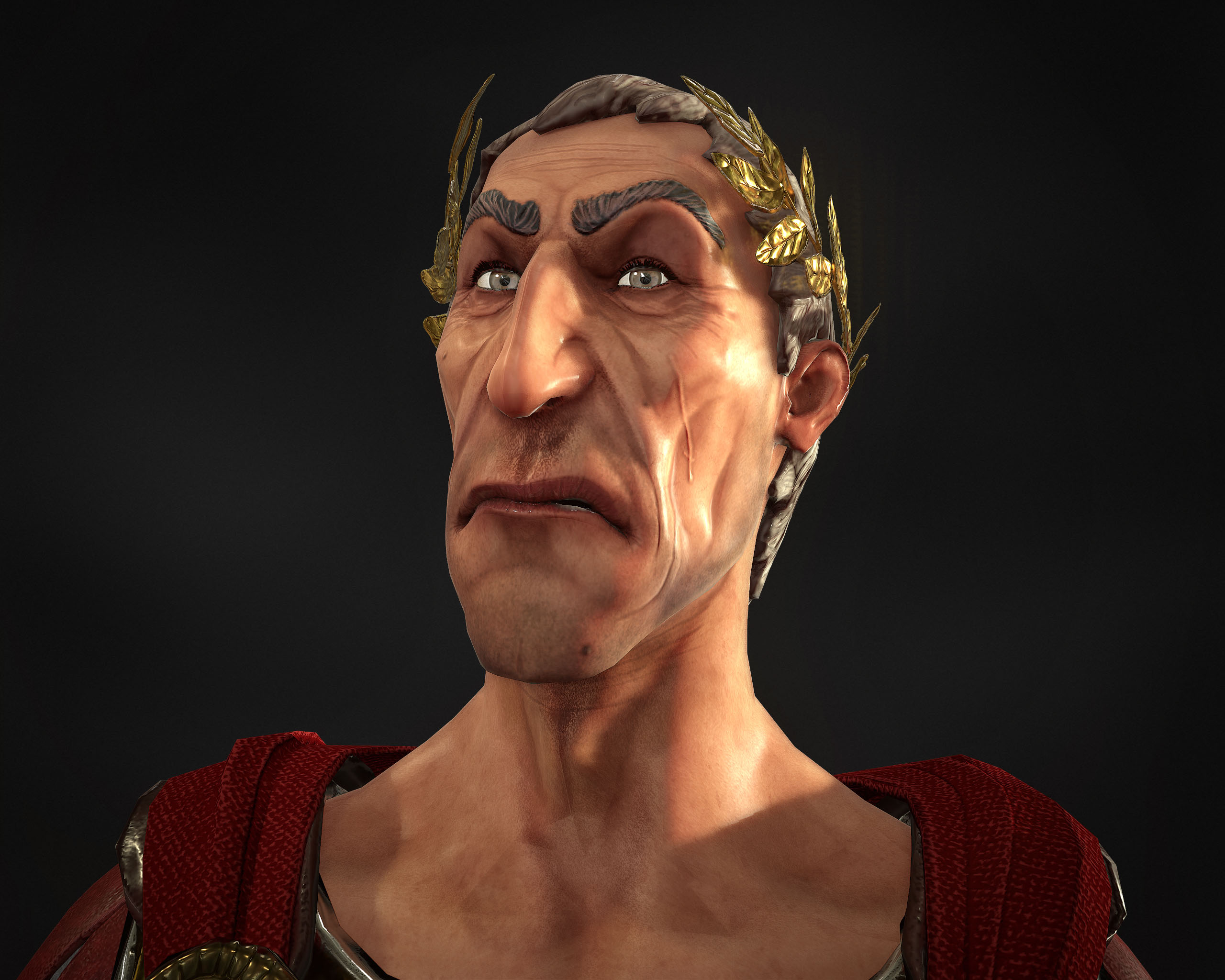
Well i think i finnish it. My firt ever, finish 3D work for a game. It´s low poly, 40 thousand polys.
Hope you like it!

https://www.artstation.com/artist/pelayomg

Attachments

final2.jpg

Final1.jpg

:slight_smile:

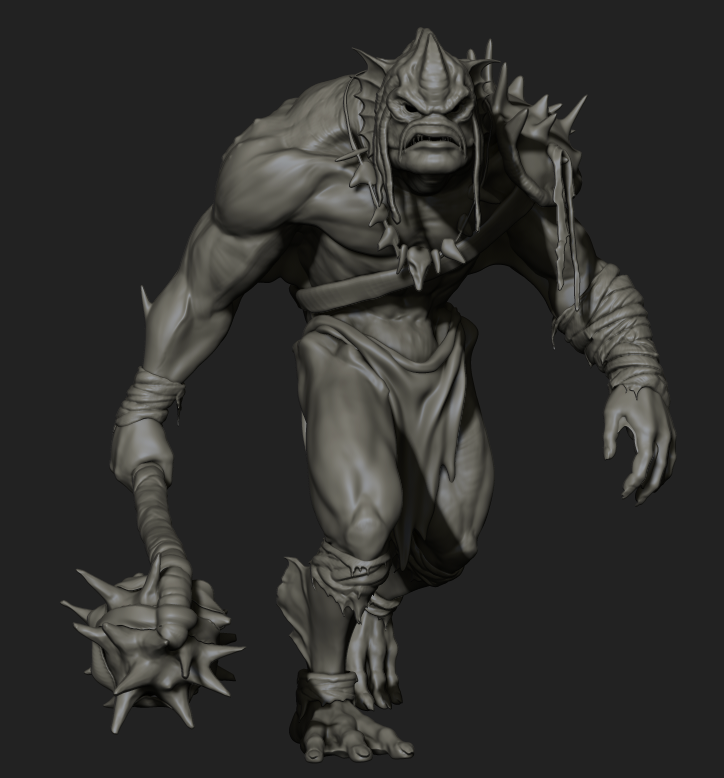
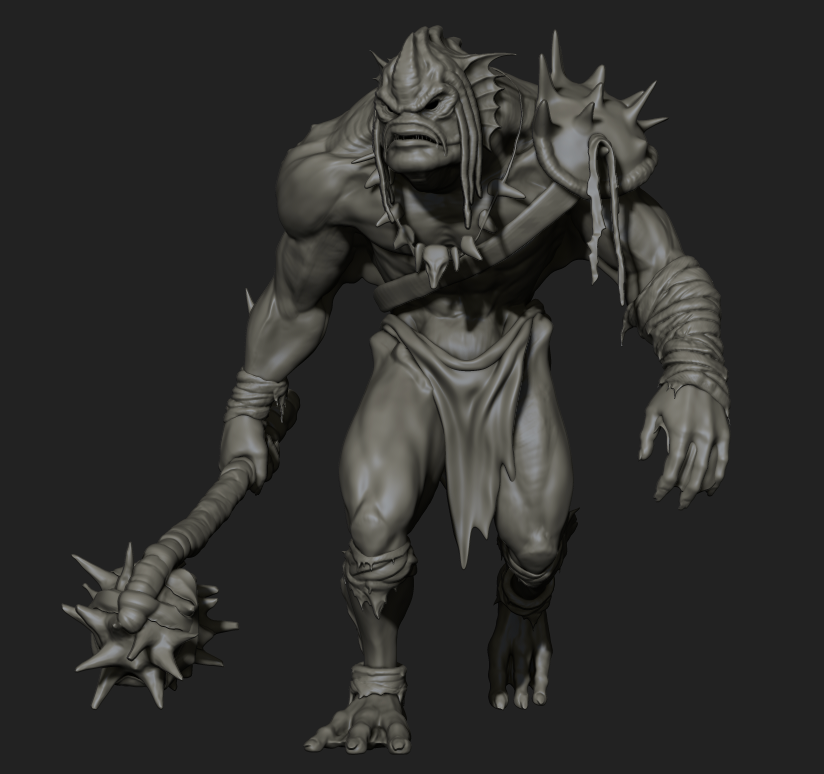
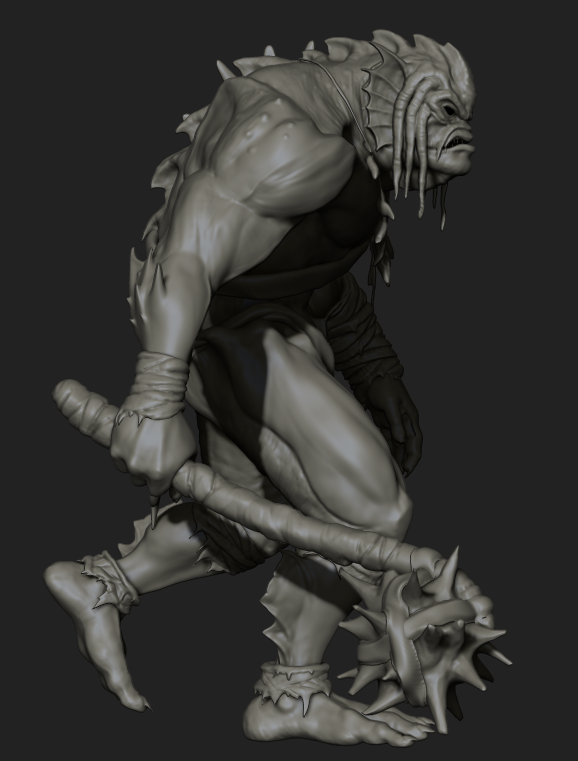
It’s been a long time since i posted anything here.
Well, here it is what i’m doing right now. Just started with the surface detail. Hope you like it.
I started it a few months back, in a class with Jason Martin at the “Game Art Institute”.


Screenshot_9.png
Screenshot_8.png
Screenshot_10.png
Screenshot_11.png
Screenshot_12.png