 I merged (with weld option ) two planes .One plane has more polygons than the other. when I try to sculpt, these strange dots ( pits) appear all over the surface ! A BUG??
Attachments
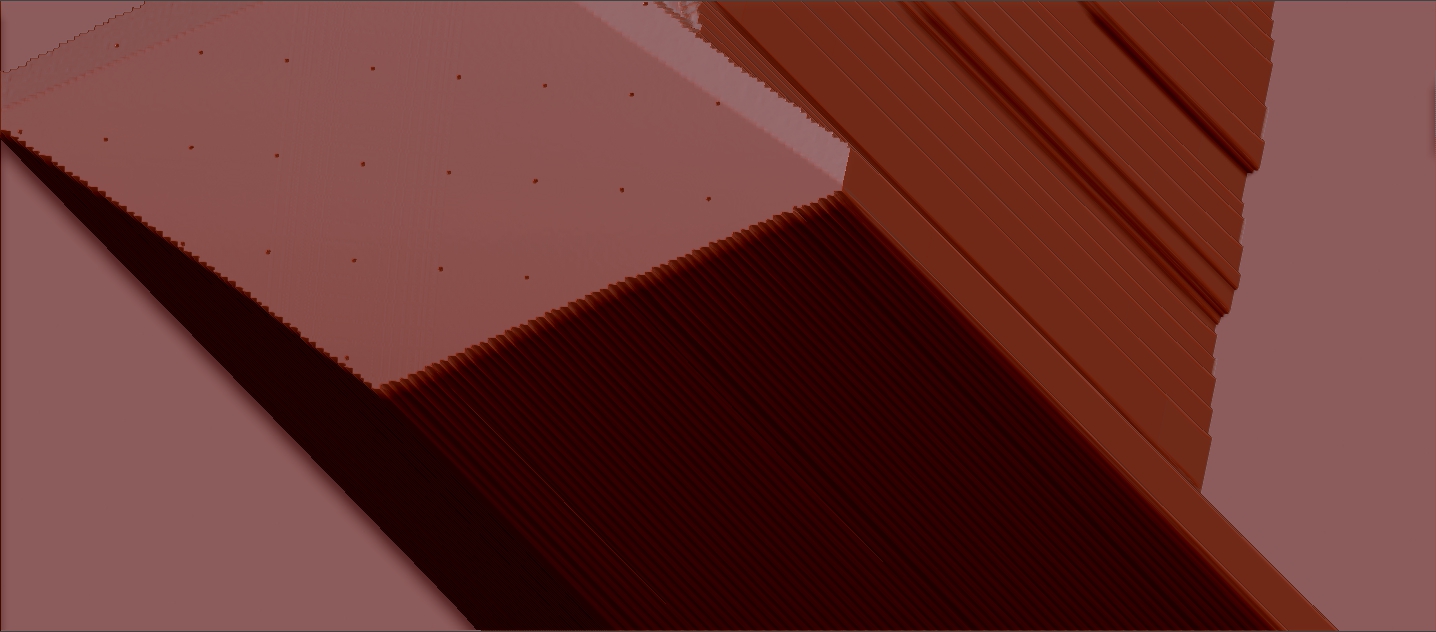
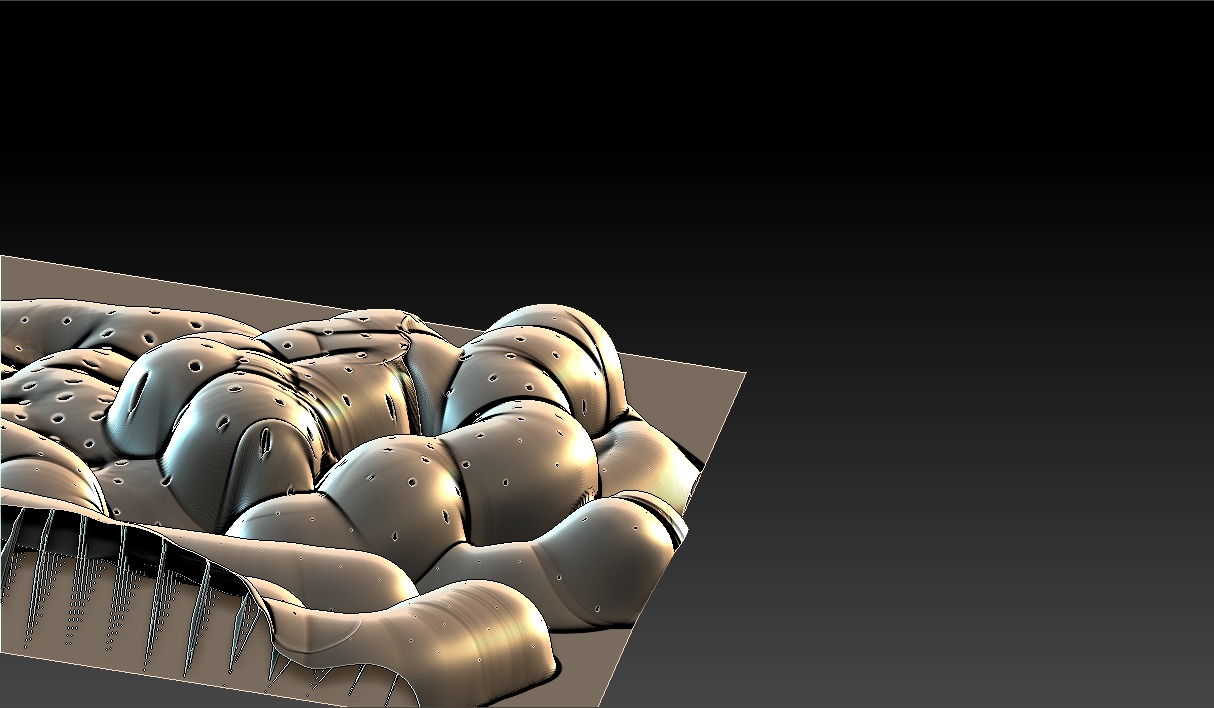
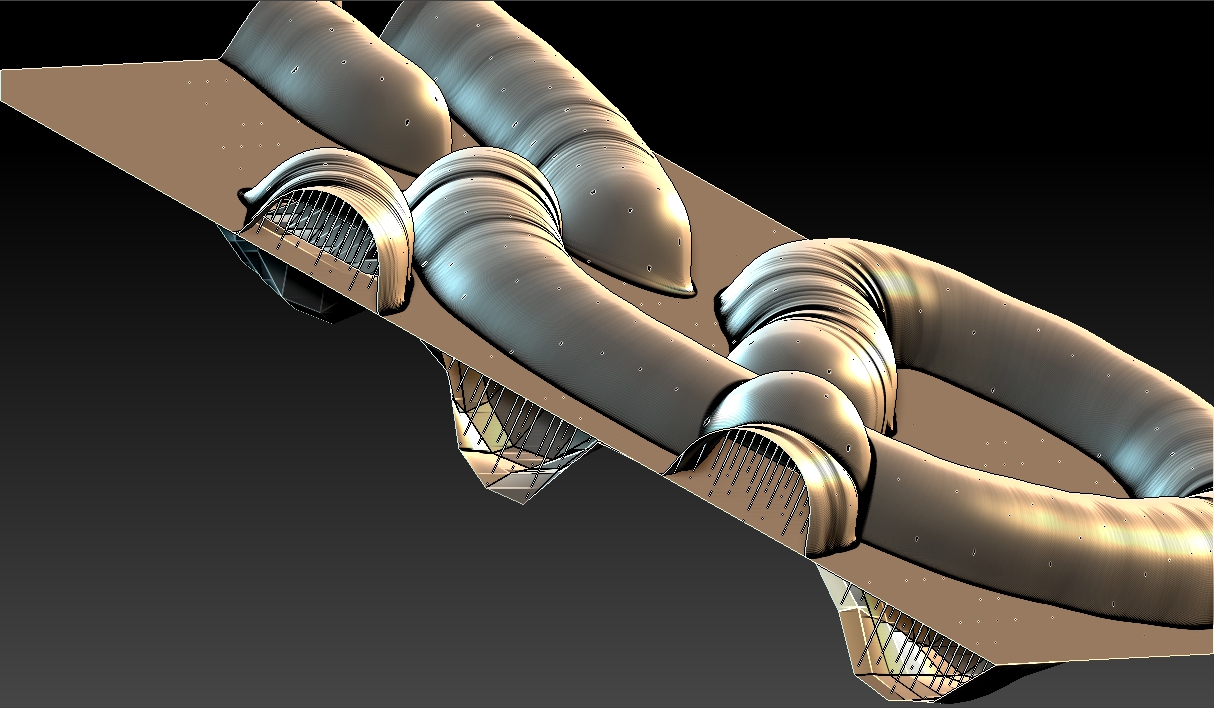
I merged (with weld option ) two planes .One plane has more polygons than the other. when I try to sculpt, these strange dots ( pits) appear all over the surface ! A BUG??
It is only a guess but it seem to me that when you have merged both planes you has welded also some of the verts with that regular pattern. For a structure so simple perhaps you could simply extrude a plane of flatten a cube.
It is not necessarily due to weld. Even if I merge without weld option (back face auto mask is ON) , this happens !!
I am trying to make a relief -sculpt and I want the back face flat with minimum polygons. Hence this effort.
It is normally a pain to sculpt two extremely near flat surface. In my case I would edit a 2d shape and when the work is done then extrude it. If you don’t want a extrusion because you want one of side completely flat then using as base a extruded plane and then hiding or masking one of the sides should work.
One thing to point is that dynamesh can not be used in narrow surfaces as it creates holes, but I don’t know if you used it.
You can always reduce the faces in one of the sides making a low poly version and only subdividing one of the sides with masking. Or you could Zremesher later one of the sides hiding the other.
Thank you for the helpful suggestions Altea…