ZBrushCentral

Panel Loops issue.

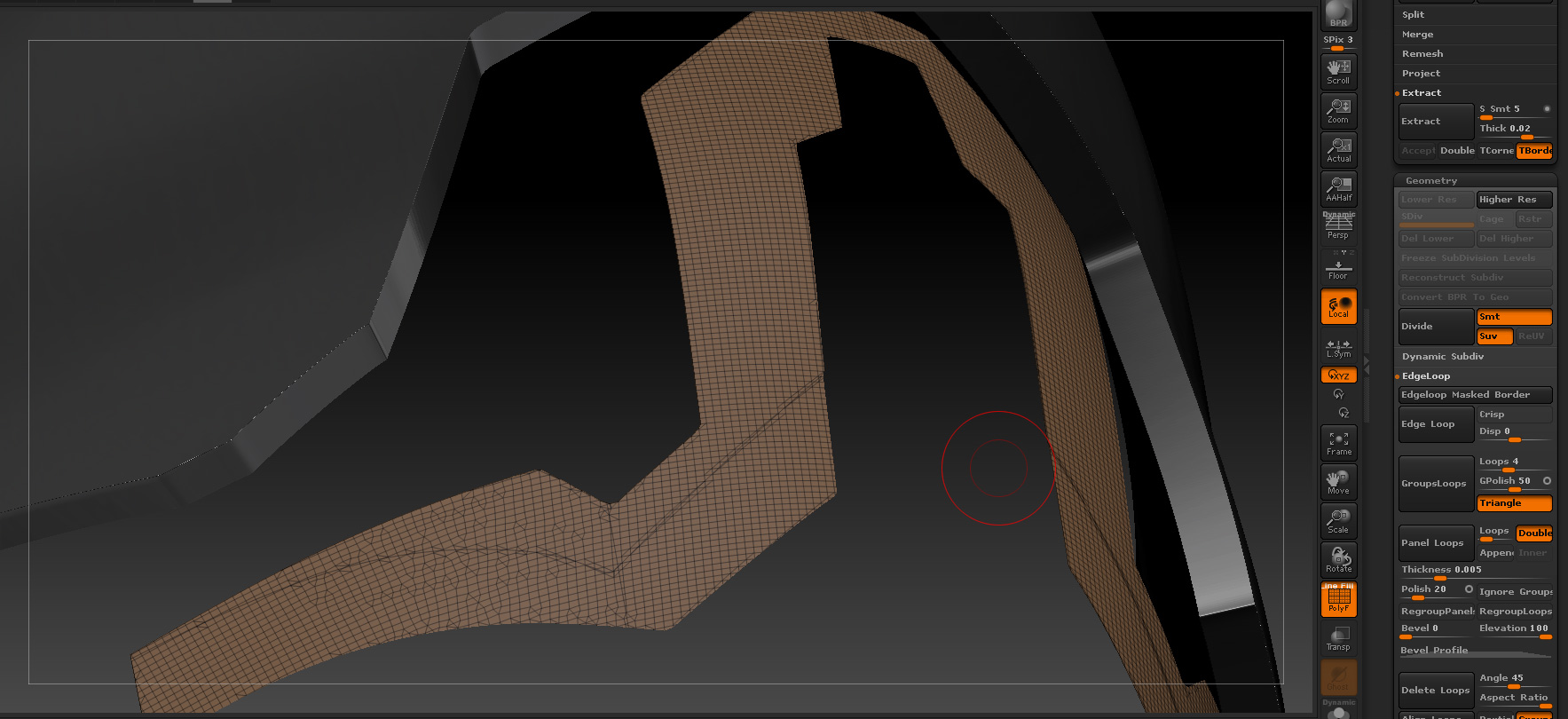
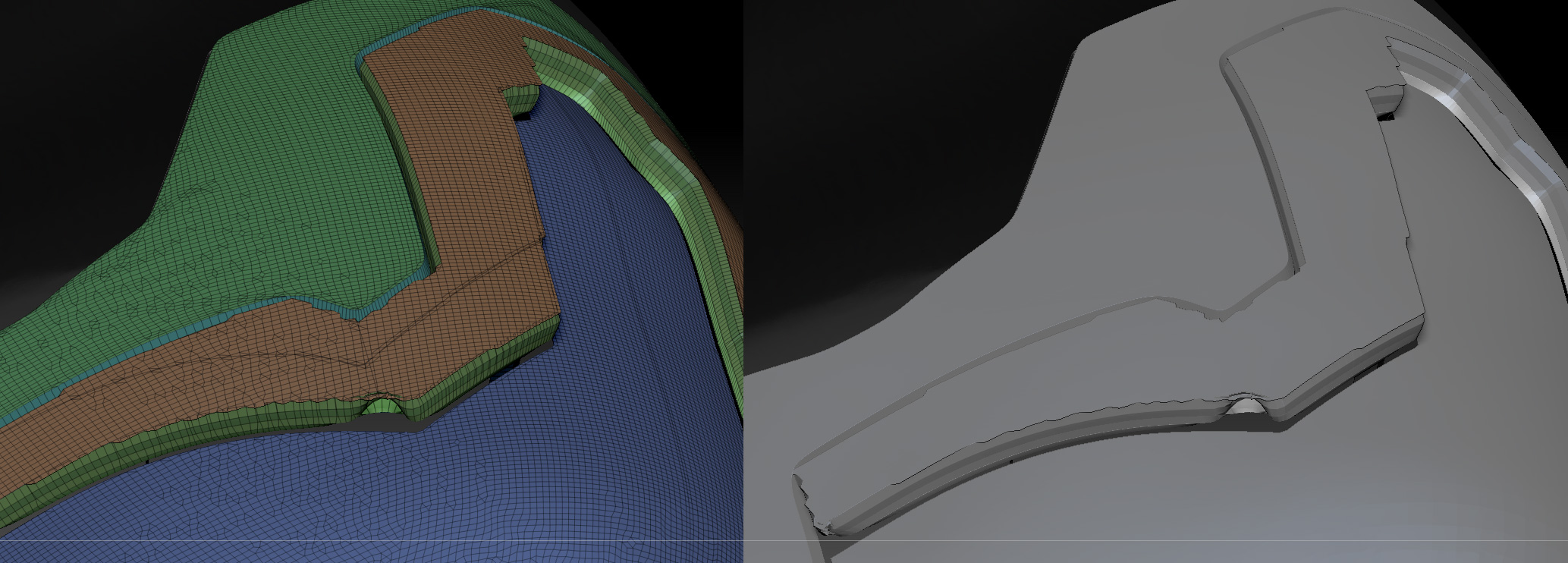
I have been trying to creat panels with the panel loops option. Im getting some very nasty result and have no idea why. My corners are collapsing in on each other and my top is overlapping on the sides. Does anyone have any suggestions?

Thanks for the time.

-Brandon

Attachments

PL_1.jpg

PL_2.jpg

I tried your same settings and I could not reproduce your problems.

Could it be related to the geometry that you are using? The edges could be damaged in some way. Try the same settings in a clean geometry created for example creating a polygroup from masking an uniform grid of faces. If you have no problems check the system or the way that you are using to create those cuts that you are using.

For example I see how a lot of the cuts have near another line cut very near parallel to the main cut and occasional cross with it that can not have any function and could be a source of problems. Or it could be also that those parallel edges are unwelded and the polish that does the panel loops breaks it etc
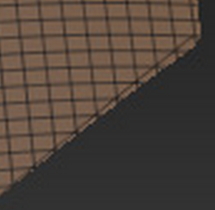
Image 236.jpg

Thank you so much for helping out Altea. Do you think I should try rebuilding by Zremeshing? each panel separately? I tried dynameshing it and since its a single sided plane on a curve, Dynamesh tries to cap the back end of it.

Thanks again

-Brandon

First I would double check that the origin of the problem is really what I say. Apart of that Im not sure that Zremeshing would give you too much precision with that kind of hard surfaces and I don’t have enough information about your work to suggest anything else. It could applicable to return to earlier stages and to do cleaner polygroups etc.

Ok Ill try and do some more experimenting. So far I have tried welding all points,optimizing points,merge tris,mesh integrity check and fix, I also brought it into max and checked the normals to make sure they were all facing the same way. I should also add this is the default human that comes with Zbrush. I just got rid of everything but his head and shoulders and started using the Slice Curve. I also used all kinds of different settings with the Panel loops as far as bevel profile and polish. Always getting the same result. Very frustrating.

Thanks again for the help.

-Brandon

If you use the slice tool and specially you create parallel lines in the edges as you do it will generate lots of problems similar to the ones you show. The cuts needs to be an unique line per side avoiding overlapping lines as you have. And better that the slice line I rather would do it with polygroups created from masks or other multiple systems.

Ah ok, I didnt realize that. Time to rethink my workflow. I didnt realize Slicecurve gave so many problems. I’ll just go back like you said to using masks. Thank you Altea

-B